
Contactless Ordering System: The Complete 2026 Setup Guide
Go into any busy café in Istanbul, a bistro in Paris, or a fast-paced noodle shop in Tokyo, and you'll notice the shift. The days of flagging down busy waiters just to get a menu are fading fast. Across Europe, Asia, and Turkey, adopting a modern contactless ordering system isn't just about offering a sleek, high-tech novelty anymore—it’s a survival strategy for 2026. If you want to keep your margins healthy and actually meet the expectations of today's hyper-connected guests, giving them a seamless way to browse, order, and pay on their own terms is a must.
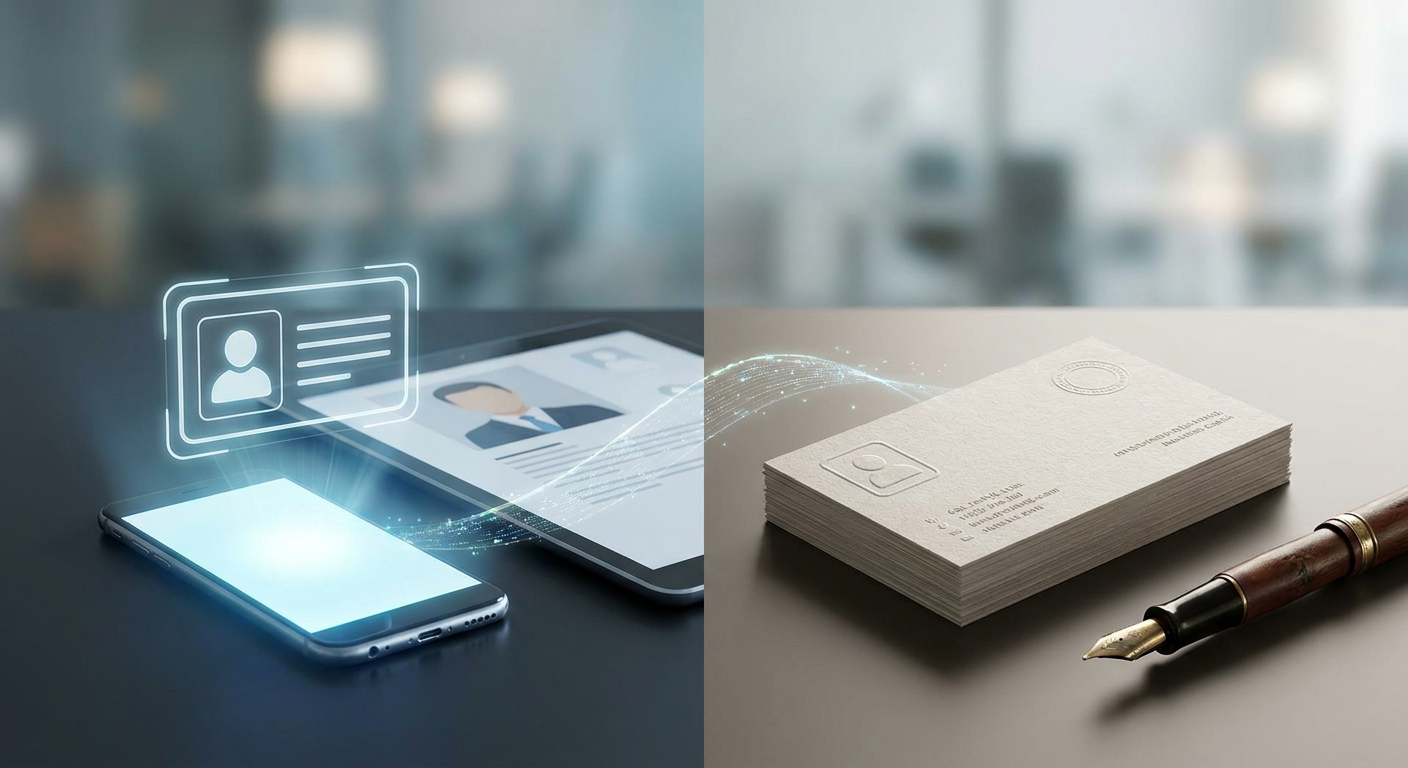
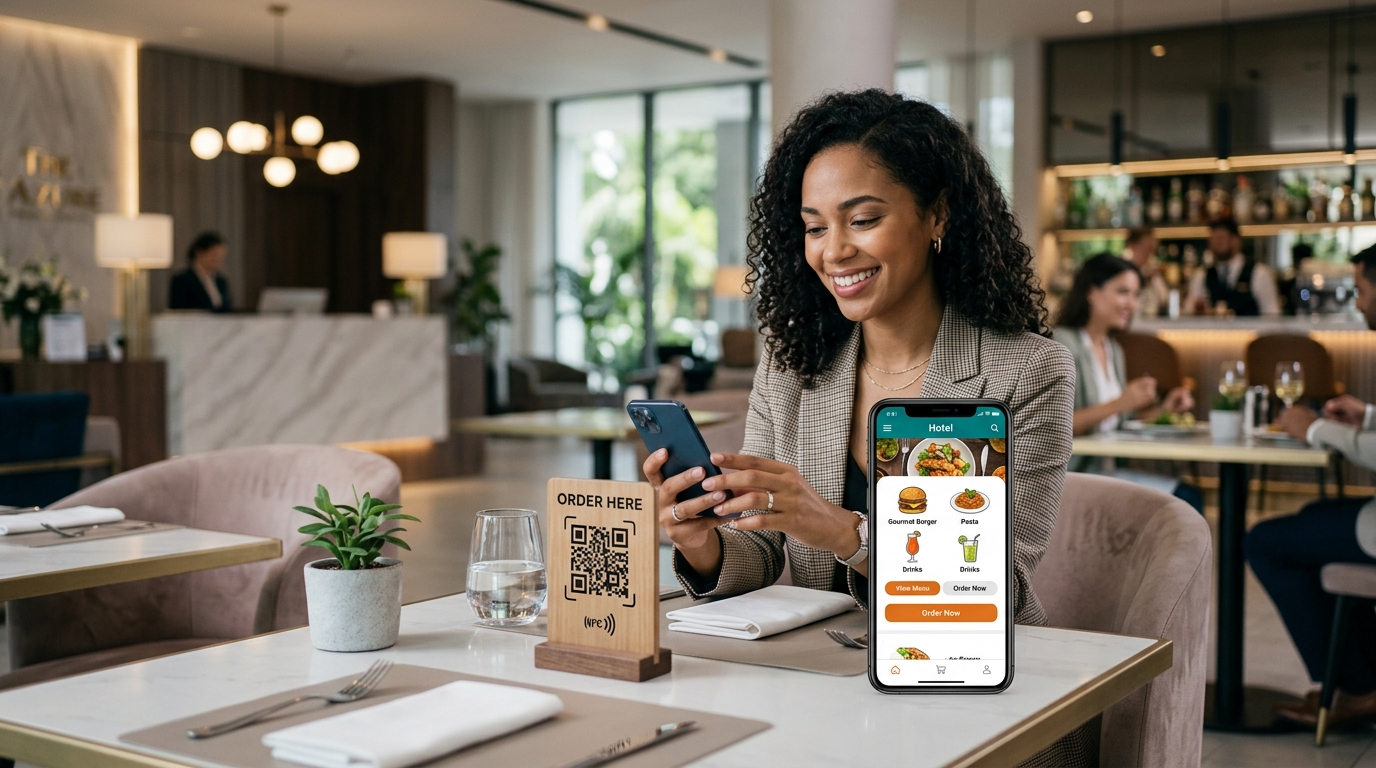
Put simply, a contactless ordering system is a digital, end-to-end setup that lets guests browse menus, order food, and pay directly from their own smartphones. Instead of waiting around for physical menus or standing in long queues, customers scan a location-specific QR code or tap a digital link to handle the entire experience—instantly, securely, and completely on their own device.
🔑 Key Takeaways
- Maximize Efficiency: Implementing a contactless food ordering system cuts down table turn times by up to 20%, letting your floor staff focus on actual guest hospitality instead of playing order-taker.
- Data-Driven Decisions: A dynamic QR code with analytics takes the guesswork out of your operations by tracking peak hours, customer flow, and top-selling dishes.
- Omnichannel Access: Hooking your menus up to a smart Link in bio for Instagram bridges the gap between social media scrolling and instant sales.
- Future-Proofing: In 2026, seamless, AI-enhanced ordering setups are no longer futuristic tech—they're the bare minimum customers expect.
What is a Contactless Ordering System and How Does It Work?
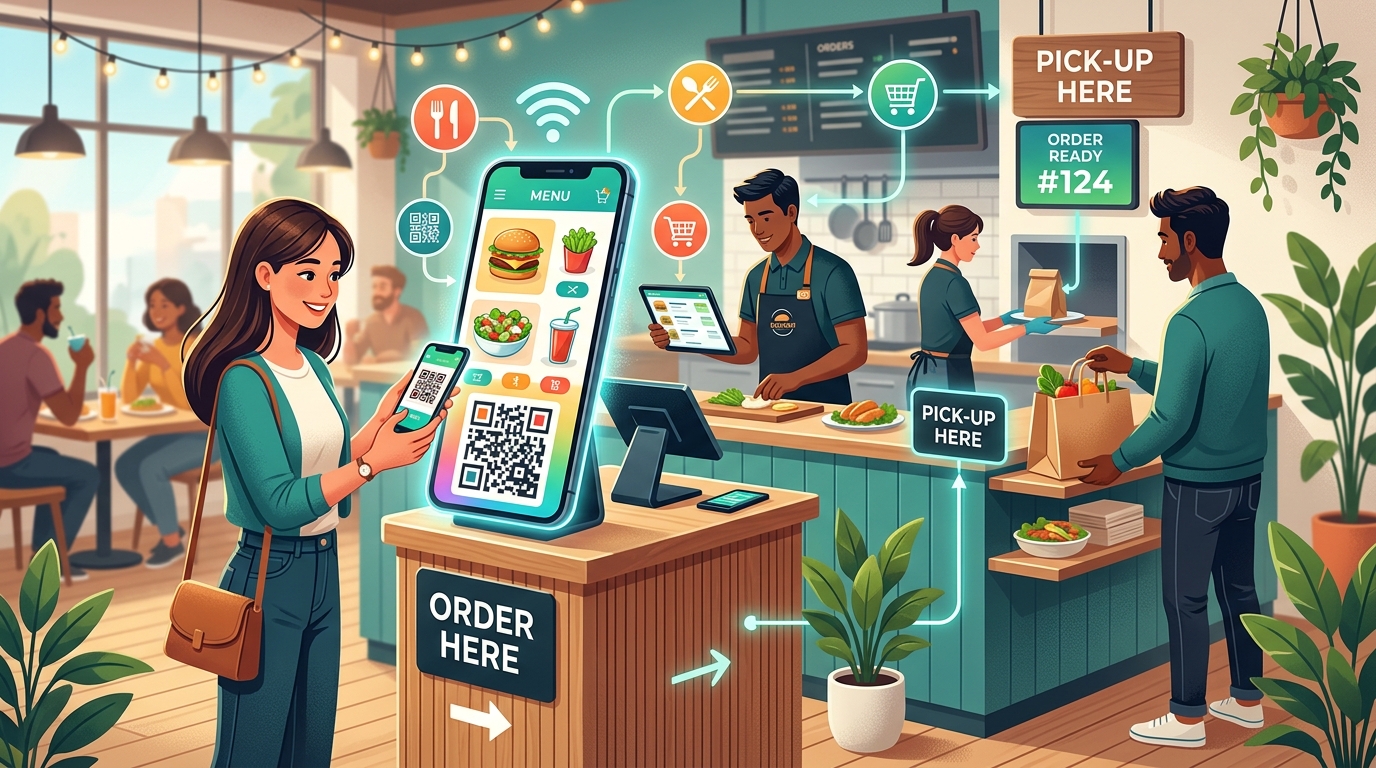
Strip away the tech jargon, and a contactless ordering system is really just about trading clunky, physical interactions for clean, digital-first workflows. When someone sits down at your restaurant or visits your store online, they use their own phone to browse your offerings. As detailed on Wikipedia, these systems lean on secure web-based backends and payment gateways—meaning your customers don't have to waste time downloading annoying, storage-heavy apps just to buy lunch.

How does a typical transaction actually play out? It generally boils down to three simple steps:
- Access: The customer scans a custom QR code printed on their table, bar top, or store window. (If they’re remote, they just click a link on your social profiles).
- Selection: Their mobile browser opens up a gorgeous, fully interactive digital menu. They can easily swipe through categories, filter out dietary allergens, and look at mouthwatering, high-def photos of your dishes.
- Payment & Confirmation: Once their cart is full, they pay right there on their phone using Apple Pay, Google Pay, or localized cards (crucial for markets like Turkey and Europe). The order prints directly in the kitchen or goes straight to your POS. No waiting around for someone to bring the bill.
Why Should You Adopt a Contactless Food Ordering System in 2026?
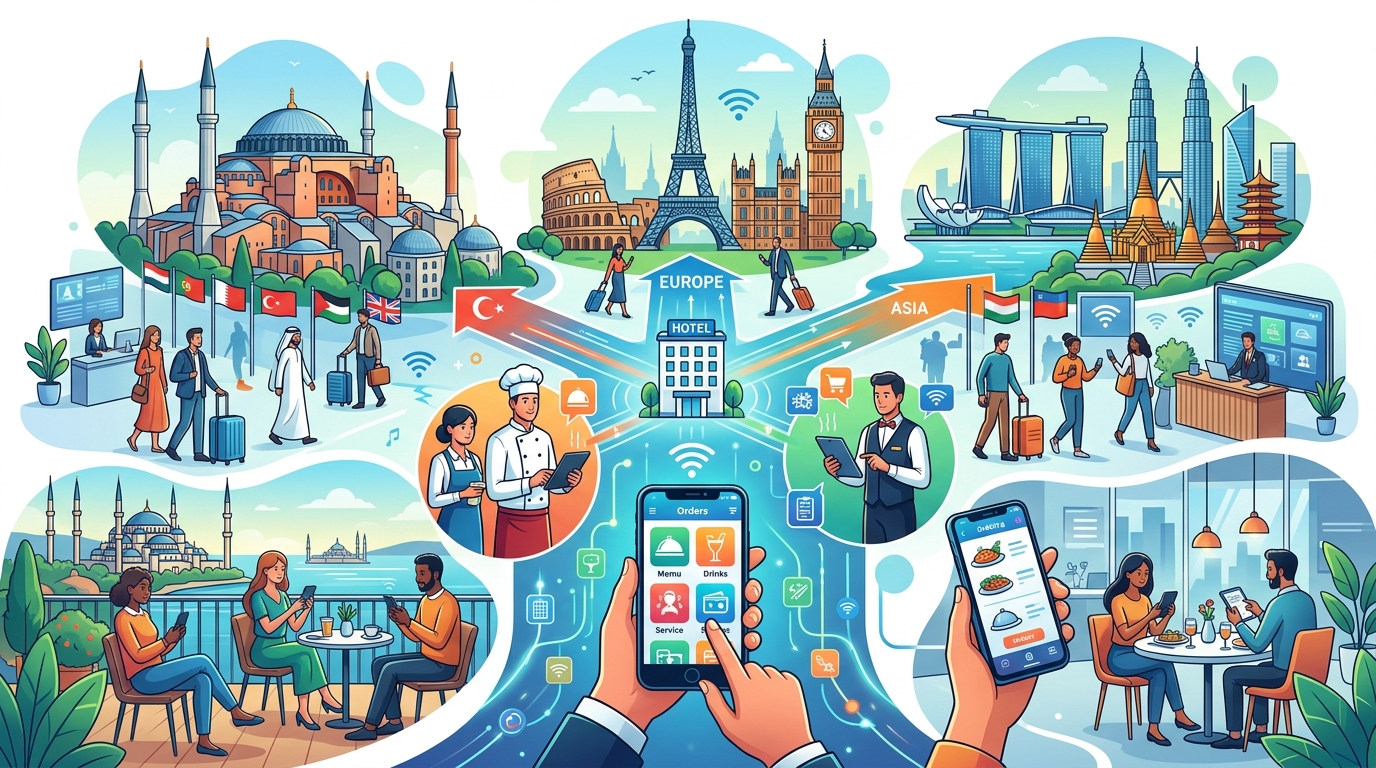
Customer habits have shifted, and there's no going back. Today's diners want speed, precision, and complete control over their dining experience. Running a modern contactless food ordering system does more than just meet those expectations—it directly solves some of the biggest operational headaches that business owners face every day.
Overcoming Labor Shortages and Rising Costs
Let's face it: finding and keeping great staff is tougher than ever, whether you’re operating in bustling European capitals or the heart of Istanbul. A contactless food ordering system acts like an extra, incredibly reliable team member that takes care of the repetitive stuff—capturing orders, double-checking tables, and handling payments. By automating these tasks, your floor staff can step away from administrative running and spend their time where they actually add value: greeting guests, checking in on their experience, and serving hot food fast.
Boosting Average Order Value (AOV) via Visual Upselling
Even your best servers will occasionally forget to suggest a premium wine pairing or ask if anyone wants dessert. A digital menu, on the other hand, never forgets. By showcasing vibrant photos and recommending intuitive add-ons right at checkout, businesses moving to these systems regularly see their average order values jump by 15% to 30% compared to old-school paper menus.
How Do You Set Up a Contactless Ordering System Step-by-Step?
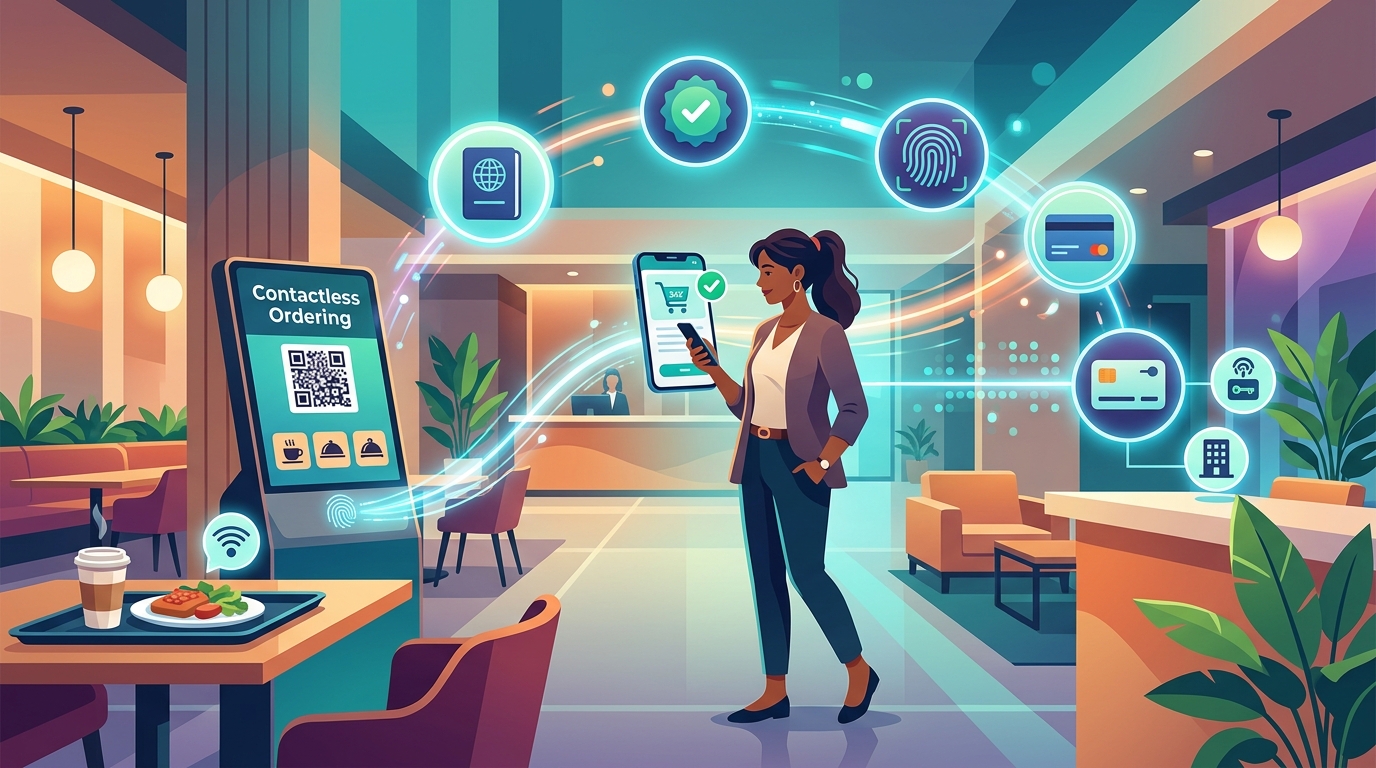
Making the leap to a digital-first setup doesn't have to be a tech-heavy nightmare. Here’s a simple, real-world blueprint to get your system up and running smoothly this year.
Step 1: Digitize Your Offerings with Rich Media
Start by pulling together sharp, clean photos of your items—blurry smartphone shots won't cut it. Write natural, inviting copy that mentions key ingredients, portion sizes, and allergen warnings. Also, if you’re operating in a tourist-heavy hub, don't ignore translation. Making sure your platform easily handles multiple languages—like English, Turkish, and Spanish—is a massive win for attracting international visitors.
Step 2: Establish Secure Payment Routings
The last thing you want is a clunky checkout process that makes customers abandon their carts. Work with reputable payment processors that support localized networks alongside mainstream options. From local bank cards to instant digital wallets like Google Pay or Apple Pay, ensuring your checkout is secure and frictionless builds massive trust from day one.
Step 3: Deploy Custom Dynamic QR Codes
Next, get your physical codes printed. You'll want high-contrast, scannable QR codes placed prominently on your tables, counters, or outdoor signage. Pro tip: make sure each code is hardwired to a specific location marker. That way, your runners know exactly which table ordered the double espresso without having to wander around asking.

Step 4: Train Your Staff and Educate Customers
Your team needs to be your biggest cheerleaders here. Make sure they know how to guide a customer who might be a bit tech-hesitant. Keep your physical calls-to-action dead simple: "Scan to Order & Pay." When your servers greet a table, a quick, friendly heads-up about how to use the QR code goes a long way in making the transition seamless.
What is the Role of a Dynamic QR Code with Analytics?
Here is where many business owners get tripped up: they print static QR codes that just link directly to a generic PDF menu. Honestly, that’s a massive missed opportunity. If you run out of a dish or change a price, you have to reprint every single physical code in your store. That’s why using a Dynamic QR code with analytics is a total game-changer.
Dynamic QR codes let you change the backend link or tweak your entire menu structure in seconds, without touching the physical codes already taped to your tables. It saves you tons of printing costs and keeps you agile.
But the real magic lies in the data. Modern tracking setups give you a window into how your business is actually running:
- Scan Frequency: Figure out exactly which tables or zones are getting the most action.
- Time-of-Day Dynamics: See when your customers are most active so you can adjust your staff rosters or run time-sensitive promotions.
- Device Analytics: Learn if your crowd is mostly on iPhone or Android, helping you fine-tune your mobile marketing efforts down the road.
How Does a Link in Bio for Instagram Drive Ordering Traffic?
Don't make the mistake of keeping your ordering system locked inside your physical walls. Social commerce is massive. If a local food influencer shares a gorgeous video of your signature dish on Instagram, hungry scrollers should be able to buy it right then and there—not close the app and forget about you five minutes later.
Setting up a strategic Link in bio for Instagram creates a direct pathway from social discovery to actual sales. Instead of pointing people to a boring, static homepage, a well-optimized bio link acts as a high-conversion launchpad. With just one tap, your followers can jump straight to your contactless ordering system, book a table, or check out your latest deals.
It’s the simplest way to turn digital hype into real, predictable cash flow, all while keeping your customer acquisition costs incredibly low.
Traditional Menus vs. Contactless Ordering Systems
Wondering if making the switch is actually worth the effort? Here’s a quick, side-by-side look at how traditional manual workflows stack up against a modern contactless setup.
| Feature / Metric | Traditional Paper Menus | Contactless Ordering System |
|---|---|---|
| Setup & Updates | Pricey printing costs; manual updates; delayed price changes. | Instant digital updates; zero printing waste; effortless dynamic pricing. |
| Average Transaction Speed | 12-15 minutes (waiting for a server, taking the order, manual input). | Under 3 minutes (customer inputs directly, goes straight to the kitchen). |
| Average Order Value (AOV) | Static; completely dependent on a server's sales skills. | Up to 30% higher, thanks to automated, visual upselling prompts. |
| Analytics & Insights | Zero visibility into what customers are looking at. | Deep tracking insights via a dynamic QR code with analytics. |
| Marketing Integration | No real connection to your social channels or online assets. | Bridges the gap perfectly with a Link in bio for Instagram. |
Streamlining Your Setup with Qret's AI-Powered Digital Twin
Let's be realistic: managing five different software subscriptions for bookings, digital menus, QR codes, bio links, and analytics is both exhausting and expensive. That’s why platforms like Qret.me are making such a splash. Built right in Istanbul by founder Siamak Alamdari, Qret.me brings your entire digital presence under one roof, replacing half a dozen scattered tools with a single, deeply integrated platform.
With Qret, you're not just building a basic folder of links. You're creating an active "Digital Twin" for your entire business. The platform's smart AI assistant actually learns from your custom bio blocks, service offerings, menus, and business rules, answering customer questions around the clock so your busy staff doesn't have to.
If you're ready to build a top-tier contactless ordering system, Qret.me handles the heavy lifting through a few core tools:
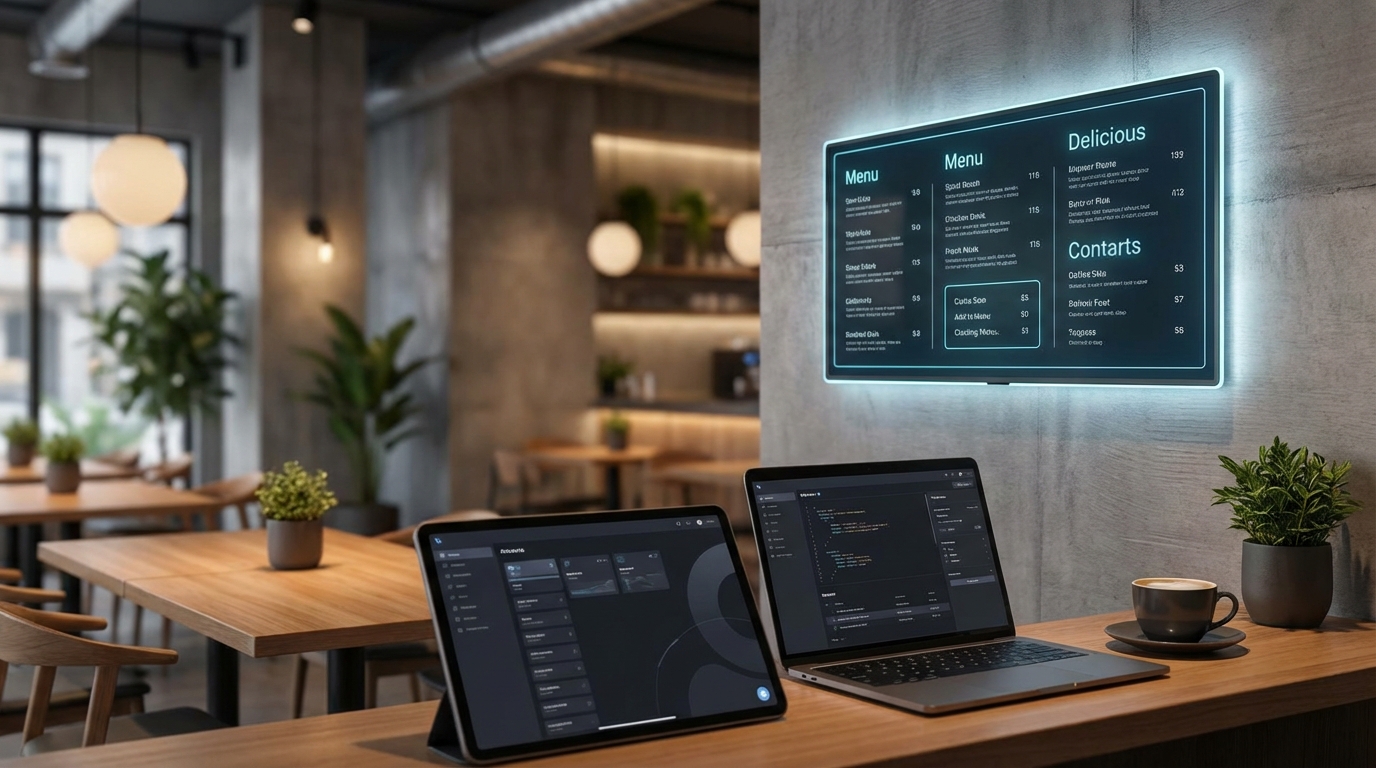
- Digital Menu & Catalog: Build a highly responsive, visual digital menu that looks spectacular on any phone. Drop by the Digital Menu dashboard to see how its built-in AI Chef can guide customers through their choices.
- Dynamic QR Codes: Generate custom, trackable Dynamic QR Codes that let you edit destination links instantly and keep a close eye on scan data.
- Bio Link Pages: Create sleek social landing pages with a clean drag-and-drop editor and over 15 premium themes. Link your Bio Link Pages directly on your Instagram to capture and convert wandering social traffic.
- Smart Booking System: Managing a busy restaurant, salon, or wellness clinic? Combine your ordering with Qret's seamless Online Booking System to run your calendar and physical store side-by-side.
By keeping all these elements connected, Qret.me cuts through the technical clutter, freeing you up to focus on what you actually love: serving great food and scaling your brand.
Want to give your customers a better experience? Try Qret.me for free today—no credit card needed—and have your contactless system ready to roll in minutes!
Frequently Asked Questions
Is a contactless ordering system expensive to maintain?
Honestly, no. Gone are the days when you needed to buy expensive, proprietary hardware and pay massive installation fees. Modern platforms run entirely on the cloud. By leveraging unified suites like Qret.me, you can easily bundle bio links, digital menus, QR tracking, and booking systems into one incredibly affordable monthly plan.
Do customers need to download an app to scan the QR codes?
Not at all. Nobody wants another app taking up space on their phone. Your customers simply point their smartphone camera at your QR code, and your menu loads instantly in their default web browser. It's completely friction-free, which is why adoption rates are so high.
Can I update my menu prices or items instantly?
Absolutely. If you're using a dynamic QR code system, any change you make on your back-end dashboard updates live in milliseconds. Whether you need to adjust a price, run a quick flash sale, or mark an item as sold out for the night, you can do it instantly without ever needing to reprint a thing.