How to Add a Booking Button to Your Instagram Bio Link (2026 Step-by-Step Guide)
For service businesses, local clinics, beauty salons, and independent consultants, an Instagram profile is the new digital storefront. But let’s be honest: turning casual scrollers into paying clients often feels like pulling teeth. The path from a simple double-tap to a confirmed booking is usually blocked by slow-loading websites, messy navigation, and too many steps.
To add a hassle-free booking button to your Instagram profile and bypass the strict Instagram bio link 150-character constraint, you just need to build a clean, mobile-friendly landing page using an interactive link-in-bio tool, set up a clear 'Book Now' call-to-action, and drop that single shortened URL right into your Instagram website field.
- Instagram's native 'Book' button comes with rigid partner limitations; a customizable bio link gives you way more freedom.
- Overcoming the 150-character bio limit is easy with a smart, centralized link-in-bio page built for mobile speed.
- Embedded booking widgets convert much better than sending people to complex, desktop-style websites.
- Adding smart AI pre-qualification chatbots can capture leads 24/7 and stop potential clients from dropping off.
The Instagram Bio Link 150-Character Constraint
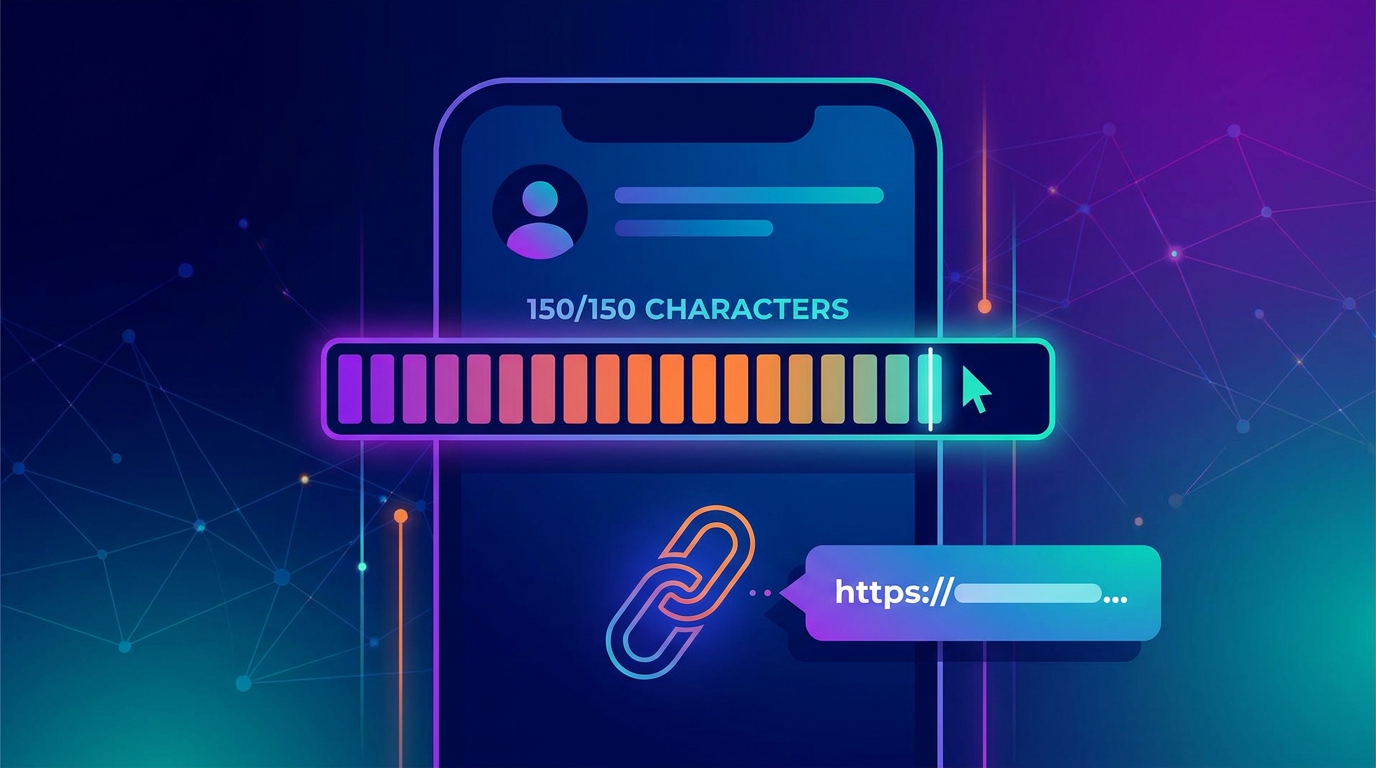
Instagram doesn't give us much room to breathe. The platform locks you into a strict Instagram bio link 150-character constraint for your bio text. Think about it—that is barely enough space for two short sentences to introduce your brand, build credibility, and persuade someone to book an appointment.
If you try to paste a raw, clunky booking link—like a messy Google Calendar appointment link or a long Acuity Scheduling URL redirect—straight into your bio text, it looks terrible and steals your precious character limit. Even using the official "Website" field limits you to just one single external link.
For modern service providers, this limitation is a massive bottleneck. What if you offer different services, want to run seasonal deals, or need to showcase your portfolio right next to your calendar? A single static link won't cut it. To get around this, you need a mobile-first bio link builder that gathers all your resources and your booking tool into one fast-loading landing page. If you want to dive deeper into managing these limits, check out our guide on How to Beat the Instagram Bio Link Character Limit.
Native Action Buttons vs. Bio Link Booking
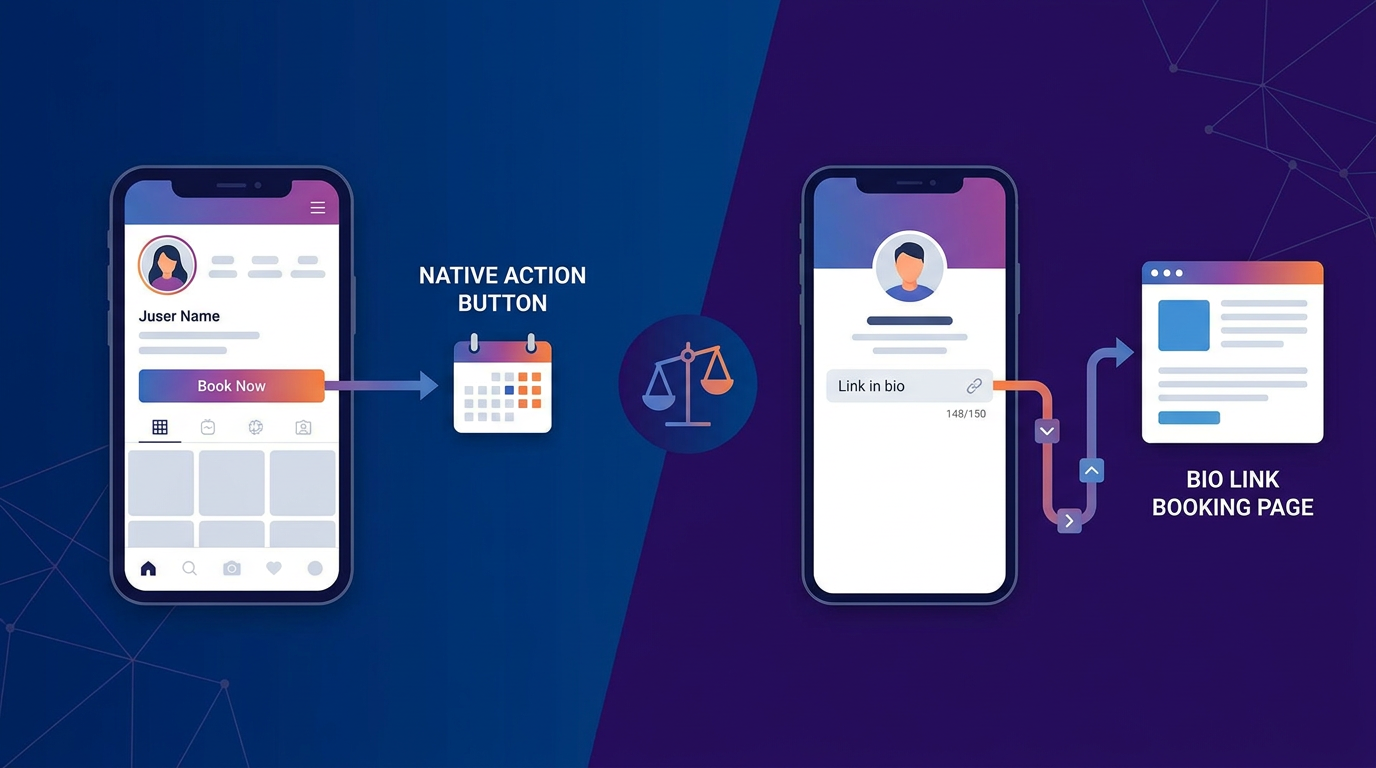
You might be wondering: "Why can't I just use Instagram's built-in 'Book' action button?"
While Meta lets you add a native 'Book' button connected via Facebook Business Suite, the system has some major drawbacks. First off, you are forced to use one of Meta’s approved scheduling partners. If you use custom tools, localized booking software, or your own in-house system, you are simply out of luck. Plus, the native button skips your marketing funnel entirely. Clients click it, see a cold, boring calendar, and often close it if they have quick questions first.
On the flip side, using a dedicated bio link page lets you warm up your leads, display client reviews, share a quick introduction video, and offer multiple ways to schedule—all on one clean page. It works, too: service businesses using customized bio link landing pages typically see conversion rate benchmarks of 3% to 7%, easily beating rigid native setups that don't do any selling before asking for a booking.
Calendly Embed vs. Native Booking Buttons
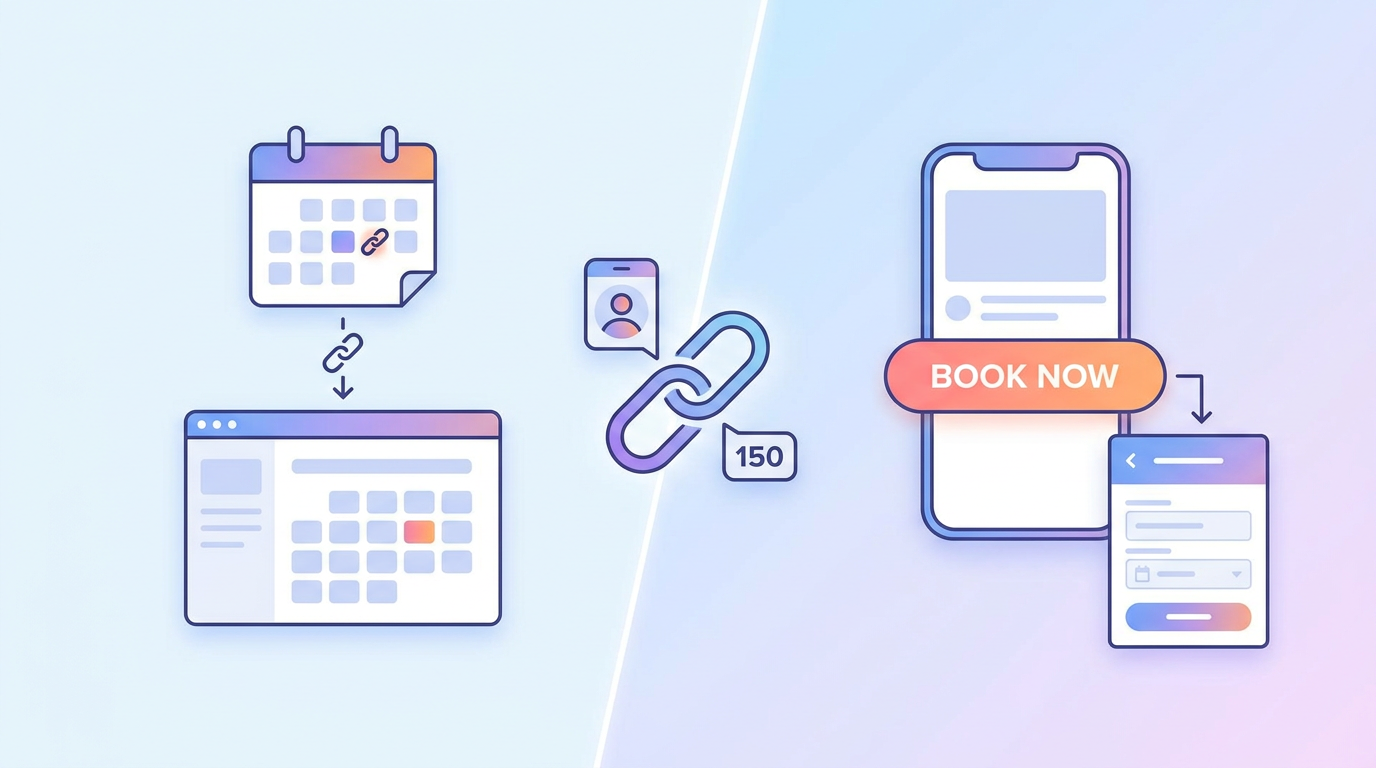
Before launching your page, you will need to choose your strategy: a Calendly embed vs. native booking button setup.
| Feature | External Embed (e.g., Calendly/Acuity) | Native Booking Platform Layer |
|---|---|---|
| User Friction | Higher. Redirects visitors or opens laggy, slow pop-ups inside Instagram's in-app browser. | Super low. The booking experience is built directly into the page itself. |
| Load Speed | Slower. Loads extra external scripts, which hurts your overall page speed. | Instant. Built with clean, lightweight code specifically for mobile screens. |
| AI Capabilities | None. Just a static calendar that can't answer quick customer questions. | High. Smart AI assistants can qualify leads and schedule appointments automatically. |
While embedding external widgets or setting up an Acuity Scheduling URL redirect gets the job done, mobile performance can be hit-or-miss. If someone is browsing your profile on an older phone or with weak cellular data on the go, those external iframe widgets can take 5 seconds or more to load. That ruins your mobile page speed and causes impatient visitors to bounce.
Optimizing CTA Button Label Copy
The words on your button are the final bridge between curiosity and a booking. Standard, boring labels usually underperform because they don't match how ready your visitor is to buy. When setting things up, it is always a good idea to test different button colors, layouts, and your actual CTA button label copy.
- 'Book Now' vs. 'Schedule a Call': 'Book Now' is perfect for quick, low-stress bookings like hair appointments, spa slots, or fitness classes. But if you offer high-ticket coaching, consulting, or medical services, phrases like 'Schedule a Call' or 'Claim Your Free Consultation' feel less aggressive and convert better.
- Action-Oriented Verbs: Try low-pressure, action-focused phrases like "Check Available Slots" or "Grab Your Spot Today" instead of demanding terms like "Pay & Book."
- High-Contrast Colors: Make sure your main button pops against your background color. Use smart visual hierarchy to guide your visitors' eyes right where you want them.
Step-by-Step Guide to Setting Up Your Booking Button
Ready to turn your Instagram followers into scheduled clients? Use this quick, updated playbook to get your booking engine running.
Step 1: Pick Your Bio Link Tool
To avoid the limits of basic, boring links (and Linktree's annoying booking restrictions), you want an all-in-one mobile builder. The Qret.me bio link page builder offers a beautifully simple solution that keeps your booking tools, catalogs, and dynamic features inside your link—no weird plugins needed.
Step 2: Design Your Landing Page
Sign up and grab a mobile-responsive, drag-and-drop template that fits your brand. Since almost all your Instagram traffic is on mobile, keep it clean. Put your main booking button right at the top (above the fold) and use clear fonts so everything loads in the blink of an eye.
Step 3: Connect Your Calendar
Forget messy third-party redirects. Simply turn on the built-in Online Booking System on your bio page. This lets you set your hours, link your personal calendar, set your pricing, and manage clients from one simple dashboard.
Step 4: Write Your Call-to-Action
Customize your button text with high-converting words. If you are a high-end agency, try "Reserve Your Consultation." If you run a busy local studio, "Book Your Appointment" works perfectly. Set the button to open your fast-loading booking screen instantly.
Step 5: Put It in Your Bio
Grab your clean, short bio link from your dashboard. Open Instagram, tap "Edit Profile," and paste it right into the "Website" field. Just like that, you have beaten the Instagram bio link 150-character constraint and given your audience an effortless way to book.
Maximizing Conversions with AI and Smart Fallbacks
Even with a perfect setup, some visitors will drop off right before finishing their booking. Maybe they have a quick question about pricing, got confused by time zones, or just hesitated. That is where smart AI tools and fallback options save the day.
By using Qret.me's AI Assistant, you can add an intelligent chat assistant directly to your bio page. This AI learns your services, business hours, and policies to answer client questions 24/7. It helps qualify leads and guides them directly to your calendar in real-time. Want to set this up? Check out our guide on How to Set Up an AI Booking System for Your Small Business.
And if a client still isn't quite ready to book a slot, give them an easy way to reach out. Adding a simple WhatsApp click-to-chat button on your page lets clients message you with one tap—perfect for people who prefer chatting over filling out online forms.
Measuring Success with Analytics
If you don't track it, you can't improve it. Once your new button is live, keep an eye on your numbers to see exactly how your social media efforts are paying off.
Compare your Instagram 'Website Clicks' with your actual landing page views and completed bookings to see where people are dropping off. To make tracking easy and see exactly which posts or Reels are bringing in business, use Qret.me's URL Shortener & Link Analytics. Adding UTM parameters to your links lets you track clicks, see your busiest times of day, and adjust your strategy. To learn more about tracking, read our playbook on How to Track Clicks on Your Instagram Bio Link.
Why Qret.me is the Ultimate Growth Engine for Your Business
While old-school link tools just show a dry list of buttons, Qret.me acts as a complete digital hub for your brand. Founded in Istanbul by Siamak Alamdari, Qret.me replaces multiple expensive tools by putting bio pages, AI helpers, catalogs, dynamic QR codes, booking calendars, and advanced analytics under one roof.
With Qret.me, you can design stunning mobile pages, use integrated booking calendars without annoying third-party plug-ins, and get 100 free AI assistant credits every month to help answer questions and close bookings. Whether you run a local salon in Turkey, consult in Europe, or create content in Asia, Qret.me is built to help your business grow.
Ready to turn your Instagram profile into an automated client generator? Try Qret.me for free today—no credit card needed—and watch your calendar fill up on autopilot!
Frequently Asked Questions
How do I bypass the Instagram bio character limit?
You can easily get around the Instagram bio link 150-character constraint by using a centralized, mobile-responsive page builder like Qret.me. This lets you share a single, clean link in your profile that opens a full hub with your calendar, contact details, social links, and menus.
Is a native booking button better than using an external scheduling link?
Yes, native booking elements built directly into your bio page provide a much cleaner experience than external widgets like Calendly. They load faster on mobile, keep users on your page, and prevent the high drop-off rates caused by slow-loading third-party frames.
Can I track how many bookings come directly from Instagram?
Absolutely. By using link management platforms like Qret.me, you can add custom tracking to your bio link and monitor exactly how many visitors view, click, and finish booking an appointment using live, real-time analytics.