
How to Beat the Instagram Bio Link Character Limit (150-Character Profile Constraint) to Book Appointments
If you run a service business in Turkey, Europe, or Asia, you already know Instagram isn't just for sharing pretty pictures—it's your digital storefront. Whether it's a high-end salon in Istanbul, a consulting firm in Berlin, or a photography studio in Tokyo, success comes down to one thing: turning casual profile visitors into paying clients. But there's a frustrating hurdle in your way: the strict Instagram bio link character limit (150-character profile constraint).
To book appointments on Instagram in 2026, you've got to work around the tight Instagram bio link character limit (150-character profile constraint) by using a single, mobile-friendly bio link landing page. By bringing your scheduling, messaging, and tracking together under one URL, you bypass the character cap and turn cold profile views into actual bookings.
Key Takeaways for 2026
- The tiny 150-character limit means you need punchy, straight-to-the-point copy paired with one highly optimized bio link.
- Embedding a native booking widget directly on your landing page keeps users on-site, offering a much smoother mobile experience than sending them to external sites.
- Tracking your booking sources with UTM parameters is the only real way to measure your Instagram marketing ROI.
- Using AI pre-qualification and automated email/SMS reminders will drastically cut down on costly no-shows.
Navigating the Instagram Bio Link Character Limit (150-Character Profile Constraint)
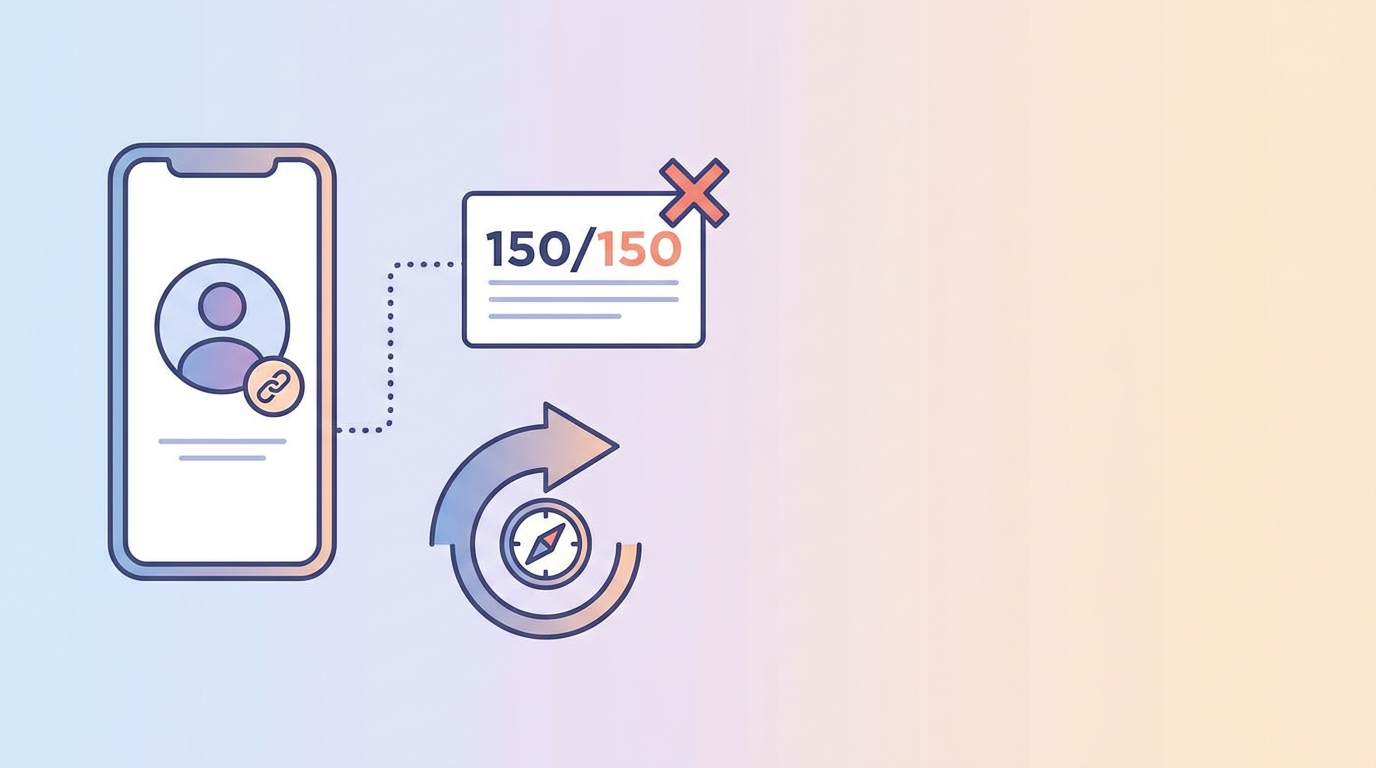
When you're setting up an Instagram profile, it's tempting to cram everything—your physical address, service menu, phone number, and booking links—right into those few lines. But the hard truth is that the strict Instagram bio link character limit (150-character profile constraint) simply doesn't allow it. Trying to squeeze too much in leads to a messy bio with long, unclickable URLs that look sloppy and scare off potential clients.
Instead of fighting the character count, smart service businesses treat that 150-character space like high-value ad real estate. Your bio copy needs to do just one job: state your value proposition clearly and point visitors directly to a single link in bio booking system for service businesses. Keeping this path as frictionless as possible is the secret to boosting your conversion rates.
Right now, the average conversion rate for bio-link-to-booked-appointments floats around 2% to 4%. That means out of every 100 people who check out your profile, only two to four actually book. To beat those odds, you have to know how to add booking link to instagram bio the smart way, using a specialized tool that cuts out unnecessary steps in the customer journey.
Calendly Embed vs. Native Booking Widget
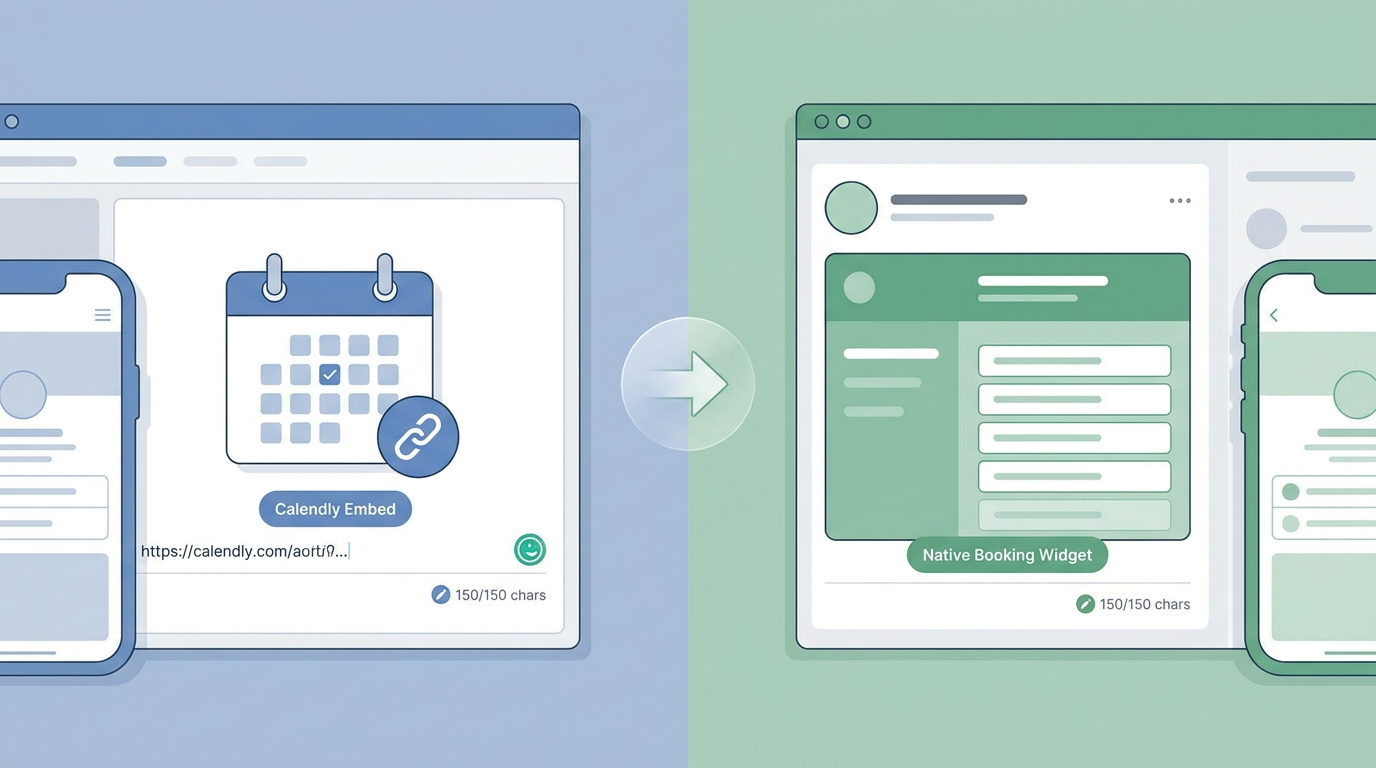
The moment someone clicks your link, their booking experience decides whether they schedule an appointment or close the tab. A lot of creators use basic link directories that bounce users out to external platforms like Calendly. Sure, it's familiar—but every external redirect adds friction, and friction kills conversions.
Let's break down the differences between a Calendly embed vs. native booking widget. An embedded native widget lives right inside your bio link page. This means clients can pick a service, find a time slot, and check out without ever leaving the Instagram app. Bouncing visitors to an external browser tab, on the other hand, opens the door to slow load times and sudden distractions.
This comparison table highlights the functional differences:
| Feature | External Link (e.g., Calendly Link) | Native Booking Widget (Embedded) |
|---|---|---|
| User Friction | High (forces users to leave the app) | Incredibly low (everything happens in-app) |
| Page Load Speed | Slower (relies on external page loads) | Instant (loads seamlessly with your bio page) |
| Branding Continuity | Lost (clashes with external app branding) | Cohesive (keeps your look and feel consistent) |
| Conversion Rate | Lower (more steps mean more drop-offs) | Higher (fast, smooth, and painless) |
| Attribution | Tricky (hard to track across different platforms) | Simple (tracked easily on one dashboard) |
By keeping the entire booking experience contained within a single page, you remove hurdles and make things much easier for your clients.
Acuity Scheduling Integration and Native Instagram Action Buttons
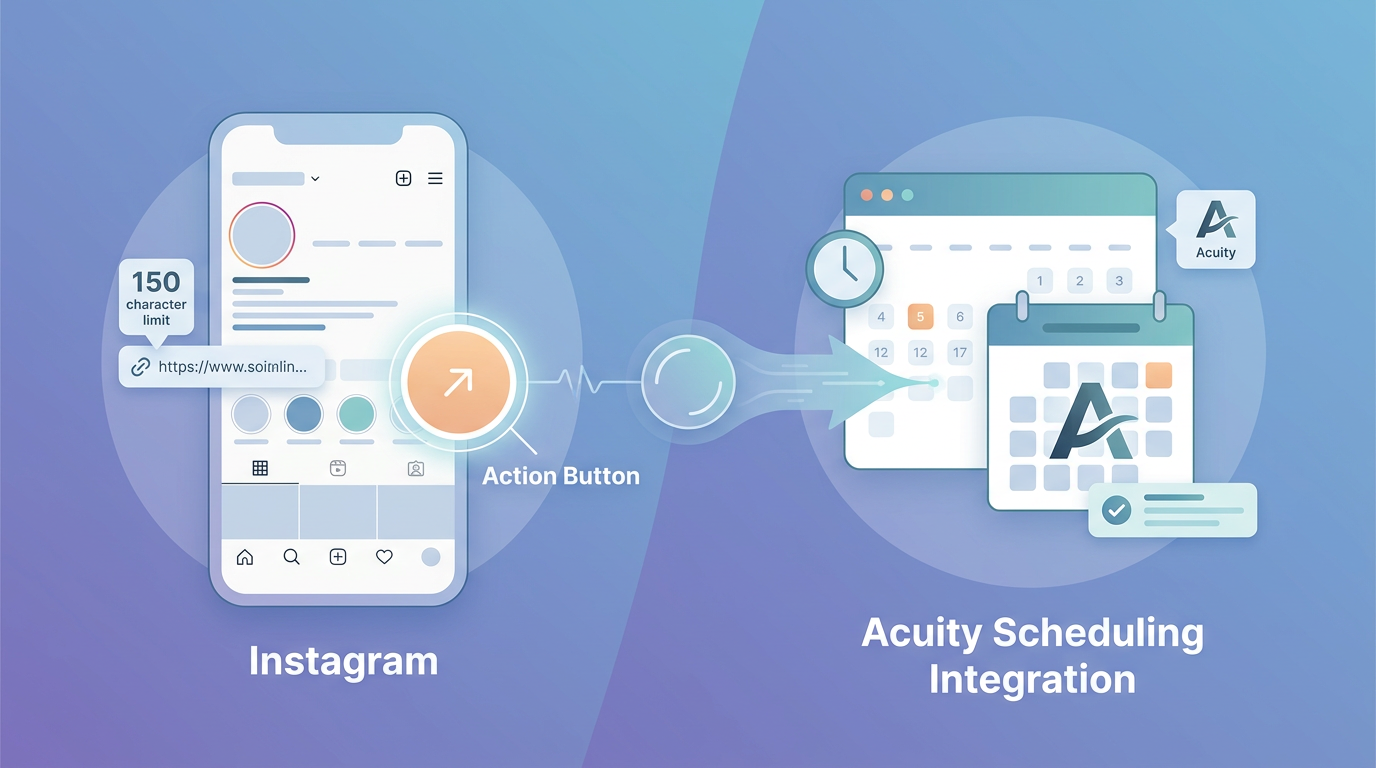
If your business needs heavy-duty scheduling features, setting up an Acuity Scheduling integration makes a lot of sense. It's a great fit if you're managing multiple staff calendars, dealing with detailed client intake forms, or collecting deposits across different time zones.
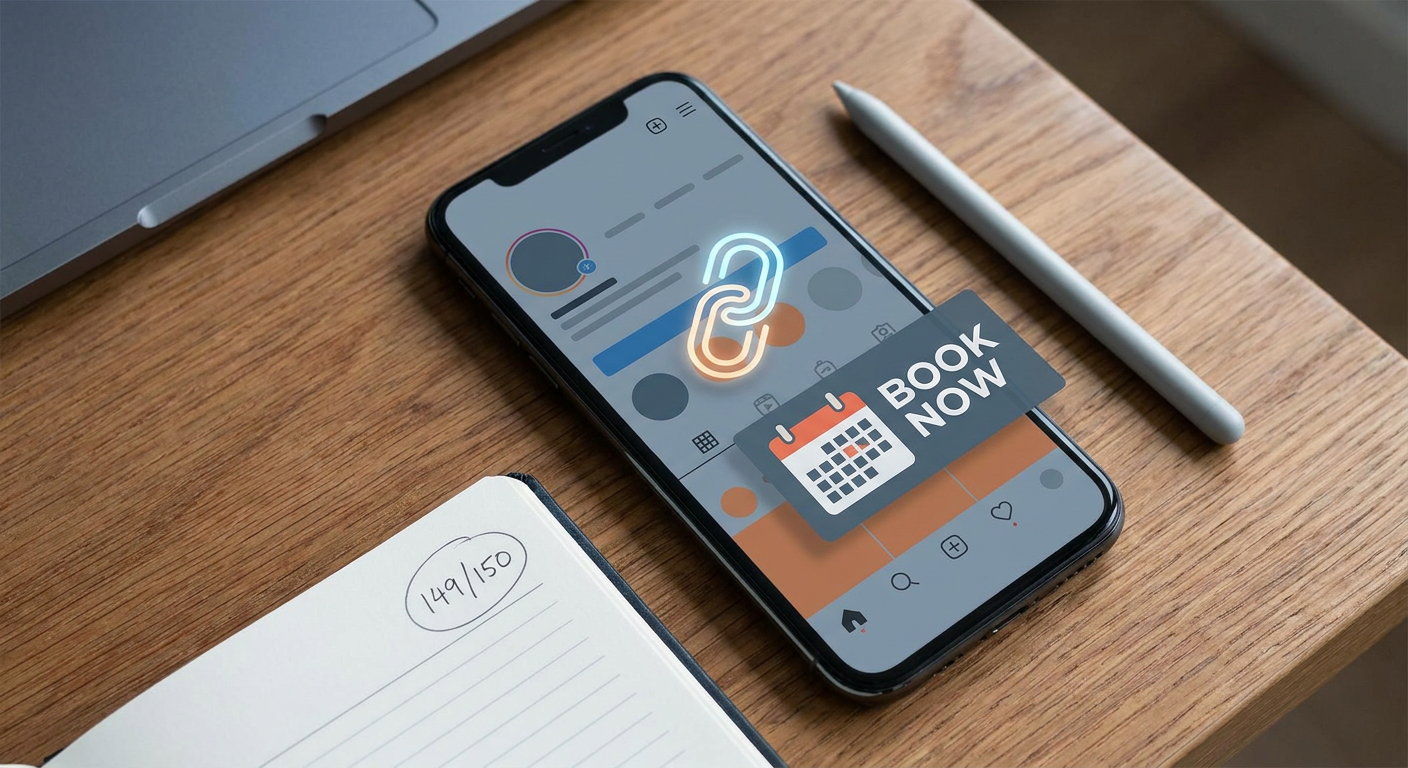
Still, many business owners find themselves debating the pros and cons of an instagram booking button vs link in bio. Instagram does offer native Action Buttons (like the "Book Now" CTA) that sit prominently on your profile. These buttons link up with a specific list of booking platforms partnered with Meta.
But while that native button looks clean, it comes with some serious drawbacks:
- Platform restrictions: You're limited strictly to Meta's approved booking partners.
- Zero room to upsell: The button drops users straight into a rigid booking calendar. There's no chance to show off your portfolio, share testimonials, or highlight special offers first.
- Blindspot on tracking: Getting precise data on custom conversion funnels inside Meta's native interface is notoriously difficult.
The smart play? Use both. Put a flexible bio link alongside that native button to get the best of both worlds. The native button gives returning clients a fast track to book, while your optimized bio link does the heavy lifting of educating and converting brand-new visitors.
UTM Parameter Tracking for Booking Source Attribution
If you don't know which posts are driving your appointments, you're essentially marketing in the dark. That's why setting up UTM parameter tracking for booking source attribution is non-negotiable if you want to measure your actual return on investment.
UTM codes are just short snippets of text added to the end of your links. They tell your analytics tools exactly how a client found you. By using unique links for different placements, you can easily see if an appointment came from your bio link, a specific Instagram Story, or a direct message conversation.
Setting this up is straightforward—you just create custom URLs for each traffic source. Here's what a tagged booking link looks like in practice:
https://yourdomain.com/book?utm_source=instagram&utm_medium=social&utm_campaign=bio_link
If you use a link in bio tool with built-in tracking, all this data gets pulled into one clean dashboard. Instead of guessing, you'll know exactly which Reels, posts, or stories are actually putting money in your pocket—so you can spend your energy on what works.
If you want to geek out on the mechanics of digital tracking, check out this guide on UTM parameters on Wikipedia.
Designing a Mobile-First UX and the Instagram Stories Secondary Funnel
Let's state the obvious: Instagram is entirely mobile. Almost every single person landing on your page will be using a smartphone. Your booking page must be built specifically for mobile screens, which means large, easy-to-tap buttons that sit comfortably right under a thumb.
When designing your mobile booking page, keep these quick rules of thumb in mind:
- Keep it punchy: Nobody wants to read a wall of text on a phone screen. Keep your copy short and scannable.
- Optimize for speed: Compress your images and ditch heavy scripts. If your page takes more than a couple of seconds to load, visitors will bounce.
- Unmissable CTAs: Use bold, high-contrast buttons for your main call to action so users know exactly where to tap.
Once your landing page is dialled in, you can start using Instagram Stories as a highly effective secondary funnel. By dropping interactive Link Stickers into your daily stories, you can send interested followers directly to custom landing pages or specific package deals.
It's an incredibly effective way to fill last-minute openings, run flash sales, or promote seasonal offers. The beauty of this strategy is that it guides warm leads straight to checkout—bypassing your profile altogether.
Leveraging AI Pre-Qualification to Reduce No-Shows
No-shows and tyre-kickers are massive time-sinks for service providers. Traditional calendars let anyone book a slot with zero filter, which often leads to missed sessions or clients who simply aren't a good fit.
Bringing an AI-powered assistant into your funnel completely changes the game. Instead of throwing open a blank calendar to everyone, an interactive AI agent can ask a few quick qualifying questions first, like:
- "What kind of service are you looking for today?"
- "Have you had a chance to review our pricing and booking policies?"
- "Are you located within our physical service area?"
- "What days and times typically work best for your schedule?"
Once the AI confirms they're a great fit, it seamlessly hands them off to your booking calendar. Combine this smart filtering with automated SMS and email reminders, and your no-show rate will plummet. Plus, if you work with clients remotely, having automatic time-zone conversion and secure, GDPR-compliant forms on your booking page is key to keeping things smooth and legally sound.
Solving the 150-Character Constraint with Qret.me
Instead of stressing over how to squeeze multiple links and business details into Instagram's tiny bio space, you can use a unified platform like Qret.me. Think of Qret as a digital twin for your brand. It lets you cancel half your software subscriptions by merging bio links, booking schedules, catalog hosting, and AI-driven client support into one single URL.
With Qret, you can whip up gorgeous, fully customized Bio Link Pages in minutes using an intuitive drag-and-drop builder and over 15 dynamic templates. It completely solves the 150-character limit problem by letting you showcase booking calendars, social links, and portfolios on a polished, fast-loading page.
The platform also comes with a built-in Smart Booking System that syncs directly with Google Calendar and iCal. Clients can see your real-time openings, pick their service, and book instantly. Keeping everything within your bio link limits distraction and gives your booking rates a serious boost.
To take your automation a step further, you can turn on the Qret AI Chatbot. This smart assistant gets trained on your services, FAQs, and business policies to handle client queries 24/7. Once it pre-qualifies a visitor, it guides them straight to the booking tool—effectively turning late-night scrollers into booked appointments while you sleep.
You'll also get access to a URL shortener and built-in analytics to create trackable UTM links, letting you monitor exactly where your bookings are coming from. Best of all? Setting it up takes just a few minutes.
Ready to upgrade your Instagram booking funnel? Try Qret.me for free today to build a smarter, AI-powered bio link and start growing your business!
Frequently Asked Questions
How do I bypass the Instagram bio link character limit?
You can work around the limit by using a dedicated link in bio tool like Qret.me. This lets you swap out multiple messy URLs for a single, clean link in your profile. That link opens a mobile-friendly page hosting your booking calendar, social profiles, and all your business details.
What is the difference between a native booking widget and a Calendly link?
A native widget lets clients book and pay right inside your bio link page without leaving Instagram. A Calendly link, however, redirects them to a separate browser tab, adding extra steps and slow load times that often cause people to drop off before finishing.
How can I track where my Instagram bookings are coming from?
The easiest way is to use custom UTM parameters (like adding utm_source=instagram to your links). When you pair these links with a tool like Qret.me, you'll see a clear breakdown of exactly which posts, reels, or stories are generating your bookings.
Can an AI chatbot book appointments for me on Instagram?
Absolutely. When you add an AI chatbot to your bio link page, it works round-the-clock to answer client FAQs, pre-qualify leads based on your policies, and send them directly to your calendar to confirm their slot.