
How to Set Up an AI Booking System for Your Small Business: A 2026 Guide to Availability Window Configuration
Let's be honest — manual scheduling is a massive money leak for small businesses in 2026. If a hot lead has to wait hours just to get a spot on your calendar, they'll simply click away to a competitor who responds instantly. Setting up an ai appointment booking for small business setup isn't just about sticking a basic calendar widget on your site anymore. It's about building a digital twin for your brand — a smart, integrated assistant that knows your schedule inside out. By dialing in a tight availability window configuration, you let the AI handle your calendar with pinpoint accuracy, turning casual website visitors into confirmed clients without you having to lift a finger.
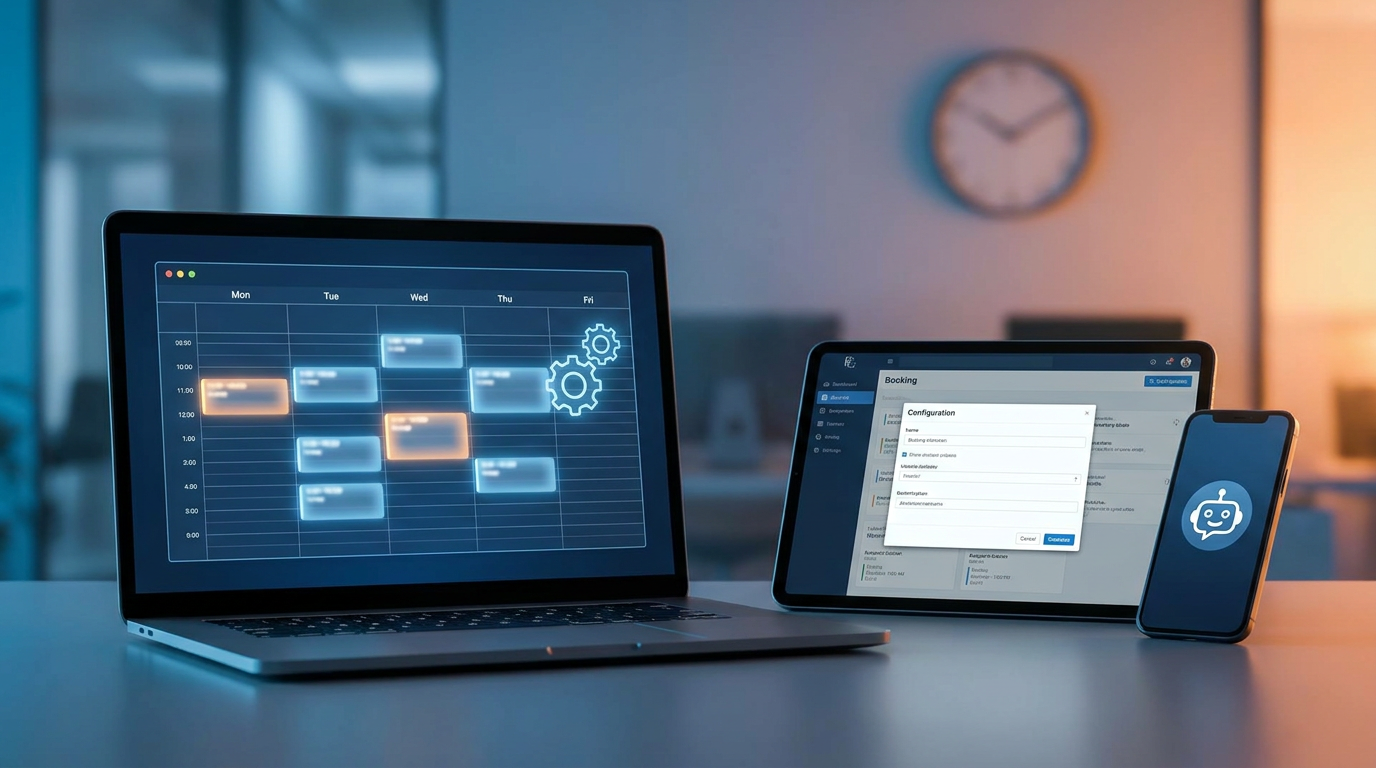
Setting up an AI booking system comes down to a few key moves: feeding the AI your business details, setting up a solid availability window configuration, syncing your Google Calendar / Outlook two-way sync, mapping out intake form field mapping, and launching automated confirmation and reminder SMS/email triggers so your business runs itself 24/7.
- Autonomy: Thanks to natural language intent parsing, the AI handles bookings, rescheduling, and cancellations on its own — no human intervention needed.
- Protection: Getting your availability window configuration and no-show buffer rules right means you won't get caught in double-booking nightmares or last-minute cancellations.
- Seamlessness: A reliable two-way calendar sync keeps Google Calendar and Outlook aligned, eliminating scheduling overlaps instantly.
- Frictionless Entry: Dynamic QR codes and bio link integrations let offline prospects book a session in a couple of taps.
What Is an AI Booking System and Why Does Your Small Business Need One?
Traditional booking tools are basically just digital graph paper. Your clients have to manually scroll through calendars, do timezone math in their heads, and type out the same old contact info over and over. An AI booking system works quite differently, using natural language processing (NLP) to chat with clients in real time. Think of it as a virtual receptionist who never sleeps — it answers questions about what you offer, filters out unqualified leads, and books them straight into your calendar.
Automating this setup saves you from what I call the "trial graveyard" — where you sign up for software, spend hours configuring it, and then never use it because it's too rigid. This conversational approach is a game-changer for clinics, law firms, salons, and freelancers working across Europe, Turkey, and Asia. If you have international clients, you don't want to worry about mismatched clocks; the AI detects time zones automatically and speaks their language, keeping everyone on the same page.
Step 1: Building the AI Training Corpus with Service Catalog and Pricing
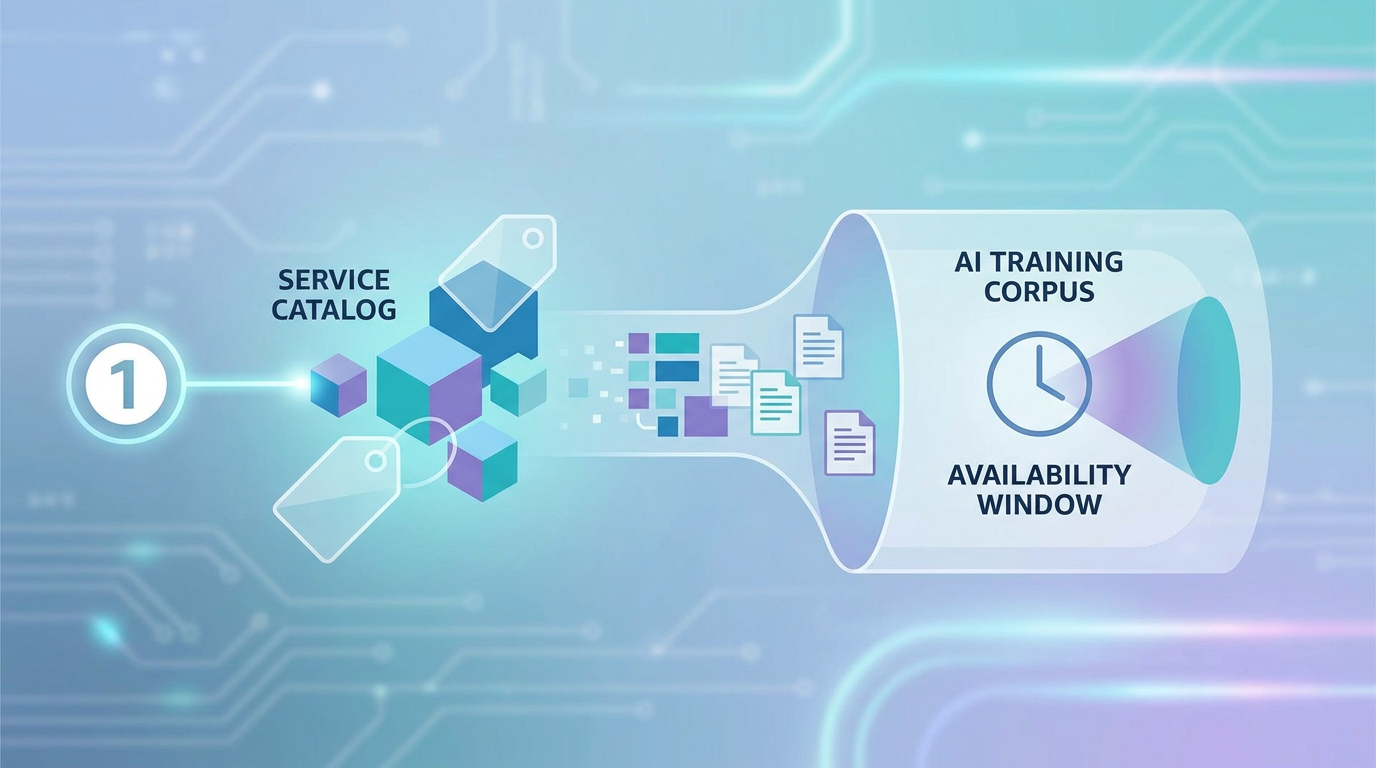
Before you let an AI loose on your calendar, it needs to know your business inside out — your services, pricing, and how long you actually need for each session. This structured database is what we call your AI training corpus.
To build this out, just pull together a simple spreadsheet listing your exact services. Make sure to define:
- Service Name: E.g., "Executive Coaching Session"
- Duration: Explicitly defined in minutes (e.g., 60 minutes)
- Pricing: Fixed, starting-at, or custom estimates
- Required Resources: Specific team members, physical rooms, or software assets
- Booking Policies: Cancellation windows, late policies, and prerequisite intake requirements
Once you upload this catalog to your AI, the system digests these rules. Say a client chats in and says, "I need some help planning my business strategy next week." The AI quickly scans "business strategy," matches it with your "Executive Coaching Session," registers that it's a 60-minute session with its respective price tag, and checks your actual calendar availability before suggesting slots.
Step 2: Implementing Google Calendar / Outlook Two-Way Sync
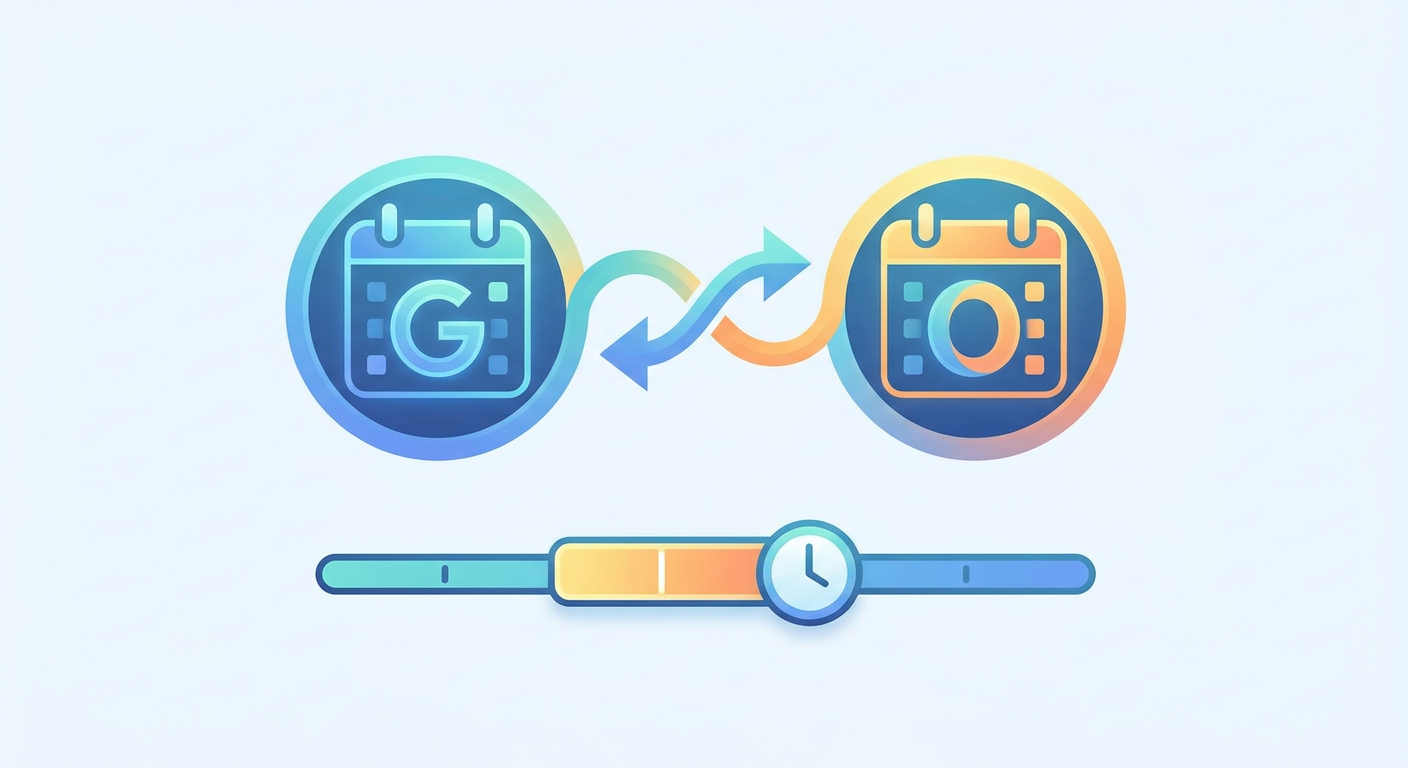
Your AI booking tool is only as good as the data it can access. To keep double-bookings at zero, you absolutely need a real-time Google Calendar / Outlook two-way sync. Think of it as a two-way street: when a client books a slot via the AI chatbot, the event lands on your calendar instantly. If you add a personal event (say, a doctor's appointment) directly onto your calendar, the AI spots it immediately and shields that hour from client bookings.
To get this sync securely connected:
- Head over to your booking tool's integration settings.
- Choose the Google Workspace or Microsoft 365 OAuth 2.0 connection.
- Grant the permissions needed to read and update calendar events.
- Make sure to toggle on timezone detection. This is a lifesaver if you're in Istanbul (GMT+3) and your client is in Frankfurt (CET) — the system shows the exact right time for both of you, even during messy daylight saving transitions.
Step 3: Mastering Availability Window Configuration and No-Show Buffer Rules
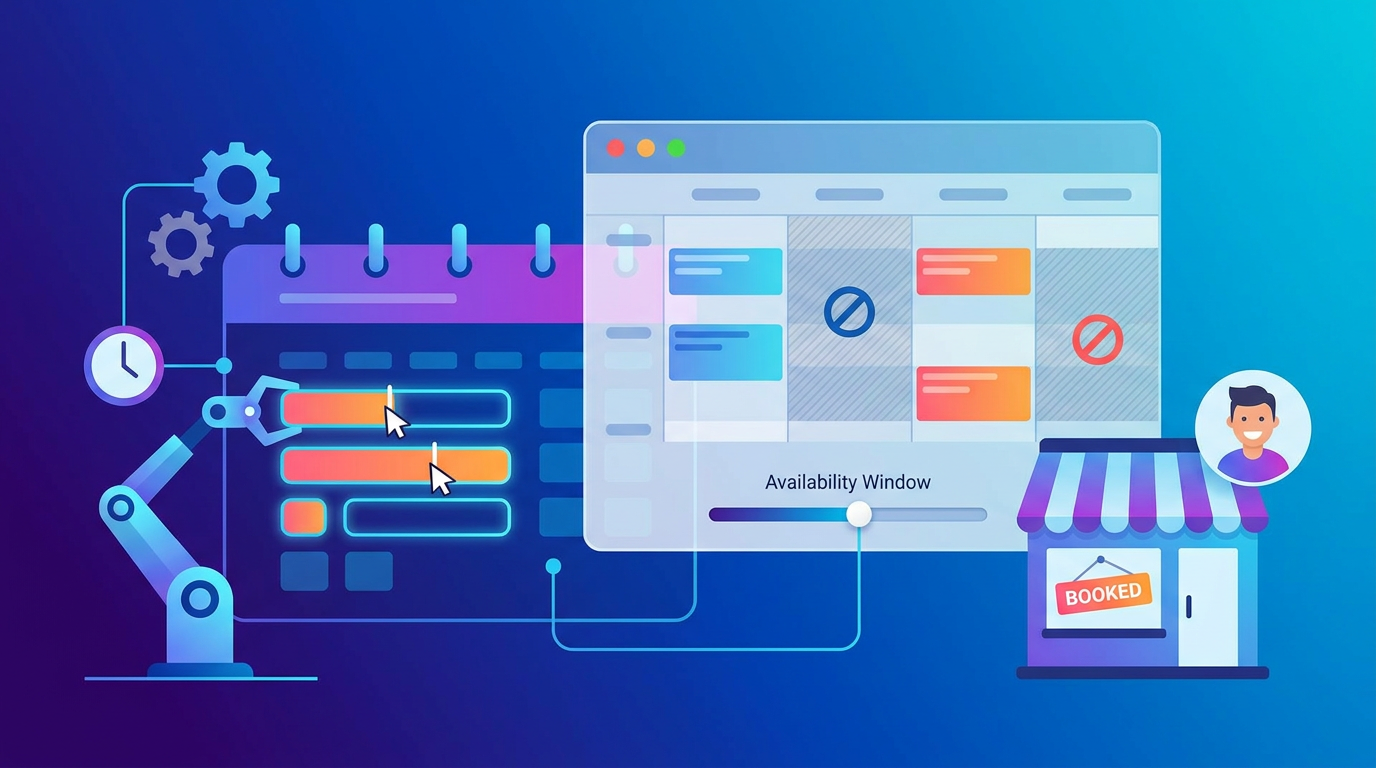
The real control center of your scheduling setup is your availability window configuration. These rules tell your AI coordinator exactly when it can and cannot book meetings on your behalf. Skip this step, and you might find clients booking a session starting in ten minutes, or grabbing a slot six months down the road when your pricing has completely changed.
To build a sane schedule, your availability window configuration should nail down three things:
- Minimum Scheduling Notice: No same-day surprises. Force a buffer of 4, 12, or 24 hours before anyone can grab an empty slot.
- Maximum Booking Horizon: Don't open your calendar forever. Keep bookings limited to the next 30 or 60 days so you can plan ahead.
- Daily Operational Limits: Avoid burnout. Put a cap on high-energy tasks (like limiting intensive consulting blocks to three per day).
Right alongside those boundaries, you need sensible no-show buffer rules. Buffers are your calendar's defense mechanisms. If you run a 60-minute consultation, you probably need a 15-minute window beforehand to prep, and another 15 minutes after to grab a coffee or jot down notes.
Also, use your no-show buffer rules to deal with repeat offenders. You can set the AI to automatically flag accounts that cancel on you at the last minute. If they try to book a third time, the system can block them, ask for a manual review, or require an upfront, non-refundable deposit.
Step 4: Designing Intake Form Field Mapping and GDPR Data Consent Gates
To run a great call, you need context before you say hello. That's where smart intake form field mapping comes in. As the AI guides a prospect toward booking, it gathers essential variables (like their email, phone number, company size, and main goals). It then maps these details straight into the matching fields in your CRM or scheduling database.
Below is a typical schema design for intake forms:

When configuring your intake form field mapping, don't overlook compliance — especially if you work with clients in Europe, Turkey, or Asia. A solid GDPR / CCPA data-handling consent gate isn't optional; it's a legal must. Make sure your booking flow includes a clear opt-in step in the chat. Let users know exactly how you store and process their data before those details are written to your backend database.
Step 5: Configuring Natural Language Intent Parsing and Fallback Thresholds
The real magic of using an ai chatbot for booking appointments is its natural language intent parsing (NLP layer). Instead of clicking rigid dropdowns, your clients can talk like normal humans. They say things like, "Got anything open next Thursday afternoon, maybe after 3?" or "Are you free Monday morning?"
The AI's NLP layer translates those casual messages into clean database queries behind the scenes:
- "Next Thursday afternoon" gets parsed into the date of the upcoming Thursday, restricted to 12:00 PM - 5:00 PM.
- "Preferably after 3 PM" refines the search to a narrow 3:00 PM to 5:00 PM slot within your pre-configured availability window.
Of course, AI isn't perfect. Sometimes a client asks something incredibly confusing, or brings up a topic completely outside your services. To protect your brand's reputation, you need a robust fallback-to-human escalation threshold.
If the bot gets stumped twice in a row, or if the client simply asks to talk to a human, the system should trigger an immediate handoff. It packages up the entire conversation transcript logging, alerts your team via Slack, WhatsApp, or email, and lets a human step in to wrap up the booking.
Step 6: Setting Up Confirmation and Reminder SMS/Email Triggers
Let's face it: no-shows are a silent killer for small business revenue. Once a booking is locked in, you need automated confirmation and reminder SMS/email triggers doing the follow-up work for you.
Here's a reliable timeline that keeps attendance high:
- Immediate Confirmation: Sent the second they book. Include the calendar invite (.ics file), video link, their mapped answers, and easy links to reschedule if something comes up.
- 24-Hour Reminder: Send this via both SMS and email. Ask them to confirm with a quick "YES" or a single tap.
- 1-Hour Buffer Reminder: Send a brief SMS containing the direct meeting link or office address so it's top of mind.
- Post-Booking Re-engagement: A follow-up sent 24 to 48 hours later, asking for feedback or suggesting the next booking.
Step 7: Connecting Webhook Handoffs to CRMs and Creating QR Code Entry Points
If you want your business to run like a well-oiled machine, your booking data shouldn't live in a silo. It needs to sync with your primary CRM. Setting up a secure webhook handoff to CRM platforms like HubSpot, Salesforce, Zoho, or ActiveCampaign makes this effortless.
Whenever a meeting is booked, rescheduled, or canceled, the system sends a quick data update (a webhook payload). Your CRM catches it, checks if the client is already in your list, updates their status, and notifies the right team member.
To bridge the gap between physical interactions and digital bookings, set up a QR code booking entry point. Put a dynamic QR code on your storefront, business cards, table tents, or print flyers. Passersby can scan it, open your booking bio link, and let the AI guide them to a booked spot in seconds.
How Does an AI Booking System Handle Double-Bookings and Failures?
Look, technology isn't perfect. What happens if two people try to snag the same 2:00 PM slot at the exact same split-second? Or what if your internet drops and your calendar sync goes offline for a minute?
To avoid messy double-bookings, quality tools use atomic booking locks. The moment a user selects a time, the AI reserves that slot for 5 to 10 minutes while they fill out their details. If they walk away without completing the form, the block lifts, and the slot opens back up to everyone else.
And if an API fails? The system plays it safe. It checks its last saved copy of your schedule or routes the booking request straight to your manual approval queue. It's a simple safety net that saves you from the awkwardness of having to tell a client you're double-booked.
AI Booking Configurations vs. Legacy Scheduling Systems
To show you the real-world difference, let's look at how typical legacy widgets stack up against a modern, AI-first ecosystem.
| Feature / Capability | Legacy Scheduling Widgets (e.g., Basic Calendly) | AI-Powered Booking Systems (e.g., Qret.me) |
|---|---|---|
| Setup Entry Point | Static external URL links | Interactive Bio Links & Dynamic QR Codes |
| Availability Control | Manual calendar blockouts only | Dynamic availability window configuration |
| User Interaction | Rigid drop-down menus & forms | Natural language intent parsing (Chat/NLP) |
| No-Show Prevention | Basic timezone-delayed emails | Smart no-show buffer rules & SMS flows |
| Data Mapping | Manual textbox forms | Automated intake form field mapping to CRM |
| Out-of-Scope Queries | Errors or broken pages | Seamless fallback-to-human escalation |
Is Qret.me the Best AI Booking System for Small Businesses in 2026?
Honestly, yes. Most tools out there only give you a single piece of the puzzle. You end up paying one company for a link-in-bio, another for appointment scheduling, a third for QR codes, and a fourth for a support chatbot. Before you know it, you're suffering from serious subscription fatigue and dealing with messy data gaps.
That's exactly why Qret.me was created. Founded by Siamak Alamdari in Istanbul, Qret works as a true "Digital Twin" for small businesses, solopreneurs, and agencies across Turkey, Europe, and Asia. Rather than juggling five different software tools, Qret packs everything you need into one clean, AI-powered platform.
Here's what you get out of the box with Qret:
- Bio Link Pages: Design gorgeous, highly interactive, drag-and-drop landing pages featuring over 15 dynamic themes, built-in catalogs, and native booking calendars.
- Smart Booking System: A professional scheduling engine loaded with advanced availability controls that live right on your digital profile.
- AI Assistant & Chatbot: Conversational brainpower that learns directly from your bio, services, and policies. Plus, you get 100 free credits every month to handle your scheduling and client questions 24/7.
- Dynamic QR Codes: Bridge the gap between physical materials and digital booking with fully trackable, custom-branded QR codes.
- Online Booking & Scheduling: Deliver a completely frictionless session booking experience right through your bio link pages or automated Instagram chat threads.
Whether you run a clinical practice, a restaurant needing digital QR menus, or a professional coaching agency, Qret acts as your backend operational twin. By leaving the calendar work to your AI agent, you can focus on doing what you do best while the system books clients on autopilot.
Ready to clean up your calendar chaos? Try Qret.me today for free — no credit card needed — and get your automated digital twin up and running in minutes.
FAQ
How long does it take to set up an AI booking system?
If you use an all-in-one platform like Qret.me, you can have a live conversational booking system up and running in under 48 hours. The setup is simple: upload your services, link your daily calendar, tweak your availability window configuration, and share your bio link or dynamic QR codes.
Does an AI booking system require coding knowledge?
Not at all. Modern tools use visual, drag-and-drop interfaces and no-code setups. You don't need to know how to code to establish your calendar sync, map out intake questions, or launch automated reminders.
What happens if the AI fails to understand a booking request?
A good setup relies on a clear fallback-to-human escalation threshold. If the bot gets confused more than twice, it stops trying to guess. Instead, it saves the conversation transcript logging and alerts you or your team so a real person can hop in and finalize the booking.
Is an AI booking system GDPR compliant?
Yes, as long as you enable a GDPR / CCPA data-handling consent gate. Before the AI maps client data over to your CRM, the interface must show an explicit opt-in checkbox explaining how their personal information is protected and processed.