


How to Track Clicks on Your Instagram Bio Link: Mastering the Instagram Insights 'Website Clicks' metric in 2026
If you want to know what your Instagram traffic is actually doing, relying on the native Instagram Insights 'Website Clicks' metric won't cut it. The real solution? You need to attach custom UTM parameters (utm_source, utm_medium, utm_campaign) to your links, funnel that traffic through a dedicated custom domain bio link page, and then track what happens next inside your Google Analytics 4 traffic source report.
Key Takeaways
- The Native Metric Lie: That standard Instagram Insights 'Website Clicks' metric is mostly a vanity stat—it tracks screen taps, not actual page loads.
- The Dark Social Trap: Instagram's built-in browser routinely strips away tracking data, dumping your visitors into the dreaded "Direct" bucket. Using UTM tags is the only way to save your attribution.
- One Dashboard to Rule Them All: Advanced link-in-bio tools like Qret.me solve this headache by combining custom domains, dynamic QR code redirect tracking, and live button clicks into one spot.
- Never Stop Testing: Set clear click-through rate (CTR) benchmarks and run regular A/B testing on your link ordering to keep conversion rates high.
The Fundamental Flaws of the Instagram Insights 'Website Clicks' metric
For years, we've blindly trusted Meta's native analytics to tell us how our social media campaigns are performing. But if you're using the Instagram Insights 'Website Clicks' metric as your main source of truth for ROI, you're making a massive mistake. Why? It all comes down to a technical disconnect between app-level gestures and actual web page loads.
Sure, unlocking these numbers is easy enough—you just have to switch your profile to meet the Instagram Professional Account requirement. Once you're on a Creator or Business account, Instagram starts logging bio link activity. But here's the catch: the platform counts a "Website Click" the absolute millisecond someone's thumb touches the screen. It doesn't care if their connection timed out, if they closed the browser before it loaded, or if they just tapped by accident. This is why you'll often see a staggering 20% to 40% gap between Meta's reported clicks and the actual sessions on your server.
To make matters worse, Meta's insights are locked behind rigid, rolling timeframes—usually limited to real-time or 28-day windows. Want to run long-term attribution modeling or compare this quarter's campaign to last year's? Good luck doing that without an exhausting manual spreadsheet setup. The metric is completely one-dimensional. It won't tell you what a user did after the tap, which buttons they clicked on your landing page, or if they actually bought anything.
Demystifying UTM Parameters for Precise Social Attribution
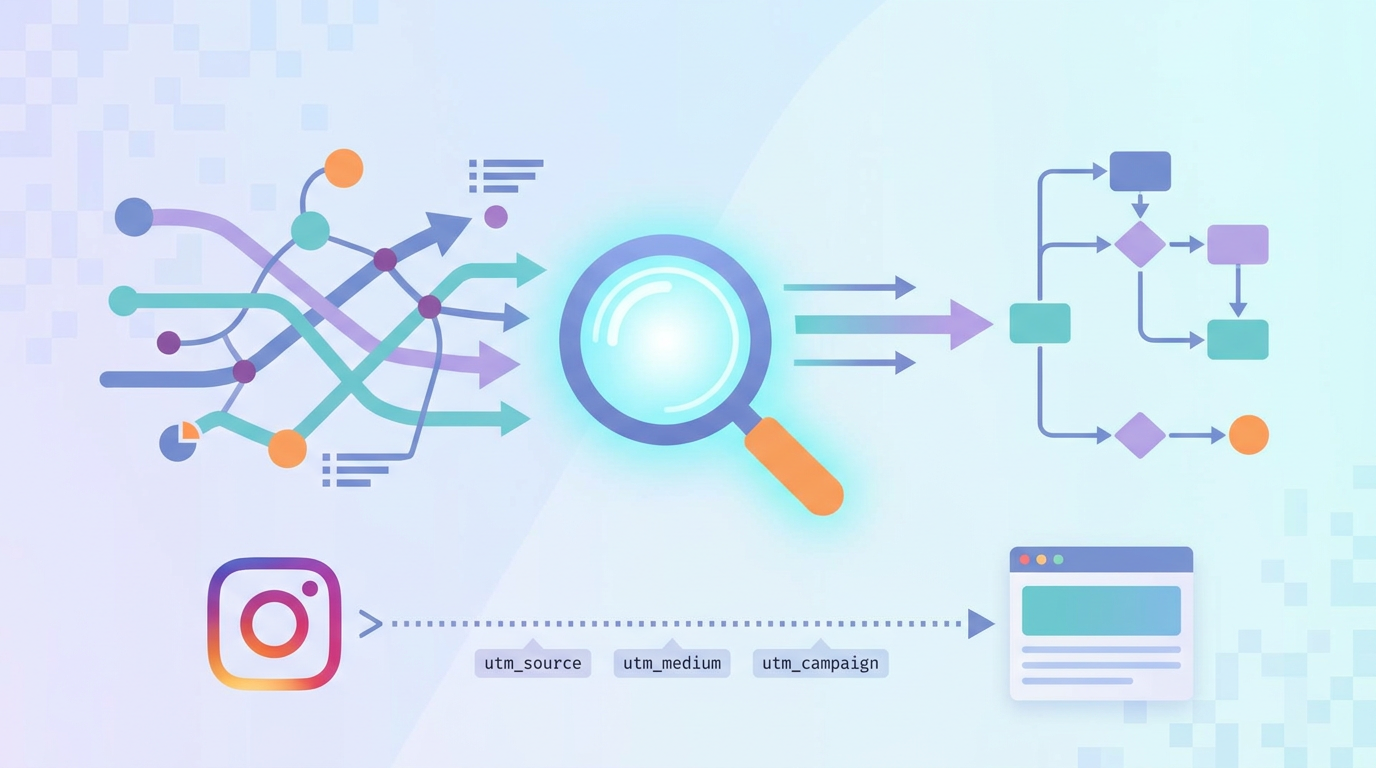
If you want to lift the veil on these opaque native metrics, you need to start using UTM (Urgency Tracking Module) parameters. Think of these as digital breadcrumbs—simple tracking tags tacked onto the end of a URL that tell your analytics tools exactly where a visitor came from and what campaign brought them there. By hardcoding UTM parameters (utm_source, utm_medium, utm_campaign) into your bio link, you make sure your analytics suite doesn't have to guess where your traffic originates.
Without these tags, Instagram's in-app browser turns into a black box. Thanks to modern mobile privacy updates—like Apple's App Tracking Transparency and web sandbox rules—the technical "handshake" between the app and the web browser gets broken. The referrer data gets stripped away, and your analytics dashboard ends up dumping this incredibly valuable social traffic straight into the "Direct / None" bucket. Suddenly, your hard-won social media ROI completely disappears from your reports.
Building a clean, trackable URL isn't rocket science, but you do need to keep your naming conventions consistent. Let's look at how a professional-grade tracking link is actually put together:
https://yourdomain.com/bio?utm_source=instagram&utm_medium=social&utm_campaign=bio-link-2026&utm_content=primary-button
- utm_source: Tells your analytics tool where the user is coming from (e.g.,
instagram). Keep it lowercase—analytics platforms seeInstagramandinstagramas completely different sources. - utm_medium: Identifies the channel type (e.g.,
socialororganic-social). This keeps your data clean and ensures your visits get sorted into the correct channel buckets inside GA4. - utm_campaign: Name of your specific campaign or setup (e.g.,
bio-link-2026). It lets you isolate your bio traffic and compare quarterly or yearly trends. - utm_content: A handy, optional tag to separate different links on your landing page (e.g.,
booking-buttonversusproduct-catalog).
Stick to a strict naming pattern here. It's the easiest way to prevent your data from fracturing and ensure you can trace every single click back to its origin.
How to Analyze Instagram Bio Traffic in the Google Analytics 4 Traffic Source Report
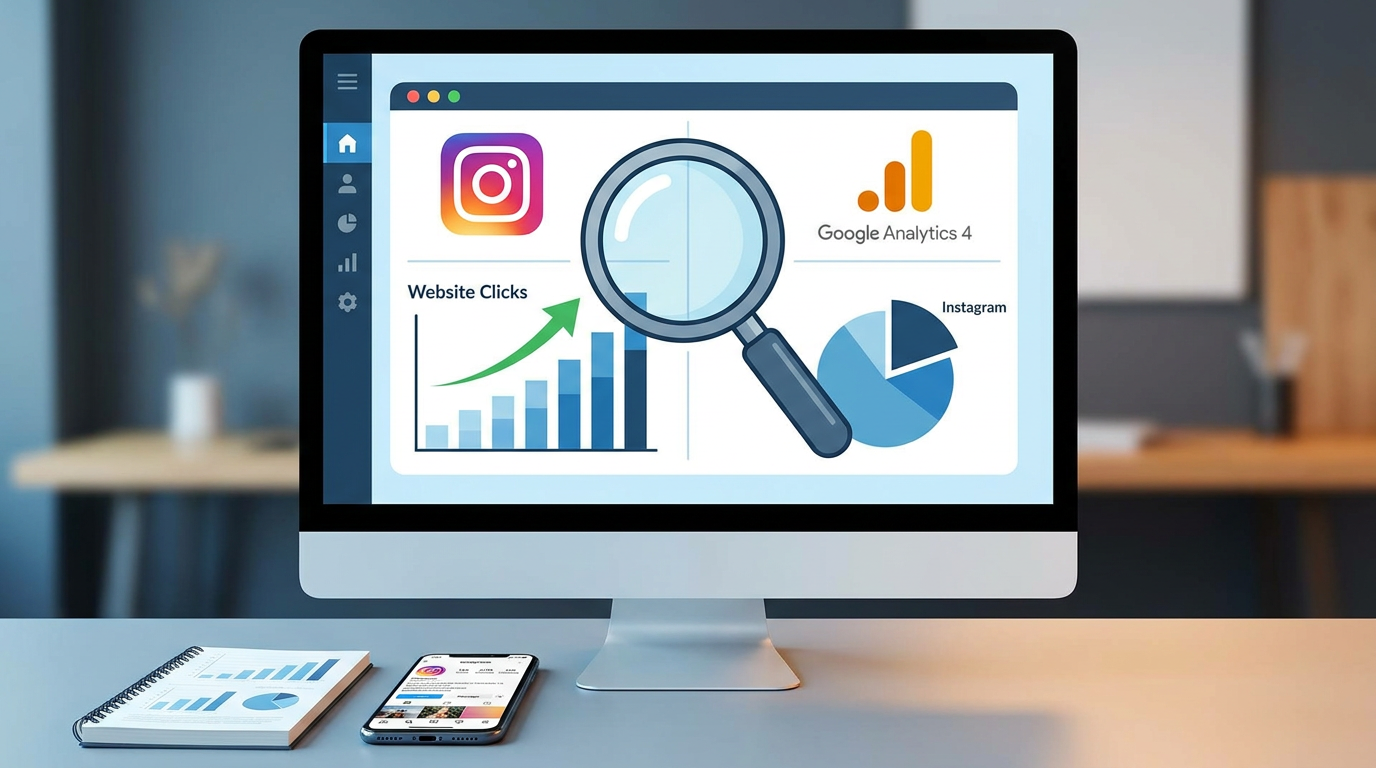
Now that the old Universal Analytics is a distant memory, getting comfortable with the Google Analytics 4 traffic source report is an absolute must. GA4 turned the analytics world on its head by switching from session tracking to event tracking. Instead of just showing you a generic "visit," it monitors actual user actions—scrolls, file downloads, external clicks, and sign-ups—and links them right back to where that user first discovered you.
To locate and analyze your Instagram bio traffic within GA4, execute the following configuration path:
- Fire up your Google Analytics 4 account.
- Head over to the left-side menu, click Reports, open the Acquisition tab, and hit Traffic acquisition.
- GA4 defaults to showing broad groups. To dig into your UTM parameters, look for the little "+" icon next to the primary dimension column and click it to add a secondary dimension.
- Type in and select Session source / medium from the dropdown.
- Find the rows matching your custom tags (like
instagram / social).
Do this right, and you'll get a detailed look at your real traffic: active sessions, engagement rate, time spent on site, and event counts. Swap the "Event" dropdown to filter by specific actions—like a purchase or a booking—and you can finally see the exact dollar amount your Instagram bio link is driving.
This level of detail really highlights the event tracking vs. pageview tracking distinction. An app-level website click is just a quick finger tap. A session in GA4 is a verified visit that shows actual human engagement, letting you weed out accidental taps and focus your marketing budget on what actually moves the needle.
Utilizing Dynamic QR Code Redirect Tracking for O2O Attribution
Let's face it: the line between physical spaces and digital destinations has basically vanished. Smart brands don't limit their bio link to the digital world. Instead, they actively push offline-to-online (O2O) traffic straight to their digital ecosystem. And the easiest, most reliable way to pull off—and track—this transition is through dynamic QR code redirect tracking.
Static QR codes are basically dead ends. They hardcode a web address into the image, meaning you can't edit it or track it. Dynamic QR codes, on the other hand, route users through a temporary, secure redirect. When someone scans it, their phone pings a server, logs anonymous metadata (like their city, phone type, and time of scan), and zaps them to the destination page in a fraction of a second. This gives you instant access to clean tracking metrics while keeping things seamless for the user.
If your business uses physical touchpoints—like table menus, business cards, front desk displays, or packaging—this setup is a goldmine. Pointing a dynamic QR code straight to your bio link page brings your entire brand together under one roof. Take a local bistro, for instance: they can place QR codes on tables to display a digital menu, letting them compare exactly how many menu views came from physical diners versus digital followers tapping their Instagram bio link.
It's the ultimate way to close the loop, proving that your offline print budgets are actually paying off with hard, real-time data.
Benchmarks: What is a Good Link-in-Bio Click-Through Rate (CTR)?
Once you have your tracking sorted out, how do you know if your numbers are actually good? Your link-in-bio click-through rate (CTR) is your baseline health check. To find it, just divide your unique link clicks by your total unique profile views over a set period.
Looking at data from millions of business accounts, here is how average link-in-bio click-through rate (CTR) benchmarks shake out across the industry:
| Performance Tier | CTR Range | Strategic Diagnosis |
|---|---|---|
| Below Average | < 1.0% | Weak call-to-action (CTA); cluttered landing page; slow mobile loading; confusing button layout. |
| Industry Average | 1.0% - 3.5% | Decent, but passive. The link is there, but your social content isn't giving people an urgent reason to click. |
| Highly Optimized | 3.6% - 7.0% | Excellent alignment between content and the link; clear, action-oriented labels; fast-loading, responsive page. |
| Elite / Enterprise | > 7.0% | Top-tier results. Usually driven by interactive features, urgent offers, built-in AI tools, or highly targeted sales funnels. |
Want to lift your profile into that elite bracket? You need to start A/B testing bio link button order. Humans are predictable creatures—we read from top to bottom, focusing heavily on the first two options we see. Try swapping your main buttons (like moving "Book a Call" above "Check the Shop") and watch your analytics over a couple of weeks to see which layout hooks the most clicks.
Setting Up Advanced Tracking: Pixels, Heatmaps, and Custom Domains
If you're running a serious brand, basic click counting is just the bare minimum. Truly scaling up means tracking how users behave once they land—using tracking pixels, visual heatmaps, and custom domain paths.
Integrating Meta Pixel and GA4 gtag
Placing tracking scripts on your bio page is like building a direct bridge between social content and paid ads. When your bio link platform lets you fire tracking codes (like the Meta Pixel or GA4 gtag.js), every visitor is instantly added to your custom ad audiences. This makes retargeting incredibly cheap and effective, because you're showing ads to people who've already shown real interest in what you do.
Utilizing Click Heatmaps
UTMs tell you which link got clicked, but visual heatmaps show you how visitors interact with your landing page. If you use images, videos, or multiple blocks on your page, a heatmap reveals if people are tapping unlinked images, where they get bored and scroll away, and what layouts draw their eyes. Use this to prune out the clutter and clear the path to a conversion.
The Power of Custom Domain Bio Link Pages
The secret weapon that most creators overlook is using custom domain bio link pages. Relying on a free tool means using their domain (like linktr.ee/yourbrand), which hurts you in a few major ways:
- Diluting Your Brand: You're building search engine authority (SEO) and trust for someone else's platform instead of your own.
- Ad-Blocker Issues: Popular, generic domains are prime targets for ad-blockers, which can block your tracking pixels or even stop your page from loading altogether.
- The Trust Factor: Today's internet users are wary of random, unbranded redirect links. A custom domain looks professional and safe.
By switching to a custom subdomain (like links.yourbrand.com), you step around those ad-blocker filters, keep control of your security certificates, and make sure your tracking pixels fire perfectly every time.
Seamlessly Integrating Qret.me as Your Analytics-First Bio Link Hub
If you're ready to graduate from basic link lists and build a high-performing tracking setup, you need a tool built for the job. While platforms like Linktree lock custom domains and deep analytics behind expensive subscription tiers, Qret.me gives you a fully-fledged, AI-powered toolkit designed to track every move and convert visitors into buyers.
Think of Qret.me not as a static folder of links, but as an interactive "digital twin" for your brand. It supports English, Turkish, Farsi, Arabic, and Spanish, pulling your scattered digital footprints into a single dashboard. Instead of bleeding cash on five different subscriptions—for link aggregators, calendar bookers, menus, QR codes, and AI chatbots—you get all of it in one clean dashboard.
When it comes to tracking your Instagram bio traffic, Qret.me comes loaded with robust, built-in features:
- A Real-Time Analytics Engine: Track live visitor counts, pinpoint geographic locations (down to the city), check device types, and attribute sources using the Growth Engine & Analytics panel.
- In-House URL Shortener: Create clean, branded short links (with custom lengths based on your plan) and access raw server-side click logs directly inside the URL Shortener & Link Analytics page.
- Full Custom Domain Support: Map your own domain directly to your Bio Link Page to bypass ad-blockers and keep your brand's authority intact.
- Dynamic QR Code Generator: Build custom-shaped QR codes featuring your logo and track every scan through the built-in Dynamic QR Codes tool.
- AI "Nano Agents": Get more than just clicks. Run an AI Assistant trained on your links, product lists, and FAQs. It handles customer inquiries 24/7, books spots directly on your calendar, and tracks what users are actually looking for.
Integrating these features—like the Online Booking System or Digital Menu options—has consistently supercharged conversion rates for business owners. Check out what these Qret users accomplished:
- Bella Studio (Beauty Salon, Istanbul): Moved their booking funnel over to a Qret bio page. Phone inquiries dropped by 90% while weekend bookings tripled—and every single conversion was perfectly tracked inside their Qret dashboard.
- Casa Verde (Restaurant, Ankara): Placed dynamic QR codes on tables pointing to their Qret digital menu. Using the AI Chef tool to handle customer questions about allergens on the spot, they eliminated printing costs and freed up their waitstaff.
- Moda Noor (Boutique): Pointed their Instagram bio to a Qret product catalog with direct WhatsApp buttons. They watched online orders climb by 40% in just 30 days thanks to a fast, frictionless shopping path.
Whether you just need a Free Plan to set up a basic bio link or a pro plan with advanced analytics and AI credits, Qret.me gives you the infrastructure you need to win the social traffic game.
The Ultimate Step-by-Step Implementation Checklist for 2026
Ready to lock down your tracking and stop losing valuable traffic? Here is your quick, step-by-step guide to setting up your tracking stack in less than 15 minutes:
- Switch Up Your Profile: Make sure your Instagram account is set to Professional (Creator or Business). This unlocks basic back-end metrics inside the app.
- Claim Your Space on Qret.me: Grab a free or paid plan at Qret.me, pick one of their mobile-friendly layouts, and customize it to match your vibe.
- Hook Up Your Custom Domain: Connect your branded domain (like
links.yourcompany.com) in the Qret settings to build immediate trust and dodge ad-blockers. - Build Your UTM Links: For major external buttons on your landing page, append clean UTM tags (using
utm_source=instagram,utm_medium=social, andutm_campaign=bio-link). - Sync Your Trackers: Drop your GA4 Measurement ID and Meta Pixel ID straight into Qret's integration panel.
- Create Your Dynamic QR Code: Use the Qret QR builder to make a trackable dynamic code. Put it on your business cards, table cards, or packaging to map offline visits.
- Turn On Your AI Assistant: Set up your custom AI chatbot by uploading your service sheets or FAQs. Let it qualify leads and book clients 24/7.
- Track, Test, Repeat: Review your Qret Analytics dashboard and GA4 once a week. Compare your link-in-bio click-through rate (CTR) against benchmarks and try **A/B testing bio link button order** twice a month.
FAQ
Why does my GA4 traffic show "Direct" instead of "Instagram"?
This is a classic attribution headache called "Dark Social." When someone leaves the Instagram app and opens a web page, their phone's operating system often scrubs the referral data to protect user privacy. Without that info, GA4 doesn't know where they came from and assumes they typed your URL in manually, labeling them as "Direct." Appending custom UTM codes like utm_source=instagram and utm_medium=social to your link forces GA4 to ignore the missing referral data and credit Instagram.
What is the difference between event tracking and pageview tracking?
Think of it this way: event tracking measures actions (like a user tapping a button or submitting a form), while pageview tracking measures loads (when a user successfully opens and loads a web page). The native Instagram Insights 'Website Clicks' metric is strictly an app-level event tracker—it counts every single thumb tap, whether your site loads or not. Tools like Google Analytics 4 rely on pageview tracking, which only triggers once your site actually loads. That's why your Instagram stats will almost always show more clicks than your web analytics show sessions.
Can I track offline scans of my bio link?
Absolutely, and it's easier than you think if you use dynamic QR code redirect tracking. By printing a dynamic QR code on business cards, menus, or packaging, you can track every physical scan. When scanned, the system logs the time, location, and device type before sending the user to your bio page. It's a fantastic way to stack your physical marketing up against your digital social efforts.
How often should I perform A/B testing on my bio link button order?
For most businesses, checking and A/B testing bio link button order every 14 to 30 days is the sweet spot. It gives you enough data to spot trends without constantly tweaking things. If you're pulling in massive traffic—say, over 10,000 views a week—you can shorten that to 7 days. Just remember to change one thing at a time (like swapping your top two links but keeping everything else identical) so you know exactly what caused the change.
Do URL shorteners negatively affect search engine optimization (SEO)?
Nope, not at all—assuming you're using a quality service. Reliable tools use standard redirects (301 or 302 codes) that pass SEO authority (or 'link juice') straight to your main site. Platforms like Qret.me route everything smoothly without hurting your search rankings. That said, using a custom domain for your links is always the best move to keep your branding completely clean.
Are third-party bio link analytics dashboards more reliable than Instagram's?
Without a doubt. Native Instagram insights only give you surface-level tap counts over short windows. Third-party options—like the dashboard inside Qret.me—track actual server-side clicks, identify browsers, map visitor locations, and measure exact button CTRs. Plus, they integrate with conversion pixels so you can see what users actually buy or do after they click.
Does the Instagram Professional Account requirement cost money?
No, it's 100% free. You can switch your personal account to a Creator or Business profile in just a few taps inside the settings menu. While satisfy the Instagram Professional Account requirement is necessary to see the native Instagram Insights 'Website Clicks' metric, you'll still need UTM tags and a solid bio link tool to get true, professional-grade attribution.
Conclusion
Let's be real: chasing vanity metrics is a fast way to waste your marketing budget. The native Instagram Insights 'Website Clicks' metric just doesn't offer the accuracy you need to scale. If you want true control over your traffic, you need to build a real tracking system. That means using clean UTM parameters, hosting your link-in-bio on a custom domain, routing physical visitors through dynamic QR codes, and reviewing everything inside your Google Analytics 4 traffic source report.
Using an all-in-one, AI-driven platform like Qret.me lets you go far beyond simple click tracking—you're building an interactive landing page optimized for conversions. From dynamic QR codes and live tracking to online booking calendars and AI chatbots, Qret.me connects all your touchpoints under one roof. Quit guessing where your followers go. Sign up for Qret.me today for free (no credit card required) and turn your Instagram bio into a high-converting, fully trackable marketing machine.