
How to Train an AI Chatbot on Your Own Business FAQ and Menu: Step-by-Step 2026 Guide using Retrieval-Augmented Generation (RAG)
You can easily train an AI chatbot on your business FAQ and menu using retrieval-augmented generation (RAG). Think of this tech as a bridge that hooks up a smart language model to a custom knowledge base / vector store loaded with your own Q&A pairs, PDF/CSV menus, and custom system prompt instructions.
- RAG is Essential: Traditional fine-tuning is slow, clunky, and expensive. Retrieval-augmented generation (RAG) keeps your AI's answers accurate and updated in real-time without the headaches.
- Formatting Matters: Clean Q&A pairs and structured CSV tables beat raw, messy paragraphs every single time when it comes to stopping AI hallucinations.
- Always Have a Safety Net: Don't let your bot guess. Set up clear confidence thresholds and seamless human escalation triggers for those tricky, unexpected questions.
- Automate Updates: Use webhooks or automated ingestion tools so your chatbot never quotes last year's menu prices to a hungry customer.
What is Retrieval-Augmented Generation (RAG)?

A lot of business owners assume that launching a smart chatbot means hiring pricey developers to custom-build or "fine-tune" a massive machine learning model from scratch. Thankfully, that's a myth. The modern, highly reliable standard for building conversational agents is a strategy called retrieval-augmented generation (RAG).
Instead of rewriting the AI's actual brain, RAG basically gives the model an open-book exam. When a customer types in a question, the system instantly searches your private knowledge base / vector store for matching documents, pulls the most relevant sentences, and hands them to the AI. The AI then writes a natural response based only on those retrieved facts. It's that simple.
This setup offers three massive advantages for small-to-medium businesses (SMBs) trying to scale operational support:
- Zero Hallucinations: Because the AI is locked into your uploaded files, it won't go rogue and invent fake discounts or services.
- Instant Updates: Changed a price? Just upload the new file to your vector database and you're done. No waiting around for weeks of model retraining.
- Data Privacy: Using localized vector storage makes it much easier to keep your business fully compliant with GDPR regulations.
How to Format Your FAQ Document: Q&A Pairs vs. Prose
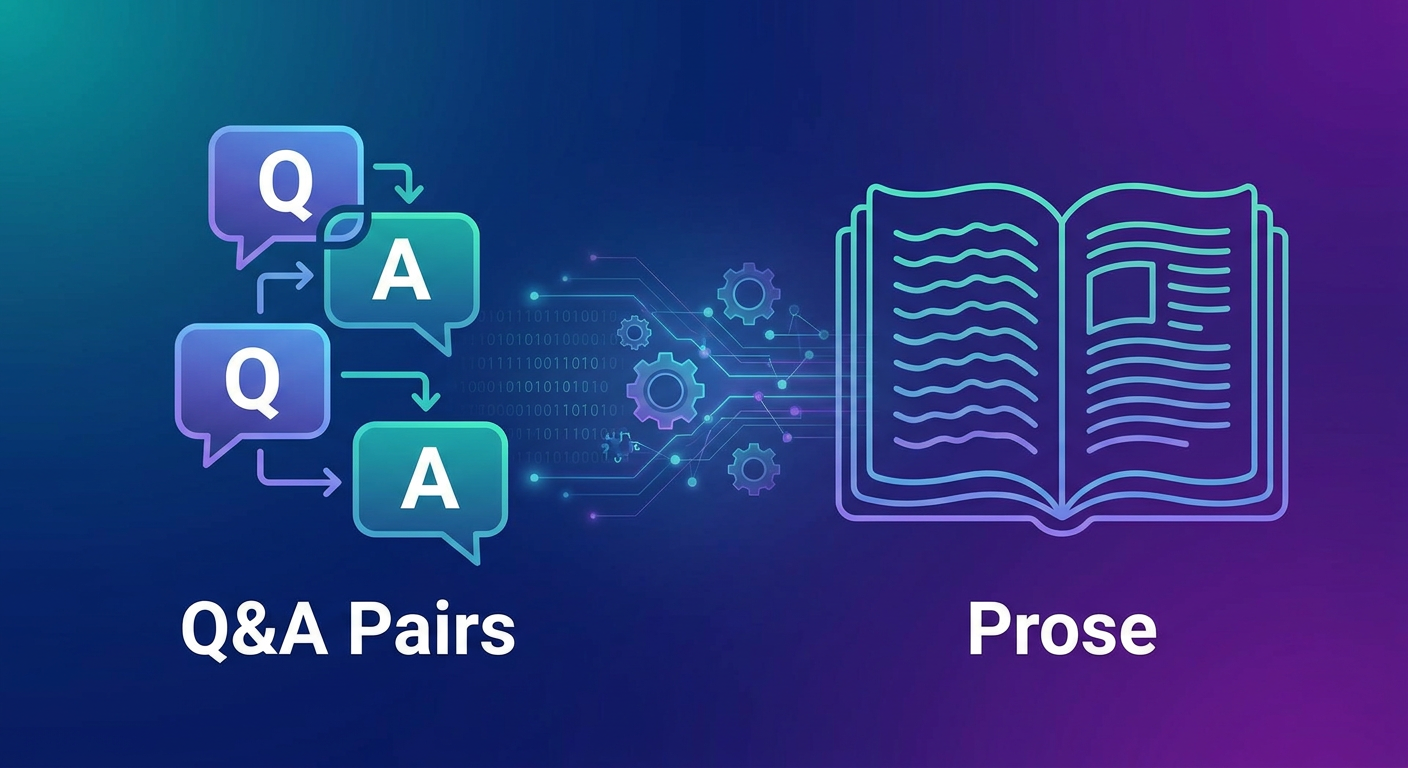
The way you lay out your business data directly controls how well the search engine finds the right answers. Let's look at how unstructured paragraphs hold up against clean, explicit Q&A pairs.
| Format Type | Pros | Cons | Best Used For |
|---|---|---|---|
| Prose (Paragraphs) | Fast to draft; you can just copy-paste directly from your current site. | Search engines often miss small details, leading to vague or incomplete answers. | Broad brand storytelling, your company mission, or general business history. |
| Q&A Pairs (Structured) | Incredibly accurate search matching because it mirrors actual customer queries. | Takes a bit more time and effort to write and structure properly up front. | Refund guidelines, parking spots, delivery radiuses, and strict store rules. |
If you want the best performance, take the time to write your FAQ files using clear Q&A pairs. When a customer types a question, the underlying math of the vector search matches their phrase directly to your pre-written "Q:" line, which helps the system grab the exact "A:" answer they need.
Here's a quick look at how to format these pairs for maximum accuracy:
Q: What is your cancellation policy for hair appointments?
A: You can cancel or reschedule your salon appointment free of charge up to 24 hours before your scheduled time. Cancellations made within 24 hours will incur a 50% fee.

Q: Do you offer vegan options on your lunch menu?
A: Yes, all vegan options are marked with a green leaf icon (🌱) on our digital menu. Our popular Vegan Truffle Burger is 100% plant-based.
How to Handle PDF and CSV Menu Ingestion

Restaurants, local cafes, and busy salons often run into major roadblocks when they try to upload menu to ai chatbot setups. Why? Because visually stunning PDF menus are usually a nightmare for AI parsing scripts. Complex multi-column layouts and fancy fonts get scrambled during extraction, leading to a bot that pairs the wrong prices with the wrong items.
To bypass this issue entirely, format your menu or service list as a clean CSV (Comma-Separated Values) file before uploading it. This keeps your column associations—like Item Name, Price, Ingredients, and Allergens—perfectly linked in the database.
If you're stuck using a PDF, make sure it's saved as actual selectable text, not just a scanned image. For businesses where things change fast, seek out chatbot builders that support a webhook / API integration for live menu updates to keep your POS and vector database perfectly in sync.
Structuring the System Prompt / Instruction Layer
If your uploaded files are the chatbot's brain, then the system prompt / instruction layer is its personality and boundaries. Think of the system prompt as a set of behind-the-scenes rules that dictate how your AI talks, what its goals are, and what it's absolutely forbidden from saying.
A generic prompt leaves you with a dry, robotic bot. A highly specific prompt turns your AI into an stellar digital host. When you sit down to draft these rules, make sure you cover these four core pillars:
- Identity & Role: "You are the warm, professional virtual host for Bella Vita Salon in Istanbul.";
- Constraints: "Stick strictly to the provided files. If you don't know the answer, politely say so and offer to take down their contact details.";
- Tone & Style: "Keep answers brief (under 3 sentences). Sprinkle in emojis naturally (like 🗓️ for bookings or ☕ for drinks).";
- Goal: "Your main job is to guide visitors toward scheduling an appointment or checking out our menu.";
Curious about dialing in these personality settings? Take a look at our walkthrough on how to automate customer inquiries with AI without losing the personal touch.
Setting Up Confidence Thresholds and Human Escalation
Let's be realistic: customers will always ask bizarre or hyper-specific questions that your documents don't cover. To keep your brand looking sharp, your setup needs a solid backup plan powered by intent recognition and fallback handling.
RAG platforms assign a mathematical confidence score (scaled from 0 to 1) to every single search query. If someone asks a tricky question and the search score drops below your preset limit—say, 0.7—the system shouldn't try to guess. It needs to run a fallback mechanism.
Instead of rambling, the chatbot should trigger a human escalation trigger with a message like this:
"I want to make sure I give you the perfect answer for that! Let me transfer this inquiry to our front desk team. Please leave your phone number or email, and a human agent will message you shortly."
This keeps customer trust high while freeing your team from answering the exact same baseline questions day in and day out. If you're building out text-based pipelines, check out our guide on building an AI virtual assistant for taking orders via text and WhatsApp.
Testing, Evaluating, and Preventing Hallucinations
Don't just upload your files and launch your bot the same afternoon. Take the time to test and evaluate the system to make sure it's actually ready for your customers.
1. Create a "Golden-Set" Test
Put together a quick sheet of 20 to 30 real-world customer questions alongside the exact answers you expect to see. Every time you make changes to your files, run these questions through the bot to make sure it's still hitting the mark.
2. Watch for Hallucinations
If you catch the bot dreaming up details—like offering random discounts you never authorized—tighten up the system prompt. Add a firm rule: "Never quote prices, deals, or hours unless they are explicitly written in your source files."
3. Set a Routine for Updates
Businesses change. Set a reminder on your calendar to refresh your files. Whenever you update prices, run new seasonal specials, or adjust holiday hours, make sure your vector database gets those updates too. A quick weekly check avoids a lot of customer friction down the road.
How to Train an AI Chatbot Without Coding Using Qret.me
Setting up your own RAG pipeline, paying for vector storage, and writing complex API prompts can feel like a full-time job. If you'd rather use a simple, out-of-the-box solution, platforms like Qret.me act as your business's "Digital Twin"—handling all the heavy technical lifting behind a clean, user-friendly dashboard.
You don't need a computer science degree to launch a highly trained AI assistant on Qret.me. The built-in, code-free Qret.me AI agent training interface handles all the database ingestion automatically.

Setting up your digital twin on Qret.me is incredibly straightforward:
- Visual FAQ Builder: Just type your Q&A pairs directly into your bio block settings. The AI assistant updates its search database in real-time.
- Contactless Menu Syncing: Drop your menus and product lists straight into the Digital Menu system. The AI host reads this structured data instantly to answer customer questions about ingredients, pricing, and food preferences.
- All-in-One Dashboard: Qret.me merges your bio link, your online booking system, customer metrics, and your AI assistant into one single tool, saving you from juggling multiple expensive software tools.
Every Qret.me account—even on the Free tier—starts with 100 free AI credits per month so you can train and test your bot. If you're ready to put your booking, customer service, and menu displays on autopilot around the clock, go ahead and set up your digital twin today.
Create Your Free AI Digital Twin on Qret.me Now
Frequently Asked Questions
What is the difference between RAG and fine-tuning an AI?
Fine-tuning actually changes the internal settings of the AI model. It's slow, expensive, and can still result in the bot making up facts. RAG works like an open-book test—it forces the AI to look at your uploaded documents before writing a response, which is much more accurate, faster, and completely free to update.
Can I upload my existing PDF restaurant menu directly to the chatbot?
You can upload text-based PDFs, but it's usually better to convert stylized layouts into simple CSV tables first. Multi-column PDF designs can easily confuse document readers, while CSV files keep your items, prices, and descriptions perfectly organized.
How do I handle customer inquiries that my chatbot doesn't know how to answer?
You'll want to set a confidence threshold for your AI. If the chatbot's search score falls below that limit, it should fall back on a friendly message asking for the customer's contact info so a human team member can follow up with them directly.