

How to Use a Digital Business Card on Apple Wallet: 2025 Guide
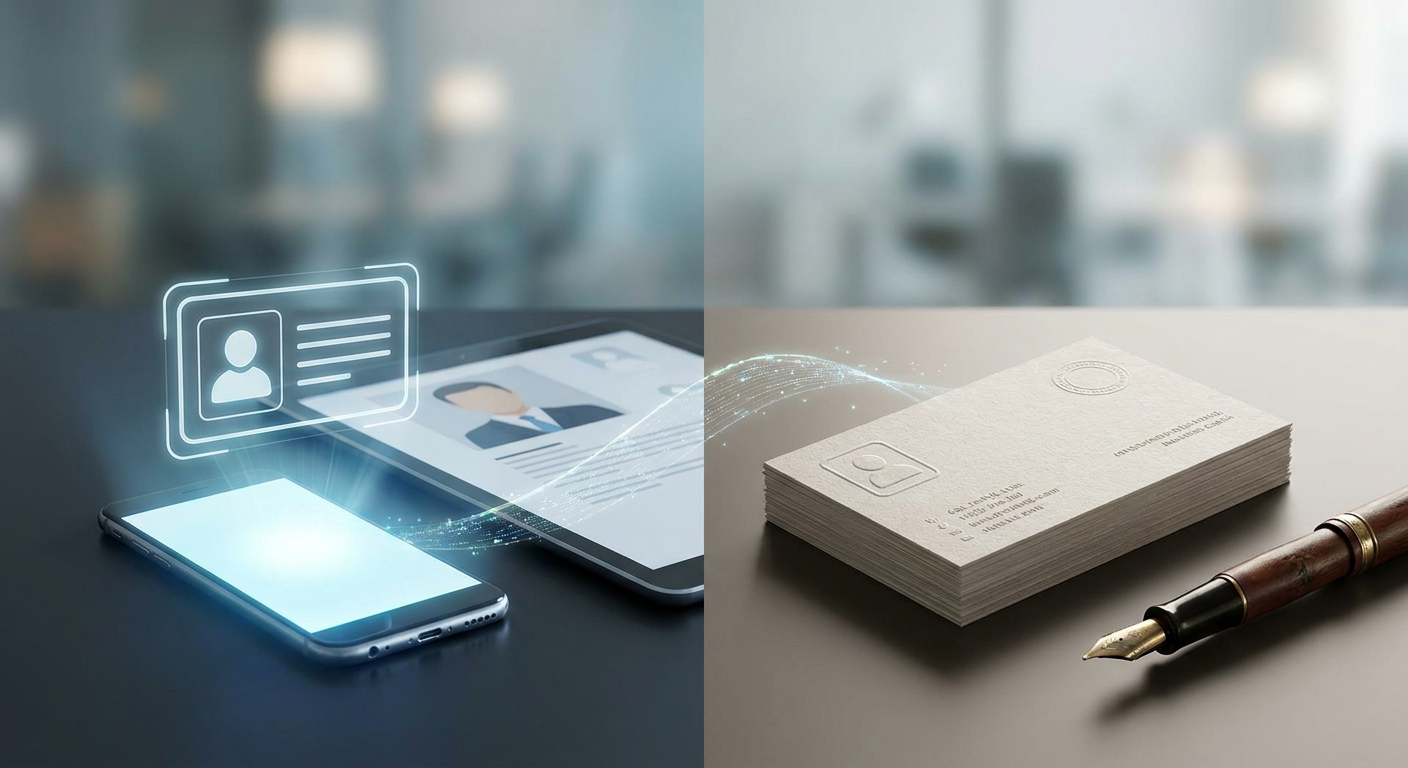
Let's face it: paper business cards are a relic of the past. They are expensive to print, easy to lose, and incredibly wasteful. It is no surprise that forward-thinking professionals and enterprises across Europe, Asia, and Turkey are quickly shifting how they network. Instead of carrying around stacks of paper, they are storing a digital business card on Apple Wallet. By using the built-in iOS wallet app, you can share your contact info in a split second, make a memorable first impression, and stay ahead of the curve—even when you're completely offline.
This guide walks you through why this shift is happening and how it can supercharge your networking. You'll learn exactly how to design, customize, and save your own Apple Wallet pass, plus how to link it to a dynamic network that captures leads on autopilot. Whether you're building a personal brand or rolling out digital business cards for teams across a global organization, think of this as your playbook for high-impact networking in 2025.
Why the Apple Wallet is the Ultimate Destination for Your Digital Business Card
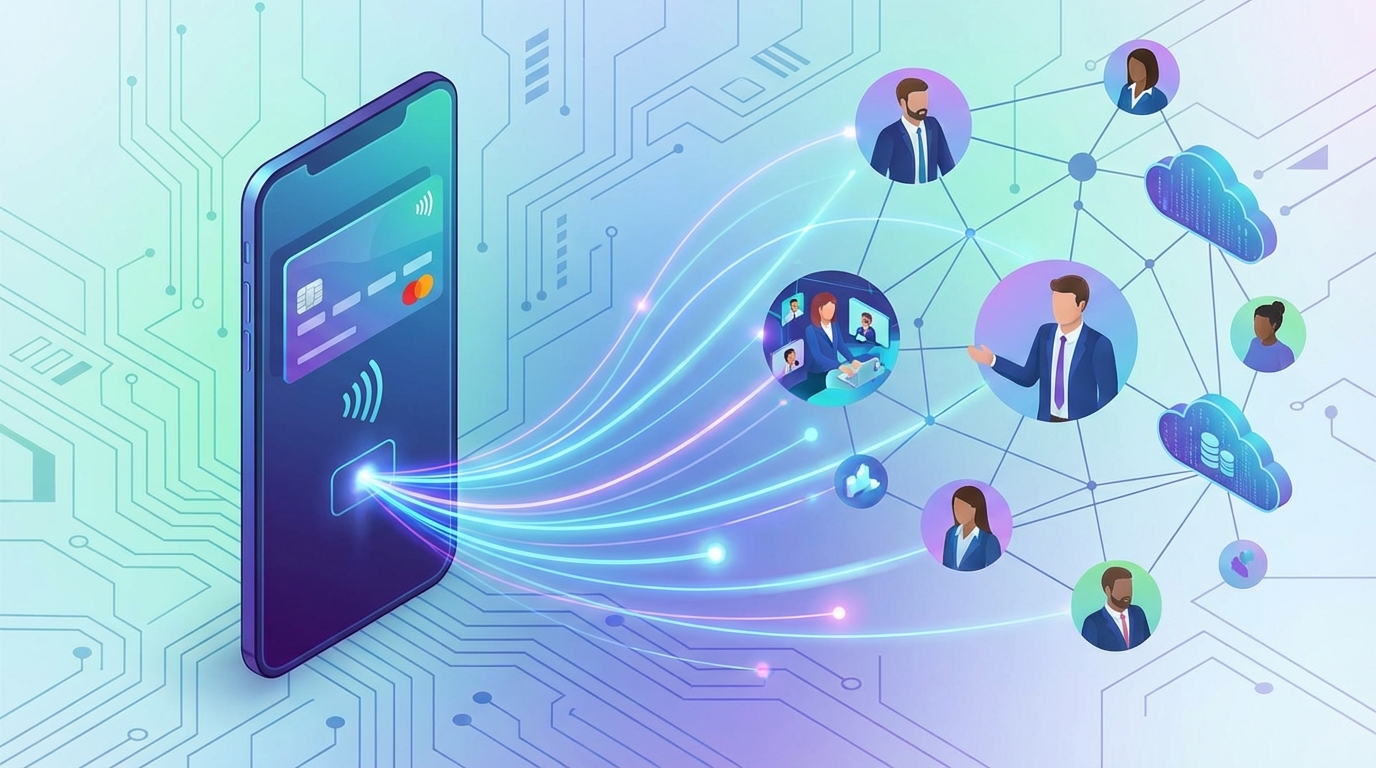
Apple Wallet isn't just for boarding passes, concert tickets, or credit cards anymore. It has quietly become the single most convenient place to keep your professional identity. When you move your business card into the Apple Wallet ecosystem, you're tapping into a trusted, native space that people already open multiple times a day. Here is why making the switch makes perfect sense:
1. Seamless, Friction-Free Sharing
Friction is the ultimate relationship killer in networking. If someone has to download a weird third-party app or wait for a slow web page to load just to get your phone number, they'll probably give up. Apple Wallet eliminates this headache entirely. Since it's baked right into every iPhone, sharing your details is effortless. Just double-click your power button, pull up your pass, and let them scan the QR code with their phone's camera. In less than three seconds, you're connected.
2. Uncompromising Offline Functionality
We've all been there—stuck in a crowded convention center or a remote venue with absolutely zero cell service. If your digital card relies entirely on a live internet connection, you're going to miss opportunities. That's where a native Apple Wallet pass shines. Because the file lives directly on your device, your QR code works anywhere, anytime. It loads instantly and scans perfectly, even in airplane mode.
3. Extreme Financial and Environmental Savings
Let's talk numbers: around 88% of paper business cards end up in a trash can within a week of being exchanged. That is a massive waste of paper, ink, and cold hard cash. Going digital cuts your printing budget to zero. And the best part? If you change your phone number, get a promotion, or switch brands, you don't have to throw away boxes of outdated cards. You just update your details online for free, and the changes automatically sync on the passes your contacts have already saved.
4. Flawless Cross-Platform Compatibility
Don't worry about the "blue bubble vs. green bubble" debate here. Even though the pass is native to Apple, it plays incredibly well with Android. When an Android user scans your code, they're taken directly to a sleek, mobile-friendly landing page. With one tap, they can save your contact details straight to their address book or even add the pass directly to their Google Wallet. No one gets left out of the loop.
How to Create and Add a Digital Business Card to Apple Wallet
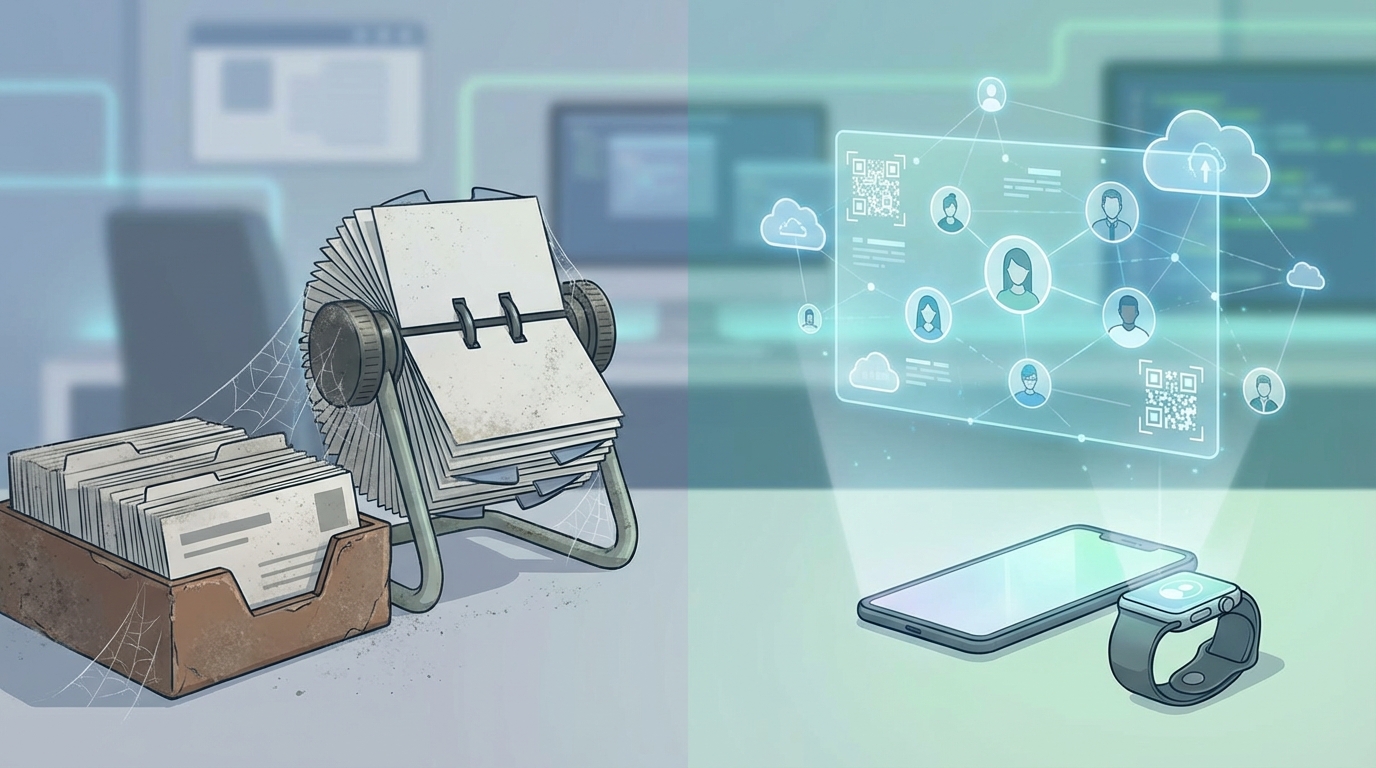
Getting your personalized card into the iOS ecosystem is surprisingly easy. By following a few quick steps, you'll have a highly professional, interactive card ready to go.
Step 1: Choose a Robust Digital Platform
First, you need a reliable platform to host your details. Your Wallet pass shouldn't just be an offline image—it needs to link back to a high-performance landing page containing your contact info, social links, biography, and website. Make sure you choose a trusted service that handles both the hosting and the automated generation of the wallet file.
Step 2: Input Your Details and Generate Your Pass
Next, fill out your profile with your name, job title, company logo, and key links. The platform compiles everything into a standardized .pkpass file—that's the official format Apple uses for Wallet passes. Quick design tip: use a high-contrast logo and brand colors that stand out, and make sure the QR code is clean and easy to scan from a comfortable arm's length away.
Step 3: Save the Card Directly to Your Apple Device
Once your pass is ready, getting it onto your phone takes seconds. You can download it directly from your browser, email it to yourself, or scan a setup QR code on your desktop screen. Just tap "Add to Apple Wallet," and you're set. It will even sync automatically to your Apple Watch for those quick, wrist-to-phone handshakes.
Maximizing Networking ROI: Connecting Apple Wallet to a Dynamic Digital Identity
A lot of people make the mistake of treating digital business cards exactly like their paper predecessors. Honestly, that's a huge missed opportunity. If your card only saves a static name and phone number, it's a dead end. To get the absolute best return on your networking efforts, your wallet pass needs to be a gateway to a dynamic, interactive digital hub.
The Practical Power of Dynamic Links
When you route your pass through dynamic QR codes, you get total control over where your audience lands. Say you're speaking at a conference this afternoon—you can instantly set your QR code to open your presentation slides. Next week, if you're hunting for new clients, you can point that same code to your calendar booking link. You won't have to redesign your wallet pass or download a new file; the system handles the redirect smoothly in the background.
Consolidate Your Digital Footprint
Let's be real—most of us have our digital footprint scattered all over the place: LinkedIn, portfolios, company sites, and social feeds. Instead of overwhelming someone with five different links, it's much better to use structured bio link pages. Think of this as your personal digital storefront, pulling together your calendar, videos, PDF portfolios, and social profiles into one polished, mobile-friendly landing page.
If you still like having something physical to hand over, you can pair your digital account with sleek NFC business cards. This hybrid setup gives you the best of both worlds—you can tap a premium card on their phone or show your Apple Wallet pass, adapting on the fly to any networking situation.
Key Strategies for Modern Professionals in Turkey, Europe, and Asia
Networking rules aren't universal—they change dramatically depending on where you are in the world. To make the best impression, tailor your digital strategy to match these regional business customs:
| Region | Networking Culture | Your Digital Strategy |
|---|---|---|
| Turkey | Warm, relationship-driven, and appreciates fast follow-ups. | Add direct buttons to popular messaging apps like WhatsApp or Telegram to keep subsequent conversations fluid and casual. |
| Europe | Highly focused on data privacy (GDPR) and professional efficiency. | Keep it minimalist. Link your privacy policy clearly and choose a platform that hosts data on secure European servers. |
| Asia | Structured, polite, and treats card exchanges with deep respect. | Use dual-language options and ensure your card links directly to regional essentials like WeChat, Line, or KakaoTalk. |
With a flexible digital setup, you're agile enough to pivot for any audience. You can translate your info, swap out links, or refresh your brand imagery in just a few taps right from your phone.
Elevating Your Wallet Pass with Qret.me: The AI-Powered Digital Twin
Let's be honest: standard landing pages with static buttons feel a bit flat nowadays. High-performing teams and busy executives need something smarter to manage incoming opportunities. That is why so many professionals are making the jump to Qret.me.
Developed by entrepreneur Siamak Alamdari in Istanbul, Qret.me is an innovative, AI-powered ecosystem built for the next generation of networking. Think of it as your 24/7 virtual chief of staff—capturing leads, sorting contacts, and keeping your personal brand polished even when you're off the clock.
Linking your standard Apple Wallet pass with Qret.me unlocks a whole new tier of professional capabilities:
- Your AI Digital Twin: Qret.me sets you up with a highly conversational AI chatbot trained on your professional background, services, and pricing. It can answer detailed questions, pitch your work, and pre-qualify leads while you sleep or travel.
- Seamless Calendar Booking: Connect your wallet pass directly to Qret's integrated online booking system. Prospects can see when you're free and book a meeting instantly, skipping the endless back-and-forth emails.
- Real-Time Analytics: Know exactly which events are paying off. With built-in URL shortener & link analytics tools, you can track precisely when, where, and how often your card gets scanned.
- Interactive Document Showcases: Embed product catalogs, pitch decks, portfolios, and contracts directly into your profile. It's a secure, professional way to share critical collateral instantly with hot prospects.
Qret.me turns standard contact details into an active, high-converting marketing engine. It's the easiest way to scale your reach and grow your professional footprint without adding extra hours to your day.
Frequently Asked Questions
Can I share my Apple Wallet business card with an Android user?
Yes, 100%. The QR code on your Apple Wallet pass is universal. When an Android user scans it with their camera, it opens your mobile profile instantly. From there, they can save your details to their contacts or save the pass straight to their Google Wallet in a single tap.
Does the digital pass work when my device is completely offline?
Yes. Since your Apple Wallet pass is saved locally on your iPhone as a native .pkpass file, you don't need internet or cellular data to display it. The QR code loads immediately and scans perfectly, even deep inside convention halls with zero reception.
Can I update my contact details after adding the card to my wallet?
Absolutely. Whenever you update your details on your online dashboard, those changes are pushed automatically to your saved Apple Wallet pass. Your QR code stays exactly the same, so there's never a need to send people a new file.
Is a digital business card more secure than a printed paper card?
Without a doubt. Paper cards are static—anyone who picks one up can read your personal details indefinitely. With a digital card, you're in total control. If you need to hide a private phone number, swap out links, or secure sensitive company documents, you can update your dashboard instantly to reflect those changes.
Can I display my business card directly on my Apple Watch?
You sure can. Any pass in your iPhone's Apple Wallet automatically syncs to your paired Apple Watch. This is incredibly handy for sharing your contact info with a simple flick of your wrist when your hands are full.
Conclusion
Swapping your paper stack for an Apple Wallet digital business card is one of the easiest ways to upgrade your professional game in 2025. It streamlines how you exchange info, cuts your printing costs to zero, does the planet a favor, and ensures you're never left empty-handed when a great connection comes along.
If you want to take it a step further, pairing your pass with an intelligent platform like Qret.me is a game-changer. By blending dynamic QR codes, custom bio links, instant booking, and AI assistants, you're turning a simple introduction into a fully automated lead generation machine.
Ready to streamline your networking and automate your lead generation? Check out Qret's pricing and set up your AI-powered digital twin for free today!