
How to Master the vCard QR Code Generator in Adobe: A 2025 Professional Guide
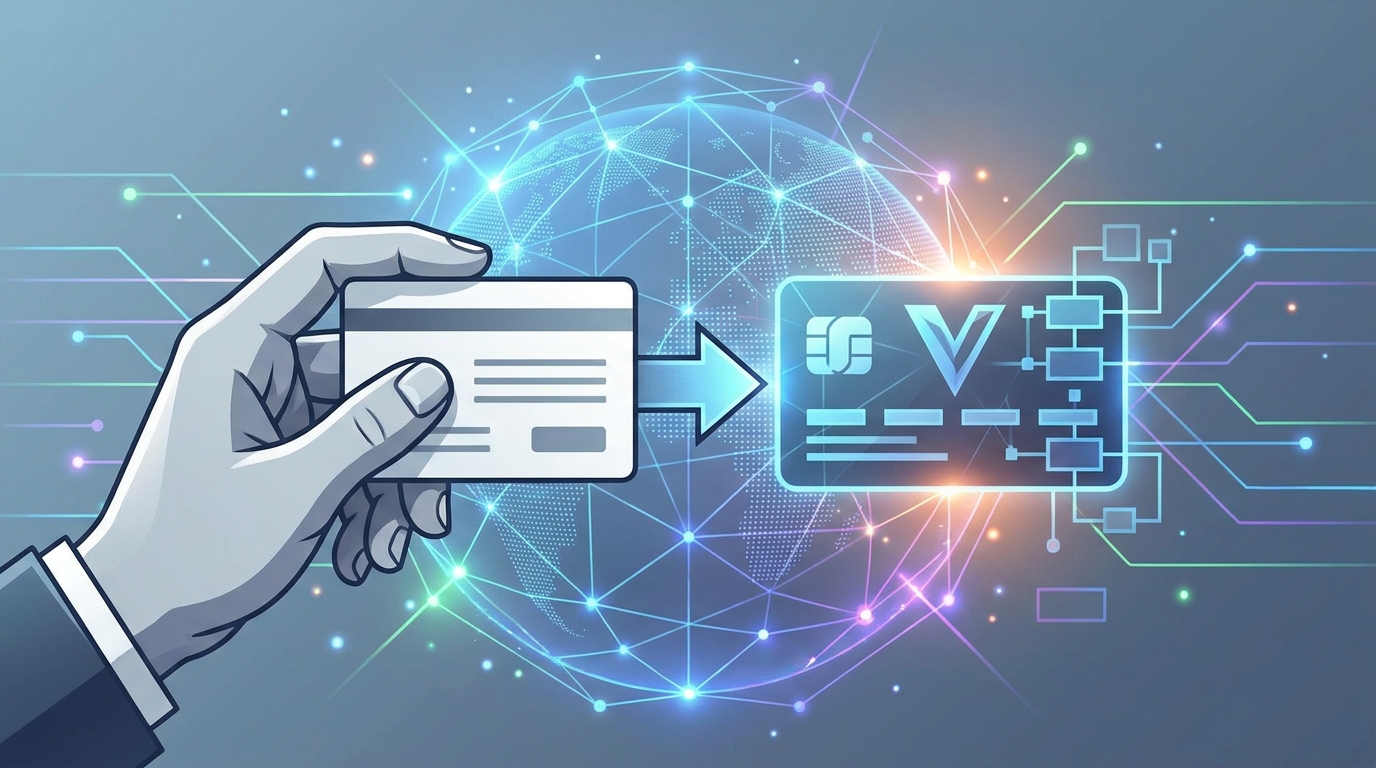
Networking looks different these days, especially if you're working across Turkey, Europe, or Asia. A traditional paper card isn't just outdated—it’s often a missed opportunity. Think of your professional identity as the front door to your digital world. Designers are leaning heavily on the vcard qr code generator adobe workflow to build these connections, but it's not just about looking good. It’s about building a strategic bridge. Today, a vcard isn't just a file; it’s a living asset that ties into your Link in bio for Instagram, a digital twin, or even an AI-powered version of your portfolio.
The Shift to Digital Identity
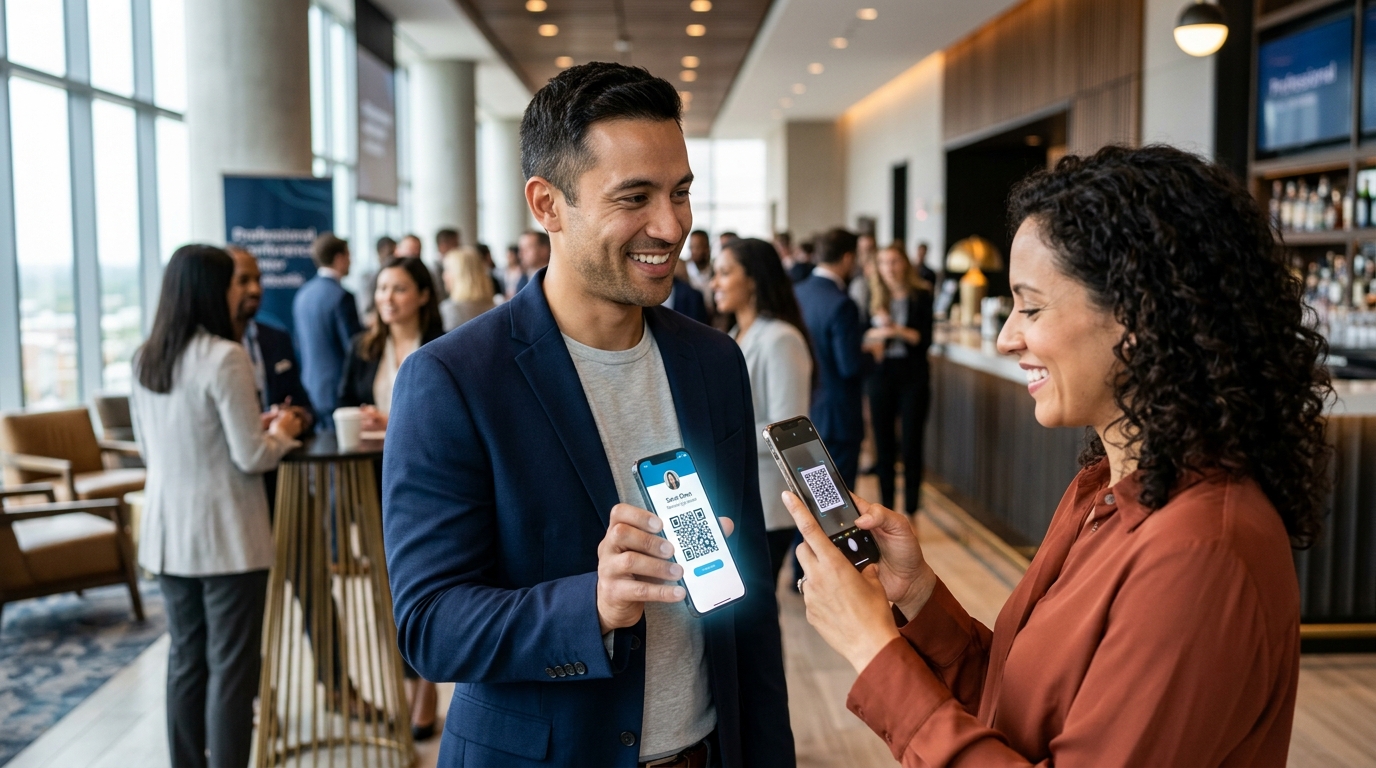
Speed is everything in 2025. Whether you're in a tech hub like Istanbul or a business center in Singapore, swapping a vcard with a quick scan has become the professional baseline. But the codes themselves are getting much smarter. We're moving toward "AI Career Development" profiles, where your code does more than just save a name and number. It's a portal. One scan can pull up your latest work, let someone book a meeting on your calendar, or even introduce them to an AI version of your professional self.
Modern pros need tools that can keep up. While Adobe offers an incredible suite for visuals, the generator for a modern vCard needs a "brain" that goes beyond just graphics. You've got to mix creative design with smart platforms if you want to stay ahead. A well-placed vcard on a digital card can be the difference between a new lead and a forgotten handshake. As we move through 2025, integrating these codes into everything—from email signatures to Link in bio for Instagram profiles—isn't just a "nice to have" anymore; it's how you stay visible.
Adobe QR Generator Capabilities
Adobe has baked QR tools right into its ecosystem, specifically in Express, InDesign, and Illustrator. Most pros love the vcard qr code generator adobe options because they produce crisp, vector-based files that look perfect in print. In Adobe Express, for example, you can just hit the 'QR Code' quick action, pick 'vCard,' and fill in your details. From there, you're free to tweak the colors and style to match your brand perfectly.
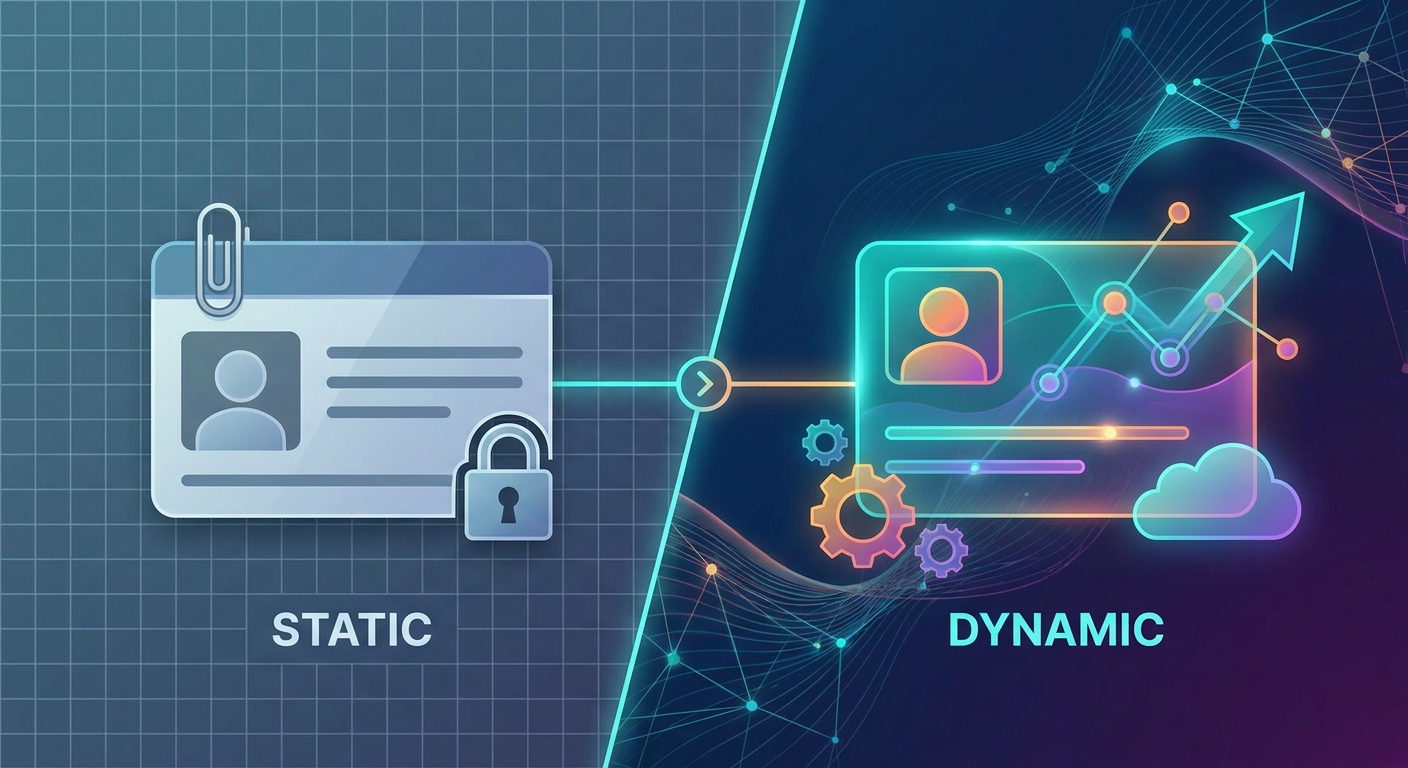
But here’s the catch: you need to understand the technical hurdles. Adobe’s native tools mostly create "static" codes. A static code hardcodes your info directly into the pattern. If you change your phone number or move to a new office, you're in trouble. You'll have to redesign the code, update your files, and reprint every single physical card. You'd also have to manually fix every Link in bio for Instagram you've set up. This rigidness is exactly why high-level pros use Adobe for the "look" but lean on external Dynamic QR Codes for the actual data management.
InDesign vs. Adobe Express for vCards
Which Adobe tool should you use? It mostly depends on your vibe and the output. Adobe Express is the king of quick, social-friendly designs. It's got templates where you can drop a vcard into a story or a post in seconds. This is perfect if you're managing a Link in bio for Instagram and want a visual refresh every few weeks without the headache.
InDesign, however, is still the gold standard for the print world. You can generate a vcard directly in your layout via the 'Object' menu. This is a lifesaver if you're batch-producing business cards for a whole department—you can map data fields so everyone gets their own unique code. It's powerful, but remember: the data is still static. A better way? Design a beautiful placeholder in InDesign and overlay a dynamic link that you can update remotely whenever your career takes a turn.
Static vs. Dynamic vCards
This is probably the most important choice you'll make. A static generator creates a permanent structure. They’re usually free, but they offer zero flexibility. If you're working in a fast market like Turkey or Europe, your contact info or service list might change three times a year. Static codes just can't keep up with that pace.
Dynamic solutions are just better for growth. A dynamic code points to a short URL that then sends the user to your info or your digital business card. This means you can update your number, change your Link in bio for Instagram, or swap out your whole portfolio link without ever touching the physical QR code. That kind of flexibility is essential for your sanity and your budget. Plus, dynamic codes give you tracking data—you'll actually know how many people are scanning your vcard and where they’re located.
Integrating Instagram Strategy
Instagram isn't just for lifestyle shots anymore; it's a massive discovery engine for freelancers and businesses alike. Your Link in bio for Instagram is the most valuable piece of digital real estate you own. Using an Adobe generator to create a card that bridges your social presence with your professional info is a winning move. Don't just send people to a generic homepage; send them to a mobile-optimized vcard landing page.
We’re seeing more industry leaders use Bio Link Pages as a central command center. Instead of a simple file download, your vcard should lead to a hub where people can save your details, follow your socials, or see your latest projects in one go. It ensures that even if they don't save your contact info right away, they've still engaged with your brand. When these hubs match the visual style of your Adobe-designed assets, you build a much stronger, more memorable identity.
Why Adobe Users Need Qret.me
Adobe is unmatched for design, but it doesn't have the "brain" needed for modern networking. This is where Qret.me comes in. Think of it as the backend for your digital life. It acts as a "Digital Twin" for your career, providing a level of depth that a basic vcard file just can't touch.
The smartest workflow? Design your assets in Adobe, but use a Qret.me dynamic link for the code. This combo unlocks features Adobe doesn't provide:
- AI Chatbot Integration: Your profile can feature an AI Assistant that answers questions about your services while you’re offline.
- Real Analytics: Track every single scan of your vcard to see which networking events are actually paying off.
- Easy Booking: Let potential clients book a meeting right through your profile with an online booking system.
- Saves Money: One platform replaces the need for separate link-in-bio tools, QR generators, and scheduling software.
Using Qret.me turns a simple code from a flat image into a high-performance lead generator. If you're in a competitive market, this is how you maximize every single interaction.
Optimizing for Global Markets
When you're rolling out your vcard strategy, you've got to think about where you're using it. In Asia—especially Japan and China—QR codes are everywhere and people expect them to work instantly. Your generator has to produce high-contrast, easy-to-scan codes. In Europe, where GDPR is a huge deal, having a branded, transparent landing page is much better than a mysterious direct file download.
In Turkey, Instagram is a massive business hub. Tying your Link in bio for Instagram to your professional vcard lets you meet your audience where they’re already hanging out. Whether you’re putting codes on digital menus in Istanbul or sharing a portfolio in London, being able to adapt to local needs is a superpower. Platforms like Qret.me give you the localization tools to actually thrive in these different spots.
Best Practices for QR Code Design and Scannability
When you're dropping that vcard into an Adobe layout, design is everything. First, give it a "quiet zone"—that little margin of white space around the code. It helps scanners find the data. Second, keep the contrast high. It's tempting to use brand colors, but a dark vcard code on a light background is still the most reliable way to go.
Don't put the code on a curved surface or near a brochure fold; it'll distort the pattern and make it unreadable. If you're using vcard qr code generator adobe tools for a physical card, test the size. Anything smaller than 2cm x 2cm might struggle on older phones. And finally, always add a "Call to Action" (CTA) like "Scan to Save My Contact." People need that little nudge to engage.
Future Trends: AI Assistants and Digital Twins
The future of the vcard isn't a file—it's an experience. By 2026, we expect "Digital Twins" to be the standard. Imagine an AI trained on your resume and portfolio. When someone scans your vcard, they aren't just getting a phone number; they're starting a conversation with your digital representative. It can qualify leads, answer FAQs about your availability, and give everyone a personalized experience.
Tying this into your Link in bio for Instagram creates a seamless funnel. A follower sees your post, clicks the link, scans the vcard, and is immediately talking to your AI assistant. That's the level of automation that separates the top 1% from everyone else. Using a smart generator today is just the first step in building that infrastructure.
FAQ
Can I create a vCard QR code for free in Adobe?
You sure can. Tools like Adobe Express let you generate a vcard QR code for free. Just keep in mind they're usually static. For the dynamic stuff and tracking, you’ll want a specialized platform.
What is the benefit of a dynamic vcard over a static one?
Flexibility. A dynamic vcard lets you update your info without changing the physical code. Plus, you get analytics and can tie it into your Link in bio for Instagram.
Is a vCard QR code better than a Link in Bio?
They actually work best as a team. A vcard is for saving contacts quickly, while a Link in bio for Instagram is for broader engagement. Qret.me just combines them into one experience.
How do I ensure my Adobe QR code scans every time?
Keep it simple. High contrast, plenty of white space around the vcard, and always—always—test the printed version with a couple of different phone models.
Can I use my vcard on my Instagram profile?
Definitely. You can put a link to your dynamic vcard page in your Link in bio for Instagram, or even use the QR code as a highlight cover for quick access.
Conclusion
Moving from a basic vcard qr code generator adobe workflow to a full-blown digital identity strategy is the key to modern success. Adobe gives you the visual fire to make your brand look world-class, but 2025 demands more than just a pretty picture. You need a "Digital Twin" that manages your Instagram traffic, handles your AI interactions, and sorts your booking schedule automatically.
Qret.me is the bridge between great design and high-tech utility. It brings together Bio Links, Dynamic QR Codes, and AI assistants in one place. Whether you’re a designer in Istanbul or a consultant in London, your digital presence has to be as dynamic as your career. Stop settling for static files and start building a digital identity that works for you 24/7.
Ready to level up? Try Qret.me for free today and change how the world connects with you. You don't even need a credit card to get started.