
How to Use Your Link in Bio to Collect Email Subscribers on Instagram: The 2026 Guide
Building a real, organic audience on Instagram in 2026 isn't about chasing vanity follower counts anymore—it's about who you actually have a direct line to. By tuning up your profile link, you can easily set up a high-converting lead magnet gate (PDF, checklist, discount code as the opt-in incentive) to turn casual profile visitors into lifelong email subscribers. Making this shift from rented social media land to your own digital property is the single best move you can take to safeguard your brand.
To turn Instagram followers into email subscribers, set up a single-CTA bio link page with an embedded signup form and a high-value, trackable lead magnet gate (PDF, checklist, discount code as the opt-in incentive). Make sure to tag your link with UTM parameters so you can track performance, then cross-reference those numbers with the 'Website Clicks' metric inside your native Instagram Insights.
Key Takeaways:
- Keep users in-app: Use an embedded form instead of sending them to slow external pages.
- Always tag your links: UTM parameters show you exactly which Instagram initiatives actually triggered the sign-up.
- Speed is everything: Keep your layout clean, fast, and completely visible above the fold to stop mobile users from bouncing.
- Consolidate your stack: Use a modern bio link tool that handles both your landing page and your lead capture in one place.
Why Use a Single-CTA Bio Link Page?

We've all seen those bio links that look like a digital junk drawer—cluttered with twenty different buttons pointing everywhere. It's called the paradox of choice, and it's a massive conversion killer. When you give people too many roads to take, they usually just close the tab.
To actually see results, you need a tight, single-CTA strategy. Dedicate your prime digital real estate to one big goal: growing your list. If you absolutely have to include other links, tuck them further down the page so they don't steal the spotlight from your opt-in form.
Let's not forget that almost 100% of your Instagram traffic is browsing on a phone. If your landing page is bloated with heavy graphics, it's going to load like molasses. The folks at the World Wide Web Consortium (W3C) have shown that even a tiny one-second lag in load times can tank your conversions. A stripped-back, mobile-first design isn't just nice to have—it's non-negotiable.
Choosing Your Lead Magnet Gate (PDF, Checklist, Discount Code as the Opt-In Incentive)
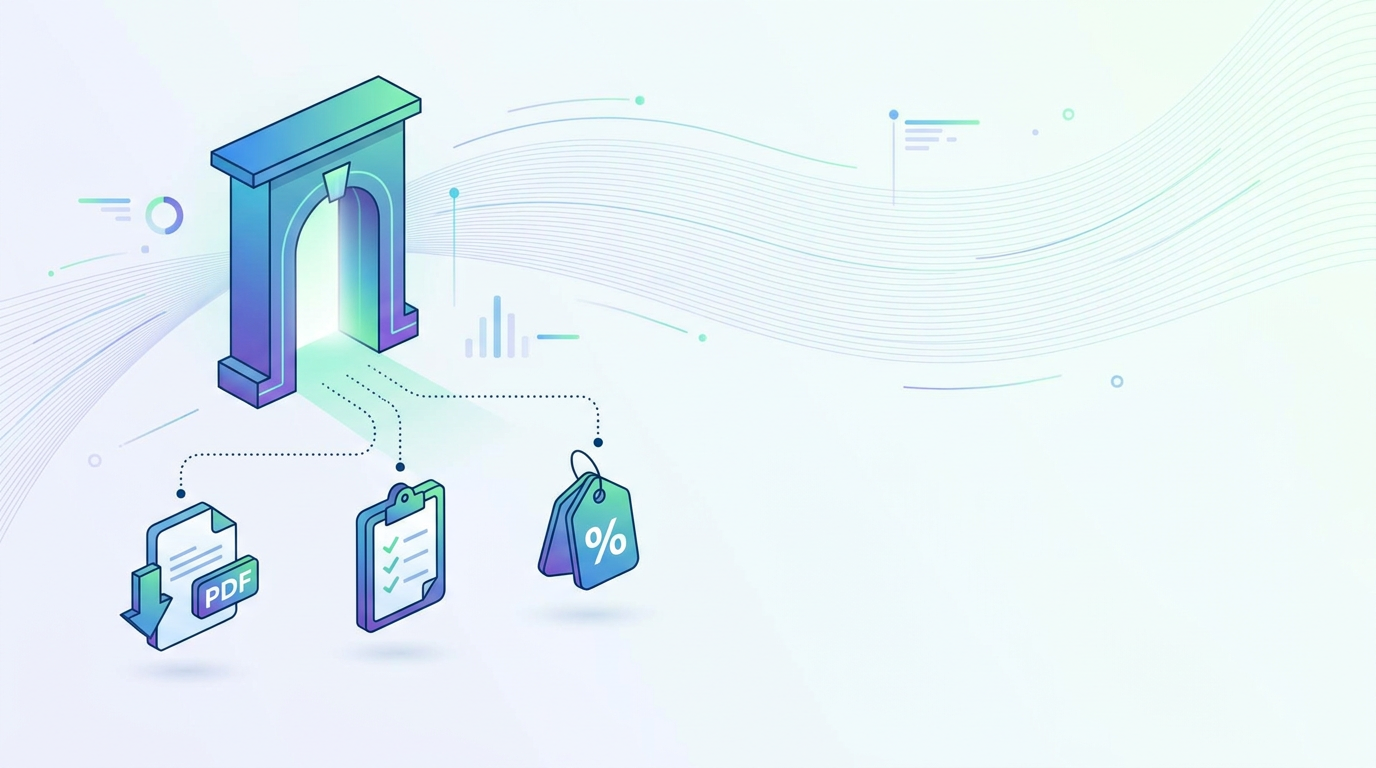
Nobody hands over their email address for free anymore. To get people to subscribe, you have to offer something incredibly useful right out of the gate. That's where a killer lead magnet gate (PDF, checklist, discount code as the opt-in incentive) comes in. If your incentive solves a real, immediate pain point for your audience, hitting that "subscribe" button becomes a total no-brainer.
Types of High-Converting Opt-In Incentives
- The PDF Resource or Guide: This is your go-to for diving deep into a topic or sharing a quick blueprint. For example, a PDF guide like "The 2026 AI-Powered Career Roadmap" gives readers instant, highly valuable insights.
- The Actionable Checklist: Never underestimate the power of a checklist. They're incredibly easy to digest, and honestly, a simple one-page cheatsheet often gets way more sign-ups than a massive, 50-page ebook that nobody has time to read.
- The Discount Code: If you're running an e-commerce store or selling services, a solid discount code is pure gold. It's the fastest way to turn casual looky-loos into warm buyers.
For your conversion benchmark, keep your eyes on a 3% to 8% opt-in rate. If you're sitting below that, don't panic—just start tweaking. Try rewriting your headline, or experiment with a different type of lead magnet to see what actually clicks with your followers.
Embedded Email Signup Form vs. Redirecting to External Pages
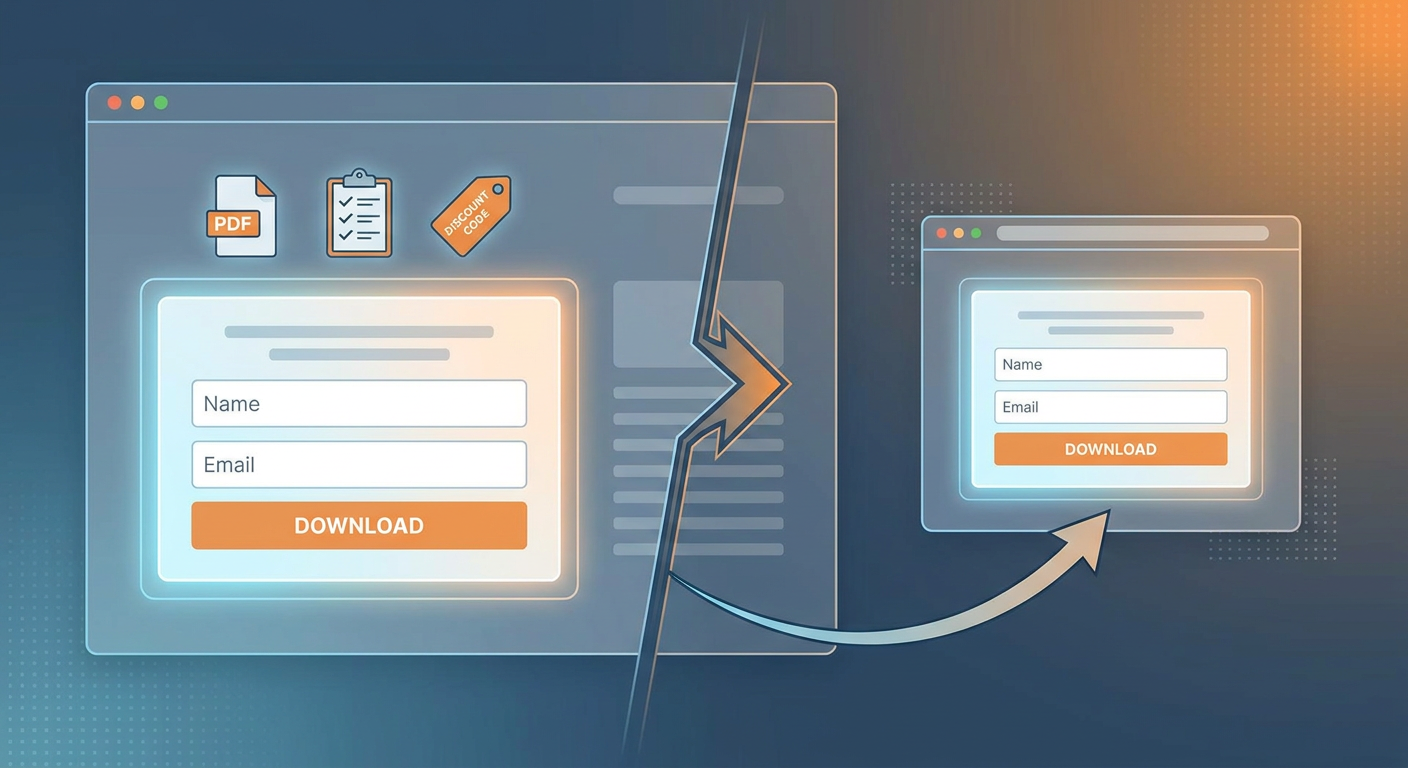
When setting up your funnel, you'll hit a fork in the road: should you use an embedded email signup form (vs. redirect to external landing page)? Let's be real—forcing users to leave the app and wait for an external browser to load is a conversion killer. Every extra step is another chance for them to close the window.
An embedded form keeps everything inside the app. They type their email directly on your bio page, hit submit, and move on. It's seamless, clean, and yields way better conversion rates.
Mailchimp, ConvertKit, and Klaviyo Native Form Embeds
Almost all the major email marketing services (ESPs) give you simple embed codes (HTML or JavaScript) that plug straight into your page. Here is how the big players shape up for 2026:
- ConvertKit (Kit): Famous for ultra-clean, lightweight forms that look fantastic on mobile screens without slowing things down.
- Mailchimp: Super customizable, giving you plenty of options to style buttons and fields to match your brand's look.
- Klaviyo: The undisputed champ for online stores, making it easy to trigger personalized welcome sequences the second someone signs up.
If you choose a bio link tool that lets you paste custom HTML or connects directly to these systems, getting your form live takes just a couple of minutes.
Setting Up UTM Parameter Tagging for Instagram Source Attribution
If you aren't tracking your links, you're essentially marketing in the dark. How do you know if a specific story, reel, or profile tweak actually brought in a new subscriber? You don't. That's why you need to set up UTM parameter tagging on the bio link URL for source attribution. These are just small snippets of text tacked onto the end of your link that tell your analytics tools exactly where a visitor came from.
Here is what a standard tracked URL looks like:
https://yourlink.com/bio?utm_source=instagram&utm_medium=social&utm_campaign=bio_lead_magnet
By using this specific link in your bio, your email tool can trace every single signup back to Instagram. To get a complete picture of your funnel's health, compare these signups against the Instagram 'Website Clicks' metric in native Insights for baseline measurement. If Instagram says you got 1,000 clicks and your email platform shows 50 new signups, boom—you know your page is converting at a solid 5%.
Step-by-Step Funnel Configuration for Instagram Bio Links
Ready to build this out? Let's walk through how to configure your bio link funnel for maximum signups, step by step.
Step 1: Place Your Opt-In Form Above the Fold
Mobile users are notoriously lazy scrollers. If they have to scroll down to find your form, you've already lost half of them. Keep your headline, description, and signup form strictly above the fold—meaning it's fully visible the moment the page loads.
Step 2: Add Clear Social Proof
People want to go where the crowd is. Give your page instant authority by dropping in a quick line of social proof. A simple quote from a happy reader or a subscriber count like, "Join 12,000+ creators who get our weekly strategy breakdown," works wonders.
Step 3: Test and Refine Your Headline Copy
Your headline does 90% of the heavy lifting. Don't just set it and forget it—make sure you're A/B testing different headline styles. Try pitting a clear, benefit-focused hook like "Unlock Your Free 2026 AI Career Guide" against something more mysterious like "The One Skill Professionals Need to Survive 2026."
Step 4: Ensure Compliance and Clean Email Deliverability
To keep your emails out of the spam folder and protect your sender reputation, always run a double opt-in confirmation flow. Sure, it adds an extra step, but it ensures you're only building a list of warm, highly engaged subscribers. Plus, it keeps you fully compliant with global data laws like GDPR and CAN-SPAM. (If you want to read up on the rules, check out the official FTC CAN-SPAM Guide and the GDPR Regulations).
Step 5: Set Up an Automated Welcome Sequence
Don't leave your new subscribers hanging. Set your email tool to fire off an automated welcome email the millisecond they confirm their subscription. This is where you deliver that promised lead magnet gate (PDF, checklist, discount code as the opt-in incentive) and introduce yourself while your brand is still fresh in their minds.
Step 6: Drive Secondary Traffic with Instagram Stories
While your bio link is your main headquarters, you should also be driving traffic there using Instagram Stories link stickers. Tease a page or two of your checklist in a story, then drop a sticker that points people straight to your bio. It’s an incredibly simple way to keep a steady stream of fresh eyeballs on your page.
Comparing Bio Link Lead Capture Strategies
Not all link-in-bio strategies are built equal. Here's a quick look at how the most common setups stack up against each other:
| Strategy | Average Conversion Rate | Friction Level | Tracking Accuracy | Mobile User Experience |
|---|---|---|---|---|
| Embedded Form on Single-CTA Bio Link | 5% – 12% | Very Low | Excellent (via UTM tags) | Fast, seamless, and keeps users in-app |
| Redirect to External Landing Page | 3% – 8% | Medium | Good | Slower; loads in external browser |
| Multi-Link Directory (Linktree-style) | 1% – 3% | High | Average | Cluttered; easily distracts visitors |
How to Optimize Your Bio Link Strategy with Qret.me
Let's face face: most bio link tools are just glorified bookmark lists. But if you want to turn your Instagram traffic into an actual, thriving community, you need something more dynamic. That's where platforms like Qret.me come in. Founded by Siamak Alamdari, Qret.me is designed as an all-in-one digital presence hub—almost like a "Digital Twin" for your entire business.
Using Qret.me's Bio Link Pages, you can build clean, mobile-optimized pages without writing a line of code. Instead of forcing visitors to wade through a cluttered wall of links, Qret's visual editor lets you drop your lead magnet and email forms right where they'll get the most attention.
Key Qret.me features that support your email list growth include:
- Advanced Link Analytics: Stop guessing what works. Use the built-in URL Shortener & Link Analytics to track every click, monitor your UTM parameters, and see exactly which campaigns are moving the needle.
- Integrated Digital Features: Keep your entire toolkit under one roof. Qret lets you effortlessly pair your bio link with an Online Booking System and Dynamic QR Codes—perfect for bridging the gap between social media and real-world bookings.
- Smart AI Capabilities: Looking to automate your list growth even further? You can explore the full suite of automation tools over on the Qret Features Page.
By bundling all these tools into one unified platform, Qret.me cuts down on your monthly subscription bloat. You get everything you need to grow your list, analyze your traffic, and scale your brand without hopping between five different apps.
Ready to level up your Instagram game? Set up a clean, high-converting bio link and start claiming ownership of your audience. Try Qret.me for free (no credit card required) and see what a true digital twin can do for your business.
Frequently Asked Questions
Can I embed a signup form from any email service provider in my bio link?
Absolutely. Pretty much all the major email platforms—including Mailchimp, ConvertKit (Kit), and Klaviyo—give you standard HTML embed codes. All you have to do is copy that code and paste it into a custom code block on your bio link page to start capturing emails instantly.
How do I calculate my bio link conversion rate?
It's simple math: take your total number of new email signups, divide that by the number of clicks on your bio link, and multiply by 100. To find your link clicks, check out the 'Website Clicks' metric in your native Instagram Insights or peek at your bio link provider's dashboard.
Why is my bio link landing page converting poorly?
Usually, a low-converting page boils down to a few common culprits: it's loading too slowly, it's cluttered with too many links, or your lead magnet just isn't exciting enough for your audience. Keep your page laser-focused on a single call-to-action, place your opt-in form right at the top so it's visible without scrolling, and make sure the mobile experience is fast and flawless.