

The 2026 Guide to Optimizing Your Bio: Mastering LinkedIn and Your Multi-Platform Digital Presence
Think of your professional bio as more than a boring paragraph on a resume—it's the digital front door to your entire career, business, or brand. By 2026, the online game for professionals, founders, and creators has shifted entirely. No one wants to scroll through static landing pages or basic link-in-bio trees anymore; they expect interactive, AI-driven personal portals. Whether you're tightening up your linkedin profile to attract premium clients, funneling traffic through a single, high-performing bio link, or using a smart QR code generator to bridge the gap between offline meetups and your online hub, having a calculated digital footprint isn't just nice to have. It's survival.
A professional bio—especially on platforms like LinkedIn—is a punchy digital summary of your career wins, skills, and unique value. In 2026, it acts as the anchor for your personal brand, supercharged by an interactive bio link that seamlessly funnels profile visitors directly to your services, work samples, and self-booking calendars.
🔑 Key Takeaways
- Value First: Stop bragging about job titles. Your LinkedIn headline and about section should target the exact problems you solve.
- The Unified Link: You need a single, highly strategic bio link to convert fleeting social media attention into actual revenue.
- Offline-to-Online Bridge: Use a dynamic QR code generator to turn casual real-world handshakes into digital connections instantly.
- AI Integration: Modern bios run on autopilot, using AI agents to field questions and book appointments around the clock.
What is a Professional Digital Bio and Why Does It Matter in 2026?
Your digital identity isn't just one webpage—it's the collective sum of every single place you exist online, with your social profiles acting as the initial handshake. Among these, your linkedin presence is the heavyweight champ of the B2B world. The numbers back this up: over 80% of all B2B leads generated on social media come straight from LinkedIn, meaning your profile page is actually a high-stakes landing page. (To keep tabs on where the platform is heading, keep an eye on the LinkedIn Newsroom).
Let's be honest: copy-pasting your old resume bullets into your profile doesn't work anymore. Today's professionals have to treat their digital presence as a living, breathing portfolio. You have about three seconds to grab someone's attention when they land on your page. In those three seconds, your profile must answer three basic questions: Who do you help? How do you solve their problems? What action should they take right now?
The Anatomy of a High-Converting LinkedIn Bio
To turn casual profile visitors into paying clients or key partners, your page needs a logical structure. Here's how to build it:
- The Banner Image: Think of this as your personal billboard. Use it to establish your industry authority, lock in your brand colors, and make your core message unmistakable.
- The Headline: You have 220 characters. Don't waste them on your job title; write a hook that explains the real-world results of what you do.
- The About Section (Summary): This is your story. Ditch the dry corporate-speak and write a compelling narrative about your background, expertise, and how you operate.
- The Featured Section: Your personal museum. Use this space to showcase your top posts, press features, case studies, and most importantly, your primary bio link.
Transitioning from Static Links to Interactive "Digital Twins"
Remember when networking meant handing out paper business cards or sending people to a massive, slow-loading corporate website? We've moved past that. Forward-thinking professionals are using tools like Qret.me to build what we call a "Digital Twin." This isn't just a list of buttons—it's an interactive, AI-powered bio page that serves as your 24/7 virtual assistant. Instead of visitors clicking a link, getting bored, and leaving, they can actually chat with an AI agent trained specifically on your career background. The agent handles questions about your services, serves up your portfolio, and books meetings for you while you're offline.
How to Write an Irresistible LinkedIn Bio that Drives Conversions
Writing a killer bio is a delicate dance between psychology, sharp copywriting, and SEO. You need to sprinkle in the right keywords so you show up in internal search results, but you also have to sound like an actual human being when people read your page. Research from the team at HubSpot confirms what we already suspect: clean, value-driven messaging crushes stuffy corporate jargon by more than 40% when it comes to conversions.
The Hook: Crafting a Compelling Headline
Your headline is the most valuable real estate on your entire profile because it follows you around like a digital shadow—appearing whenever you comment, search, or message someone. Please, drop the generic titles like "Experienced Project Manager." Instead, use a clear, result-focused formula:
[Job Title/Role] + [Target Audience] + [Specific, Quantifiable Result]
Take this example: "SaaS Growth Consultant helping Seed-Stage Startups scale from $0 to $1M ARR without VC funding." It's direct, it specifies the exact audience, and it highlights a measurable win.
The About Section: Telling Your Professional Story
Your About section is where you build genuine trust and hook the reader emotionally. Whatever you do, don't make it read like a sterile cover letter. Try structuring it like a high-converting landing page:
- The Pain Point: Start by calling out the exact struggle your ideal client or employer is dealing with.
- Your Solution: Break down your unique approach and explain why the old, traditional ways aren't working anymore.
- The Receipts: Drop one or two quick, hard-hitting metrics or case studies that prove you know what you're doing.
- The Next Step (CTA): Give them clear instructions on what to do next, pointing them straight to your high-conversion link.
The Rich Media Matrix: Integrating Portfolios and Link Pages
Once you've got them hooked, you need to guide them to your personal digital hub. LinkedIn's native "Featured" section is the perfect place to put your primary web link. By using a clean, highly visual, mobile-first link page, you give visitors a clear, organized roadmap to your calendar, newsletter, digital store, or other social channels—without making their heads spin with too many options.
The Strategy Behind a Unified Bio Link: Bridging Social Platforms
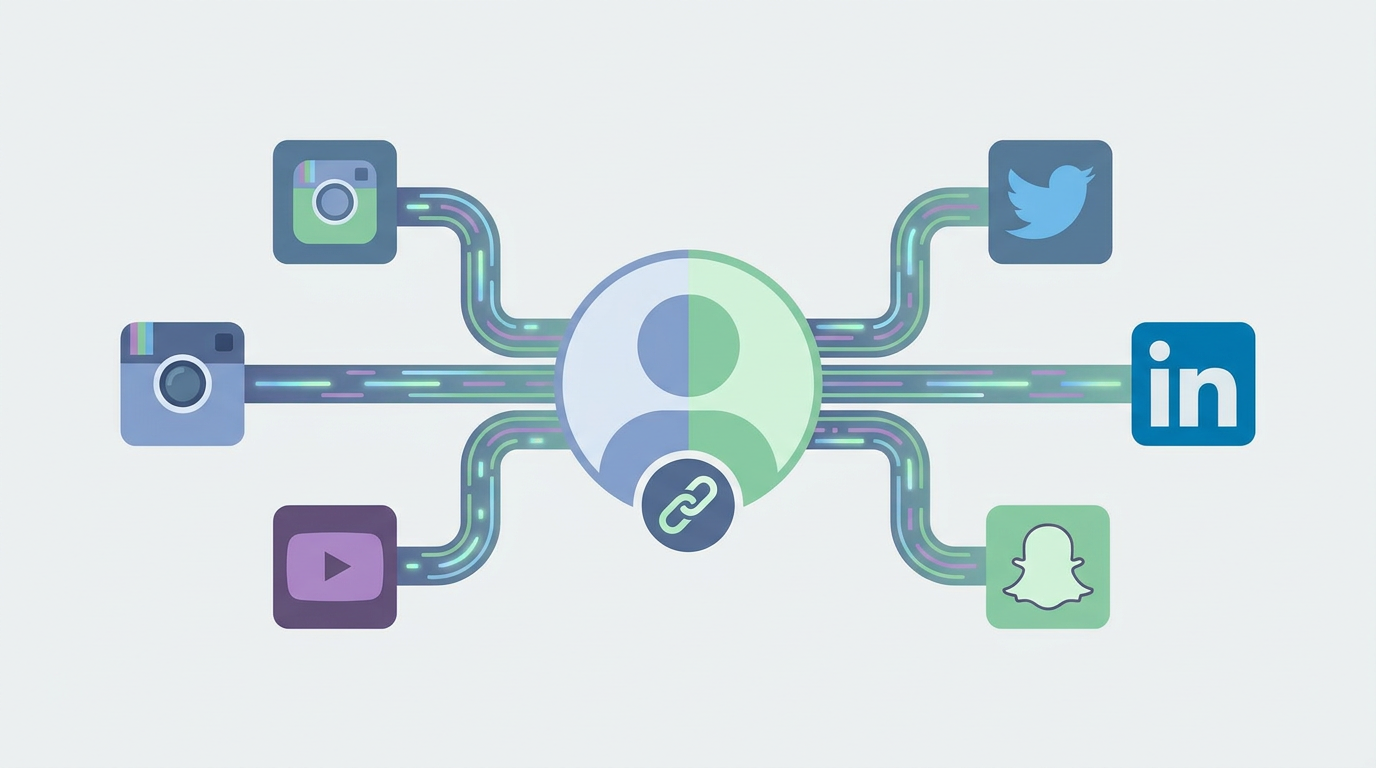
Most of us manage identities across a handful of platforms—whether that's YouTube, X (Twitter), Instagram, or TikTok. But there's a catch: nearly all of these networks limit you to just one clickable link in your profile. This constraint makes a well-designed, multi-destination landing page a must-have tool for any serious digital strategy.
The Problem with Single-Link Limitations
If you're stuck with just one URL, you're constantly forced to make compromises. Do you link to your newest article, your service menu, your calendar, or your email list? And if you're constantly swapping links out, your older posts pointing to "the link in my bio" will end up sending people to the wrong places. A dynamic link router solves this head-scratcher once and for all, acting as a permanent, real-time switchboard that you can update behind the scenes without ever touching your social profiles.
How to Build a Cross-Platform Bio Funnel
To actually convert visitors, your bio landing page needs a stellar user experience. It has to load instantly, work flawlessly on mobile, and use a clear layout that directs eyes exactly where you want them to go. Using a tool like Qret.me, you can set up a sleek, drag-and-drop hub with your own branding, custom domains, and custom layouts (choose from Standard, Card, or Minimal) to perfectly reflect your professional vibe.
Use Cases: From Corporate Leaders to Restaurant Owners
This kind of unified digital hub works incredibly well no matter what industry you're in. A corporate advisor can use their page to send prospects straight to a booking calendar while highlighting their latest articles. Meanwhile, a restaurant owner can leverage their personal LinkedIn profile to secure business partnerships, while using their central link to display a sleek digital menu restaurant system for prospective partners, event planners, and hungry diners alike.
Offline to Online Integration: The Power of a Dynamic QR Code Generator
Live networking events, trade shows, and brick-and-mortar spaces are still goldmines for professional opportunities. But let's face it: paper business cards are dead. They get lost in pockets, thrown in the trash, offer zero tracking data, and become completely useless the moment your phone number or title changes. The modern fix? Link your digital bio to a dynamic QR code generator.
Why Static QR Codes Fail Modern Professionals
The problem with static QR codes is that the data is hardcoded directly into the pixel pattern. If you link a static code to your LinkedIn profile and later decide you want to point it to your personal website instead, you have to throw away your printed materials and start over. Plus, static codes don't track metrics, meaning you're flying blind without any real data on how your offline networking is performing.
Generating Dynamic LinkedIn Bio QR Codes for Networking
Dynamic QR codes, on the other hand, run through a short redirect link. This means you can swap out the destination URL whenever you want without ever changing the printed code itself. With a professional QR code generator, you can design a beautiful, branded QR code—complete with your custom colors, logo, and custom styling—to print on your business cards, flyers, or slides. One quick scan instantly pulls up your mobile-optimized hub, letting prospects save your info, book a time slot, or add you on LinkedIn with a single tap.
Industrial Applications: Connecting the Physical World to Your Digital Hub
Bridging the gap between the physical and digital world can streamline operations across almost any business model:
- Consulting & Services: Print a QR code on physical pitches or display it at your front desk to send clients straight to your booking calendar.
- Fitness & Wellness: Gym owners can place QR codes directly on equipment or wall banners, linking members to trainer bios and class schedules.
- Food & Hospitality: Tables can feature QR codes linking straight to an interactive digital menu restaurant layout, letting guests browse plates, check ingredients, and chat with an AI culinary assistant.
Comparative Analysis: Static Bio Directories vs. AI-Powered Digital Twins
As our online presence matures, our personal branding tools have to level up. Basic link-in-bio trees simply don't cut it anymore if you're trying to build an automated funnel for leads. To see the difference firsthand, let's look at how classic link lists hold up against modern, AI-powered systems like Qret.me.
| Feature Set | Static Link Directories (e.g., Linktree) | AI-Powered Digital Twins (e.g., Qret.me) |
|---|---|---|
| Layout style | Standard vertical stack of plain buttons | Modular drag-and-drop editor with over 15 dynamic content blocks |
| AI features | None or simple copywriting prompts | Interactive AI Nano Agents trained on your background to chat 24/7 |
| Bookings | Needs third-party tools (Calendly, etc.) | Native, hassle-free Smart Booking engine |
| QR codes | Basic links with minimal design control | Fully custom, dynamic QR codes with logos and style settings |
| Selling tools | Basic third-party payment links | Integrated digital catalogs, menu layouts, and product blocks |
| Hosting | Not available | Identity Vault secure cloud storage (up to 15GB on Pro tier) |
The Limitations of Classic Link Builders
Standard link tools are essentially passive directories. When a prospect clicks, they're hit with a boring wall of buttons. If they want to know about your rates, your availability, or your specific background, they have to navigate away, open a new site, or track down your email. All that friction just causes people to drop off, costing you real opportunities.
Enter the AI Era: Automated Chatbots and Live Bookings
Next-generation platforms turn your personal landing page into a living, breathing version of you. By embedding an AI Assistant, your profile can chat with visitors in real time. Because the AI is trained directly on your business details—like your bio, services, rates, and FAQs—it can qualify leads, answer common questions, and guide users straight to your calendar, putting your networking on complete autopilot.
Industry-Specific Bio Implementations: From Freelancers to Restaurants
There's really no such thing as a one-size-fits-all bio. To see actual results, your digital hub needs to match the exact way your clients work and buy.
The Freelancer and Consultant Blueprint: Smart Booking Integration
For consultants and freelancers, time is literally money. Wasting hours on back-and-forth emails just to schedule a quick call is a massive drag. A smart consultant's bio should feature:
- An authority-building headline that clearly spells out your expertise.
- An integrated booking block so prospects can check your live calendar and secure a slot immediately.
- An AI agent trained on your services to pre-screen leads, answering questions about your rates, hours, and scope before they ever book a spot.
Take Alex, a consultant who was buried in messages asking about his pricing. By training a Qret.me AI agent on his service details, he cut down his direct messages by 80%. Even better? His booking quality went through the roof because prospects were pre-qualifying themselves beforehand.
The Hospitality Framework: Embedding a Digital Menu Restaurant Experience
For chefs, restaurateurs, and hospitality teams, social media is incredibly visual. Your personal and brand bios need to offer a direct, mouthwatering portal to your food. With an integrated digital menu restaurant block on your landing page, diners can instantly swipe through high-res photos of your plates, check real-time pricing, view allergen info, and grab a table reservation.
Look at "Casa Verde", a forward-thinking restaurant in Ankara. Tired of footing massive printing bills and fielding endless questions about ingredients, they set up a QR-to-menu system using Qret.me. By linking their physical table QR codes to a digital menu and an AI Chef assistant, they cut printing costs to zero. Guests can get instant answers about allergens right at their tables, keeping operations smooth and diners perfectly happy.
Healthcare and Service Clinics: Streamlining Patient Onboarding
Clinics, dentist offices, and wellness spas spend half their day answering the exact same phone calls: "Are you open? Do you take my insurance? What treatments do you offer?" By moving these inquiries to a smart bio portal, clinics can give their front-desk teams a massive breather. Using an AI-driven triage system alongside direct booking calendars automates the client pipeline. This exact setup helped "Dr. Karimi's" clinic in Tehran slash incoming phone calls by 60%, creating a fast, hands-off onboarding process for new patients.
Step-by-Step Tutorial: How to Set Up an AI-Powered Bio Page on Qret.me
You don't need a degree in web development or any coding skills to build a highly optimized personal portal. Here is a quick, painless guide to getting your unified bio page live using the Qret.me suite.
Step 1: Claiming Your Branded Short URL and Custom Slug
Everything starts with your web address. When you set up your profile, pick a clean, recognizable custom slug that aligns with your brand (like qret.me/yourname). Ultra-short, branded slugs are unlocked across Qret.me's tiered plans—spanning Free, Personal, Business, and Pro options—so you can keep your marketing clean and professional.
Step 2: Designing Your Visual Canvas (Themes and Blocks)
With your link locked in, use the intuitive builder to arrange your page. You can jump-start the design with over 15 pre-made themes or customize your own look. Make sure to drag in essential elements like:
- The Hero Block: Put your face, title, and core value prop front and center.
- Social Icons: Add clean, responsive links to your LinkedIn, X, and email.
- A Booking Block: Sync your calendar directly to show when you're available for bookings.
- A Catalog Block: Display your digital downloads, products, or service packages easily.
Step 3: Activating Your AI Assistant (Nano Agent)
Head over to the AI settings to turn on your personal digital representative. Choose an agent persona that matches your vibe—whether you want a direct Digital Twin, a helpful Resume Agent, or a focused Sales Agent. Just drop in some custom instructions and basic business rules, and the system does the rest. It automatically crawls your bio blocks, services, and bookings so it can chat with guests in over 5 languages. Plus, every account starts with 100 free AI credits a month.
Step 4: Tracking and Optimization via the Growth Engine
Once your portal is live and added to your LinkedIn profile and cards, use the built-in analytics dashboard to keep tabs on performance. You can monitor traffic, where visitors are located, device types, traffic channels, and which links get clicked the most. These insights make it incredibly easy to see what's actually working so you can refine your funnel over time.
Frequently Asked Questions (FAQ)
What is the difference between a standard bio link and a digital twin?
Think of a standard bio link as a basic directory—just a static list of buttons that visitors have to click through on their own. A "Digital Twin" on Qret.me is a dynamic, AI-first playground. It pulls together links, calendar bookings, customizable QR codes, and an intelligent AI Nano Agent that chats with your visitors, answers detailed questions, and qualifies hot leads on your behalf, 24/7.
How do I add a booking calendar directly to my LinkedIn bio?
It's simple: set up an online booking block on your Qret.me landing page first. From there, you can coordinate your rates, schedule, and services directly from your dashboard. Once that's ready, drop your custom bio link right into your LinkedIn "Featured" section or contact details. Visitors can check your open slots, book a call, and get automatic reminders without ever leaving their phone's browser.
Is it possible to use a custom domain for my social bio page?
Absolutely—in fact, we highly recommend it if you want to look established. Qret.me fully supports custom domains on its premium tiers. This means you can point your own domain straight to your bio page, completely removing any third-party watermarks and keeping the focus entirely on your brand.
How does an AI assistant learn from my bio details?
Your AI Nano Agent is pretty clever—it automatically scans all the content blocks you've set up, from your text summaries and pricing to your FAQ sections. On top of that, you can upload specific text docs or files directly to your secure Identity Vault. The AI processes all of this data instantly, allowing it to chat with prospects, offer recommendations, and guide bookings using your exact rules.
Can I use a QR code generator to print my bio page on physical cards?
Definitely. Creating a dynamic, customizable QR code is hands-down the best way to merge offline and online networking. Use a dynamic QR code generator to print a sleek, trackable code onto your physical business cards, slides, or flyers. If your services, phone number, or links change, you can update your portal instantly online without wasting money reprinting your physical cards.
How does a restaurant use a digital menu restaurant block in their bio?
Restaurants can upload food photos, descriptions, and pricing directly into a dedicated catalog block, instantly turning their landing page into a beautiful digital menu restaurant experience. Guests can view it via a single link in your bio or by scanning table QR codes. Owners can even turn on custom AI personas—like an AI Waiter or Chef—to answer questions about daily specials, ingredients, and allergen info on the fly.
Is Qret.me free to use, and what are the upgrade options?
Yes, Qret.me has a great free-forever tier that includes one bio page, one dynamic QR code, standard link options, and 100 free AI credits every month. If you need more firepower, there are tiered premium plans. The Personal Plan unlocks unlimited layout blocks and static site tools; the Business Plan brings in native bookings and catalogs; and the Pro Plan delivers ultra-short custom slugs, voice-enabled AI chat, and comprehensive analytics.
Conclusion: The Future of Your Digital Identity
Your success in 2026 really boils down to how cleanly you project your personal brand online. Clinging to dusty, static profiles won't help you stand out in a fast-paced digital market anymore. By taking a deliberate approach to your linkedin bio, unifying your touchpoints through a smart bio link, and using a modern dynamic QR code generator to link your real-world contacts to your digital hub, you'll build an incredibly resilient network.
Leveraging modern AI tools is the easiest way to turn your passive web presence into an active, high-converting lead generator. Ready to set up your own interactive digital hub? Build your dynamic digital twin today and completely streamline your professional networking by heading over to Qret.me.