

Free QR Code Generator No Expiration: The Complete 2026 Guide to Permanent Static and Dynamic Codes
Bridging the gap between physical print and digital experiences is tough enough without worrying if your QR links will suddenly die. We've all seen it: a free online code generator promises the world, you print a thousand flyers, and then—bam—the link breaks unless you pay a surprise fee. If you're putting these square barcodes on business cards, menus, or global campaigns, you need a permanent code that actually lasts. Let's look at how to get this right once and for all.
To get a free QR code with no expiration, you need a static QR code. It hardcodes your data directly into the pixel pattern, meaning it functions forever without relying on external servers. Dynamic QR codes, which let you change the destination link later, only remain permanent if you host them through a trustworthy service provider offering an honest lifetime free plan.
Key Takeaways
- Static QR codes are mathematically permanent because your actual data is baked directly into the visual pixel pattern.
- Dynamic QR codes depend on outside servers, meaning they will stop working if your generator caps your scans or shuts down your account.
- Check for hidden scan limits before printing, as many "free" platforms secretly block traffic after 100 or 500 scans.
- Routing your permanent code to a flexible Bio Link Page lets you change your target links behind the scenes without paying to reprint physical materials.
Is a Free QR Code Permanent? Static vs. Dynamic Code Mechanics

Why do some QR codes break while others outlive the paper they're printed on? It all comes down to how data is stored inside that square pixel grid. Back in 1994, Toyota subsidiary Denso Wave invented the Quick Response (QR) code as an open, standardized format (now officially recognized under ISO/IEC 18004). Since this technology lives in the public domain, nobody actually owns the rights to charge royalties for standard static matrices. You can generate them freely, forever.
Think of a static QR code as a traditional barcode on a cereal box. Those black-and-white pixels represent raw text, a phone number, or a URL written in binary. When a phone scans a static code, it decodes that pattern instantly on the device—no internet required. Because there's no middleman server processing the redirect, a static code mathematically cannot expire. As long as the printed paper or plastic isn't completely scratched up, it'll scan ten years from now just as easily as it does today.
Dynamic QR codes play by a completely different set of rules. Instead of cramming your final website link into the pattern, the generator embeds a short redirect URL pointing to an intermediary server. When someone scans it, that server looks up where they should go and forwards them. It's incredibly handy—it lets you track scans and swap destination links on the fly—but it introduces a single point of failure. If your provider goes belly up, changes their pricing, or closes your account, your printed QR code instantly becomes a useless piece of abstract art.
Deciding which route to take depends on your budget, whether you need to change your links later, and how long your prints need to last. Here's a quick, clear breakdown of how the two formats stack up side-by-side.
Static vs. Dynamic QR Codes Comparison
| Feature / Capability | Static QR Codes (Permanent) | Dynamic QR Codes (Redirect-Based) |
|---|---|---|
| Expiration Date | Never (It's mathematically permanent) | Depends entirely on your hosting plan |
| Content Editing | Locked forever (You have to reprint) | Change the link whenever you want |
| Scan Tracking & Analytics | None (Unless you use manual UTM parameters) | Deep tracking (Location, device type, scans) |
| Matrix Complexity | Gets cluttered if your data/URL is too long | Stays clean and simple (Scans way faster) |
| Offline Functionality | Yes (Great for raw text or offline Wi-Fi access) | No (Needs an internet connection to redirect) |
| Best Use Case | Wi-Fi credentials, permanent contact cards, plain text | Menus, marketing campaigns, evolving promo links |
How Do I Create a QR Code for Free With No Expiration?
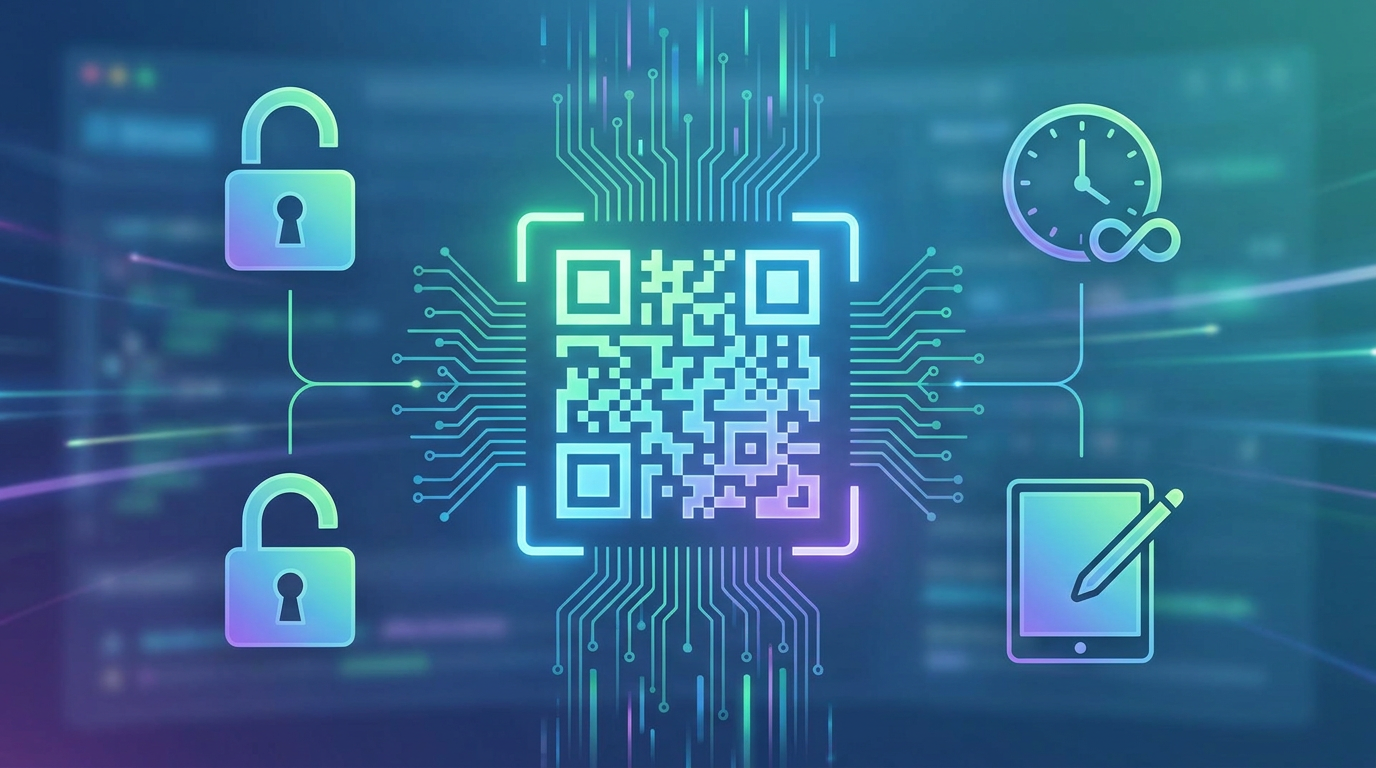
Getting a permanent, non-expiring code up and running requires a little bit of planning. The absolute biggest mistake people make? Cramming massive, unoptimized tracking links into a static code. This creates a dense, messy cluster of pixels that budget phones struggle to decode. If you want your codes to work flawlessly, follow this simple setup guide.
Step 1: Determine the Nature of Your Content
Ask yourself: Is this link set in stone? If you are linking to something unchangeable—like a historical document on Wikipedia or a permanent government page—a static code is a bulletproof option. But if there's even a tiny 1% chance you might update your domain, swap social handles, or change your pricing, you absolutely need a dynamic code hosted on a platform with a solid, permanent free plan.
Step 2: Optimize the Data Payload
If you choose a static code, keep things brief. A 150-character URL packed with tracking parameters will make your QR code look like a chaotic swarm of bees, which is a nightmare for cameras to read in dim light. Instead, use a free URL Shortener & Link Analytics tool to trim your link down before pasting it into the generator. It keeps the pattern clean, simple, and easy to scan.
Step 3: Choose the Right Error Correction Level
QR technology uses clever mathematical backups (Reed-Solomon error correction, to be precise) to ensure your code scans even if it's scuffed, wet, or partially covered. Here are the four levels you can configure:
- Level L (Low): Recovers up to 7% of lost data. Great for crisp digital screens.
- Level M (Medium): Recovers up to 15%. This is the sweet spot for general marketing prints.
- Level Q (Quartile): Recovers up to 25%. Perfect for high-wear items like outdoor posters.
- Level H (High): Recovers up to 30%. Use this if you want to slap a custom brand logo right in the middle.
Step 4: Design with Adequate Contrast and Safe Zones
Contrast is everything. Stick to dark foreground colors (like classic black) on a light background (like white). Light gray on white might look sleek to a designer, but it's a disaster for real-world phone cameras. Don't forget the "Quiet Zone" either—that's the empty border around your code. Keep it at least four blocks wide so scanners can immediately tell where the code actually starts.
The Hidden Pitfalls of Free QR Code Generators
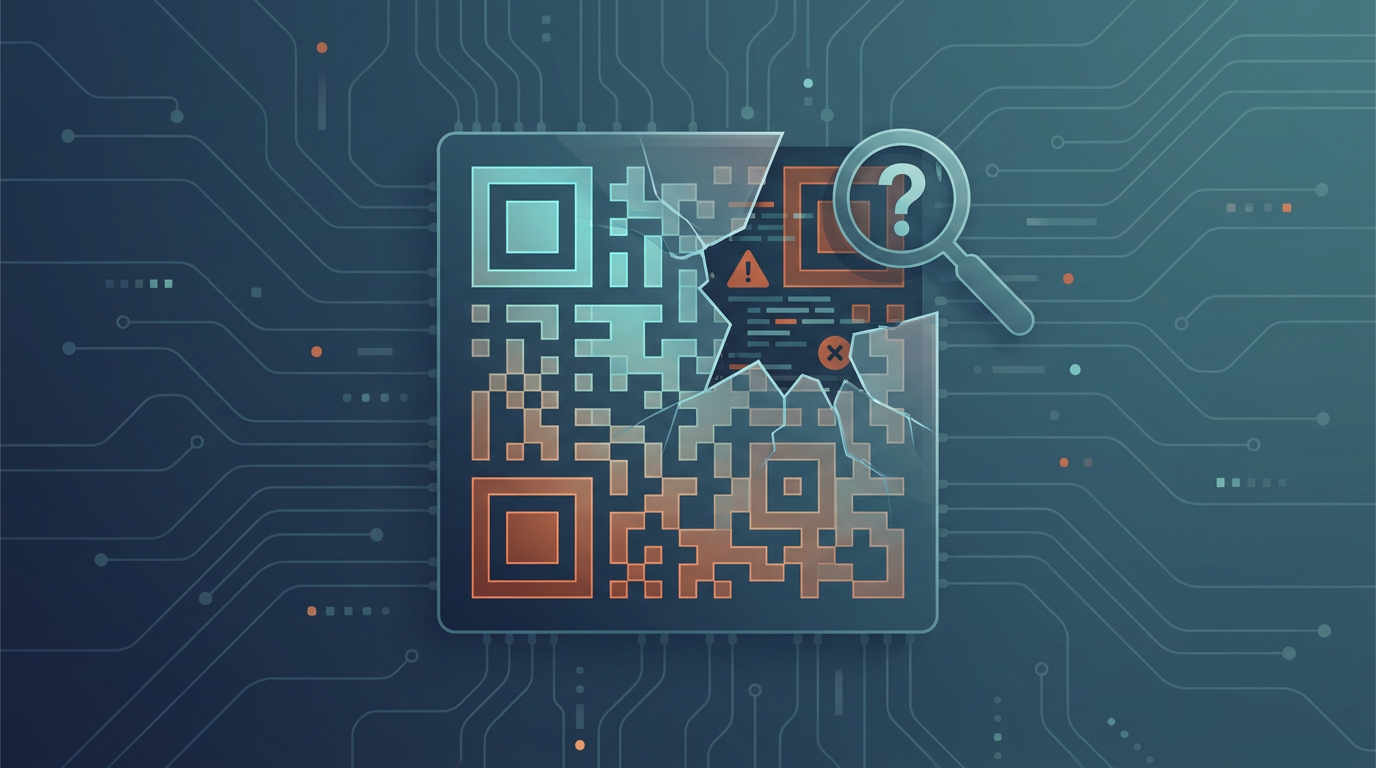
Search the web and you'll find hundreds of sites shouting about their "free QR code generator with no expiration." Unfortunately, many of these tools use downright predatory tactics designed to hold your campaigns hostage once they're already printed. Dodging these traps can save you from massive headaches and thousands of dollars in reprinting bills.
The Redirection Hijacking Trap
This is the classic bait-and-switch. A generator lets you create a flashy dynamic code for "free" without even signing up, sending traffic through their own server domain. Everything works great for about two weeks. But as soon as you print your menus or business cards, their system blocks the link and replaces it with a warning: "This QR code has reached its scan limit. Upgrade to premium to reactivate." Suddenly, you're forced to pay a hefty monthly subscription just to keep your printed materials working.
Scan Limits and Throttling
Other platforms keep your code alive but put a tight leash on how many people can scan it (often capping it at a mere 100 scans a month). The moment scan #101 happens, your customers get an ugly 404 error page or a cheap third-party ad. For a local diner or an event promoter experiencing a busy weekend, this kind of throttling is a total disaster.
Data Mining and Unwanted Advertisements
Even when a tool is technically "free," they still have to pay their server bills somehow. Often, they do this by forcing your users to watch a clunky, five-second pop-up ad before redirecting them to your site. It looks incredibly unprofessional, ruins your brand's credibility, and opens a massive can of worms regarding user privacy, since these networks frequently track and sell your customers' IP addresses and locations.
Maximizing Your Digital Footprint: Combining QR Codes with Bio Link Pages
Let's face it: for most creators, freelancers, and businesses, a single static URL doesn't cut it anymore. If you link your permanent physical QR code directly to a single social page or a static landing page, you're locking yourself into a corner. The moment you change your booking platform, update your services, or switch social handles, that printed code becomes outdated—unless you want to pay to reprint everything.
The smartest workaround? Point your permanent code toward a fully customizable, mobile-friendly Bio Link Page. By doing this, you're setting up a flexible digital gateway. Instead of sending people to a dead-end link, you're guiding them to an interactive digital profile that houses your entire online ecosystem in one neat, accessible space.
When you host your bio page on a solid, non-expiring platform, you keep complete, permanent control over your printed materials. If you move offices, change your phone number, or launch a seasonal discount, you just swap out the blocks in your online dashboard. The physical code printed on your brochures stays exactly the same, working beautifully year after year without a hitch.
Future-Proofing with Qret.me: The Ultimate Free Dynamic QR Code Solution
If you want to skip the headache of unexpected expiration dates, sneaky billing traps, and artificial scan caps altogether, Qret.me offers a reliable, all-in-one alternative. Far more than a basic link list or standard generator, Qret.me functions as a fully integrated "Digital Twin" that lets you manage your entire online footprint from a single, intuitive hub.
With Qret.me, you're not just getting a basic pixel graphic; you're tapping into a permanent ecosystem that can easily replace half a dozen separate paid software subscriptions. Here's a look at how it helps you bypass the frustrating limits of standard generators:
- An Honest Lifetime Free Plan: Qret.me gives you a genuinely free tier with 1 Bio Link page (complete with core blocks), 1 fully active dynamic QR code, 1 branded short link with a custom slug (minimum 5 characters), 10MB of secure cloud space inside their Identity Vault, basic analytics, and even 100 monthly AI assistant credits.
- No Sneaky Scan Limits: Unlike competitors who cut you off to force an upgrade, Qret.me's dynamic codes don't expire or stop working after a certain number of scans. Your audience has access 24/7.
- Tailored Styling & Branding: Via the Dynamic QR Codes control panel, you can tweak the colors, shapes, and layout of your code. If you upgrade to a premium plan like Business, you can drop your own brand logo right into the center of the matrix.
- Smooth Bookings & Catalogs: On the Business plan, you can integrate a service-management toolkit directly into your bio page. It's a game-changer for hair salons, local clinics, and diners looking to convert a table-tent scan into a booking or an instant food order.
- AI Chat Assistants: Qret.me features custom-trained AI Chatbots (Nano Agents) that learn your services, bio blocks, and custom business notes. When someone scans your code and lands on your page, the AI can instantly answer booking questions, list menu ingredients, or explain policies in over 5 languages, round-the-clock.
Real-World Success Stories
Businesses worldwide are leveraging Qret.me's permanent digital solutions to cut overhead costs and boost client conversions:
"Bella Studio" (Beauty Salon, Istanbul): Bella Studio used to field over 40 scheduling calls daily. By printing a permanent Qret.me QR code at their door that points straight to an Online Booking block, they cut phone traffic by 90% while tripling their weekend bookings.
"Casa Verde" (Restaurant, Ankara): Reprinting menus to update prices and list allergens was burning a massive hole in Casa Verde's budget. They switched to a permanent QR menu pointing to a Qret.me Digital Menu. Thanks to an AI Chef agent on the page, guests can scan the code to see photos and ask specific ingredient questions, bringing printing costs down to zero.
"Dr. Karimi" (Clinic, Tehran): By deploying an AI assistant on their bio page, Dr. Karimi's clinic automated answers to simple pre-visit questions. This smart step slashed front-desk calls by 60% and made the entire patient flow incredibly smooth.
Whether you're a freelancer building a personal brand, a local shop using tap-to-share NFC Smart Cards, or an enterprise marketer tracking complex campaigns, Qret.me provides the reliable backend you need to grow. Best of all, you can get started for free—no credit card needed—on our Pricing Plans page.
FAQ
Do free QR codes expire?
Generally speaking, free static QR codes never expire. Because your link or text is built directly into the visual pattern, it'll scan forever without needing an external host. However, free dynamic QR codes are a different story; they can break if your provider suspends your account, goes out of business, or locks your dashboard behind a paywall once a trial period ends.
Is a static QR code always permanent?
Yes, it's mathematically permanent. It processes locally on your phone without pinging an external redirection server. A static code only stops working if the destination URL you hardcoded inside it changes (which you can't edit), or if the printed code becomes so scratched, dirty, or torn up that a camera simply can't read the pixels anymore.
Why did my free dynamic QR code stop working?
Most likely, you fell victim to a bait-and-switch. Many online tools let you generate dynamic codes for "free" but sneakily limit the lifespan (like 14 days) or scan counts (like 100 total scans). Once those limits are hit, they redirect your traffic to a page demanding payment. To avoid this, stick to a reliable service like Qret.me that offers permanent dynamic routing on their free tier.
Can I change the link of a free QR code after printing?
Only if you used a dynamic QR code. Since static QR codes physically engrave the raw data into the visual pattern, they are permanently locked. If you notice a typo on a printed static code, your only option is to generate and print a brand-new one. Dynamic codes, however, allow you to easily edit the destination link in your online dashboard without touching the printed code.
What is the maximum number of scans for a free QR code?
Static codes have zero scan limits—they can be scanned a billion times because no server is keeping score. For dynamic codes, it depends on who you generated them with. Shady generators cap scans at 100 or 500 to strong-arm you into paying. Ethical platforms like Qret.me offer unlimited scans on their dynamic links, so you don't have to worry about your links going down during a big campaign.
How do I test if my QR code will scan correctly before printing?
Always test your codes under real-world conditions before sending them to the printer. Print out a physical test draft at the final size, then try scanning it with both older and newer iOS and Android phones in varying lighting. Make sure there's solid contrast and that you've left a clear "Quiet Zone" margin around the edges.
Are free QR code generators safe to use?
Standard static generators are perfectly safe since they just turn text into pixels locally on your screen. Free dynamic generators, however, can be risky. Shady operators can hijack your redirect links later, pointing your customers to unwanted ads, sketchy pop-ups, or phishing sites. To protect your reputation, only use vetted platforms that have clear privacy policies and secure servers.
Can I add a logo to a free QR code?
You definitely can, but you'll need to set your error correction level to Level Q or H. This tells the code to build in extra backup data so that it remains fully scannable even with a logo blocking up to 25% or 30% of the center pixels. Just make sure to test the final design thoroughly to confirm that critical tracking squares at the corners aren't covered.
Conclusion
Setting up a non-expiring QR code is key if you plan on using printed marketing for the long haul. While static codes offer an indestructible, server-free solution for permanent links, they lock you into a single URL forever. Dynamic codes offer the flexibility and analytics you need, but you have to partner with a trusted host that won't hold your traffic hostage or spring sudden pricing traps on you.
Connecting your permanent code to a flexible mobile portal like Qret.me really gives you the best of both worlds. You get a reliable physical scan point that routes to a living "Digital Twin" packed with your calendar, menus, and even AI agents that assist customers around the clock. Ready to future-proof your offline-to-online marketing? Grab your free permanent account today at Qret.me — All-in-One Digital Presence Platform and grow your business with complete peace of mind.