

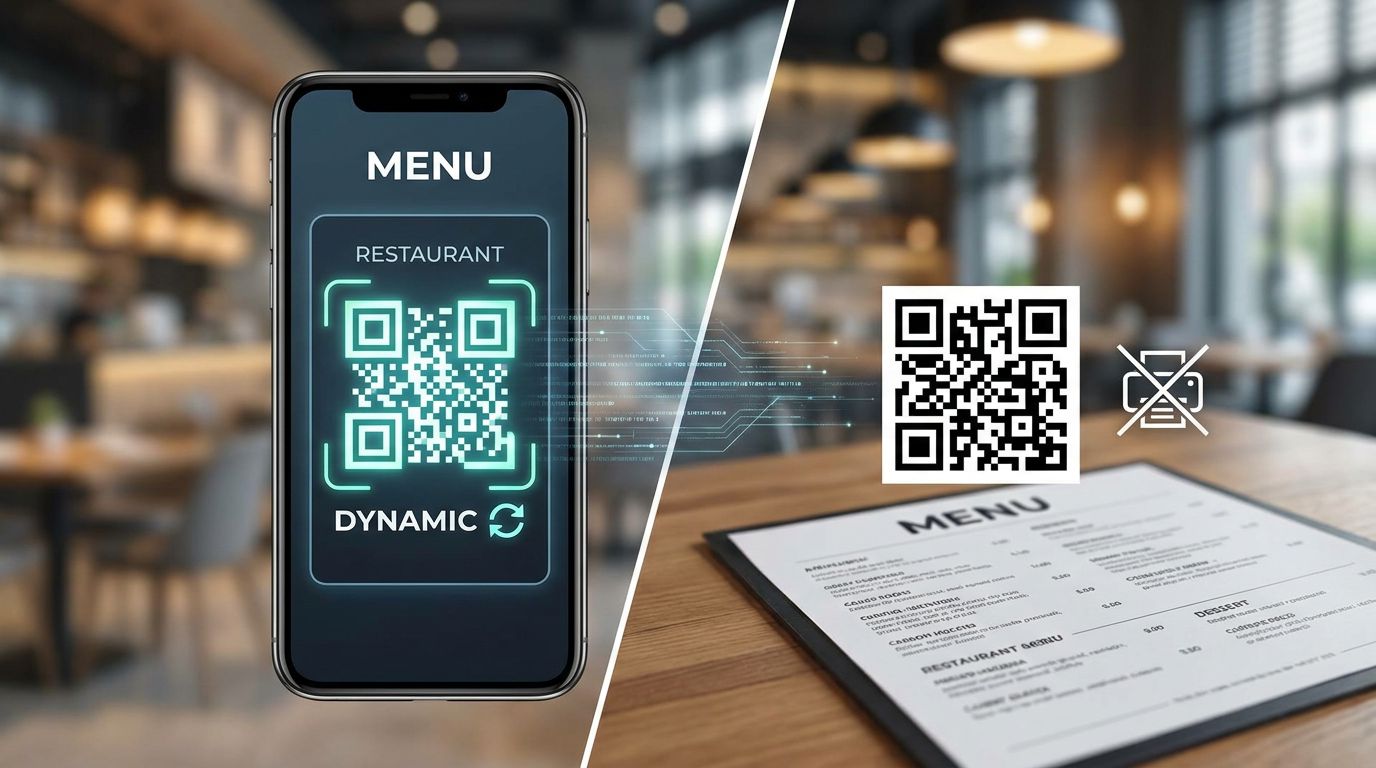
How to Create a Digital Menu QR Code for Your Restaurant Free (2026 Guide): Dynamic QR Code vs Static QR Code Blueprint
Let's be honest: nobody wants to handle a sticky, laminated paper menu anymore. For modern restaurants, switching to digital isn't just about keeping up with hygiene trends—it's a massive operational win. But if you want to pull this off without throwing money down the drain, you need to understand the fundamental battle of dynamic QR code vs static QR code technology. Get this wrong, and your customers will be staring at broken links instead of ordering food. Here is your step-by-step blueprint to setting up a high-performance, completely customizable contactless digital menu QR code for your restaurant—entirely free, and without getting locked into a sneaky monthly software subscription.
To create a digital menu QR code for your restaurant free, pick a reliable dynamic QR code generator that includes free link redirection. Simply host your menu online as a cloud PDF or a mobile-optimized webpage, connect that link to your dynamic QR, and export the file at a print-ready 300 DPI minimum resolution so it scans flawlessly at the table.
Key Takeaways for Restaurant Owners
- Always Use Dynamic QR Codes: If your menu link changes, a static QR code breaks forever—meaning you'll waste a fortune reprinting your marketing materials.
- Prioritize Hosted Pages over PDFs: Mobile-friendly hosted pages load roughly 70% faster than heavy, clunky PDF files, keeping your table turns fast.
- Use 300 DPI Minimum for Printing: Low-res prints are a nightmare to scan under romantic, low-light dining room conditions.
- Leverage Free Cloud Backends: Before you shell out for premium systems, platforms like Google Drive and Canva work perfectly as zero-cost hosting databases.
Whether you're running an upscale bistro in London, a high-volume cafe in Istanbul (where managers look for handy local solutions like "کیورت"), or a cozy tapas bar in Madrid, this practical guide gives you the exact blueprint to build a bulletproof scan-and-order setup.
1. The Foundation: Dynamic QR Code vs Static QR Code for Restaurants
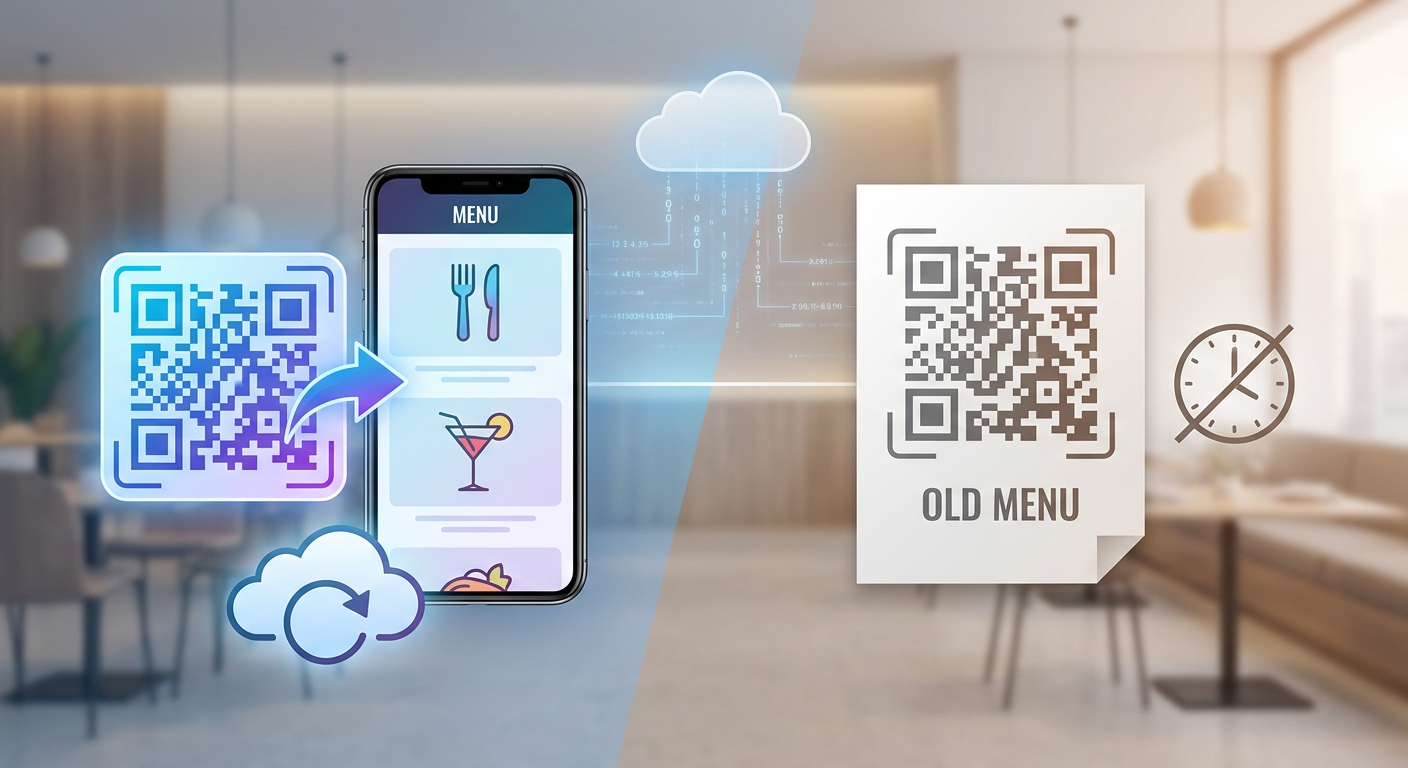
Before you design or print a single card, you have one crucial choice to make—and it will literally make or break your setup. You have to choose between a static and a dynamic QR code. Think of this as the engine under the hood; it dictates how flexible your operations are, what kind of customer data you can collect, and how much money you’ll end up spending on printing.
What is a Static QR Code?
With a static QR code, your menu link is literally baked directly into the pixel pattern. It's hardcoded and permanent. Let’s say you point the code to yourcafe.com/menu-january.pdf, but then you change the file name in February—boom, your printed QR code now leads to a dead 404 error page. Your only fix? Throwing away every single tabletop card, window sticker, and coaster, and printing them all over again.
What is a Dynamic QR Code?
A dynamic QR code works differently. Instead of hardcoding your final link, it uses a short intermediate redirect URL. When a diner scans it, their phone hits this quick redirect server, which instantly sends them to your current menu. Because the embedded link is short, the pixel grid stays simple and uncluttered, which means older phones can scan it even in dim dinner-service lighting. The real magic? You can log into your dashboard and swap out the target link in seconds—without ever touching your physical, printed table tents.
Operational Comparison
Running a busy restaurant is hard enough without worrying about outdated pricing or broken links. Relying on static codes is just a massive financial risk. If you change a single price, swap an ingredient, or update your seasonal beer list, static codes force you to reprint. That is why choosing a dynamic generator is non-negotiable for any serious business.
| Feature/Capability | Static QR Code | Dynamic QR Code |
|---|---|---|
| Change URL without reprinting? | No (Permanent) | Yes (Instant updates) |
| Scan Analytics & Location Tracking? | No | Yes (Real-time data) |
| Scan Speed in Dim Light | Slow (Dense pixel pattern) | Fast (Minimal pixel pattern) |
| Custom Short Redirect Structure | No | Yes (Optimized redirection) |
| Risk of Broken Links | Extremely High | Zero (Easily corrected) |
For restaurant operations, relying on static codes is an expensive risk. If you change a price, edit an ingredient, or update your wine list, a static code demands a physical reprint. Therefore, choosing a dynamic generator is mandatory for professional setups.
2. Choosing Your Format: PDF Menu Upload vs Hosted Digital Menu Page
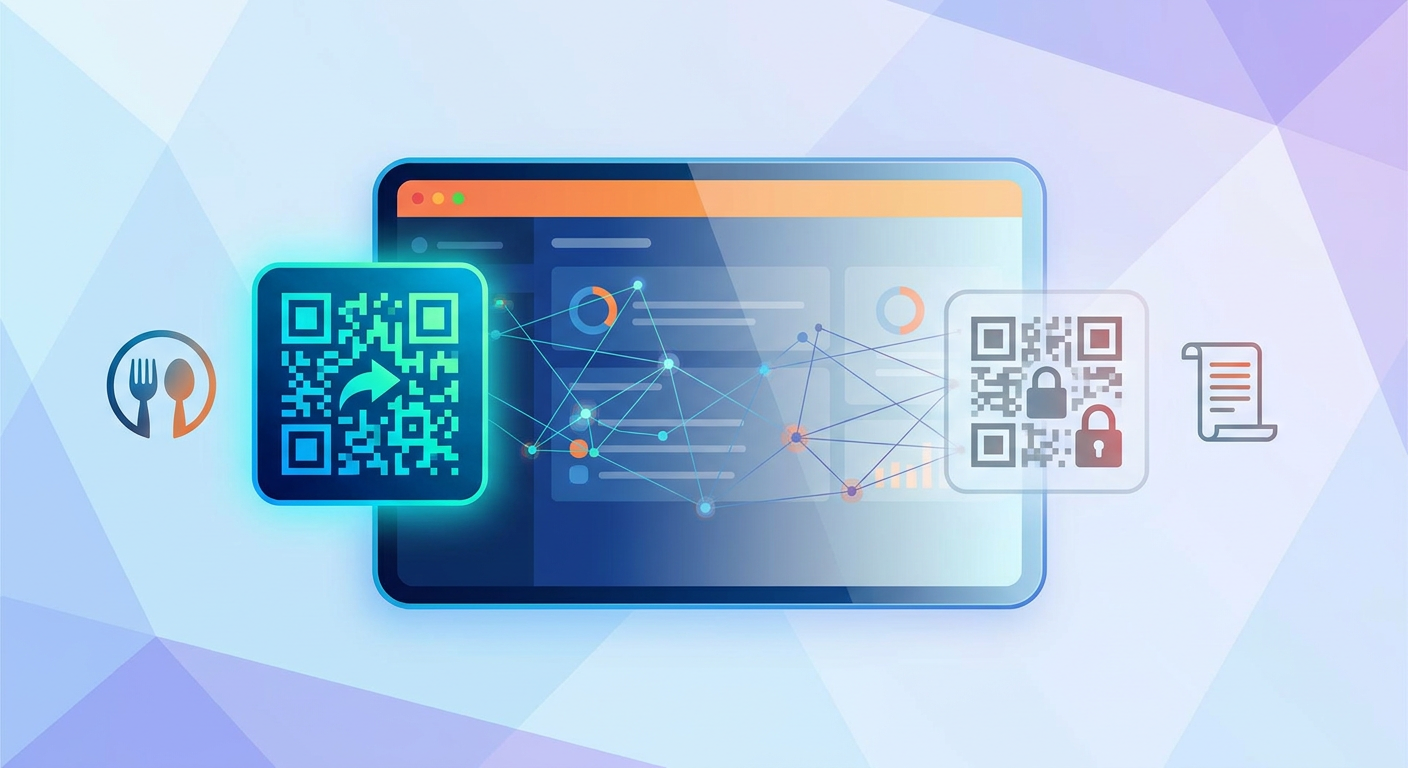
Once you've sorted out the underlying tech, you have to decide what your guests actually see when they scan. This brings us to a classic battle of formats: the quick-and-dirty PDF menu upload vs hosted digital menu page.
The Raw PDF Menu Upload
Sure, throwing up a PDF is the fastest way to get something online, but it usually ends in a frustrating customer experience. Remember, PDFs are meant for printing, not small screens. Your guests will find themselves pinching, zooming, and dragging their screens just to read your burger ingredients. Plus, if you upload a high-res print file, it can easily top 15MB—which means it'll load at a painful crawl on spotty cellular connections.
The Hosted Digital Menu Page
A modern, hosted digital menu page behaves like a real app. It uses fluid, mobile-responsive layouts that automatically resize for any screen. It supports quick searching, filters for dietary preferences, and loads almost instantly. These days, consumers expect immediate, tap-friendly layouts—not clunky desktop documents.
Let's examine the direct trade-offs between a PDF menu upload vs hosted digital menu page:
- Mobile Load Speed: Hosted pages use lightweight code, meaning they load up to five times faster than data-heavy PDFs. This directly impacts your contactless ordering conversion rate benchmarks, where a mere one-second delay can cause a 7% drop in session depth.
- Ease of Reading: Real web pages use responsive typography. Your guests won't have to pinch, pull, or scroll horizontally just to see what sides you offer.
- Health Code Compliance: Keeping up with local laws? Many cities mandate real-time updates for calories and common allergens. Updating these details on a web page takes seconds, whereas a PDF requires a full redesign and re-upload.
3. Setting Up Your Free Menu Backend
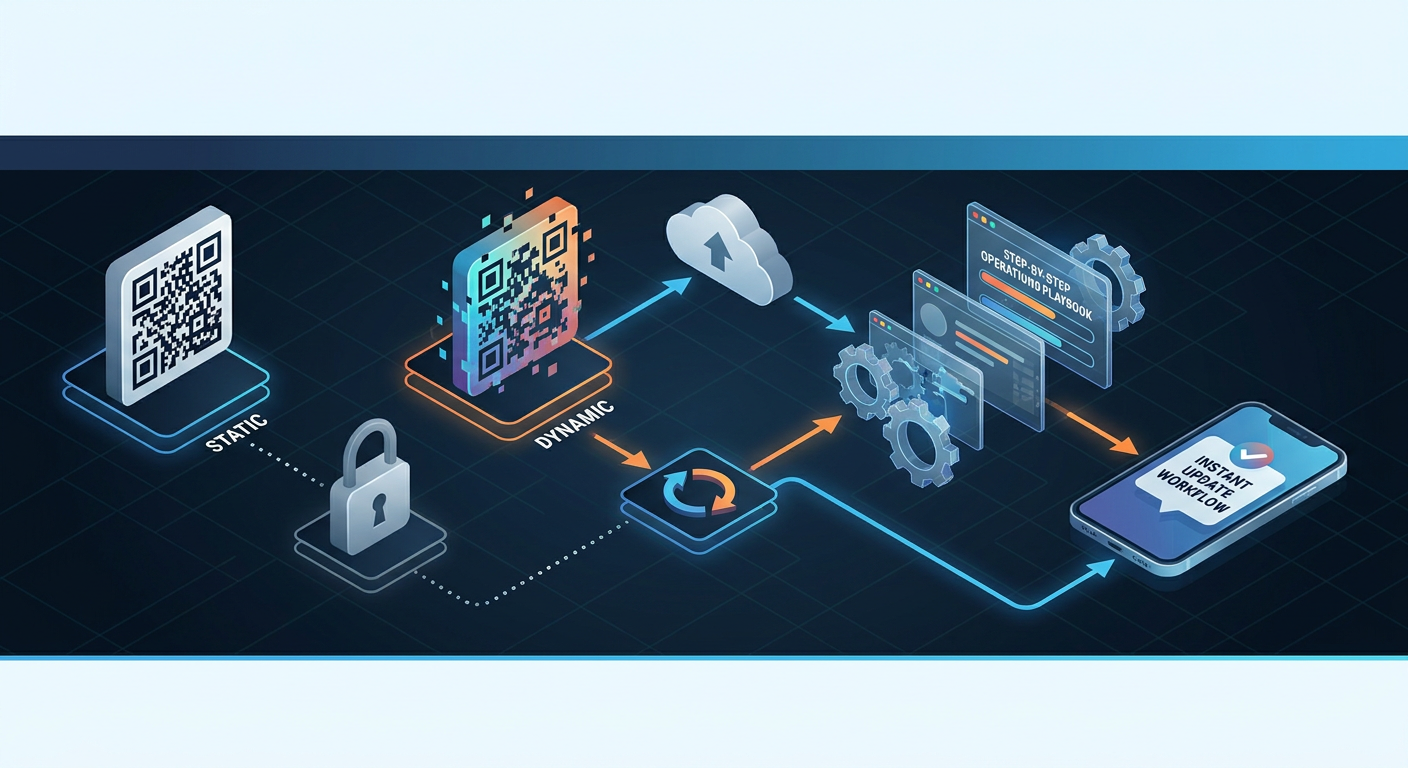
If you're operating on a shoestring budget, don't worry. You can put together a remarkably robust system using free everyday tools. The secret is setting up your Google Drive / Canva menu hosting as free backend with the right public access permissions and a streamlined QR code redirect URL structure.
Option A: Google Drive PDF Hosting (Free)
If you decide to use Google Drive to host your menu, follow these steps closely to avoid the dreaded "request access" screen that ruins a diner's appetite:
- Upload your compressed, mobile-optimized PDF menu to a dedicated folder in Google Drive.
- Right-click the file and click "Share" or "Get Link."
- Switch the General Access setting from "Restricted" to "Anyone with the link."
- Verify the role is set strictly to "Viewer"—you certainly don't want customers accidentally editing your prices.
- Copy the shareable link. This will serve as your dynamic QR destination URL.
Option B: Canva Hosted Interactive Menu (Free)
Canva has made digital design incredibly easy. Instead of just exporting a flat PDF, you can actually publish and host a responsive webpage on Canva for free:
- Pick a mobile-first restaurant menu template in the Canva dashboard.
- Add your branding, dishes, price points, and allergen callouts.
- Hit the "Publish as Website" button in the upper right-hand corner.
- Choose the "Free Domain" option and opt for the "Mobile-responsive" presentation style.
- Publish the site and copy the live URL. Just like that, you've got a beautiful, hosted digital menu page without paying a dime.
The Importance of Redirect URL Structure
When you feed your link to the dynamic QR generator, make sure the redirect path is clean. Avoid super-long, nested tracking URLs that force the browser to jump through hoops, which slows down the redirect process. A clean, direct link path ensures your menu loads immediately, keeping hungry guests happy from the second they sit down.
4. Step-by-Step: How to Make a QR Code for Restaurant Menu (No Monthly Fee)
Now that you have your menu link ready, it’s time to generate the physical gateway to your kitchen. Here’s how to create a highly reliable, custom QR code using free dynamic link tools.
Step 1: Pick a Dynamic Generator with Free Redirects
You need a platform that lets you manage at least one active dynamic link for free—without hitches like sudden scan limits or hidden expiration dates. Tools like Qret.me offer a dynamic QR code and short link entirely free on their starting plan. It's the perfect sweet spot for single-location venues.
Step 2: Add UTM Parameters to Track Your Scans
Don't just copy-paste the raw link. If you want to actually understand how your diners behave, append some basic UTM parameters for menu scan tracking to your URL. This lets you track traffic inside Google Analytics or other web tracking suites. Format your link like this:
https://mycafe.canva.site/menu?utm_source=qr&utm_medium=table_tent&utm_campaign=lunch_menu
Step 3: Set Your QR Error Correction Level (L/M/Q/H)
Error correction is the built-in system that keeps your QR code scannable even if it gets scratched, smudged, or partially covered by a glass of water. It relies on smart algorithms to rebuild lost data. When you generate your code, choose the right setting based on your design style:
- Level L (7% recovery): Best for simple, standard black-and-white QR codes with zero branding. This is the fastest scanning option.
- Level M (15% recovery): The industry standard. It offers a great balance between visual simplicity and physical durability. Perfect for standard table tents.
- Level Q (25% recovery): Best if you plan to style your code, add custom branding, or place a subtle logo in the middle.
- Level H (30% recovery): The heavy-duty option. Essential if you want a prominent logo right in the center. It keeps the code readable even with a fair amount of physical wear and tear.
Step 4: Style with Scannability in Mind
It's tempting to get creative with brand colors, but you must keep contrast high. Dark pixels on a crisp, light background will always scan fastest. Try to avoid inverted styles (light pixels on a dark background); older smartphones often struggle to focus on them when your dining room lights go down.
5. Physical Deployment: Table Tent QR Placement vs Wall-Mounted QR
Your digital menu is only as strong as its real-world implementation. If customers can't find your QR codes, or if they have to wave their phones around trying to read them, it delays ordering and slows down your table turns. Getting the placement and resolution right is everything.
Where Should You Place Your QR Codes?
When it comes to putting codes in front of diners, two core layouts dominate: table tent QR placement vs wall-mounted QR. Which one you choose depends entirely on how your restaurant operates.
Table Tent Placement: Setting up acrylic stands or custom cards on every single table is the gold standard for full-service spots. It's incredibly convenient for guests, encourages impulse drink orders, and keeps the scan-to-order flow natural. Just keep in mind that you'll need to generate unique codes for different tables if you want granular analytics.
Wall-Mounted Placement: Mounting a large, high-visibility QR code on your wall, window, or ordering counter works wonders for quick-service joints, food trucks, and busy pickup lanes. It saves you money on printing and keeps codes out of spill zones, but it can occasionally cause a bottle-neck of customers gathering around the sign.
Print Quality: Why 300 DPI is Your Golden Rule
Please don't just grab a screenshot of your QR code and send it to your local print shop. Low-resolution, blurry pixels will fail to scan. Always download your files in clean vector formats like SVG or EPS—or at least a high-res PNG—ensuring a print-ready QR code resolution of 300 DPI minimum.
If you want to keep things technically sound, you can look into the mobile-friendly web guidelines laid out by the World Wide Web Consortium (W3C) for scaling layouts and sharp, accessible vector rendering.
Apply these physical printing rules for maximum scan success:
- Keep It Readable: Your QR code should be at least 2 x 2 cm (0.8 x 0.8 inches) on table tents, and significantly scaled up if you're putting it on a wall poster.
- Ditch Glossy Laminates: High-gloss laminate reflects overhead dining spotlights, creating a glare that blinds phone cameras. Stick to a matte finish.
- Leave Some Breathing Room: Maintain a clear border of white space (known as the "quiet zone") all around your QR code. Crowding text or branding too close to the grid will cause scanning errors.
6. Upgrading Your Menu with Qret's AI-Powered "Digital Twin" Ecosystem
Let's be frank: static PDFs and basic Canva pages are great for testing the waters, but they fall short of what modern guests expect. A flat document can't upsell a side of truffle fries, field questions about food allergies, or book a reservation. To elevate the dining experience, forward-thinking restaurants are moving away from passive menus in favor of smart, conversational tools.
This is where Qret.me steps in to turn your physical dining tables into dynamic, self-service hubs. Qret isn't just another link shortener; it acts as an interactive "Digital Twin" of your actual restaurant.
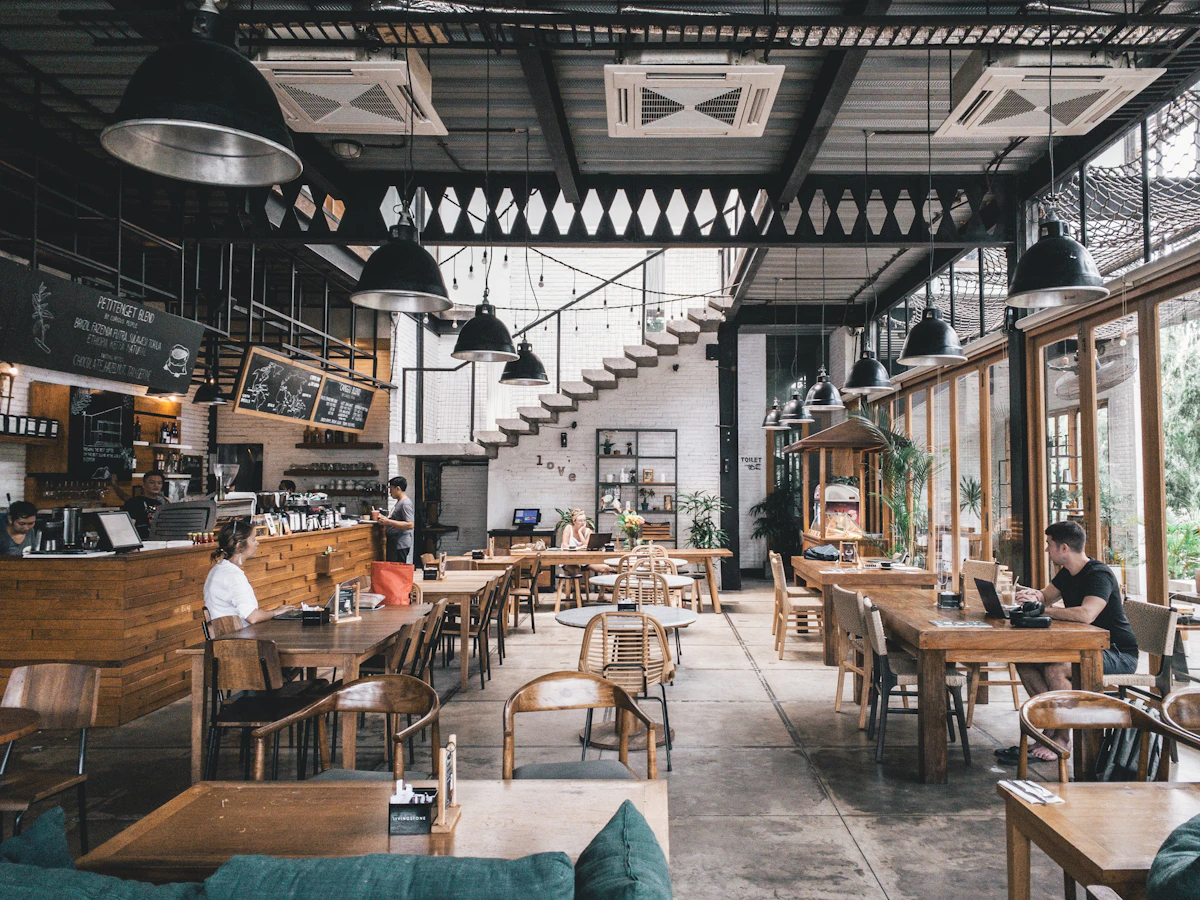
How Qret.me Maximizes Your Restaurant Operations
- Interactive Digital Menus: Using Qret's modern Bio Link Pages and dedicated restaurant blocks, you can craft a sleek, mobile-responsive digital list complete with high-res food photography, dietary tags, and instant pricing updates.
- The AI Chef & Waiter Agent: Take advantage of Qret's intelligent, custom-trained AI Assistant. Your menu can instantly field diner questions 24/7. Guests can ask, "Is there any gluten in your teriyaki sauce?" or "Can you suggest a dry white wine?" and get immediate, accurate answers pulled from your spec sheet.
- Smart Booking Integration: Let your guests lock in their next reservation right from their phones using Qret's built-in Online Booking System. The AI assistant can handle routine pre-booking questions automatically while your staff focuses on the busy dining room.
- Fully Custom Dynamic QR Codes: The Qret Business tier allows you to generate gorgeous Dynamic QR Codes containing your branding, logos, and custom colors, ensuring your aesthetic remains consistent across every table.
If you're eager to make your dining space even smarter, take a look at our guides on deploying a modern contactless ordering system or designing eye-catching digital menu boards that turn one-time scanners into lifelong regulars.
7. Frequently Asked Questions (FAQ)
Is a QR code menu actually free?
Absolutely. You can build and host your digital menu without spending a cent. Just use Google Drive or Canva to store your menu file, and link it to a free dynamic generator like Qret.me. This simple setup keeps your operating costs at exactly zero.
Can I change my menu prices without reprinting the QR codes?
Yes—provided you used a dynamic QR code from the start. Since dynamic codes work via redirects, you can swap out the backend file or edit your prices whenever you like without having to touch your printed table cards.
How can I track how many people are scanning my menu?
It's pretty simple: just add UTM parameters to the end of your menu link (like ?utm_source=table_qr) to monitor hits in your web analytics. If you're using Qret.me, you get real-time breakdown statistics on locations, devices, and total scans built directly into your user dashboard.
What file format should I use for printing my QR codes?
Go with clean vector formats like SVG or EPS, or export a high-resolution PNG at a 300 DPI minimum. This keeps your printed lines razor-sharp, ensuring guests can scan it instantly even in a dimly lit dining room.
Are PDF menus easy for customers to use on mobile?
To be honest, not really. PDFs are built for static printing, not small screens. Your guests will have to constantly pinch and zoom to read descriptions, which slows down the ordering process. A hosted, fully responsive webpage provides a much smoother, happier dining experience.
What does the AI Chef agent on Qret.me actually do?
Think of Qret's AI Assistant as an extra set of hands on your floor. You can train it on your specific menu ingredients, prep styles, and allergen policies. When guests scan your table code, they can ask the AI about vegan modifications or gluten-free options and get immediate answers right at their table without having to flag down a busy server.
Is listing food allergens on a digital menu a legal requirement?
In many regions, yes. Food safety standards often require clear disclosures of common allergens. Using a dynamic, hosted digital page makes it incredibly easy to update these flags in real time, keeping your business fully compliant with local health codes.
8. Conclusion: Deploy Your Contactless Menu Today
Taking your restaurant digital is one of the smartest ways to slash printing costs, get tables turned faster, and give your guests a smooth, hygienic experience. As long as you know the difference between a dynamic QR code vs static QR code, choose clean web layouts over bloated PDFs, and print your materials at a crisp 300 DPI, your rollout is going to be a massive success.
Ready to turn your tables into interactive service stations? Build a beautiful mobile menu, create custom dynamic codes, and let an intelligent AI assistant do the heavy lifting for your staff. Sign up for a free account at Qret.me and launch your interactive dining experience in minutes—no credit card required.