

How to Update Your Digital Restaurant Menu Without Reprinting: The Definitive Dynamic QR Code (vs. Static QR Code) Guide for 2026
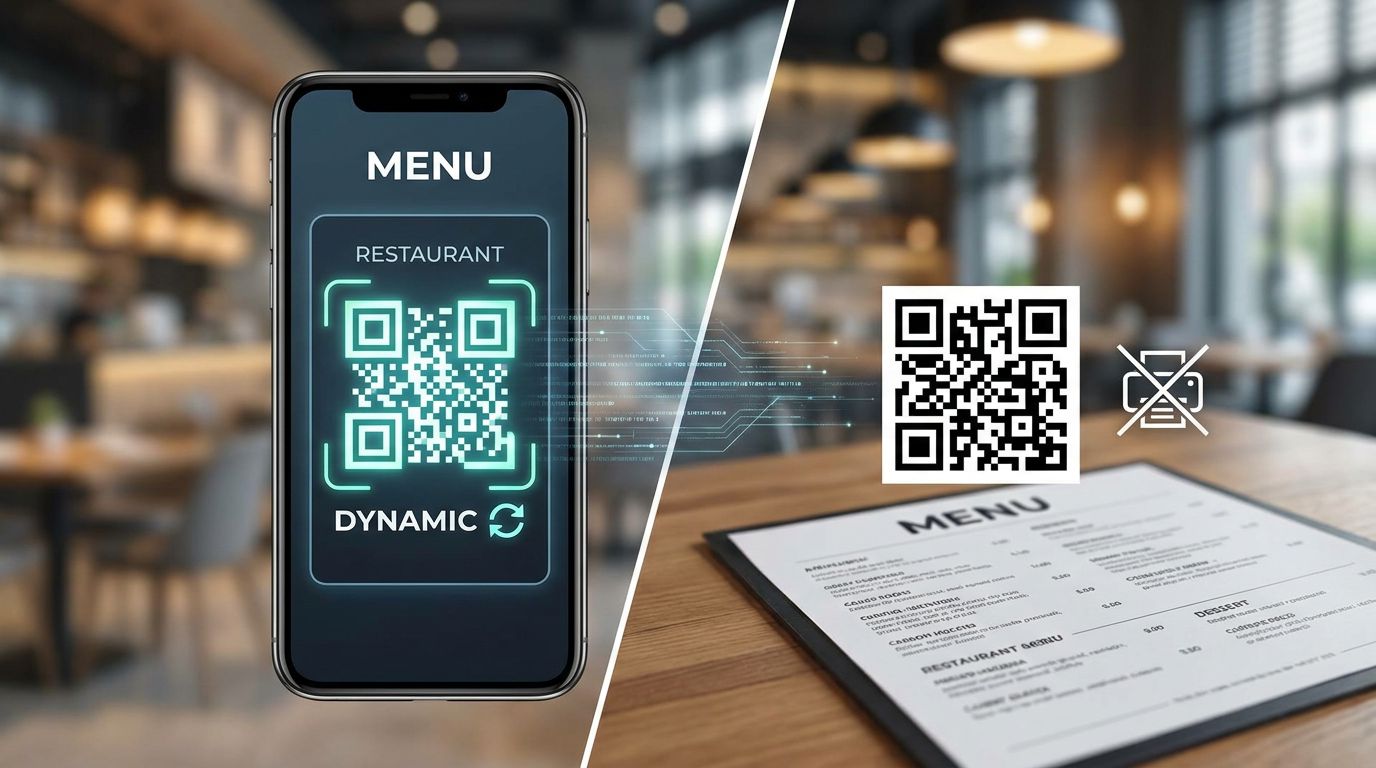
Updating a digital restaurant menu without burning cash on reprints comes down to one thing: using a dynamic QR code linked to a flexible menu CMS. This setup lets you tweak items, adjust pricing, and toggle availability on the fly while the printed QR code on your tables remains exactly the same.
Key Takeaways
- Dynamic QR Codes are Mandatory: Don't even think about static QR codes. You need dynamic codes so you can change the target URL or menu items without touching the physical printout.
- Save Thousands on Reprinting: Need to change a price or swap an ingredient? Do it through a cloud-hosted menu CMS in under 90 seconds flat.
- Instant 86'd Flagging: Save your servers the headache of apologizing for out-of-stock items by toggling availability instantly from your phone during a Friday night rush.
- Acknowledge the Tech Ecosystem: Consolidating your tools with a platform like Qret.me can help you ditch up to five separate software subscriptions.
In 2026, keeping your restaurant agile isn't just a nice-to-have — it's survival. If you're still relying on traditional paper menus, you're probably flushing thousands of dollars down the drain every year on paper, ink, and shipping. The good news? Figuring out how to update your digital restaurant menu without reprinting is surprisingly simple once you grasp the mechanics of a dynamic QR code (vs. static QR code). With the right menu-hosting tech, you can push live updates, tweak seasonal prices, edit allergens, or pull an out-of-stock dish in less than 90 seconds.
Let's look at the actual workflows, tech choices, and ground-level strategies that smart operators use to build a seamless, paperless menu setup. Whether you're running a single neighborhood joint or overseeing a massive franchise, mastering this workflow is going to protect your margins — and spare you from endless hours of back-office busywork.
Why You Must Choose a Dynamic QR Code (vs. Static QR Code) for Modern Menus
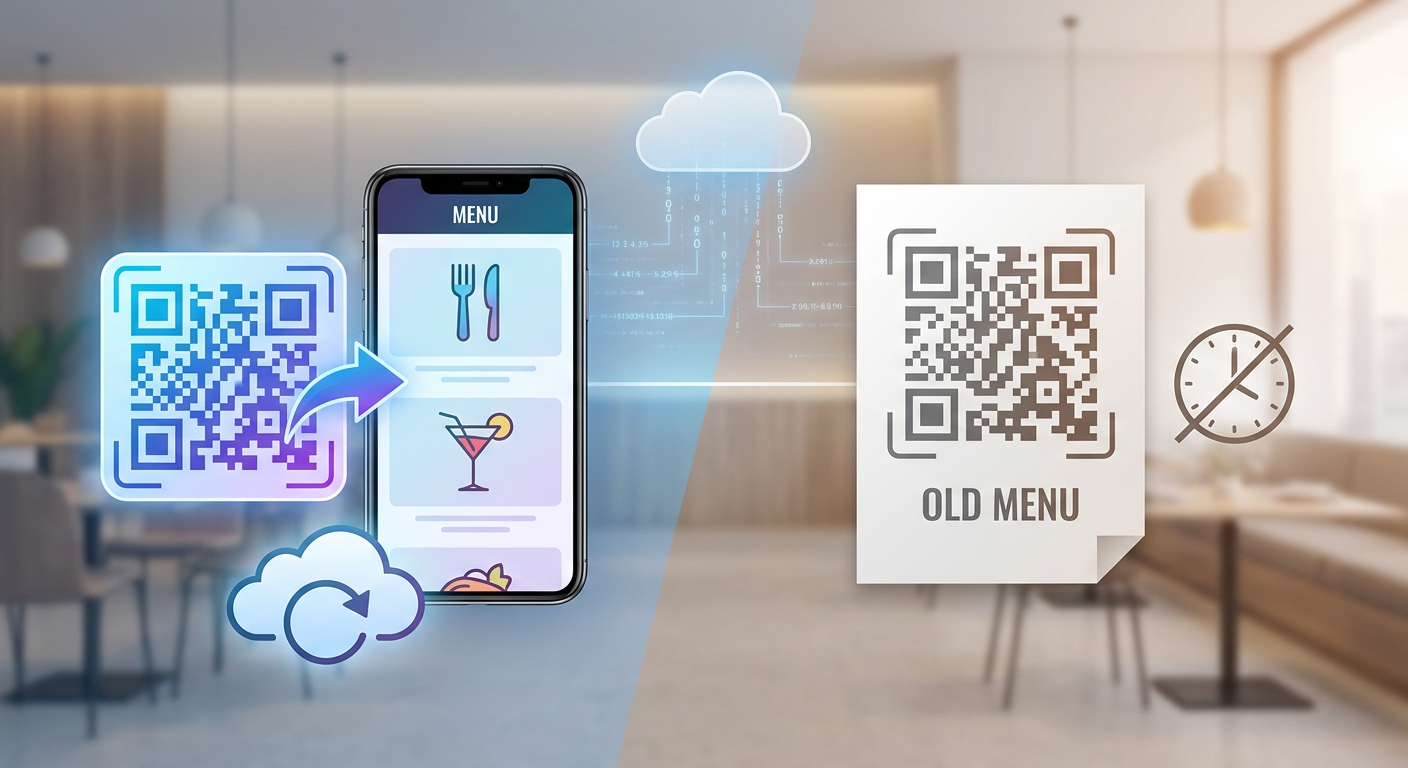
The biggest slip-up I see restaurant owners make when going paperless is choosing the wrong type of QR technology right out of the gate. To understand why some menus can be updated instantly while others require a full trip back to the printer, we have to look at the fundamental battle of the dynamic QR code (vs. static QR code).
The Fundamental Difference: QR Code Destination URL vs. QR Code Image
Think of a static QR code like a digital stamp. It embeds your destination data — usually a long web link — directly into the physical pixel pattern of the code itself. Because that pattern is hardcoded to represent those exact characters, you can't edit it. If your URL changes from myrestaurant.com/menu-winter to myrestaurant.com/menu-spring, that static code instantly breaks. Your only option? Throw away your old table tents, window decals, and flyers, and reprint everything from scratch.
Dynamic QR codes do things differently. Instead of linking directly to your menu page, the code contains a short, flexible middleman link hosted on a QR server. When a diner scans it, their phone hits this short link first, which instantly routes them to your current menu. Because you control this routing bridge through your dashboard, you can swap out the final URL or edit the content whenever you want. The physical printout on Table 5 stays exactly the same, but the customer sees your brand-new spring menu.
The Nightmare of Static QR Codes in Restaurant Operations
Frankly, using static QR codes in a busy dining room is a recipe for operational disaster. What happens when your chef swaps out an entree, or wholesale beef prices spike and you have to adjust your steak pricing? With a static code, you're stuck. You'd have to generate a fresh code, update your design templates, send files to a local printer, wait days for them to arrive, and then pay your staff to swap out every single table tent. It completely defeats the purpose of going digital in the first place.
Curious about how this routing logic actually works under the hood? Check out our deep dive on Dynamic QR Codes to see how enterprise link-routing prevents broken pages during high-traffic dinner rushes.
| Feature / Capability | Static QR Code | Dynamic QR Code |
|---|---|---|
| Edit Destination URL After Printing | No (Requires full reprint) | Yes (Instant routing changes) |
| Visual Complexity / Scan Speed | High (Complex pixel patterns) | Low (Clean, fast-scanning patterns) |
| Analytics & Scan Tracking | No | Yes (Device, time, location tracking) |
| Real-Time Menu CMS Editing | No | Yes (Linked directly to dynamic data) |
| Branding & Logo Customization | Limited | Fully customizable (e.g., Qret.me custom designs) |
The Modern Menu CMS (Content Management System for Menus)
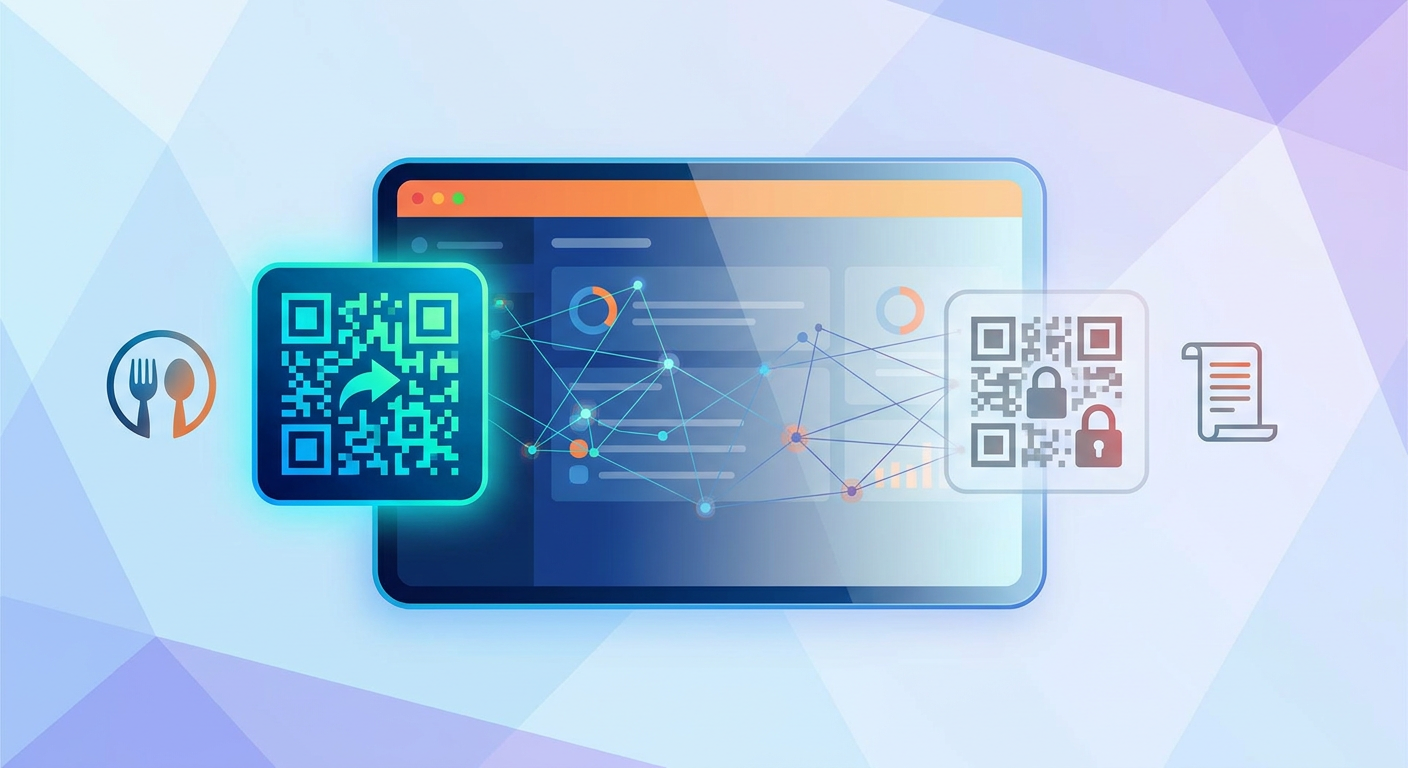
To really pull off a paperless menu strategy, a simple redirect link isn't quite enough. You need a dedicated menu CMS (content management system for menus). Unlike generic web tools, a menu CMS is built from the ground up to organize food and drink data — categories, pricing, photos, and allergen disclosures — into a clean, easily editable database.
Think about generic website builders like WordPress or Squarespace. Every time you want to add a dish, you have to mess with layout grids, sizing, and complex formatting. A menu CMS, on the other hand, treats your menu items as modular blocks. Adding a new special is as simple as filling out a quick form: title, price, description, allergen tags, and a photo. The system does the heavy lifting for you — instantly formatting the new dish to match your brand's style and optimizing it for whatever phone your guest is holding.
Choosing a Hosting Platform with High Uptime SLA
The moment you swap paper for a digital link, your hosting provider's uptime becomes your restaurant's lifeline. Imagine your digital menu crashing on a packed Friday night at 8:00 PM. Service instantly grinds to a halt. Your servers will be forced to verbally recite the entire menu, table turn times will skyrocket, and guests will leave frustrated.
When you're shopping around for a menu CMS, take a hard look at their hosting infrastructure and uptime history. You want a system backed by a global Content Delivery Network (CDN) so your pages load in milliseconds, even when fifty guests scan them at the exact same moment. Platforms like Qret.me deliver lightning-fast load times and bulletproof hosting, making sure your menu is always ready the second a customer sits down.
Mobile-Optimized Menu Rendering
I can't stress this enough: do not host your menu as a raw PDF on Google Drive or Dropbox. PDFs are built for paper, not 6-inch phone screens. Making a diner pinch-and-zoom just to read your drink list is an absolute experience-killer. It slows down ordering, drives up frustration, and ultimately hurts your average ticket size.
A solid menu CMS renders your menu in responsive, native HTML. This means it adapts beautifully to any screen — whether it's a compact iPhone Mini, a massive Android flagship, or an iPad. Fonts stay legible, navigation categories (like "Appetizers" or "Cocktails") are accessible via quick tabs, and photos load instantly without burning through your guest's cellular data.
If you want to see the real numbers behind these systems, take a look at our analysis of Contactless Systems ROI, where we break down how smooth digital experiences translate directly to higher order values and lower labor costs.
Step-by-Step Operations Playbook: The Instant Update Workflow
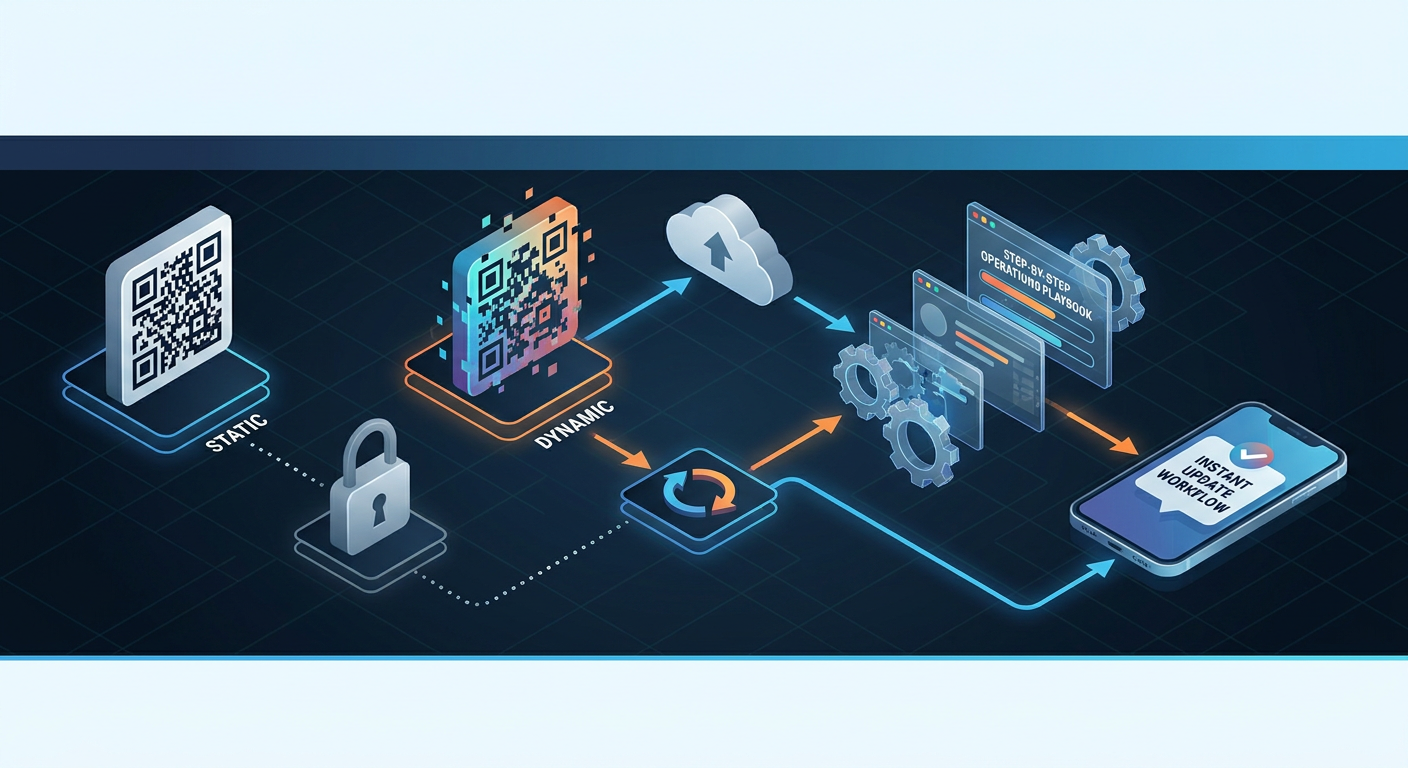
To keep your dining room humming along without hiccups, your kitchen and front-of-house staff need a straightforward playbook. Here's exactly how to handle the three most common menu adjustments on the fly, without ever touching your physical table setups.
How to Change Digital Menu Prices Without Reprinting (Seasonal Pricing Update Workflow)
With food supply costs fluctuating wildly, protecting your margins means you have to be ready to shift pricing when ingredient costs spike. A smooth, professional seasonal pricing update workflow usually looks like this:
- Log in: Open up your menu CMS dashboard from your phone, an iPad at the host stand, or the office computer.
- Find the dish: Filter your items by category — like "Seafood" or "Cocktails" — to locate what you need quickly.
- Update the price field: If your wholesale cost for salmon just jumped, find your "Pan-Seared Salmon" and change the price from $28.00 to $31.00.
- Hit Save: Publish your changes. The cloud database updates in milliseconds. The next guest scanning the code on Table 4 sees the new price instantly. No PDF uploads, no wasted paper.
Real-Time Availability: The 86'd Item Flagging Toggle
Nothing kills a dining experience faster than ordering a dish, looking forward to it, and having your server come back ten minutes later to tell you the kitchen just ran out. It's a bummer for the guest and awkward for the staff. A great digital menu lets you bypass this entirely with an 86'd item flagging (real-time item availability toggle).
When the kitchen plates the last portion of sea bass, the shift manager simply pulls up the CMS on their phone, finds the dish, and taps the "Available / Out of Stock" toggle. Instantly, the item is either hidden from view or flagged as "Sold Out." This keeps guests from ordering things you can't make, saves your servers from the apology loop, and keeps ticket times on track.
Safety and Compliance: Allergen and Dietary Label Editing
Food safety isn't something you can afford to play fast and loose with. As dietary preferences and severe allergies become more common, keeping your menu's allergen profile accurate is crucial. Fortunately, when you use a proper CMS, allergen and dietary label editing takes only a couple of clicks.
If your kitchen swaps out an ingredient or switches to a gluten-free flour, your team can update the item tags immediately. A chef can check the boxes for "Gluten-Free," "Vegan," or "Contains Nuts," and the system instantly updates the badges on the customer-facing screen. When a guest filters your digital menu for "Nut-Free" options, the changes reflect in real time, keeping your guests safe and your business compliant.
For a look at setting up a reliable, secure framework, check out our guide on Contactless Systems Setup, which explains how to design user interfaces that prevent mix-ups and protect customer health.
Advanced Features for Seamless Front-of-House Control
As your business scales, you can't just hand over the keys to your digital menu to every single employee. You need guardrails. Managing a busy room requires control over who can edit prices, how mistakes get rolled back, and where your traffic is directed.
Staff Permission Levels for Menu Editing
To avoid expensive typos, look for a CMS that supports granular permission levels. A standard, multi-tiered setup typically looks like this:
- Administrator (Owner / GM): Holds total access. They can adjust base pricing, routing logic, layouts, payment structures, and integrations.
- Manager (Head Chef / Floor Supervisor): Can toggle out-of-stock items, adjust daily specials, and tweak description text, but they can't touch base pricing or billing details.
- Staff (Server / Host): Read-only access to view live stock levels or seat mappings, keeping them from accidentally changing any guest-facing content.
Putting these boundaries in place prevents a busy server from making an accidental typo that prices your premium ribeye at $4.50 instead of $45.00 during a chaotic weekend shift.
Menu Version History and Rollback Control
Even with great safeguards, mistakes are going to happen. Someone might wipe out a section description or publish the dinner menu during lunch. That's why having a solid version history is a lifesaver.
If a menu update goes sideways, you don't have to panic. Just open your version history, select the stable version from earlier that morning, and hit "Rollback." Instantly, your correct layout and prices are restored globally, saving your night and protecting your bottom line.
Menu URL Redirect Logic
There will also be times when you want to redirect tables to a completely different digital experience. Let's say you're hosting a ticketed pop-up dinner on a Saturday. You probably want your table codes pointing directly to a booking page instead of your standard menu.
Because you're running a dynamic QR code, you can easily tweak the routing logic to temporarily point your printed QR codes to that ticketing page. Once the event wraps up, just log back in and point it back to your regular menu CMS URL. Your physical table tents stay right where they are, but they've served two completely different functions in a single weekend.
Integrating Your Menu with POS Systems and Online Ecosystems
Your digital menu shouldn't exist on an island. It needs to play nice with the rest of your tech stack, linking your dining room floor directly to the kitchen, your financial books, and your digital marketing channels.
POS System Integration Challenges and Solutions (Square, Toast, Clover)
Keeping your Point of Sale (POS) system in sync with your public-facing digital menu is historically a massive pain. Systems like Toast, Square, and Clover have their own internal menus for ringing up tables. Obviously, the last thing you want to do is type every single pricing update twice — once in your POS, and once in your CMS.
Modern systems use APIs to bridge this gap. When you update a price or flag an item as out-of-stock in Toast or Square, the POS automatically sends a webhook notification to your menu CMS, updating your public QR menu instantly. This keeps your pricing and inventory in perfect lockstep, with zero double-entry.
Syncing Your Google Business Profile Menu
Think about this: research shows that over 80% of people make dining decisions starting with a local search on Google Business Profile. If a hungry customer spots your menu on Google Maps and sees a dish listed for $15, but then scans the QR code at your table and sees it's actually $20, you've immediately damaged trust before they've even ordered.
By pointing your Google Business Profile menu link directly to your primary dynamic QR code URL, you ensure everyone — whether they're looking at Google, Apple Maps, or sitting at Table 12 — sees the exact same real-time menu data. One update in your CMS keeps your entire web presence perfectly in sync.
Operational Strategy: The Print-Once QR Code Table Tent Strategy
To really squeeze every drop of ROI out of dynamic menus, you want to shift to a "print-once" hardware strategy. That means investing in high-quality table materials designed to last for years, not weeks.
Designing for Durability and Long Life
Because you won't be throwing these QR codes away next season, you can afford to invest in materials that look and feel premium. Instead of flimsy paper tents that get soggy from spilled drinks, try using:
- Custom laser-engraved wooden blocks
- Anodized aluminum or sleek acrylic displays
- Under-glass table decals with scratch-resistant laminates
- Custom ceramic tiles with the QR code permanently baked into the glaze
These options don't just elevate your dining room's aesthetic — they withstand harsh sanitizers and stay crisp for thousands of scans, maximizing your long-term return on investment.
Maximizing Menu Analytics (Scan Rates and Click-Throughs)
The real secret weapon of moving away from paper is the data. With dynamic QR codes, you unlock customer analytics that are simply impossible to get with physical menus. A robust tracking dashboard shows you:
- Scan Volume by Day and Hour: Spot exactly when your tables are busiest to help you schedule staff and prep inventory more accurately.
- Device Demographics: Learn if your guests lean heavily toward iOS or Android, helping you optimize your digital design layout.
- Popular Items & Click-Through Rates (CTR): See what people are looking at. If your "Truffle Fries" gets a massive click rate but rarely gets ordered, your price point might be too high. That's real menu engineering data in action.
How Qret.me Empowers Restaurants with Instant Digital Menus
Setting up all of this — the routing logic, the menu CMS, allergen filters, and booking engines — can quickly add up to a mountain of different software bills. That's why a unified platform like Qret.me is such a game-changer.
It's not just a basic landing page or link directory; Qret.me works like an AI-powered "digital twin" of your physical restaurant. By replacing up to five separate subscriptions, it consolidates your entire digital dining room setup onto a single, clean dashboard.
Specific Features Designed for Restaurants on Qret.me:
- Digital Menu & Catalog: Upload high-res photos, tweak prices, and organize your layout with a drag-and-drop builder. It looks incredible and reads easily on any mobile screen.
- Dynamic QR Codes: Generate beautiful, print-ready QR codes styled with your brand's colors and logo. Redirect them instantly whenever you need to update things. Read more on our Dynamic QR Codes feature page.
- The AI Chef & Waiter Agent: Qret's advanced AI Nano Agents learn your menu, ingredients, and operating hours inside out. When a guest scans their code, they can ask the AI questions like "Are your fries cross-contaminated with gluten?" or request wine pairings. It's like having an extra hand on deck during busy rushes.
- Smart Booking Block: Let customers reserve a table directly from their digital menu screen. The booking system syncs cleanly with your calendars, and the AI agent can even handle pre-booking FAQs. Check out how it works on our Smart Booking System page.
Real-World Success: Casa Verde (Ankara, Turkey)
Before switching to Qret.me, Ankara-based restaurant Casa Verde was bleeding money on constant menu prints, and their waitstaff was constantly tied up answering detailed allergen questions. They decided to swap out their paper menus for custom Qret.me dynamic QR codes linked to a digital menu and backed by a custom-trained AI Chef agent.
The shift paid off immediately: Casa Verde zeroed out their printing costs, reduced allergen issues to zero, and freed up their front-of-house staff to deliver better service. Plus, guests loved chatting with the AI Chef right from their phones to check ingredients.
With paid plans that give you unlimited dynamic QR codes, custom branding, and plenty of AI credits, Qret.me is an indispensable tool for operators looking to guard their margins. To see how easy it is to modernize your tables, check out the Qret.me Pricing Plans and spin up your digital menu for free today.
Frequently Asked Questions (FAQ)
Can I change my menu items if I already printed my QR codes?
Absolutely — as long as you printed a dynamic QR code and not a static one. With dynamic codes, you just log into your CMS dashboard and tweak your dishes, pricing, or images. The edits go live on your guests' phones instantly, while the printed codes on your tables stay exactly as they are.
What happens if my restaurant’s Wi-Fi goes down? Will guests still be able to scan our QR menus?
Yes, they will. Dynamic QR codes don't need your in-house Wi-Fi to work. When a diner scans the code, their phone loads the menu via their own cellular data (4G or 5G) from a cloud server. As long as they have cell reception, your menu loads perfectly, even if your local router is completely unplugged.
How long does it take for a menu update to go live after I save it in the CMS?
It's basically instantaneous. The moment you hit "Save" or "Publish" in your menu CMS, the database updates in the cloud. Anyone who scans your table QR codes from that split-second onward will see the fresh prices, items, or allergen warnings immediately.
Is a PDF menu uploaded to Google Drive or Dropbox a good option for my restaurant?
No, and you should avoid this at all costs. Hosting a raw PDF on Google Drive or Dropbox forces your guests to constantly pinch and zoom to read small print, which is a massive friction point. They're also slow to load and can eat up data. A responsive HTML-based menu CMS loads instantly, fits any screen, and provides a much better dining experience.
Can our kitchen staff use their mobile phones to flag out-of-stock (86'd) items?
Yes, assuming your CMS supports mobile admin tools and custom permissions. Your shift leaders or kitchen team can quickly log in from their phones, locate the depleted item, and toggle it to "Unavailable" in under five seconds, instantly preventing guests from trying to order it.
Can I redirect my table QR codes to a special holiday menu for one evening, then switch back?
You sure can. Since dynamic QR codes use flexible redirection logic, you can log in, point your printed codes to a special set menu for Valentine's Day or New Year's Eve, and then switch them back to your standard lunch or dinner URL when the night is over. Your table holders stay physically untouched the entire time.
Are there dynamic QR codes that do not expire?
Yes, professional-grade dynamic QR codes do not expire as long as your account is active. Be careful with those free trial generators you find online — they often cap your scans or put expiration dates on links. Dedicated platforms like Qret.me offer robust, non-expiring codes built specifically to keep your operations running smoothly.
Conclusion & Actionable Next Steps
Updating your menu shouldn't feel like an administrative chore or require a costly rush order at the local printer. By trading in your static QR codes for dynamic ones backed by a dedicated menu CMS, you'll win back control of your day-to-day operations, safeguard your food margins, and offer a much smoother experience for your diners.
Ready to make the jump? Start by mapping out your menu structure, choosing a durable material for your table displays, and picking a platform that consolidates your tech stack. Platforms like Qret.me handle the heavy lifting, offering dynamic QR codes, responsive mobile menus, booking integrations, and an AI-driven Chef to chat with your guests. Build your digital menu today and take the friction out of your dining room once and for all.