

QR Code Menu vs Printed Menu: Pros, Cons & What Restaurants Choose in 2026
The restaurant world has changed fast over the last decade, but one battleground remains fiercely contested: the tabletop. Paper or digital? It's a debate that won't die. In 2026, this isn't about emergency pandemic survival anymore. Modern operators treat their menus as strategic engines—tools to tackle labor shortages, protect margins, and define who they are.
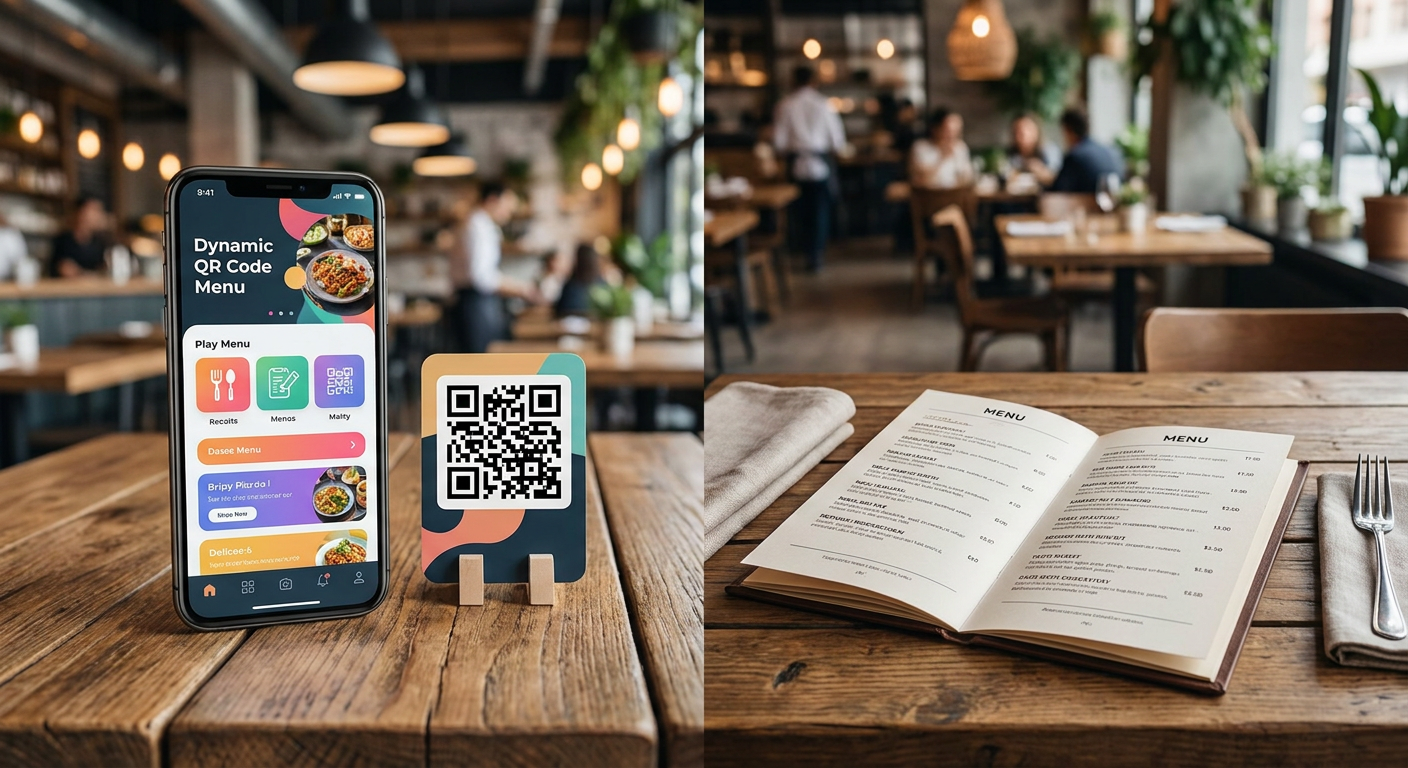
A dynamic QR code menu (vs static) gives you real-time cloud updates, rich media, and automatic upselling, while traditional paper offers unmatched tactile satisfaction and a tech-free escape. That's why, in 2026, top-tier venues are going hybrid: using dynamic QR codes as their main transaction engine while keeping a small, premium batch of printed menus on hand for backup and brand storytelling.
- Financial ROI: Ditching paper completely wipes out your recurring menu update cost per reprint cycle—putting up to $3,200 back into a mid-sized restaurant's pocket every year.
- Table Turn Velocity: By removing ordering bottlenecks, digital menus shave an average of 12 minutes off your total table turn time impact.
- Revenue Lift: Smart digital catalogs see an upsell conversion rate (digital vs printed) jump of 15% to 22%, thanks to algorithms that never forget to suggest a premium pairing.
- The Hybrid Standard: The smartest brands in 2026 use a 70/30 hybrid setup to capture tech efficiency without losing the warm, tactile side of hospitality.
The Core Battle: Dynamic QR Code Menu (vs Static) and Paper
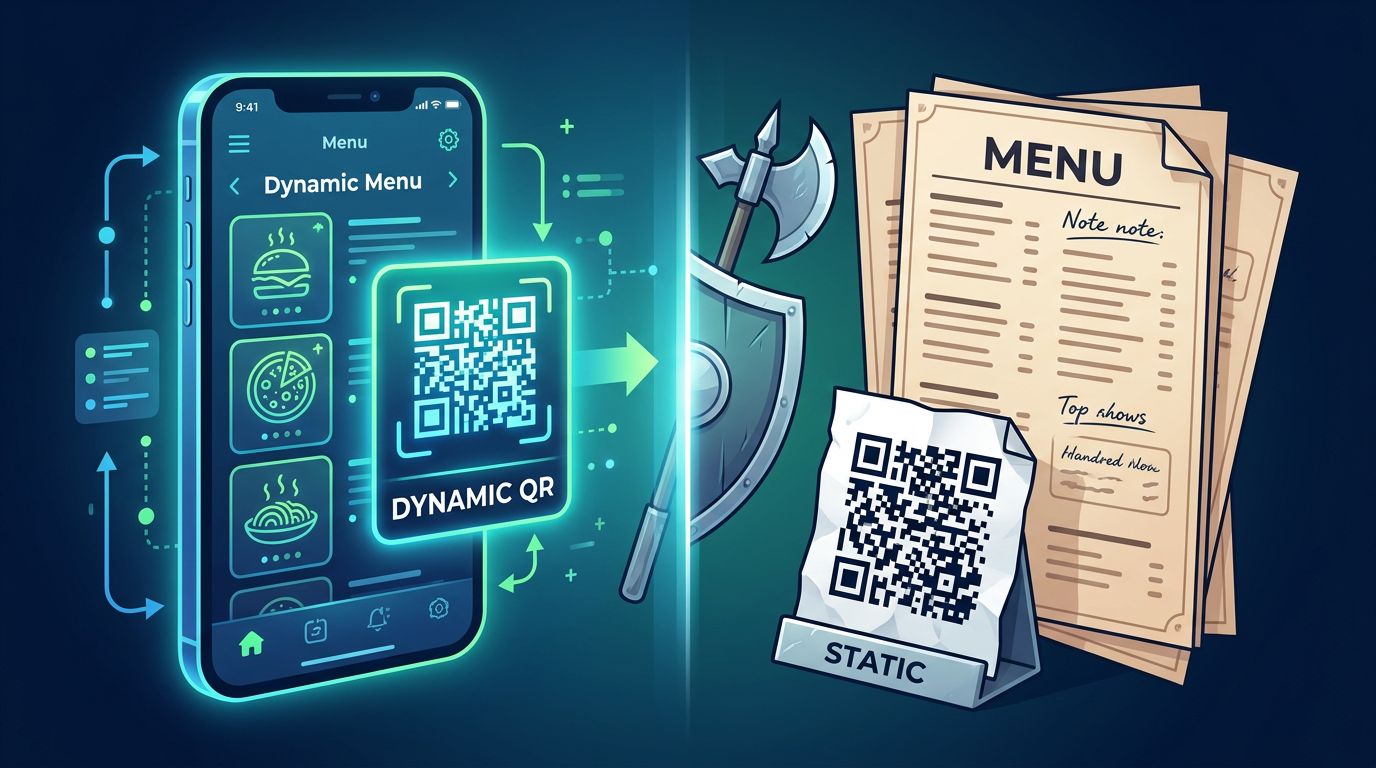
Before diving into the tech, we have to clear something up: not all QR codes are born equal. A lot of early pandemic setups relied on clunky, static links. With a static QR code, the destination URL is permanently locked in. It usually points to a heavy, hard-to-read PDF hosted on some basic server. If you need to bump a price by fifty cents, remove an 86'd item, or fix a typo, you have to reprint and restick every single QR code in the building. It's an absolute nightmare.
On the flip side, a dynamic QR code menu (vs static) detaches the physical print from the actual link. The code on your table points to a redirect URL, meaning you can swap out layouts, adjust prices, or overhaul your entire brand look from a dashboard in seconds—without ever touching the physical sticker. Honestly, trying to run a restaurant with static codes in 2026 is a massive operational risk. Nothing kills a guest's mood faster than looking at an old PDF and ordering a dish that's been off the menu for weeks.
Now, paper menus have an undeniable charm. The weight of a premium 300gsm cardstock, the clean typography, the leather cover—they tell a story of quality before the food even arrives. But paper is completely rigid. In a world where ingredient costs change by the day and supply chains are unpredictable, a fixed paper menu leaves you with two bad choices: eat the shrinking margins, or ruin your gorgeous aesthetic with ugly sharpie edits and pricing stickers.
Why Static QR Menus Fail in Modern Operations
- PDF Friction: Nobody wants to pinch-and-zoom their way through a massive, desktop-sized PDF on a tiny smartphone. It's a quick way to frustrate hungry guests.
- Broken Links: If you ever update your website structure, those old static QR codes will instantly break, serving up a lovely '404 Not Found' error right as someone's trying to order.
- Zero Analytics: Static codes are a black box. You get zero data on scans, viewing habits, or what actually catches your customers' eyes.
The Financial Equation: Printed Menu Cost vs Digital Menu Cost
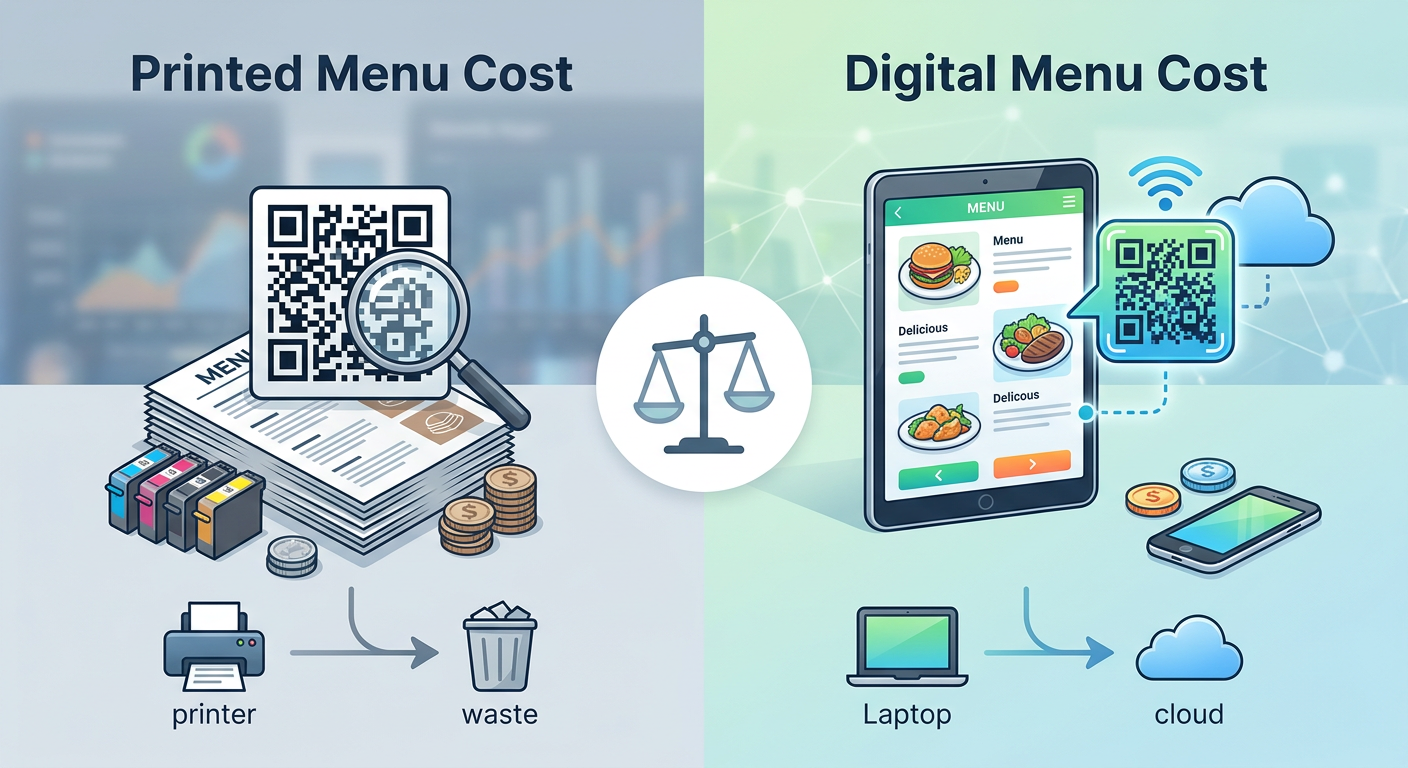
When you break down the true cost of ownership, many operators miss the hidden leak in their balance sheets: print logistics. Sure, the first design draft costs money, but the real bleed happens with your ongoing menu update cost per reprint cycle. Every single refresh drains cash.
Let's look at a typical 40-table bistro. Every time you update the menu, you pay for designer hours, paper sourcing, professional printing, and maybe some fresh laminates or sleeves. Let's lay out the actual math of running paper versus digital side-by-side.
| Cost Category | Printed Menu Format (40 Tables) | Dynamic QR Menu Format (Digital Platform) |
|---|---|---|
| Initial Setup & Design | $450 – $1,200 (Design & first print run) | $0 – $150 (Digital setup & layout) |
| Average Reprint Cycle Cost | $200 – $800 per reprint cycle | $0 (Instant cloud updates) |
| Annual Maintenance | $1,200 – $4,800 (Assuming 6 seasonal or price updates) | $120 – $360 (Annual software platform subscription) |
| Sanitation & Upkeep | $150/year (Sanitizers & sleeve wear-and-tear) | $20/year (Durable sticker replacements) |
| Labor Hours (Updating Content) | 10 – 15 hours per change (Back-and-forth with printers) | 5 – 10 minutes (Quick dashboard change) |
As the numbers show, the printed menu cost vs digital menu cost comparison isn't even close. And we aren't even factoring in the day-to-day maintenance. Constantly wiping down physical menus eats up labor hours and beats up the materials, meaning you're replacing them even faster. The National Restaurant Association notes that the typical independent restaurant now changes prices or ingredients up to eight times a year just to survive inflation. If you're bound to paper, updating that often is a budget killer—which means you're likely stuck with outdated prices that chew right through your margins.
How Does a Digital Menu Impact Table Turn Velocity?
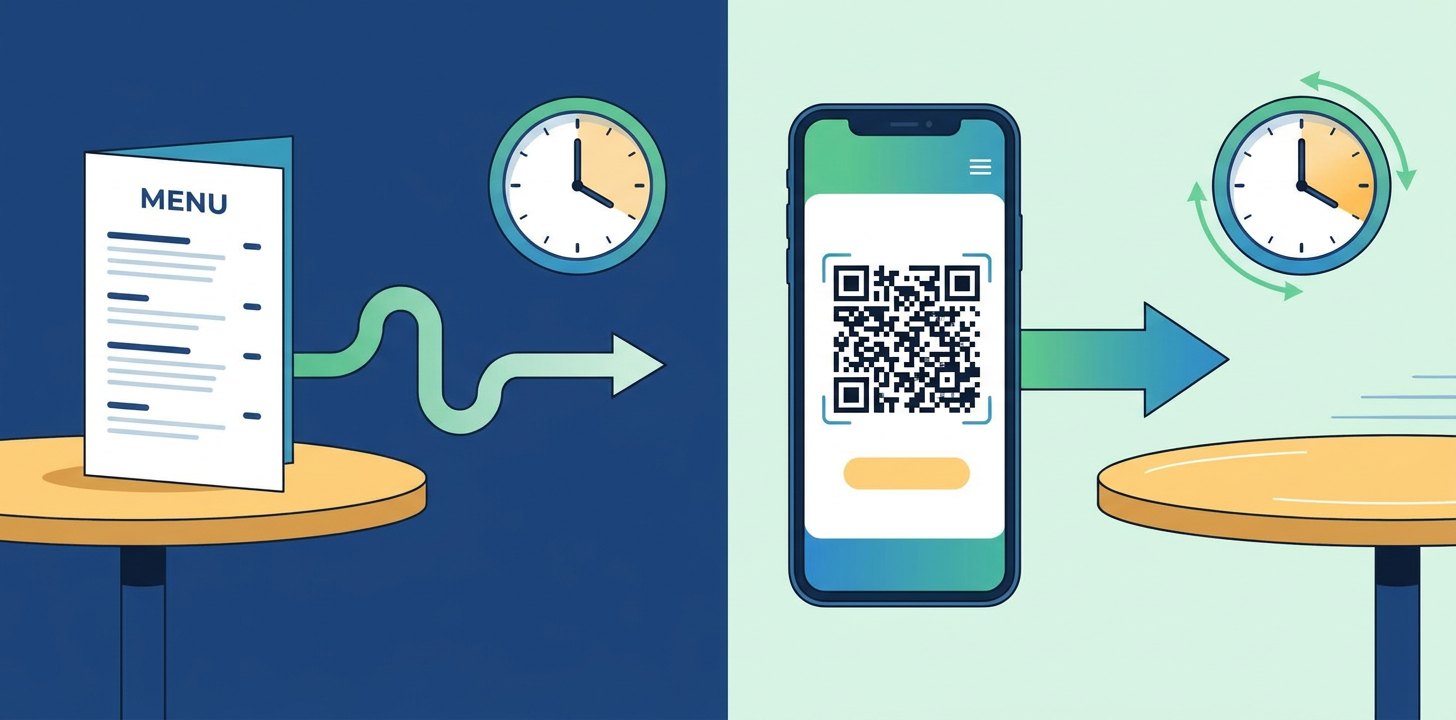
If you run a high-volume spot, your revenue lives and dies by table velocity. A table sitting idle or waiting on a check is literally leaking cash. This is where the measurable table turn time impact of digital menus changes the entire game, especially for casual and fast-casual concepts.
Think about the traditional paper-menu dance. It's heavily bottlenecked by a series of back-and-forth interactions:
- The host seats the table and hands over the physical menus.
- Guests browse and wait for a server to drop by for drinks.
- Server takes the drink order and heads to the bar.
- Drinks arrive, and the food order is finally placed.
- Meal ends; guests try to catch the server's eye for the bill.
- Server drops off the slip and walks away.
- Server returns for the card, runs it at a station, and brings back the receipt to sign.
Every single step in that chain is a potential delay. But with a mobile-optimized menu driven by a dynamic QR code menu (vs static), those bottlenecks vanish. Guests sit down, scan, and immediately start browsing high-res photos and filtering for allergens. When they're done eating, they pay right on their phones using Apple Pay or Google Pay. By putting the guest in control of the pace, you trim 10 to 15 minutes off the average visit—without making anyone feel rushed. On a packed Friday night, that efficiency can easily secure you an extra turn per table.
Maximizing Average Order Value: Digital vs Printed Upselling
Here is an uncomfortable truth for restaurant owners: software is simply better at consistent upselling than humans. It's nothing against your staff. But on a chaotic Friday night, a server will inevitably forget to offer extra avocado, suggest a top-shelf tequila upgrade, or push the dessert special. A digital menu never has an off night.
That's why the upsell conversion rate (digital vs printed) heavily favors digital setups. Good menu software uses smart, subtle prompts at the exact moment of decision-making. Add a burger to your cart? The system instantly (and elegantly) suggests adding truffle fries or an artisanal beer. It's low-pressure, but highly effective.
Plus, you aren't boxed in by physical space. With paper, you have to obsess over traditional menu engineering—strategically positioning high-margin items in the "Golden Triangle" (the top-right, top-left, and center where eyes drift first). Digital breaks those 2D chains. A dynamic screen lets you use auto-scrolling carousels, pop-up highlights, search bars, and even smart recommendations that change based on the weather, the hour, or what a customer ordered last time.
What Are the Biggest QR Code Menu Disadvantages for Restaurants?
Of course, going 100% digital isn't all sunshine and high margins. If you ignore real qr menu customer complaints 2026, you risk damaging your brand's reputation and losing regulars. Let's look at the actual pain points so you can build a strategy that works.
1. The "Tech Fatigue" and Friction Factor
Let's face face it: people are tired of looking at screens. When guests go out for dinner, they're often looking for a tactile, offline escape. If they have to pull out their phones, wrestle with spotty cell service, and stare at a bright display just to see what's to eat, the premium vibe of your dining room is gone. This exact friction spikes your QR menu abandonment rate—frustrated diners end up ordering whatever is simplest and safest, or worse, leaving a scathing review about your lack of hospitality.
2. Device and Connectivity Failures
What happens when a phone is dead? Or if your dining room is tucked away in a historic, brick-walled basement with zero cell reception and flaky Wi-Fi? You absolutely need a plan B. If your entire operation relies on active cloud hosting without local caching or a few physical backups, a simple ISP outage will bring your service to a screeching halt.
3. The Demographics Gap
Data from the Pew Research Center shows a massive gap in digital literacy across generations. While Gen Z and Millennials might expect a digital-first setup, older diners often find QR-only restaurants sterile and alienating. If your venue welcomes a multi-generational crowd, you need to make sure everyone feels taken care of—regardless of how tech-savvy they are.
Accessibility Compliance (ADA/WCAG) for Digital Menus in 2026
As touchscreens and QR codes take over, compliance has quietly shifted from an afterthought to a legal minefield. In the US, Canada, and the EU, restaurant menus are legally deemed "places of public accommodation" under civil rights legislation.
This means your platform must comply with strict accessibility compliance (ADA/WCAG for digital menus) guidelines. If a visually impaired diner sits down and can't read your menu because it doesn't play nice with screen readers, lacks alt-text on photos, or uses terrible contrast, you're looking at serious legal trouble—including costly class-action suits and massive fines.
To ensure your digital menus are fully compliant, they must adhere to Web Content Accessibility Guidelines (WCAG 2.1 Level AA) standards:
- Screen Reader Friendly: Your menu must use proper semantic HTML so screen readers can relay items and pricing in a logical order.
- Scalable Text: Diners need to be able to zoom text up to 200% without breaking your site's layout.
- Sharp Contrast: The contrast between text and background needs to be at least 4.5:1. (Pro tip: use an online Contrast Checker to verify this before going live).
- Keyboard Navigation: For those with motor challenges, the entire menu and payment flow must be fully navigable without needing a touchscreen.
Should My Restaurant Use QR Code Menus? The 2026 Verdict
Honestly? It depends on your concept, your price point, and your core clientele. There isn't a silver bullet here, but the industry has settled into a few clear approaches for 2026.
Fast-Casual, Cafes, and High-Volume Bistros
For high-traffic spots, the jury is out: you must use a dynamic QR code menu system. Ordering speed, lower labor friction, instant updates, and built-in upselling are what keep your margins healthy. Your guests want speed and convenience. Forcing them to wait on physical menus is a massive competitive drag.
Fine Dining and Experiential Establishments
If you're running a fine-dining spot, forcing people to use a QR code is a major misstep. Your guests are paying for tactile, high-end hospitality. That said, even the best spots are adopting the hybrid model. They'll hand you a stunning, heavy-stock paper menu for food and cocktails, but place a tiny, elegant dynamic QR code on a card for the wine list. This lets the sommelier update vintages and running stock on the fly without reprinting a massive 60-page leather book every single afternoon.
How Qret.me Transforms Restaurant Operations with AI and Dynamic Menus
If you want the best of both worlds—digital horsepower and genuine hospitality—platforms like Qret.me are changing the game. Far from a basic link directory, Qret.me serves as a full "Digital Twin" ecosystem designed for the frantic reality of modern food service.
With Qret.me’s dedicated Business Plan, restaurant operators gain access to a highly robust suite of tools tailored specifically for hospitality success:
- Dynamic Digital Menus: Create stunning, mobile-friendly catalogs with sharp images, clear allergen info, and clean categories. Update prices or hide 86'd items instantly from your dashboard.
- Branded Dynamic QR Codes: Generate custom, high-res Dynamic QR Codes that match your brand's colors and logo. Swap the destination URL on the fly without ever reprinting table stands.
- The AI Chef & Waiter (Nano Agents): Train an AI assistant on your recipes, ingredients, and store policies. This helpful bot lives directly on your digital menu, answering questions in real-time (like, "Is there dairy in the pesto?" or "What wine goes with the ribeye?") in multiple languages.
- Built-In Bookings: Let diners reserve tables or private rooms straight from a native Online Booking System on your page, complete with automated reminders and calendar sync.
- Actionable Analytics: Track exactly which tables scan the most, peak traffic hours, and what dishes get clicked on, using precise device and location tracking.
Just look at "Casa Verde", a popular artisanal bistro in Ankara. Sick of crazy paper costs and constant, repetitive questions about gluten and nut allergens, they switched to Qret.me. By launching a highly visual digital catalog paired with an AI Chef agent, they completely wiped out printing fees and virtually eliminated kitchen mistakes. Guests scan the table code, browse the dishes, and get instant answers about ingredients directly from the AI—all before their waiter even takes their drink order.
Want to streamline your dining room, slash your printing budget, and boost your ticket sizes? Start your free Qret.me journey today and build your restaurant's digital twin in minutes—no credit card required.
Frequently Asked Questions (FAQ)
1. What is the difference between a static and a dynamic QR code menu?
A static QR code is permanently locked to one link (like a direct PDF URL). If you change your menu, you have to reprint every single physical code in your restaurant. On the other hand, a dynamic QR code menu (vs static) uses a redirect link. This means you can update prices, swap designs, or rewrite your menu in the cloud, and your existing table codes will instantly show the changes without any reprinting.
2. How much can a restaurant save by switching from paper to dynamic QR menus?
For a typical 40-table venue, your average menu update cost per reprint cycle sits between $200 and $800. If you do seasonal refreshes or adjust prices six times a year, you're looking at $1,200 to $4,800 annually. Going dynamic trades those recurring design and print fees for a predictable, affordable software subscription, keeping thousands of dollars in your pocket.
3. Do customers actually dislike QR code menus? What are the top complaints in 2026?
While many appreciate the sheer convenience, some diners are definitely feeling screen fatigue. The biggest qr menu customer complaints 2026 point to massive, slow-to-load PDFs, terrible cellular signals in brick buildings, dead batteries, and a dining experience that feels too transactional. Top restaurants dodge this by using mobile-optimized web pages instead of PDFs, offering fast guest Wi-Fi, and keeping a few beautiful printed menus on hand for anyone who prefers them.
4. How do digital menus help increase the average ticket size or upselling?
It comes down to smart programming. When someone adds a dish to their cart, a digital menu instantly suggests high-margin add-ons (think truffle fries, premium toppings, or a matching wine) at the exact moment they're ready to buy. Human servers get busy and forget; software never does. This consistency keeps the upsell conversion rate (digital vs printed) heavily skewed in favor of digital.
5. What is table turn time impact, and how does tech improve it?
Your table turn time impact measures how long a party occupies a table from start to finish. The old paper-and-waiter dance involves a lot of waiting—waiting for menus, waiting to order, waiting for the bill. QR menus cut out the middle steps. Guests scan, order, and pay on their own devices whenever they're ready. This naturally cuts dining times down by 10 to 15 minutes per table, letting you fit in extra seatings during your busiest rushes.
6. Is my restaurant legally required to have an accessible digital menu?
Yes, absolutely. Under major global civil rights frameworks—like the ADA in the US and WCAG guidelines globally—your digital presence is legally classified as a public accommodation. This means your site must meet strict accessibility compliance (ADA/WCAG for digital menus). You must support screen-readers, allow font scaling up to 200%, ensure high color contrast, and provide clean image descriptions so every guest can enjoy your menu without barriers.
7. How does the hybrid menu model work in modern restaurants?
The hybrid model is the ultimate sweet spot for restaurants right now. Instead of choosing one over the other, you combine them. You put a dynamic QR code on the table for quick scans, daily specials, and mobile payments. At the same time, you keep a stack of high-end, beautiful physical menus on standby for tech-fatigued guests or older diners. It's the best of both worlds: digital speed when they want it, tactile hospitality when they don't.