vCard QR Code Generator: The Complete Free Guide for 2026
In an era where digital-first impressions dictate career success, traditional paper cards have quickly become relics of the past. Modern professionals across Turkey, Europe, and Asia rely on a vcard QR code generator that is free of charge to establish instant, error-free connections. Whether you are distributing your contact information at a high-stakes conference in Istanbul or optimizing your Link in bio for Instagram, having a dynamic digital identity is essential for standing out.
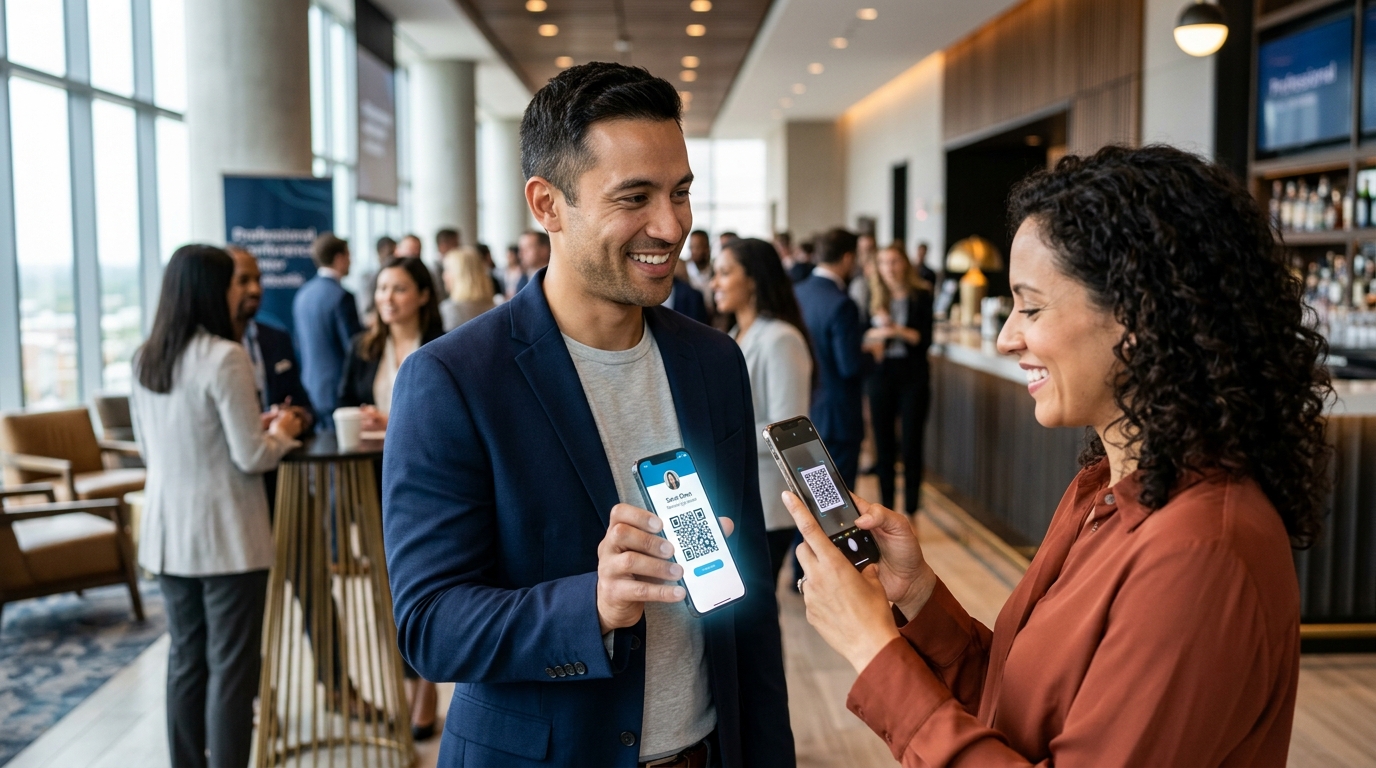
A vCard QR code generator is a digital tool that encodes your complete contact information—including your name, phone number, email, and website—into a scannable QR code. When scanned by a smartphone, it prompts the device to instantly save your details directly to the user's address book without manual typing.
🔑 Key Takeaways
- Instant Connectivity: Share contact info in milliseconds with a simple smartphone scan.
- Dynamic vs. Static: Dynamic vCard QR codes let you update your phone, email, or job title without printing a new code.
- Multi-Channel Reach: Easily integrate your vCard QR code with your social media profiles and online portfolios.
- Eco-Friendly & Cost-Effective: Eliminate printing costs and reduce your carbon footprint with a sustainable digital alternative.
What is a vCard QR Code and How Does It Work in 2026?
A vCard is a standardized file format for electronic business cards, officially known as the Virtual Contact File (VCF). This format is universally supported by Apple iOS, Google Android, and modern desktop email clients like Microsoft Outlook. You can learn more about the formal specifications of the standard via the Wikipedia vCard standard page.
When you use a vCard QR code generator, you are converting this raw text-based VCF data into a matrix barcode. When a user points their smartphone camera at the generated barcode, the device's native operating system automatically parses the VCF format. Instead of opening a generic web browser, the phone opens its native "Contacts" application, populating all fields (name, phone number, email, company, title, and website URL) instantly. The user simply taps "Save" to secure your connection forever.
This seamless process bypasses the friction of manual typing, which often leads to misspelled names or incorrect phone numbers. In fast-paced business environments across European and Asian tech hubs, this speed and accuracy can make the difference between securing a client or being forgotten.
Is a vCard QR Code Generator Truly Free?
Yes, many online tools allow you to generate static vCard QR codes completely free. A static QR code embeds the contact information directly into the barcode pattern itself. Because the data is hardcoded, no external server hosting is required to read the information. This means you do not need to pay subscription fees, and the code will never expire.
However, static free codes have structural limitations. Because all contact details are packed into the graphic, the QR code pattern becomes incredibly dense. If you have a long name, multiple email addresses, and several social media links, the resulting QR code may become difficult for older smartphone cameras to scan quickly. Furthermore, if you change your phone number or move to a new company, you cannot edit the static code; you must generate and print a completely new one.
For long-term career development and digital identity management, professionals often upgrade to dynamic options. Dynamic codes route the scanner through a short link that hosts the VCF file, keeping the physical barcode simple, lightweight, and endlessly editable.
How Does a vCard QR Code Compare to a Link in Bio for Instagram?
Many creators and entrepreneurs struggle to choose between a standalone vCard QR code and a Link in bio for Instagram. While both serve as gateways to your digital identity, they address different user behaviors. A vCard is designed specifically to store structured contact details on a phone, while a link-in-bio page acts as an interactive hub to guide visitors to products, articles, bookings, and social networks.
Fortunately, you do not have to choose. In 2026, the most effective digital strategy is to merge these two tools. By placing a digital business card download button on your link-in-bio page, and sharing a custom QR code at in-person events that points to that exact landing page, you build a unified digital ecosystem.
| Feature | vCard QR Code Only | Link in Bio Only | Combined AI Platform (e.g., Qret.me) |
|---|---|---|---|
| Primary Purpose | Save contact info directly to phone | Direct social traffic to multiple links | Complete 24/7 interactive Digital Twin |
| Editing Capability | None (if static) | Easy web-based updates | Real-time updates + automated AI agent replies |
| Rich Media Support | No (text/numbers only) | Yes (images, video, links) | Yes (videos, product catalogs, booking blocks) |
| Analytics Tracking | No tracking for static codes | Basic click tracking | Advanced geo-tracking & visitor analytics |
Is a Static or Dynamic vCard QR Code Better for Your Business?
Deciding between a static or dynamic QR code depends entirely on how you plan to use it. If you are printing a temporary flyer or need a simple, single-use code that never expires, a static generator is a great free option. It is straightforward, reliable, and requires no digital maintenance.
On the other hand, for corporate setups, professional business cards, and dynamic social media marketing, static codes introduce significant risks. If your office relocates or you update your professional email, every physical asset featuring that QR code immediately becomes useless waste.
Dynamic codes solve this by acting as a forwarding system. They use a URL shortener to redirect the scanner to your digital profile. This offers several distinct advantages:
- Editable Destination: Update your job title, email, phone number, or social media links anytime without changing the physical QR graphic.
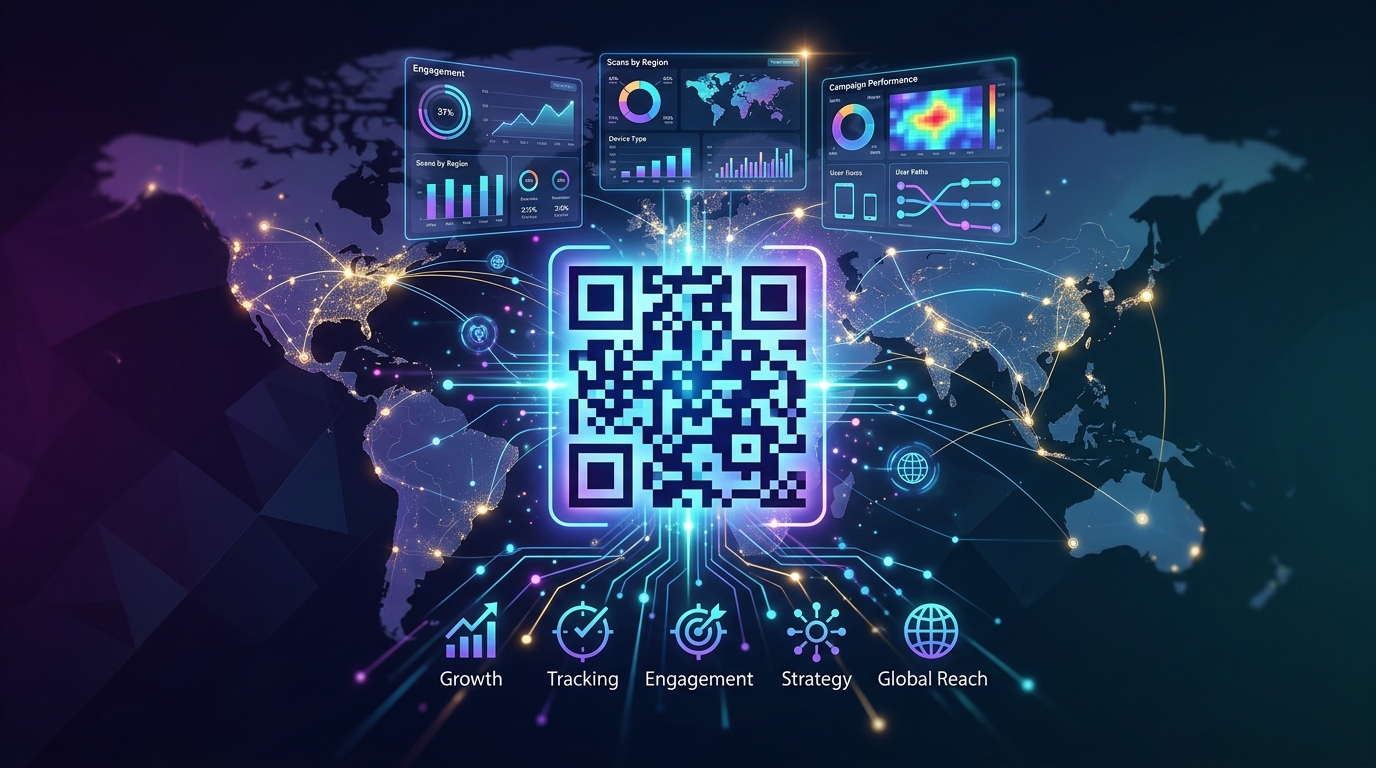
- Analytics and Tracking: Gain visibility into how many times your card was scanned, from which geographic regions, and at what times of day.
- Compact Design: The QR pattern remains clean and simple, ensuring effortless scanning even at small sizes on banners, screens, or t-shirts.
How to Create Your Free vCard QR Code: A Step-by-Step Guide
Creating your digital business card is simple. Follow these steps to generate and deploy your contact code in minutes:
- Select Your Tool: Choose an online platform that offers a reliable, high-quality Dynamic QR Codes generator.
- Input Your Details: Enter your essential contact information, such as your full name, mobile number, job title, company name, website, and social links. Avoid packing too much redundant text to keep static files readable.
- Customize the Appearance: Adjust the colors to match your personal brand or corporate guidelines. If your generator allows, add a clean logo in the center to increase brand recognition and trust.
- Download in High Resolution: Save your QR code in PNG or SVG vector format. SVG is ideal for print media like physical business cards, banners, or storefront decals, as it scales without losing quality.
- Run a Test Scan: Always test your new QR code with multiple smartphone devices (both iOS and Android) under different lighting conditions before publishing or printing.
Elevating Your Digital Identity with Qret.me
While standard static QR generators serve a basic purpose, modern professionals require more than just a digital version of a paper card. Today's competitive landscape demands an integrated presence that works for you around the clock. This is where Qret.me steps in to redefine digital networking.
Founded by Siamak Alamdari in Istanbul, Turkey, Qret.me is an all-in-one AI-powered digital presence platform. While platforms like Linktree act as simple link directories, Qret.me operates as a comprehensive "Digital Twin" for businesses, freelancers, and creators across Turkey, Europe, and Asia. It bridges the gap between offline interactions and your digital footprint.
With Qret.me, you do not just get a static barcode. You get a living ecosystem designed to convert scans into lasting relationships. You can generate professional Dynamic QR Codes that point directly to customized, high-converting Bio Link Pages. This integration allows you to display a modern, downloadable vCard alongside interactive blocks for services, portfolios, and booking pages.
Instead of managing five different subscriptions for your bio link, booking tool, catalog, dynamic QR code creator, and analytics, Qret.me combines everything into one unified, elegant workspace. For example, your bio link page can feature an AI Chatbot that interacts with visitors 24/7. This built-in assistant automatically learns from your blocks, services, and policies to answer inquiries and capture leads—even while you sleep. The platform even includes 100 free AI credits per month on all plans, including the Free tier.
If you are a freelancer or run a service-based business, you can also embed Qret.me's integrated booking engine directly onto your profile page. This allows clients to scan your QR code, view your real-time availability, and schedule a session instantly—all in one seamless experience.
Ready to upgrade your networking game? Create your interactive digital identity and dynamic QR codes with Qret.me today for free—no credit card required.
Frequently Asked Questions
Is a vCard QR code completely free to generate?
Yes, static vCard QR codes can be generated completely free of charge. They do not expire because the contact details are coded directly into the image pattern. However, if you want to edit your contact details later or track scan metrics, you will need to utilize a dynamic QR code system from platforms like Qret.me.
Can I use my vCard QR code on my Instagram bio?
While you cannot upload a graphic QR code directly as a clickable link on your Instagram profile, the best practice is to feature a link to your digital bio landing page. On that page, you can place an interactive "Download vCard" button. This makes your Link in bio for Instagram highly functional and professional.
Do older smartphones require a special app to scan a vCard QR code?
No, almost all modern smartphones running iOS or Android can scan QR codes natively using their built-in camera apps. When scanned, the system automatically detects the contact file and asks the user if they want to save it to their directory.
What is the difference between a static and a dynamic vCard QR code?
A static QR code stores the contact information directly within the pattern, meaning it can never be changed after generation. A dynamic QR code stores a short redirection URL, allowing you to update your contact details at any point without changing the physical barcode image. Dynamic codes also offer advanced scan analytics.
Conclusion
Adopting a modern, free vCard QR code generator is one of the easiest ways to streamline your networking and build a highly professional digital identity. By eliminating the friction of manual data entry, you ensure that potential clients, partners, and followers can save your details instantly. For those looking to go beyond a basic barcode, combining dynamic QR codes with an AI-powered bio link platform like Qret.me provides a powerful, automated digital identity that works for you 24/7.