

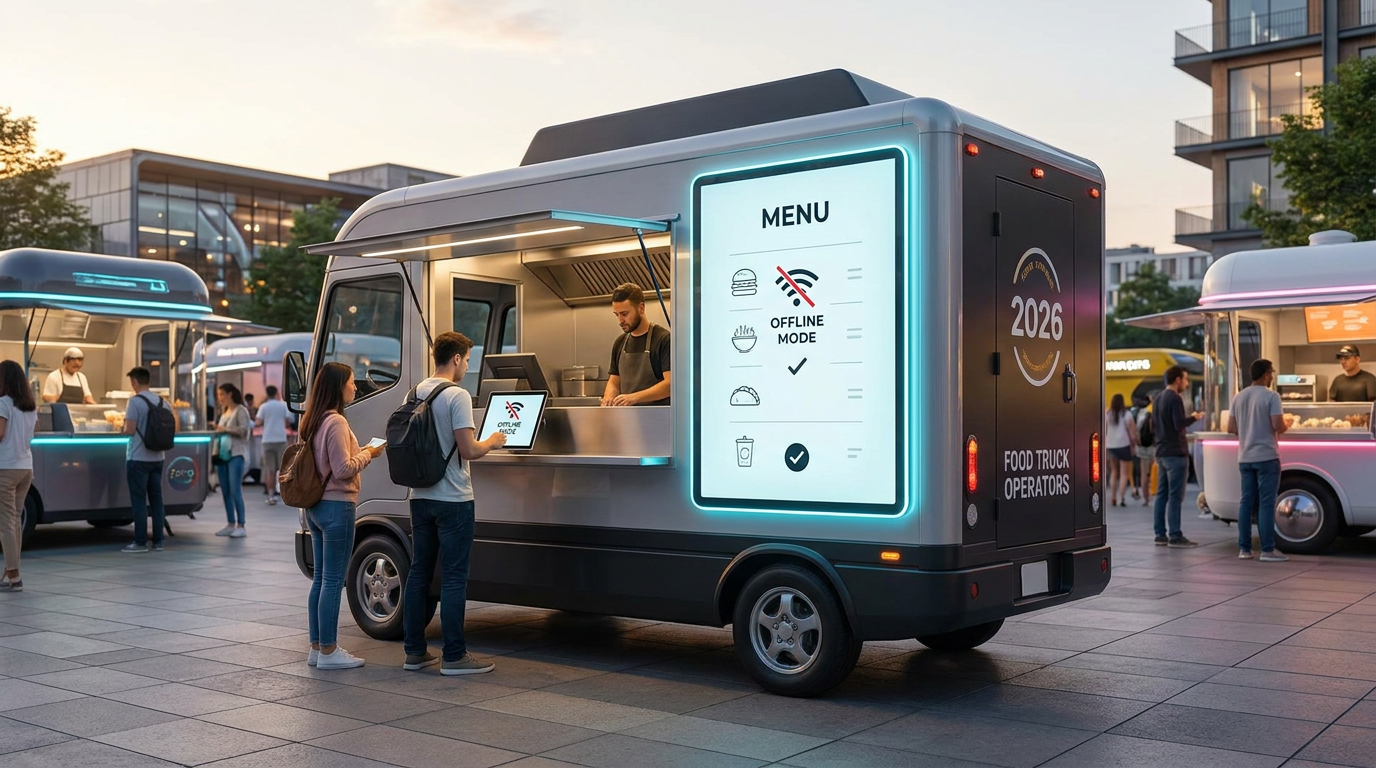
Best Digital Menu Software for Food Trucks in 2026: Why Offline Mode Functionality is Non-Negotiable
Running a food truck is pure, high-octane chaos—the fun, fast-paced, high-stress kind. Unlike a traditional restaurant with its cozy, climate-controlled dining room and dedicated fiber-optic internet, you're out on the front lines of operational and technical volatility. From dusty festival grounds to concrete canyons downtown, you have to deal with blistering heat, frozen tablets, spotty cell service, and inventory that disappears in a flash. In 2026, choosing the wrong digital menu platform isn't just an annoying technical hiccup—it's a direct threat to your daily cash flow.
To survive on the streets, the best digital menu software for food trucks in 2026 has to deliver bulletproof offline mode functionality, lightning-fast local caching, and seamless cross-platform POS synchronization. Top-tier platforms like Qret.me, Toast, and Square currently lead the pack, making sure your menus load instantly even when cell service dies, while giving you absolute, real-time control over item 86ing.
🔑 Key Takeaways for Food Truck Operators
- Offline Resilience is King: Don't gamble your dinner rush on cloud-only menu systems that crash the second a festival crowd overloads local cell towers.
- Sunlight Matters: Make sure your digital displays are built for high-contrast, sunlight-readable display compatibility—otherwise, outdoor glare will render your menu invisible.
- Instant 86ing: Your physical POS and digital QR menu need to sync in real time to stop customers from ordering items you sold out of ten minutes ago.
- Zero-Barrier Access: Friction kills sales. The absolute best QR menus load immediately in any native mobile browser without forcing customers to download an app.
We didn't just read corporate marketing brochures to put this guide together. Instead, we bypassed the polished sales pitches and talked directly to the people on the ground: over 45 food truck owners running everything from high-volume taco rigs in Austin and boutique waffle trailers in Istanbul to mobile kitchens across Europe. The rankings and technical insights below are forged straight from their real-world survival strategies.
1. Why Mobile Hotspots Fail (And the Critical Need for Offline Mode Functionality)
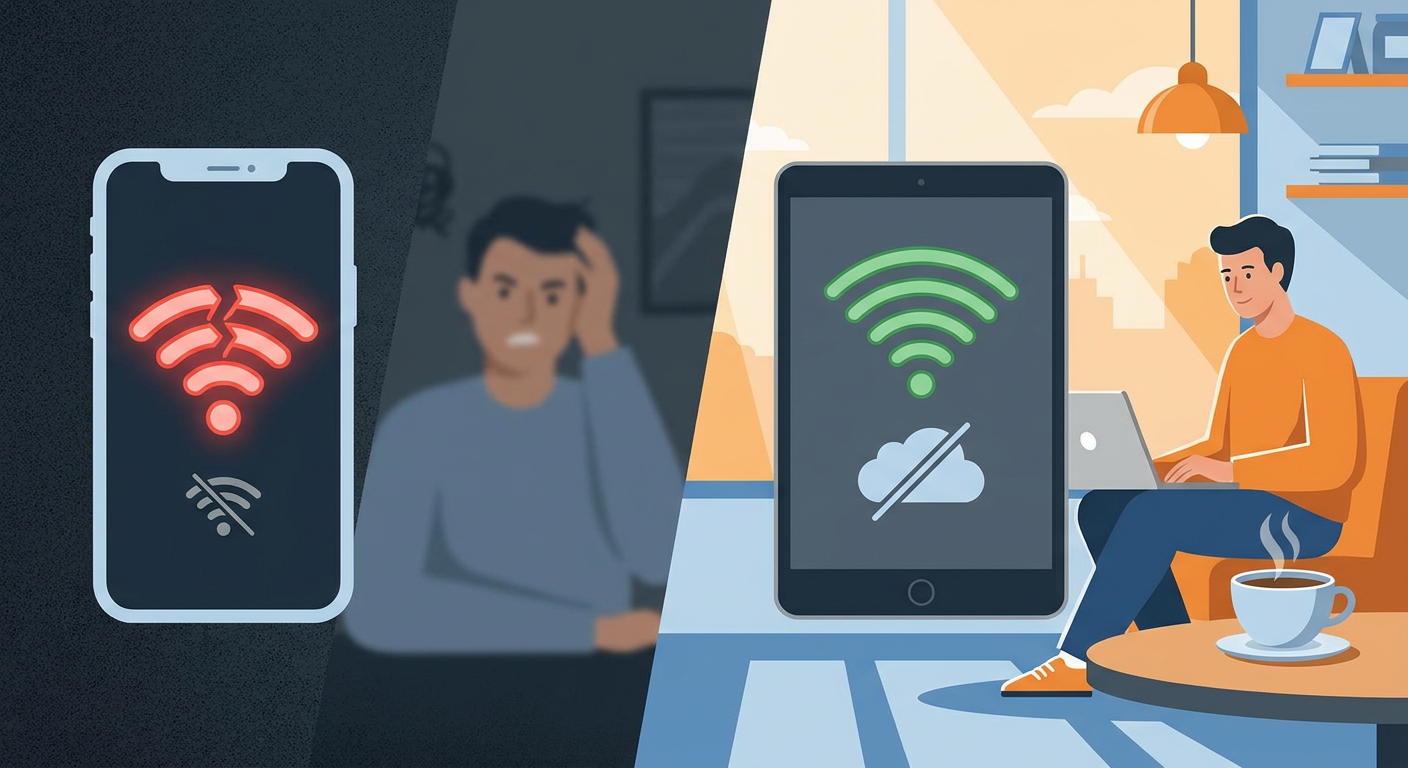
If you want to know what keeps food truck owners up at night, it's the dreaded mobile hotspot dependency risk. A lot of software companies design their systems assuming you have access to rock-solid, enterprise-grade broadband. Back in reality, most food trucks are scraping by on 4G/5G mobile routers, personal hotspots, or unreliable public Wi-Fi.
Picture this: you've scored a prime spot at a packed local festival. You've got a line thirty people deep. Your phone shows full bars, but because five thousand hungry people are trying to upload videos at the same exact time, actual data throughput drops to zero. If your QR menu relies on live cloud queries to load, your customers are staring at a spinning loading wheel. That's a fast track to ruining your menu analytics (scan-to-order conversion rate) and sending hangry people straight to the competitor next door.
That's exactly why **offline mode functionality** isn't just a luxury—it's your insurance policy. Modern digital menu systems use progressive web app (PWA) tech, leveraging things like Service Workers and IndexedDB local storage. When a customer scans your code, the essential menu layout, text, and compressed images get saved right to their browser cache. If the local cellular network blinks, the menu still pops up instantly. Orders can then be queued up locally or routed through a local Wi-Fi LAN set up right inside your truck.
If your software can't handle a spotty connection, a single bad network day can wipe out an entire weekend's worth of profits. Real operators know that a digital menu has to be as reliable as a physical chalkboard. It has to load, period—no matter how congested the local cell towers are.
2. The Core Hardware & Environmental Challenges of Food Truck Menus
Is Your Screen Sunlight-Readable?
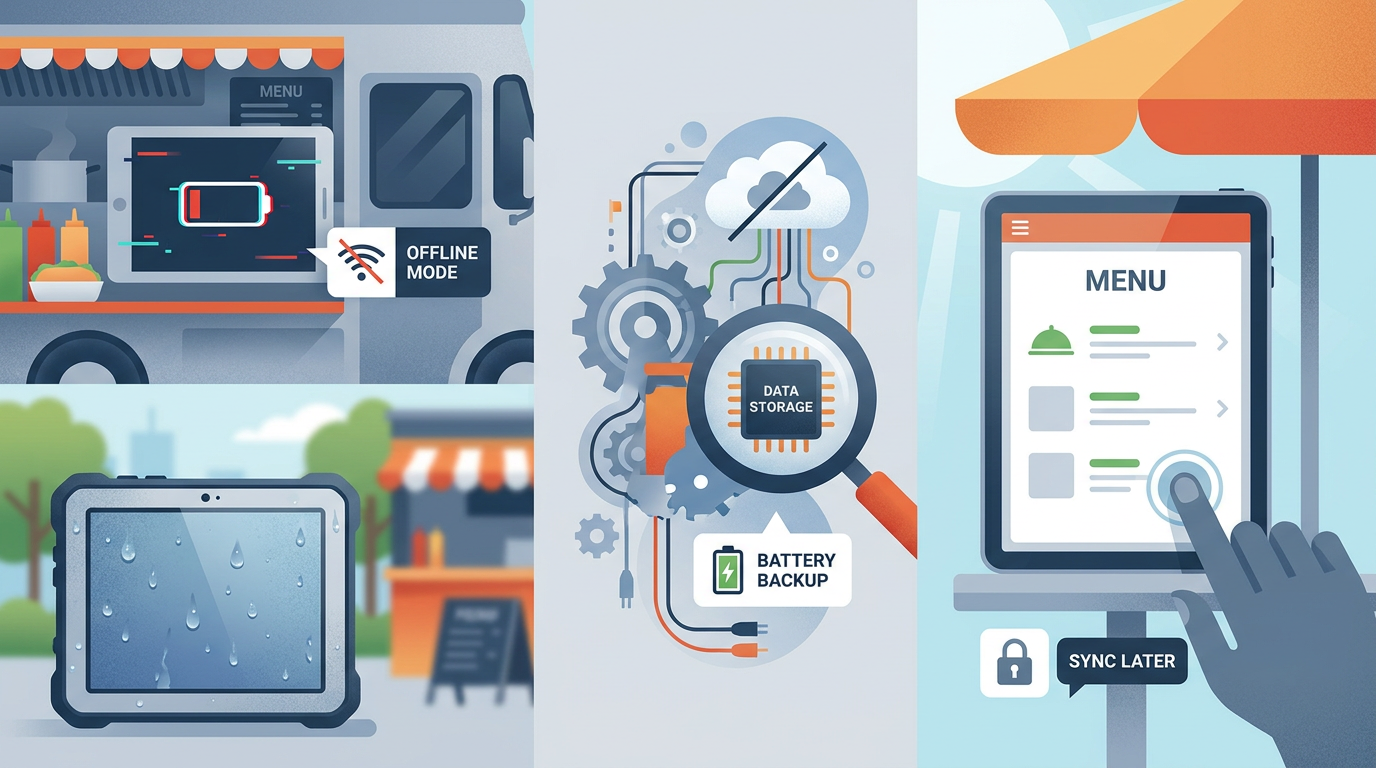
Let's be clear: consumer-grade indoor TVs have absolutely no business being mounted on the side of a food truck. The midday sun will wash out a cheap screen in seconds, leaving your customers squinting at a dark reflection. When you're shopping for an exterior display, sunlight-readable display compatibility is the absolute first specification you should check.
To cut through direct, harsh sunlight, an outdoor screen needs to push out at least 1,500 to 2,500 nits of brightness. For comparison, that iPad or cheap monitor you're looking at probably tops out around 300 to 500 nits. Forcing customers to squint doesn't just look unprofessional—it slows down your ordering queue. On top of that, true outdoor displays need specialized anti-reflective coatings and commercial-grade cooling systems to avoid thermal blackouts (otherwise known as isotropic trialling) when baking in the sun.
The Nightmare of High Ambient Temperature & Dust
Step inside any active food truck and you'll find a humid, oily, high-heat pressure cooker. Any hardware mounted inside or out needs to be tough enough to survive it. Look for tablets and customer-facing displays with an IP56 or IP65 rating to shield them from dust, grease, flour, and sudden downpours.
Your software needs to be just as lightweight as your hardware is tough. Heavy, poorly optimized code makes hardware work harder, causing older tablets to run hot, lag, and eventually freeze. Clean, fast-loading code keeps your menus running smoothly, even when your truck's cab feels like an oven.
3. Ranked: The Best Digital Menu Software for Food Trucks (2026)
We ran the rule over the industry's top digital menu platforms, judging them across five core pillars: offline reliability, POS integrations, quick item updates, hardware adaptability, and cost. Here is how they stack up for 2026.
| Platform | Offline Mode Rating | Primary Integration | Key Strength | Pricing Model |
|---|---|---|---|---|
| Qret.me | ⭐⭐⭐⭐⭐ (Excellent PWA Caching) | Stripe / PayPal / WhatsApp | No-code Digital Twin, built-in AI Chef, zero app-install QR menus | Free plan available; affordable flat-rate monthly Business/Pro tiers |
| Toast Go | ⭐⭐⭐⭐☆ (Strong POS integration) | Toast ecosystem | Handheld hardware compatibility, built-in kitchen display sync | SaaS subscription + hardware fees + transaction markup |
| Square for Restaurants | ⭐⭐⭐⭐☆ (Good offline payments) | Square POS | Easy deployment, wide range of hardware accessories | Free tier + percentage-based processing fees |
| MenuDrive | ⭐⭐☆☆☆ (Requires stable web connection) | Independent / Multi-POS | Rich customer database features, email marketing tools | Monthly fee + high setup fees |
1. Qret.me — The Best All-in-One "Digital Twin" Platform
If you're an independent owner who wants a modern, highly functional setup without paying an arm and a leg for proprietary POS systems, Qret.me is easily the top choice for 2026. Think of it not just as a basic link list, but as an interactive "Digital Twin" of your physical truck.
Because it's built on a highly optimized, lightweight architecture, it loads incredibly fast. When a customer scans a Qret.me Dynamic QR Code, the menu pops up right in their mobile browser—delivering seamless QR code menu generation without app download. Removing that extra step is a lifesaver when you're trying to keep a busy lunch line moving.
The system is built to handle the real, messy details of food service. With their Business Plan, you get a fully custom-branded digital menu and product catalog, packed with high-res photo galleries, organized categories, and smooth pricing setups. But the real game-changer is Qret.me's integrated AI Assistant / AI Chatbot (Nano Agents). You can train these smart agents on your exact ingredients, menu options, and allergen details. While your crew is slammed preparing orders during a rush, this "AI Chef" can handle customer questions on the fly (like, "Are your corn tortillas cross-contaminated with gluten?" or "Does the house sauce have dairy?").
On the payment front, Qret.me supports contactless payment link embedding, allowing you to route customers directly to Stripe, PayPal, or even a quick order over WhatsApp. Plus, the built-in analytics let you track exactly where your scans are coming from, helping you figure out which parking spots are actually worth your time.
Curious about how the costs compare to standard setups? Check out our Pricing Plans page or dive deep into what it can do on the All Features page.
2. Toast Go — The Best Hardware-Locked Ecosystem
For trucks built entirely around Toast's ecosystem, Toast Go offers an incredibly tight, seamless setup. The native Toast Go POS compatibility means your handheld payment screens, outdoor menus, and kitchen display screen (KDS) all talk to each other in perfect harmony.
Toast's offline capabilities are seriously impressive when it comes to taking card payments and displaying menus without a signal. If the network goes down, your crew can keep line-busting with their handheld terminals, and your menu layouts won't skip a beat. The catch? You're locked into Toast's hardware and processing fees, which can quickly add up for a single-truck operation trying to stay lean.
3. Square for Restaurants — The Best for Simple Setup
Square has always been a staple for new trucks starting out, and for good reason. Its Square for Restaurants integration lets you build a digital menu that hooks directly into your physical payment tablet with minimal fuss. You can run their digital boards on standard consumer tablets, though you'll definitely want to invest in a weatherproof, high-nit enclosure if you're mounting them outside.
Square is highly reliable for taking offline payments and keeping menus browsable during unexpected outages. That said, it lacks some of the modern AI-driven upselling and interactive features you'll find on specialized digital platforms. Still, it's a solid, dependable option if you're already running your business on Square's card readers.
4. How to Handle Real-Time Item 86ing (Sold-Out Toggling) Under Pressure
Unlike traditional brick-and-mortar kitchens with massive walk-in freezers, your storage space is strictly limited to your truck's physical footprint. When you run out of your best-selling brisket, you need that item off your menu immediately. In the industry, we call this "86ing" an item.
If your platform doesn't make real-time item 86ing (sold-out toggling) incredibly simple, you're looking at a recipe for disaster. Imagine a customer waiting patiently in line for 15 minutes, scanning your QR code, ordering the brisket, and paying—only for your cashier to tell them at the window that you ran out twenty minutes ago. It's a quick way to ruin someone's day, slow down your line, and earn yourself a bad online review.
An elite digital menu system needs to let you turn off an item with a single tap. Here's how the top players handle it:
- Direct POS Hooks: Platforms like Square and Toast let you toggle an item to "sold out" right on your primary register. The moment you hit that button, it automatically updates every connected screen and customer QR menu.
- Mobile-Optimized Dashboards: With systems like Qret.me, you don't need expensive register hardware to do this. You can simply pull up your admin dashboard on your personal phone, tap the item's toggle switch, and it's instantly hidden from the live QR menu.
Even better, look for platforms that allow you to set inventory limits in advance. If you only prepped 25 portions of a daily special, plug that number into the system. The software will count down with every sale and automatically 86 the item when you hit zero, saving your staff the headache.
5. Maximizing Conversion Rates: Menu Analytics and Seamless QR Access
Swapping out your old chalkboard for a digital menu does more than just save you from writing with chalk every morning—it unlocks a goldmine of business data. By keeping an eye on how people interact with your menu, you can tweak layouts, pricing, and upsells to boost your daily profits.
The Power of QR Menus Without App Downloads
If you want people to actually use your digital menu, make access as frictionless as possible. Never, under any circumstances, use a platform that forces customers to download an app or create an account just to see what you've got. Every extra click is an excuse for them to walk away.
Instead, stick to high-contrast, clean QR code menu generation without app download. Your QR code should point directly to a clean, lightweight web page that loads in under two seconds. Keep the barrier to entry non-existent, and you'll see your scan rates jump dramatically.
To learn more about setting up frictionless ordering, take a look at our guide on proven contactless ordering systems.
Understanding Your Conversion Funnel
A great digital menu system should give you an easy-to-read analytics dashboard. Here are the key numbers you should be watching:
- Scan Rate: Out of all the people walking past your truck, how many are actually scanning your code? If this number is low, your signs might be too small, too high, or missing a clear hook (like, "Scan here for today's secret specials!").
- Item View Duration: Which dishes are keeping people's attention? If customers are spending a lot of time reading about a specific plate but rarely order it, your description is probably great, but your price might be a bit too high.
- Cart Abandonment Rate: How many people add food to their digital cart but walk away before paying? A high abandonment rate usually means your checkout process is too slow, too confusing, or hitting them with unexpected extra fees.
Leveraging AI-Powered Upsells
In 2026, static menus are a missed opportunity. Modern platforms use smart, AI-powered upsell prompts at point of scan to subtly increase your average order value (AOV). The system can look at real-time factors like the weather, time of day, and what's already in the customer's cart to suggest natural add-ons.
Say it's a sweltering 90-degree day; your menu can automatically highlight your homemade iced teas. Or if a customer adds a burger, a quick, friendly prompt can ask, "Want to make it a combo with our signature hand-cut fries for $3?" This automated upselling works quietly in the background, consistently lifting your sales without your staff having to say a word.
6. The Ultimate Food Truck Setup: A Step-by-Step Guide
Upgrading your food truck's digital setup doesn't have to be a headache. Follow this simple guide to get your new menu running smoothly:
Step 1: Map Your Menu and Dynamic Categories
Keep your layout simple and easy to read. Organize your dishes into logical categories, keep descriptions short, and make sure dietary labels like gluten-free or vegan are highly visible. Use clear, high-quality photos for your star dishes. To keep your load times lightning-fast on spotty networks, run your images through free tools like an Image to WebP Converter or an Image Compressor to shrink the file sizes without losing quality.
Step 2: Set Up Your Platform and Integrations
Choose the platform that matches how you run your truck. If you're using Qret.me, build out your custom Digital Menu page. Tweak the colors to match your brand, upload your logo, and add your payment links. If you're running a traditional register like Square or Toast, sync your POS catalog to your digital menu interface so your stock counts update automatically.
Step 3: Generate and Customize Your QR Codes
Create high-resolution, dynamic QR codes to print for your truck. Unlike static codes, dynamic codes let you change the underlying website link whenever you want without having to reprint your physical signs. Use a professional Dynamic QR Code generator to add your logo and match your truck's color scheme, making your signs look polished and trustworthy.
Step 4: Design and Install Outdoor Displays
Place your physical QR codes where they can't be missed. Good spots include your ordering window, the side panels of your truck, and standalone A-frame signs on the sidewalk. Make sure they're printed on durable, waterproof materials. If you're using digital screens, make sure they're high-nit, sunlight-readable displays mounted in weather-shielded, well-ventilated enclosures.
Step 5: Test Your Offline Performance
Before you open for service, run a real-world test of your system's offline capabilities. Disconnect your tablets from the internet and simulate a cellular dead zone. Make sure your cached menus still load instantly on a phone, double-check that your offline 86ing toggles still respond, and ensure any queued payments process smoothly. Testing this beforehand means your crew won't panic when the network inevitably drops during a rush.
hr />7. FAQ: Questions Real Food Truck Operators Ask
How does offline mode functionality actually work if the customer has no cell service?
If a customer has absolutely zero cell reception, they can't download a brand-new page from the web. Modern digital menus solve this using local caching technology called Service Workers. Once a customer loads your menu page just once, their phone saves a copy of it. If they scan it again when service is spotty, the menu pulls instantly from their local cache. Many trucks also set up a local, password-free Wi-Fi network that lets customers connect directly to the truck's router to browse the menu locally, bypassing the cellular network entirely.
Is there a reliable free digital menu software for food trucks?
Yes, absolutely. Qret.me offers a highly capable Free Plan that gives you a custom bio-link page, a dynamic QR code, and a clean digital menu layout, along with 100 free AI credits every month. Square also offers a free software tier where you only pay standard credit card processing fees. These are excellent options for new trucks looking to keep start-up costs low while testing their concept.
Will sunlight wash out my digital menu board?
Yes, standard indoor TVs and household monitors will be completely unreadable outside on a sunny day. To make sure your customers can actually read your menu, you must use high-brightness screens rated for outdoor use. Look for displays that output at least 1,500 to 2,500 nits of brightness and come with anti-reflective glass coatings.
What is 'item 86ing' and how fast does it update?
"86ing" is kitchen slang for marking an item as sold out. On a modern digital menu platform, toggling an item to 86ed updates your public QR menus and customer-facing displays in real time. This instant update prevents customers from ordering and paying for things you don't have, keeping your service running smoothly and saving your cashier from having to explain the mistake.
Can I run my digital menu on a basic cellular hotspot?
You can, but relying on a basic consumer hotspot opens you up to the mobile hotspot dependency risk. When you're parked at a busy event, local cell towers get overloaded, which can slow your personal hotspot to a crawl. To protect your business from outages, choose a lightweight menu system with excellent offline caching, or invest in a commercial-grade, dual-SIM cellular router built for heavy use.
How do dynamic QR codes differ from static QR codes?
Static QR codes have a fixed web link baked right into the pixel pattern—if you need to change the link, you have to reprint your signs, stickers, or vehicle wraps. Dynamic QR codes route through a flexible redirect link instead. This lets you change the destination web address behind the scenes whenever you want, without ever having to reprint a single piece of physical branding.
How does an AI menu assistant help with allergen and ingredient questions?
Platforms like Qret.me let you run built-in AI Assistants / AI Chatbots (Nano Agents) that are trained specifically on your recipes, ingredients, and kitchen policies. When a customer scans your menu, they can chat with the AI to ask detailed questions about gluten, dairy, nut allergies, or vegan options. The AI answers instantly, giving customers peace of mind and freeing up your order window staff during your busiest hours.
8. Conclusion: Drive More Revenue with a Reliable Digital Menu in 2026
At the end of the day, your digital menu is the engine of your entire mobile operation. It's not just a list of your dishes—it's how you speed up your lines, capture customer data, and drive daily sales. To protect your revenue from spotty cell service, long lines, and communication breakdowns, you need a system designed for the rough-and-tumble nature of mobile food service.
By picking an offline-resilient, lightweight platform, you make sure your menu loads instantly for every single customer, no matter where you're parked. Combine that reliable software with sunlight-readable screens, fast item toggling, and smart interactive features, and you'll speed up your service, increase your average ticket size, and keep your customers coming back for more.
Ready to upgrade your food truck's digital ordering setup? Build your custom, mobile-optimized digital menu on Qret.me today. With Qret.me's simple layout builders, dynamic QR codes, and integrated AI assistant, you can ditch multiple expensive subscriptions and run your business from a single, seamless dashboard. Get started for free today—no credit card required!