Digital Menu vs Printed Menu: Optimizing Menu Reprint Frequency (Seasonal, Price-Change-Driven) in 2026
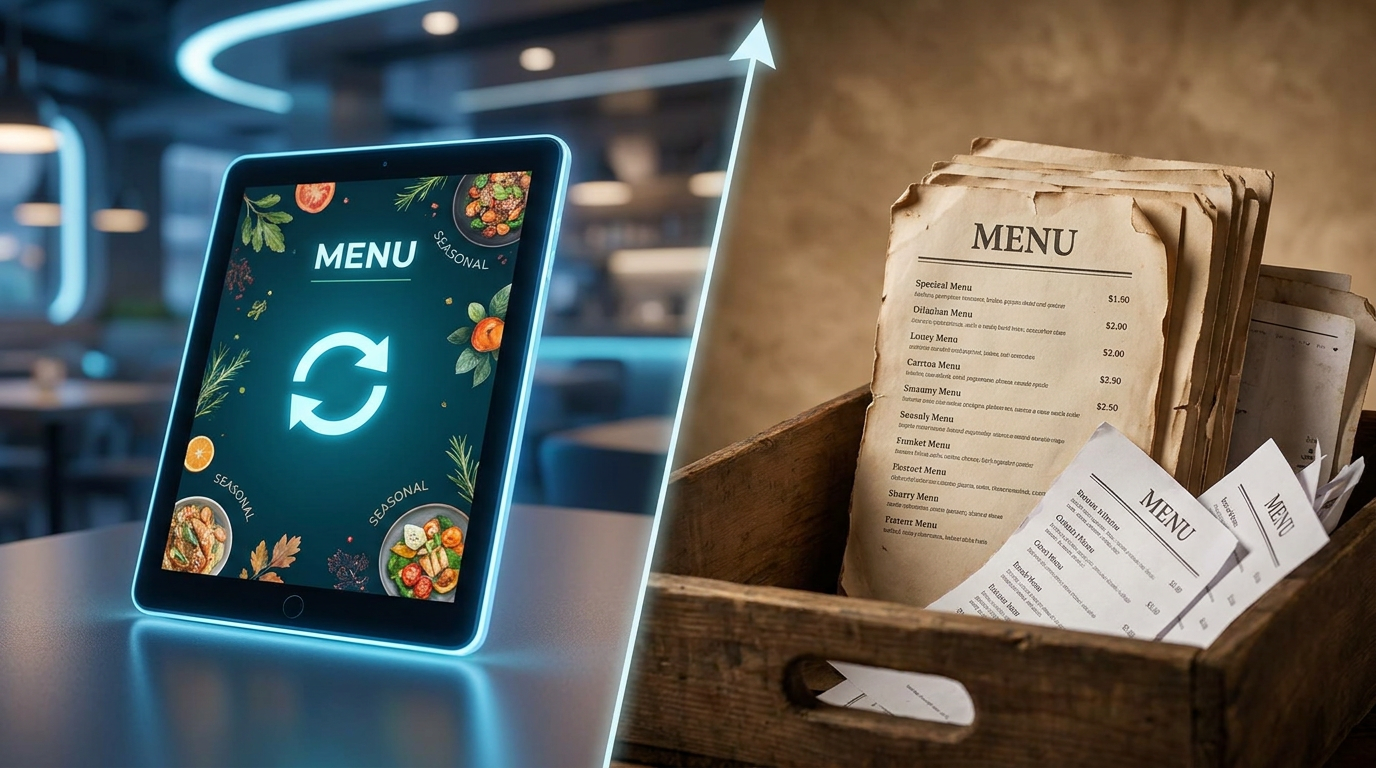
Keeping a restaurant profitable in 2026 feels like a constant tightrope walk. Between stubborn food inflation and unpredictable supply chains across Turkey, Europe, and Asia, margins are paper-thin. But there's a sneaky, overlooked money pit right under most owners' noses: the paper menu. Because ingredient costs won't sit still, owners face an incredibly high menu reprint frequency (seasonal, price-change-driven). What used to be a simple, static marketing tool has mutated into a recurring, budget-eating operational expense. Let's look at the real, cold hard numbers behind physical versus digital menus to see exactly how much cash you're leaving on the table.
Going digital generally runs a restaurant anywhere from $0 to $120 a month. Compare that to the staggering $3,500 to $7,500 you'll easily blow on traditional paper menus every year. Why the massive gap? It mostly comes down to a high menu reprint frequency (seasonal, price-change-driven), back-and-forth graphic designer fees, and the skyrocketing cost of commercial paper and ink.
- The Real Money Pit: A high menu reprint frequency (seasonal, price-change-driven) makes up a whopping 60% or more of your physical menu costs.
- Fast Payback: Ditching paper for digital pays for itself in less than two months for the average independent restaurant.
- Instant Upselling: Digital catalogs and interactive setups naturally bump up your average order value by 15% to 22% simply by suggesting modifiers at the right moment.
- Smoother Operations: Moving away from print saves your staff from manual order mix-ups and the headache of swapping out physical pages.
How Menu Reprint Frequency (Seasonal, Price-Change-Driven) Multiplies Restaurant Costs
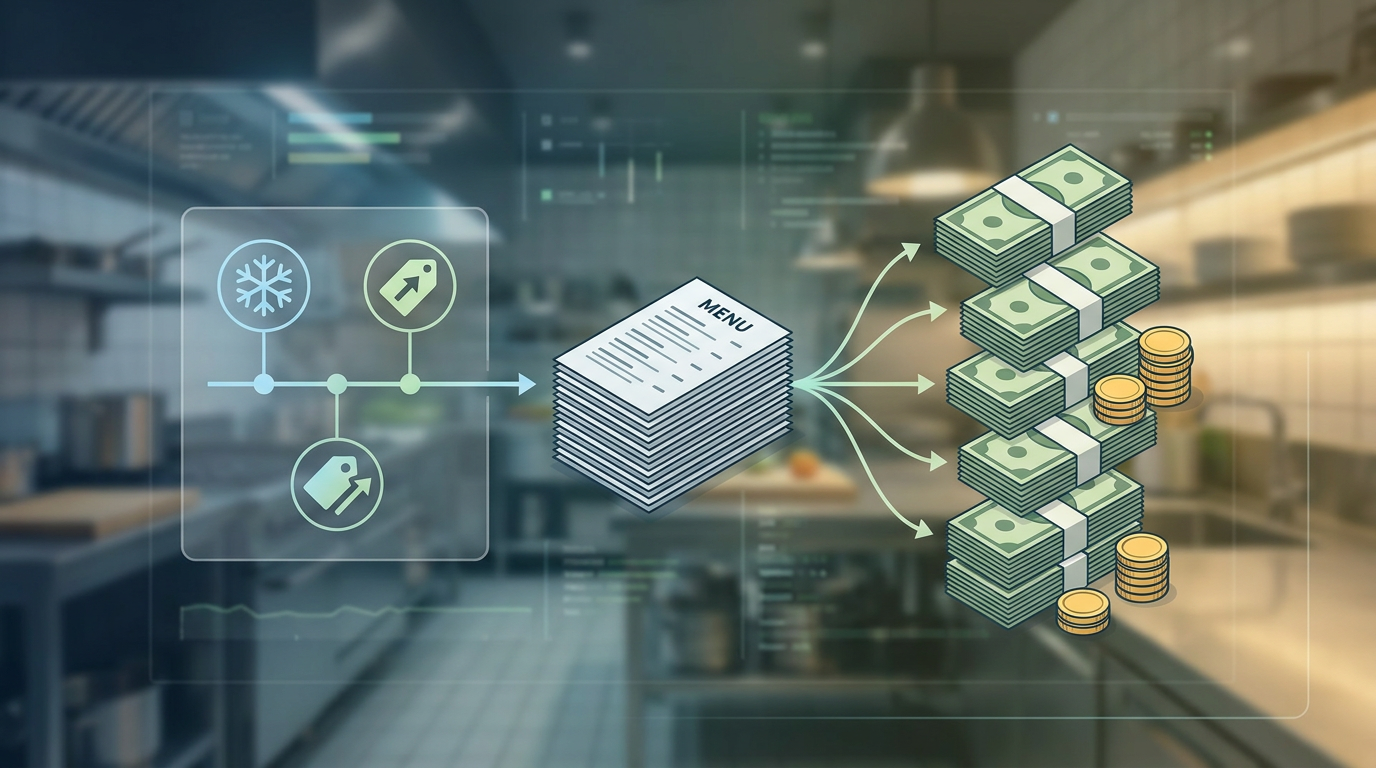
It used to be that you could print a batch of menus and forget about them for six months to a year. Not anymore. In 2026, chaotic supply chains and wild ingredient prices have completely trashed that timeline. Today, a restaurant's menu reprint frequency (seasonal, price-change-driven) is on overdrive. Many mid-range and high-end spots are forced to tweak their pricing monthly—sometimes even bi-weekly—just to keep their margins from bleeding out.
Think about what happens when the price of a staple ingredient spikes. Maybe it's olive oil for a Mediterranean spot or fresh salmon for an Asian kitchen. Suddenly, you're stuck between a rock and a hard place: do you just swallow the loss, or do you drop hundreds of dollars on a fresh print run? When you pile seasonal menu rotations (spring, summer, fall, winter) on top of these unpredictable price swings, staying paper-only becomes a financial nightmare. In fact, a study by the National Restaurant Association pointed out that handling real-time food cost volatility is pretty much the make-or-break survival factor for modern operators.
The Hidden Costs of Printed Menus: Breaking Down the Bill
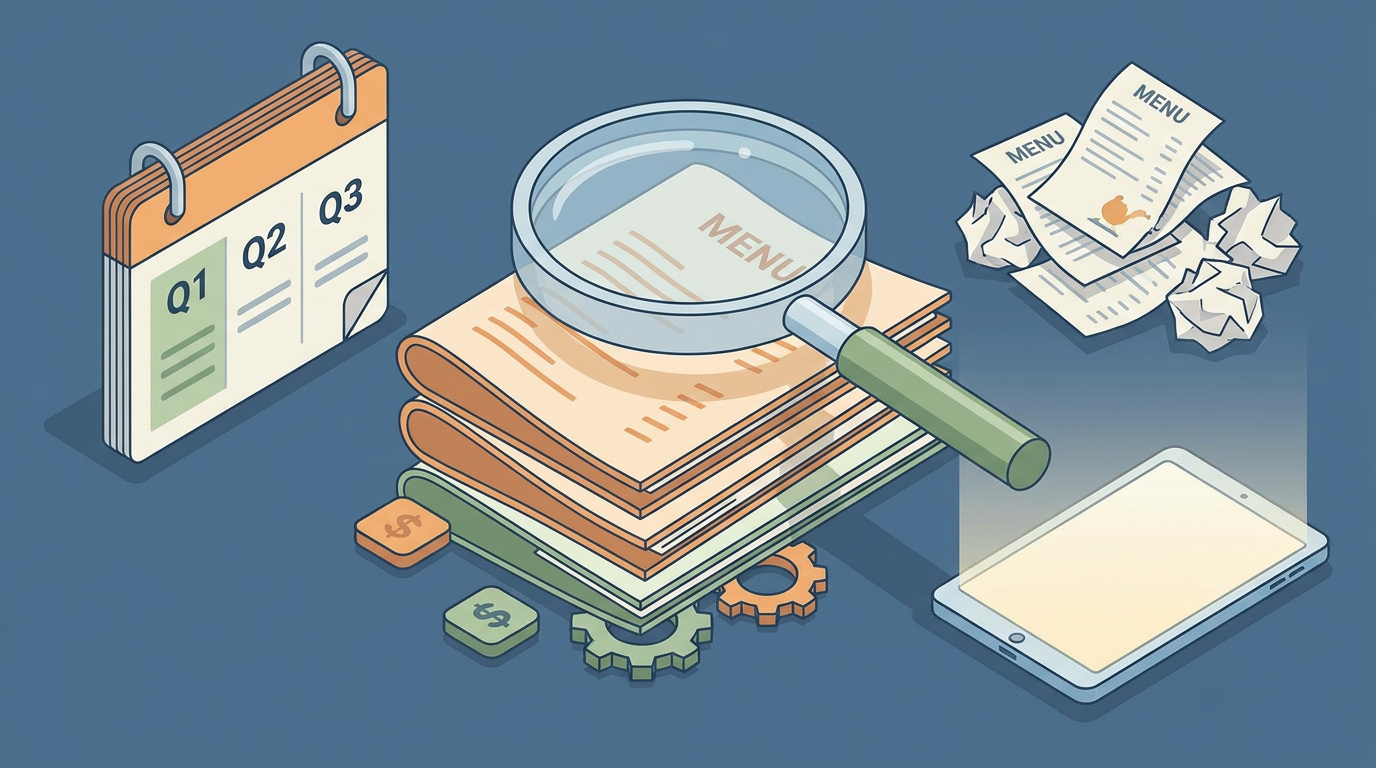
It's easy to look at a single print shop invoice and assume that's your total cost. But that's only scratching the surface. Keeping physical menus active involves a whole sneaky pipeline of expenses that quickly add up. Let's pull back the curtain and break down what you're actually paying for.
Graphic Designer Fees for Menu Redesign
Every time you swap out a seasonal dish or nudge a price up by fifty cents, your menu's layout needs a tweak. Unless you're a Canva wizard with endless free hours, that means hiring a pro. Graphic designer fees for a menu redesign usually hover between $75 and $150 an hour. Even a quick "simple" fix—say, updating three prices and slapping an allergen icon on a dish—usually burns through a one- or two-hour minimum billing charge ($150 to $300 a pop). Multiply that across a year of seasonal adjustments and quick price fixes, and you've spent $1,200 before your menus even touch paper.
Commercial Print Cost per Menu
Once the design is locked, it's off to the printers. Here's where the real sticker shock hits. Commercial print costs per menu depend heavily on how durable you want them to be:
- Laminated Menus: Great for wiping down and surviving spills, but they'll run you about $8.00 to $15.00 per menu for decent quality.
- Saddle-Stitched Booklets: If you run a massive wine list or multi-page dinner menu, expect booklet costs to range between $5.00 and $12.00 apiece.
- Single-Page Heavy Cardstock: This is your cheapest entry point at $1.50 to $3.50 a sheet. The catch? They stain, tear, and get soggy instantly, which means you'll be replacing them constantly.
If you're running a standard 80-seat spot and need around 100 menus in circulation, just one reprint cycle of laminated menus will easily set you back $800 to $1,500.
Table Tent and Insert Costs
A lot of owners try to dodge full reprint bills by using those little paper slip inserts or table tents for specials and price adjustments. It sounds like a cheap workaround, but table tent and insert costs are actually a sneaky printed menu hidden fee. Those little plastic or paper stands cost an extra $150 to $400 a batch. Worse, they clutter your tables and can end up looking a bit tacky, which isn't great for your brand aesthetic.
The Sustainability Angle: Paper and Ink Waste
Let's talk about the environmental cost. It's not just your wallet that takes a hit; paper and ink waste add up fast over a year. Every time you redesign, hundreds of pounds of high-grade paper and toxic inks go straight into a dumpster. Diners in places like Europe and busy Asian cities are incredibly eco-conscious now. Flooding landfills with discarded paper menus is a bad look if you want to win over modern, sustainability-minded guests.
Digital Menu Costs: SaaS Subscriptions and QR Setup
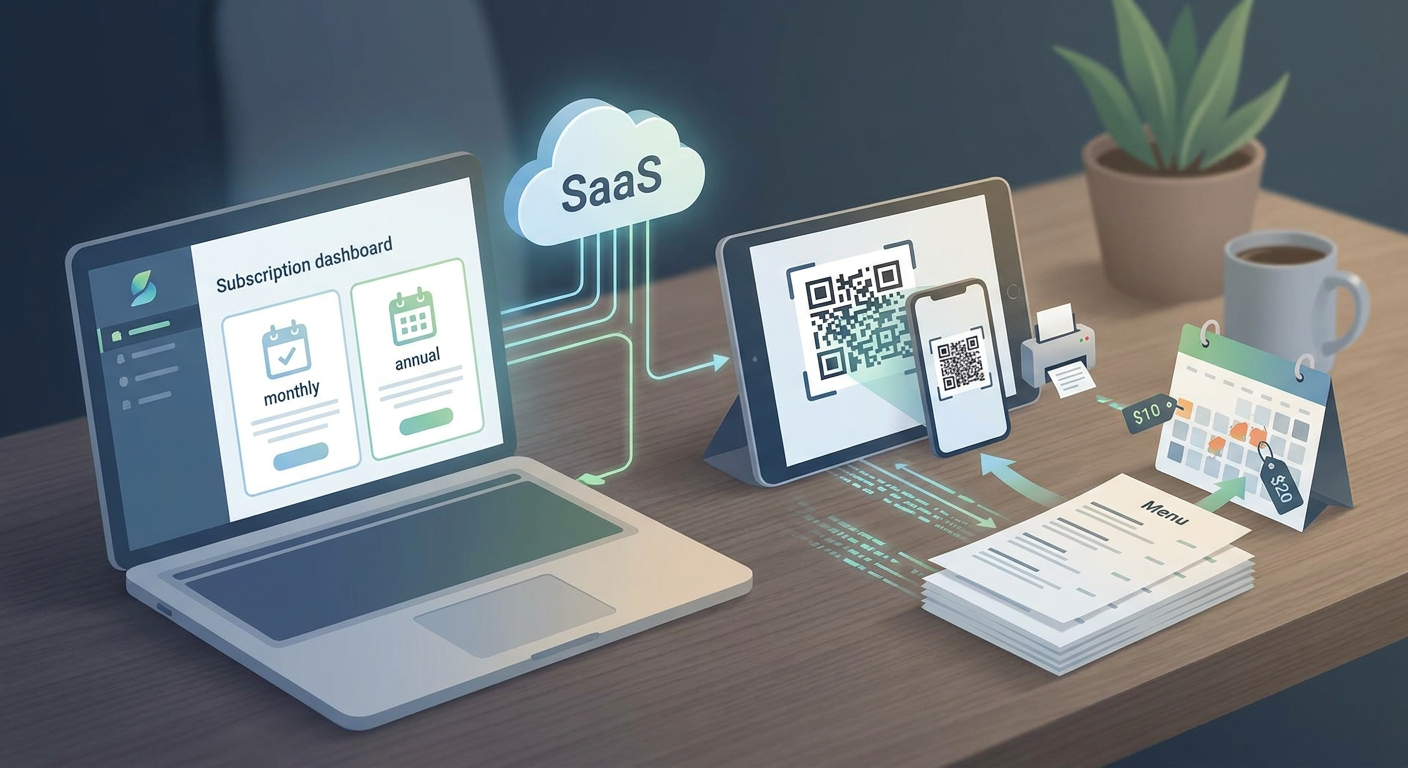
Switching over to digital menus wipes out physical manufacturing headaches altogether. Instead, you're looking at a predictable, low-cost software setup. Let's look under the hood of what it actually costs to go digital in 2026.
SaaS Subscription Tiers for Digital Menu Platforms
Instead of coughing up money for every single print run, you'll pay a steady Software-as-a-Service (SaaS) subscription fee. Generally, the market divides into three main routes:
- Menufy: Best known for charging flat transaction fees on incoming online orders. It's incredibly cost-effective if you're purely doing takeout, but those fees can eat your lunch in a high-volume dine-in setting.
- Square for Restaurants: A powerhouse if you're deeply integrated with their POS. They'll give you basic menu links, but if you want advanced customization or table-ordering tools, you'll have to upgrade to their premium tiers.
- Qret.me: This acts as a complete, AI-powered digital presence platform (often described as a business's "Digital Twin"). Rather than forcing you to pay for five different tools, Qret.me bundles bio links, dynamic QR codes, interactive catalogs, and smart AI chat assistants into one clean setup.
QR Code Generation and Dynamic Redirect Cost
To get customers to your menu, you'll need QR codes on your tables. Here's a quick pro-tip: do not use static QR codes. If you ever change your menu's web link, those static codes will break, and you'll find yourself scraping off and reprinting every single table sticker.
That's why savvy operators use dynamic QR codes. They work via a permanent redirect link, which means you can swap out the menu link in your dashboard instantly without ever touching the actual table stickers. Plus, solid platforms let you embed your logo and track scan analytics, so you can see exactly when and where your guests are interacting with your menu.
POS Integration Compatibility
To keep your operations running smoothly, your digital menu needs to play nice with your current setup. Solid compatibility with big names like Square, Toast, or Lightspeed means that when you 86 an item or tweak a price on your main register, it syncs instantly to your guests' screens. That saves your waitstaff from those awkward, apologetic walks back to the table to explain that the kitchen is actually out of the ribeye.
ADA Digital Accessibility Compliance (WCAG 2.1)
Paper menus are notoriously tough for visually impaired guests to navigate without help. A digital menu, on the other hand, makes aligning with ADA digital accessibility compliance (WCAG 2.1) incredibly straightforward. By using modern web standards, your menu naturally supports text-to-speech screen readers, easy magnification, and high-contrast modes. It's a double win: you protect your business from costly accessibility lawsuits while making your spot genuinely welcoming to everyone.
Operational and Labor Economics: Digital vs. Physical
While saving on paper and ink is great, the real game-changer is how much pressure digital menus take off your staff.
Menu Update Labor Cost and Version Control Errors
We rarely calculate the manual hours spent messing with physical menus. When a fresh batch of prints arrives, your staff has to spend hours peeling out old sheets, wiping down sticky covers, and stuffing in the new pages. And if a server misses a table, or a typo slips through, you end up with different prices on different tables. Those version control mix-ups lead to awkward, defensive conversations at checkout when the bill doesn't match the menu. A digital menu kills this problem entirely: you make a quick change on your phone, and it updates across all tables in five seconds flat.
Multilingual Menu Support Cost Differential
If your restaurant is in a major tourist hub—think Istanbul, Antalya, London, or Bangkok—welcoming international diners isn't optional; it's your bread and butter. But translating paper menus is a massive headache. You have to design, translate, and print completely separate booklets for English, Turkish, German, Russian, and Mandarin. That gets ridiculously expensive, incredibly fast. With a digital platform, though, you can offer instant multilingual toggles. Tourists get to browse in their native language, and it doesn't cost you a single extra cent in print fees.
Contactless Ordering Conversion Rate Uplift
Digital menus aren't just about cutting costs—they actually help you make more money. Dynamic digital catalogs let you show off gorgeous photos of your dishes and seamlessly suggest modifiers (like "Add avocado for $1.50"). Data on contactless ordering conversion rate uplift reveals that interactive setups bump up average check sizes by 15% to 22% compared to static paper menus. Why? Because a digital screen never forgets to upsell. It quietly and consistently prompts your guests with perfect add-ons at the exact moment they're hungry.
Side-by-Side Cost Comparison: Single Location vs. Small Chain
Let's look at the cold, hard math. The table below lays out what it realistically costs to keep traditional paper menus alive versus transitioning to a modern digital platform. We've mapped out the numbers for a single 80-seat restaurant and a small 3-location chain in 2026.
| Cost Category | Printed Menu (Single Location) | Digital Menu (Single Location) | Printed Menu (3-Location Chain) | Digital Menu (3-Location Chain) |
|---|---|---|---|---|
| Graphic Design (Annual) | $1,200 | $0 (Self-managed templates) | $3,600 | $0 (Centralized management) |
| Commercial Printing Costs | $3,200 (4 reprint cycles) | $150 (One-time table QR codes) | $9,600 (4 reprint cycles) | $450 (One-time table QR codes) |
| Table Tents & Inserts | $450 | $0 | $1,350 | $0 |
| Staff Update Labor (Hours) | $600 (approx. 40 hours) | $50 (approx. 3 hours) | $1,800 (approx. 120 hours) | $150 (approx. 9 hours) |
| Multilingual Setup Fees | $800 (Translation + extra print) | $0 (Built-in translation) | $2,400 | $0 |
| Total Annual Cost | $6,250 | $200 (Year 1) / $0-$300 recurring | $18,750 | $600 (Year 1) / $0-$900 recurring |
Calculating the ROI Payback Period: When Do You Break Even?
Ditching paper for a digital menu pays for itself surprisingly fast. If you want to figure out your own break-even point, just dig up your last two or three print and design invoices. If your spot is shelling out $1,500 for every seasonal shift, moving to a digital subscription means you'll recoup that cost in under 30 days flat.
And that's not even counting the extra cash you'll bring in from smart, automated upselling. Once you factor in those larger check sizes from interactive modifiers, the timeline shrinks even more. Instead of waiting around for months to see a return, most owners find themselves in the black within their first month of making the switch.
Curious about how other top-tier spots handle this change without upsetting their guests? Take a look at our step-by-step guide on how to set up your contactless ordering system.
Why Modern Restaurants Choose Qret.me as Their Digital Twin
Let's be honest: slapping a basic link-in-bio on your social media that just links to an unreadable, giant PDF is a frustrating experience for diners. Modern brands need something way more fluid. That's why platforms like Qret.me have stepped up, offering an all-in-one, AI-powered setup that essentially acts as a "Digital Twin" for your physical venue.
Created by Siamak Alamdari in Istanbul, Turkey, Qret.me was built to save you from subscription fatigue. Instead of juggling five different bills for a QR generator, dynamic redirect hosting, a booking system, and a website builder, it pulls all these tools into one fast, beautifully integrated workspace.
Key Qret.me features that elevate restaurant operations include:
- Interactive Menus & Catalogs: Build highly visual, responsive menus that open instantly in any phone browser—no annoying app downloads required.
- Dynamic QR Codes: Design branded QR codes that let you change up menu URLs behind the scenes in real time. Want to see how it works? Check out our quick guide on dynamic QR codes for modern business.
- Built-In AI Chatbot: Think of it as a digital concierge. It scans your menu, hours, and booking rules to answer customer questions (like "Are the chips gluten-free?") round the clock. Best part? Every plan, even the free one, comes with 100 free AI credits monthly.
- Direct Table Bookings: Take table reservations and manage private events right from your main link page, completely bypassing those greedy third-party booking commissions. Dive deeper on our online booking feature page.
Consolidating your tech under an all-in-one system like Qret.me doesn't just cut your print costs to zero. It saves you hours of administrative busywork and quietly boosts your average guest spend through smart, automated upselling.
Ready to give your margins a breather? Try Qret.me for free today (no credit card needed) and have your gorgeous digital menu up and running in minutes.
Frequently Asked Questions
Is a digital menu worth it for small restaurants?
Honestly, yes—arguably even more so than for big chains. When you're running a small shop on razor-thin margins, every dollar saved is a victory. By dodging a high menu reprint frequency (seasonal, price-change-driven), you can instantly reclaim thousands of dollars every year to reinvest in better ingredients or marketing that actually brings people through the door.
How do older or less tech-savvy guests handle QR codes?
Even though scanning a code has become second nature for almost everyone in 2026, you don't want to leave anyone out. It's always a smart move to keep 5 to 10 beautiful, laminated physical menus tucked behind the bar for anyone who prefers the classic feel. This hybrid approach keeps everyone happy while still cutting your paper waste and print budget by 90%.
What is the difference between static and dynamic QR codes?
Think of static QR codes as printed ink that can't be changed: they point to one specific web address forever. If that link changes, the code is dead, and you're reprinting all your table materials. Dynamic QR codes, on the other hand, act like a smart redirect. You can update the backend menu link in your dashboard as often as you want, and the code on the table stays exactly the same. No peeling stickers required.