Link in Bio for Instagram: Ultimate 2026 Optimization Guide
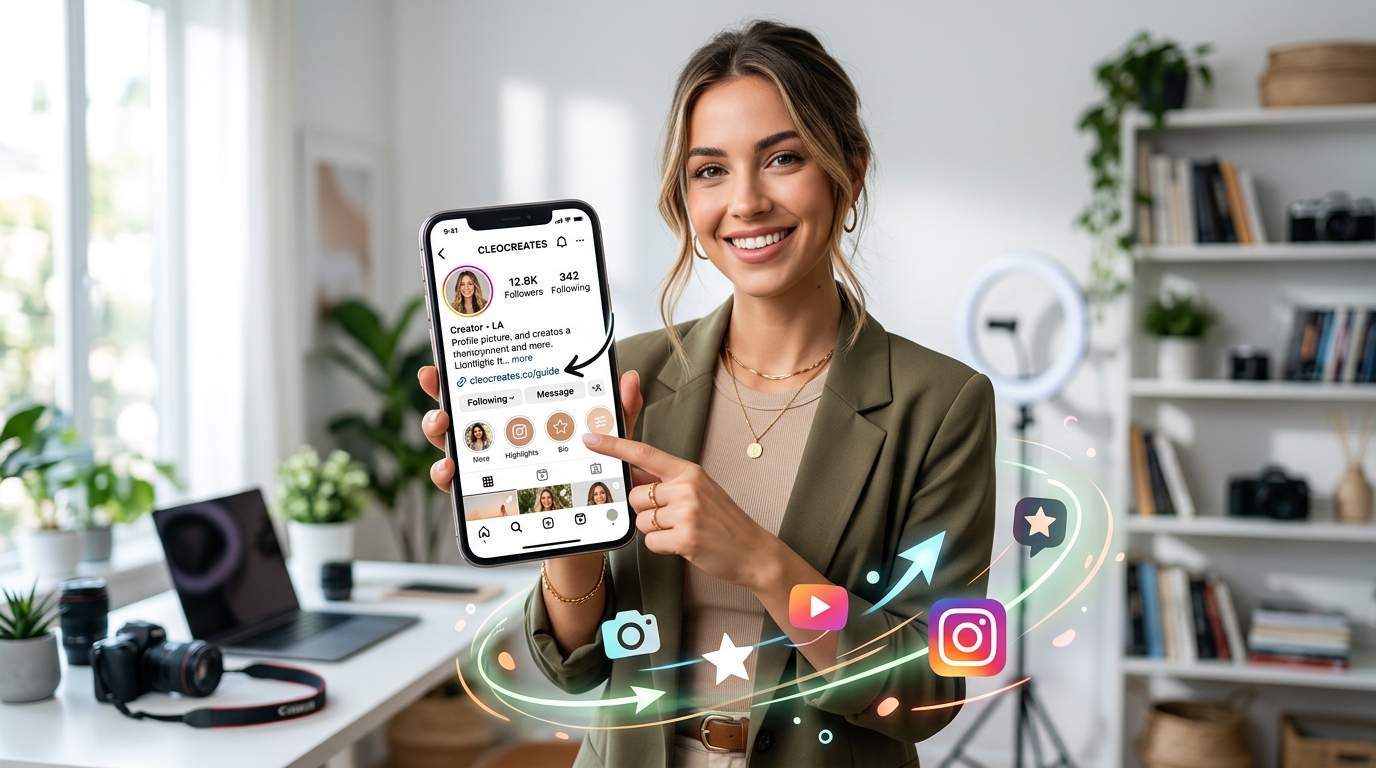
Whether you're building a personal brand in London, running a boutique in Istanbul, or launching a startup in Singapore, grabbing someone's attention on social media is tough—but keeping it is even tougher. Because Instagram still won't let you put active, clickable links directly inside standard posts, you're left with one major loophole. That is why your Link in bio for Instagram is the most critical asset in your entire social setup. Think of it as a bridge; it takes someone who was just casually scrolling through their feed and turns them into a paying customer.
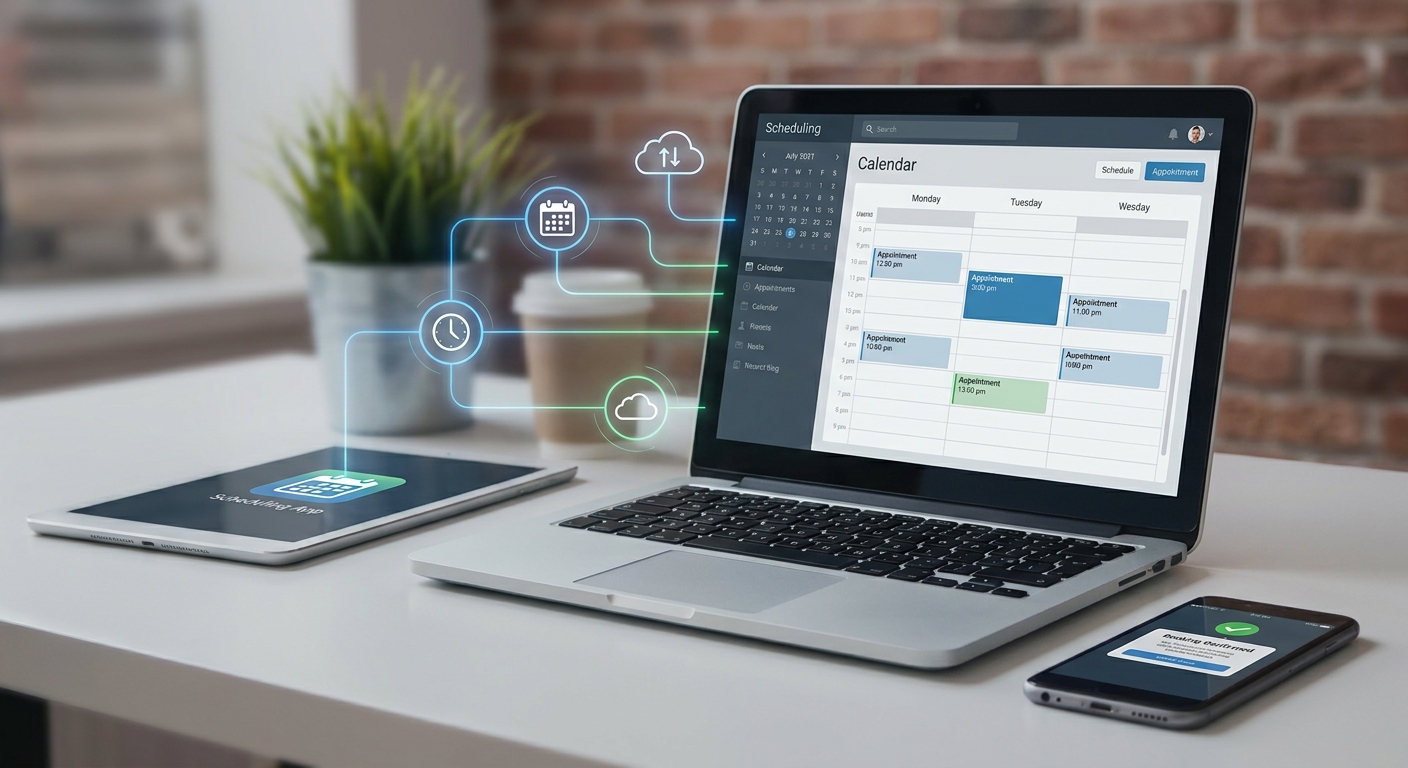
Put simply, a Link in bio for Instagram is that single clickable link in your profile description that points followers to an external page. By 2026, though, this is no longer just a basic list of links—it's evolved into an interactive digital homepage that can house booking calendars, product catalogs, and even smart AI assistants to talk to your customers.
- Bring every single one of your online touchpoints together into one fast, mobile-friendly hub.
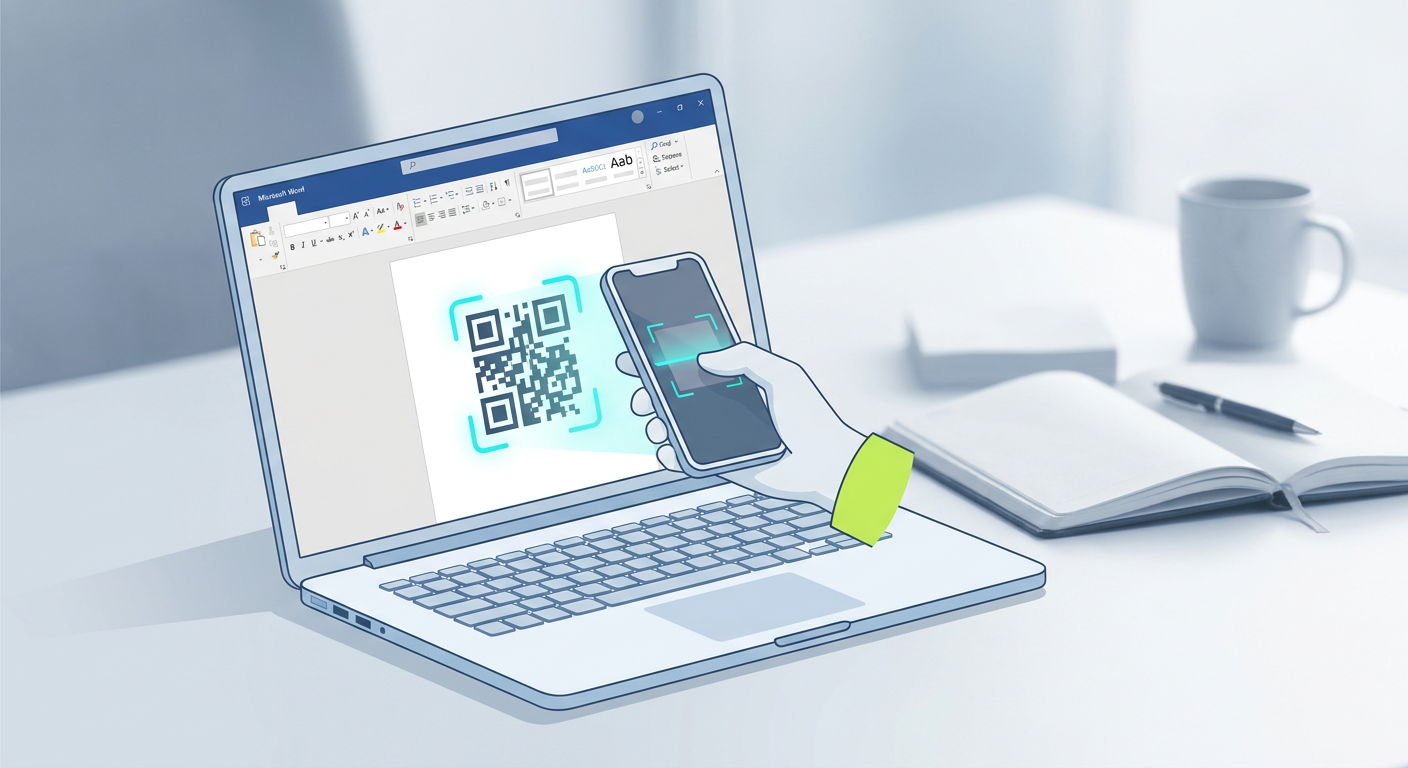
- Use a dynamic QR code with analytics to connect your offline marketing to your online profile and see exactly what's working.
- Let customers take action immediately by embedding things like a contactless ordering system or an automated booking calendar right inside your bio link.
- Make networking painless by linking your social profile to a professional digital business card.
Why Your Link in Bio for Instagram is Your Core Conversion Engine
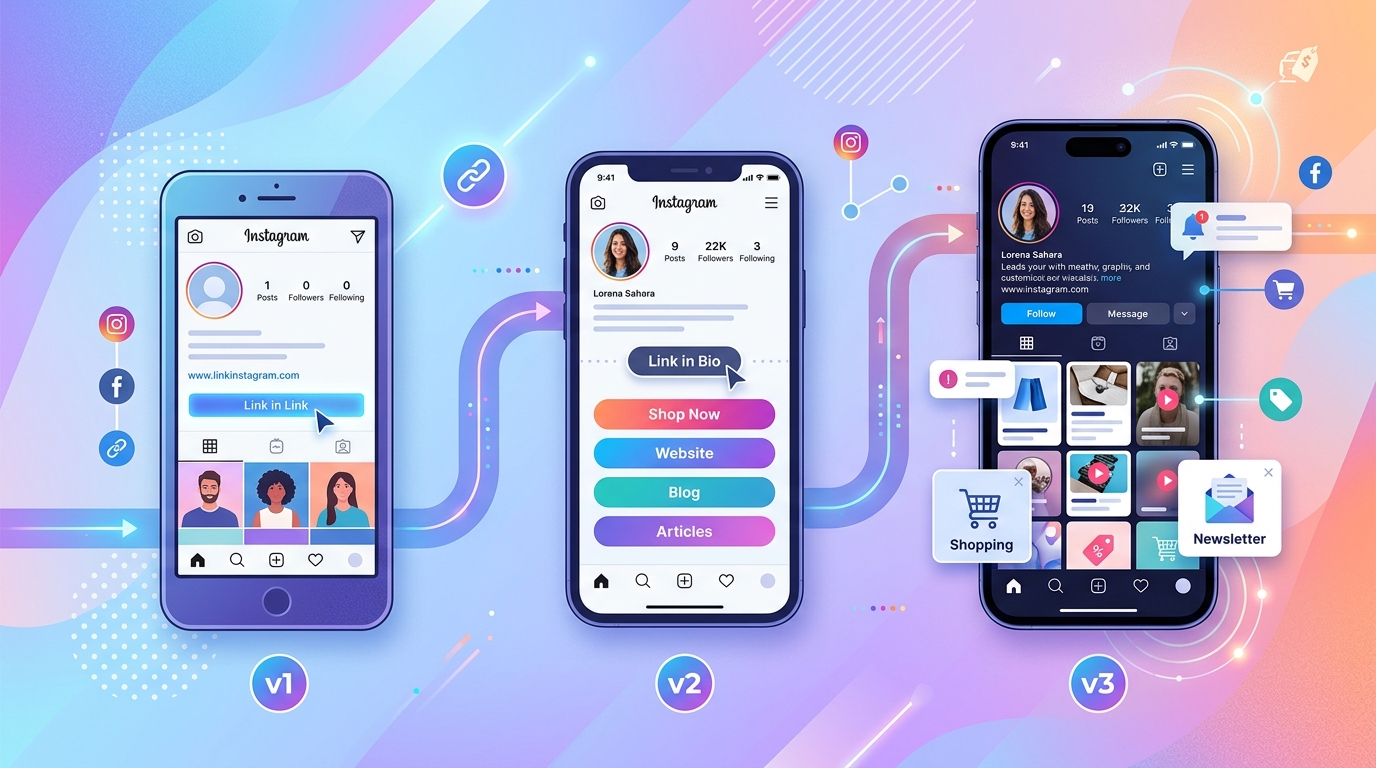
We've all become incredibly impatient online. If someone in Milan is browsing your clothing line, or a client in Istanbul wants to book a hair appointment, they want to do it now. Introduce even a tiny bit of friction—like making them navigate a clunky website—and they'll bounce. For the longest time, we got by with ugly, static lists of links. Today, though, a smart Link in bio for Instagram has to do way more than just point people in a direction; it needs to be an interactive space where people can actually get things done.
The moment someone clicks that link, they're showing high intent. If they're met with a sluggish page or a messy layout, they're gone in a second. That's why your bio landing page needs to load instantly and make the next step completely obvious—ideally letting them check out or book without forcing them to open a new tab. When you design this page with a bit of strategy, you can easily grow your email list, sell digital goods, schedule discovery calls, and funnel traffic exactly where you want it.
It also helps to keep your brand's look and feel consistent across the board. The smartest brands connect their online links with physical touchpoints—think product boxes, flyers, or shop windows. When your physical presence matches your digital hub perfectly, you build real, lasting trust with your audience, no matter where in the world they are.
How to Choose the Best Instagram Bio Link Tool?
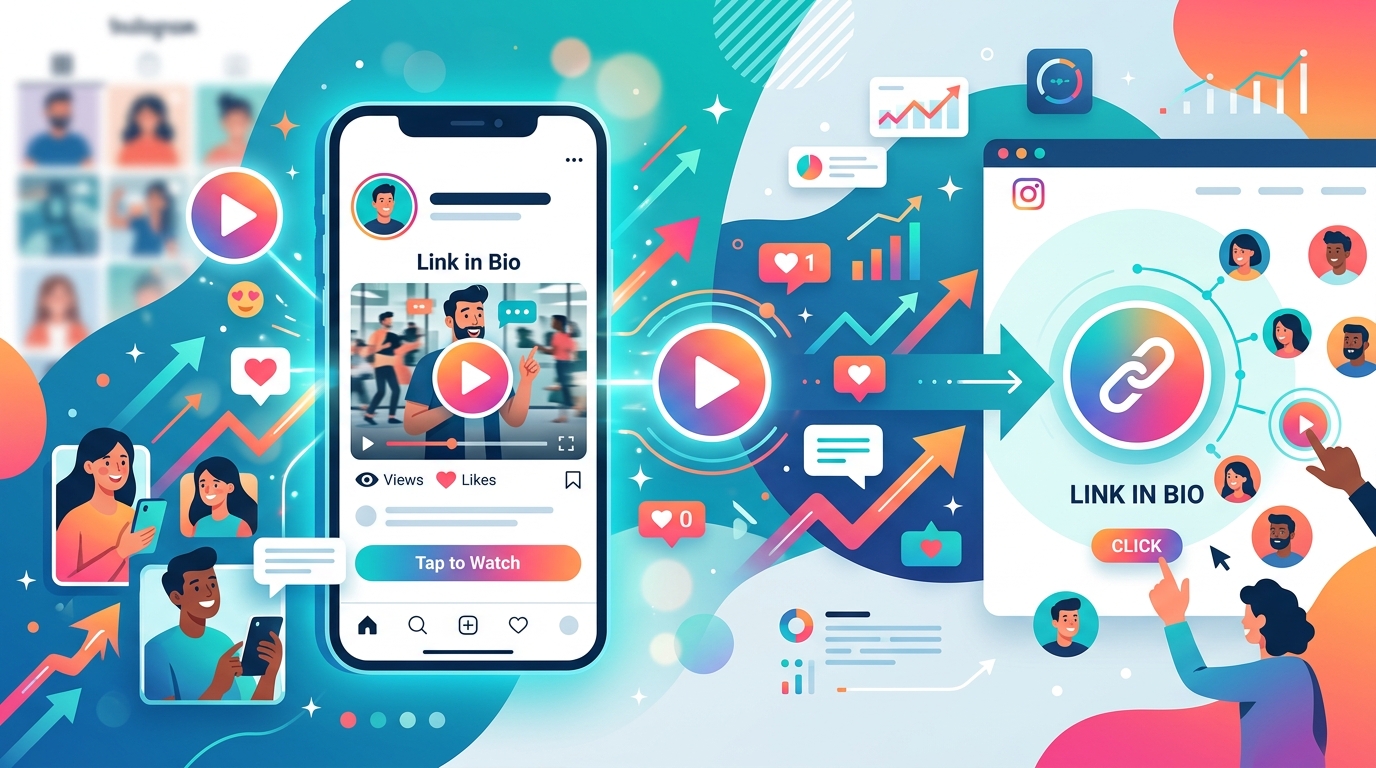
Walk into any digital marketing forum and you'll find hundreds of link-in-bio tools being recommended. It's overwhelming, to say the least. A lot of creators fall into the trap of picking cheap, basic directories that only let you customize button colors. To get the best value for your money now, you should aim for platforms that do the heavy lifting under one roof. Your platform of choice should handle your bio page, custom design elements, and interactive widgets without forcing you to pay for five different software subscriptions.
At a minimum, your bio link tool should support:
- Fully custom themes: You need complete control over colors, fonts, and layouts to match your brand style perfectly.
- Rich media embeds: You should be able to play videos, show off product lines, or share audio right on the page.
- Built-in forms and scheduling: Visitors ought to be able to book slots or send messages without leaving the screen.
- Granular link analytics: Real-time data on who is clicking, where they are located, and how they found you.
Platforms like Qret.me are popular precisely because they let you replace half a dozen separate tools. Instead of writing monthly checks for a link directory, a scheduling tool, file storage, and a menu builder, you can use a unified "Digital Twin" to run your brand. Going this route doesn't just save you a ton of subscription fees—it also gives you one simple dashboard to watch your traffic and sales grow across different markets.
The Intersection of Digital Business Cards and Instagram Bios
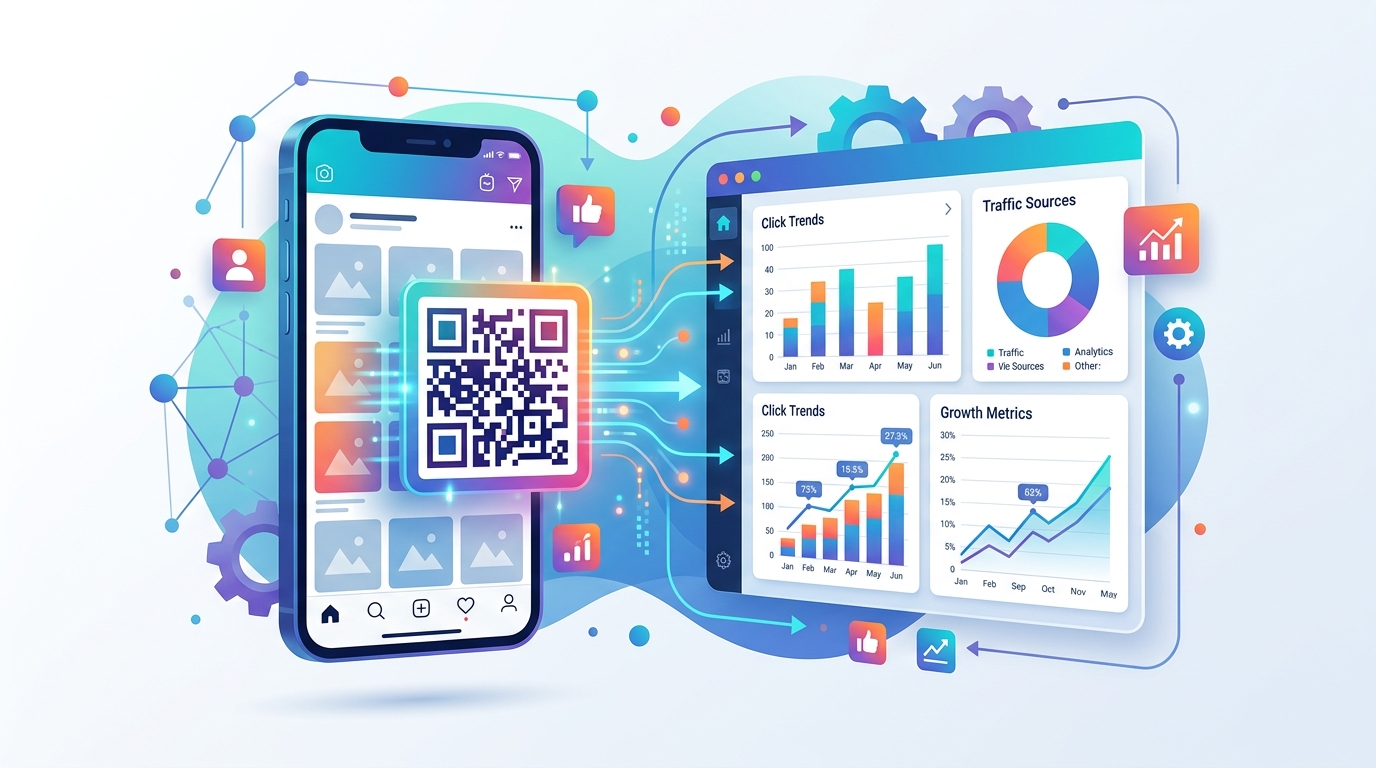
Let's be honest: paper business cards usually end up in the trash or at the bottom of a desk drawer. Today, a Digital Business Card is a far better way to share your portfolio, contact info, and socials instantly. Putting one right inside your Instagram setup is a brilliant move, especially if you're trying to land B2B clients or build professional connections.
Picture this: you're chatting with a potential client at a conference in Frankfurt or Singapore. Instead of scrambling to find a paper card, you can simply show them your Instagram profile or have them scan a code pointing to your bio page. By placing a neat contact card button—easily set up with a VCard QR code generator—right on your landing page, those new connections can save your direct number, email, and office location with one tap.

This setup bridges the gap between casual encounters and real business opportunities. It helps turn your online followers into serious leads, while giving people you meet in person an instant look at your work portfolio. If you're a freelancer, agency founder, or consultant working internationally, this kind of seamless flow is a game-changer.
How Dynamic QR Codes with Analytics Supercharge Offline-to-Online Traffic
Even in our hyper-connected world, offline marketing is still incredibly effective throughout Europe, Asia, and Turkey. Your shop windows, cafe tables, event banners, and product packaging are valuable spots to catch people's eyes. But historically, getting someone to stop looking at a physical box and go find your Instagram page has been a real headache.
That's where a Dynamic QR code with analytics comes in. Static QR codes are locked forever to whatever link you printed them with. Dynamic codes, on the other hand, let you change the backend link whenever you want without ever having to reprint your materials. This makes it incredibly easy to swap out seasonal promos, run flash sales, or direct people to your latest launch.
The real magic, though, is the data you collect. Every scan gives you insights into where people are, what devices they're using, and when they scanned it. Suddenly, you can see if that poster in Berlin or the counter display in Istanbul is actually driving people to your profile. It takes the guesswork out of your offline marketing budget.
Implementing a Contactless Ordering System via Your Social Profiles
If you run a restaurant, shop, or service business, your Instagram bio is no longer just for "inspiration"—it's a direct checkout counter. Customers don't want to browse your feed, dial a phone number, or get lost in a complex website just to buy something. They want a fast, secure Contactless ordering system that works instantly on their phone.
By putting your digital menu or shop catalog right inside your bio link page, you let people browse and buy on the spot. It's a frictionless experience that works beautifully for:
- Boutique brands: Running limited-edition product drops and taking orders fast.
- Salons and service providers: Displaying treatment menus and letting clients book directly via an Online Booking System.
- Cafes and eateries: Making menus accessible whether someone clicks the link online or scans a table-top QR code in person.
This kind of setup means that whether a customer is sitting at your physical counter or browsing your profile from home in Tokyo, they get the same quick, easy ordering experience. It keeps order errors to a minimum, takes pressure off your staff, and helps bump up order sizes with strategic upselling options.
Comparing Traditional Link Tools vs. Modern Digital Twins
To see how much things are shifting, let's look at how standard link-in-bio tools stack up against modern, all-in-one digital twins.
| Feature | Traditional Link Directories | Modern AI Digital Twins (e.g., Qret.me) |
|---|---|---|
| Link Customization | Basic list of plain buttons | Interactive blocks, video feeds, custom layouts |
| Offline Connections | None, or basic static codes | Dynamic QR codes with geographic and device tracking |
| Customer Support | Basic email or contact forms | AI agents that use your bio data to answer chats 24/7 |
| Reservations & Sales | Needs external apps (like Calendly) | Built-in booking engines and instant shopping carts |
| Data & Insights | Basic click tallies | Deep analytics showing locations, devices, and traffic paths |
As you can see, sticking with old-school link lists holds your brand back. Modern setups act like a tireless "Digital Twin" working for you around the clock—booking clients, answering questions using built-in AI, and taking payments while you're offline. Bringing everything into one place gives you a sales machine that literally never sleeps.
If you're ready to make this switch, Qret.me makes the transition incredibly smooth. Built in Istanbul by founder Siamak Alamdari, it's an all-in-one platform that brings together bio links, reservation tools, digital menus, dynamic QR codes, and tracking features into a single, clean dashboard. It saves businesses in Turkey, Europe, and Asia from subscription fatigue while keeping their brand looking highly professional.
Using Qret.me, you can quickly set up a beautiful bio page that matches your brand style, embed a smart AI-powered Digital Menu or catalog, and track exactly where your traffic is coming from. Plus, you can let an AI agent handle visitor questions on your behalf (all plans come with 100 free AI chat credits each month). It's a practical, powerful way to turn casual social followers into actual, paying customers.
Frequently Asked Questions
Can I use a custom domain for my Instagram bio link?
Absolutely. Any good platform will let you connect your own custom domain (like links.yourbrand.com). It looks much cleaner, helps with your search ranking, and builds instant trust with your followers.
What is the difference between static and dynamic QR codes?
Static QR codes contain a fixed link that you can never change once they are printed. Dynamic QR codes, however, act as a gateway that lets you swap out the target web page instantly at any point. They also give you detailed tracking data, showing you where, when, and on what device people are scanning them.
Do I need coding skills to build an interactive bio link?
Not at all. Modern platforms are designed to be completely drag-and-drop. You can choose a pre-made template, tweak the style, and have your bio landing page live in about ten minutes—no tech skills required.
Can I accept payments directly through my bio page?
Yes. By adding a digital catalog, a booking block, or a contactless checkout form directly to your landing page, your visitors can pay securely using their credit cards or local mobile payment methods.