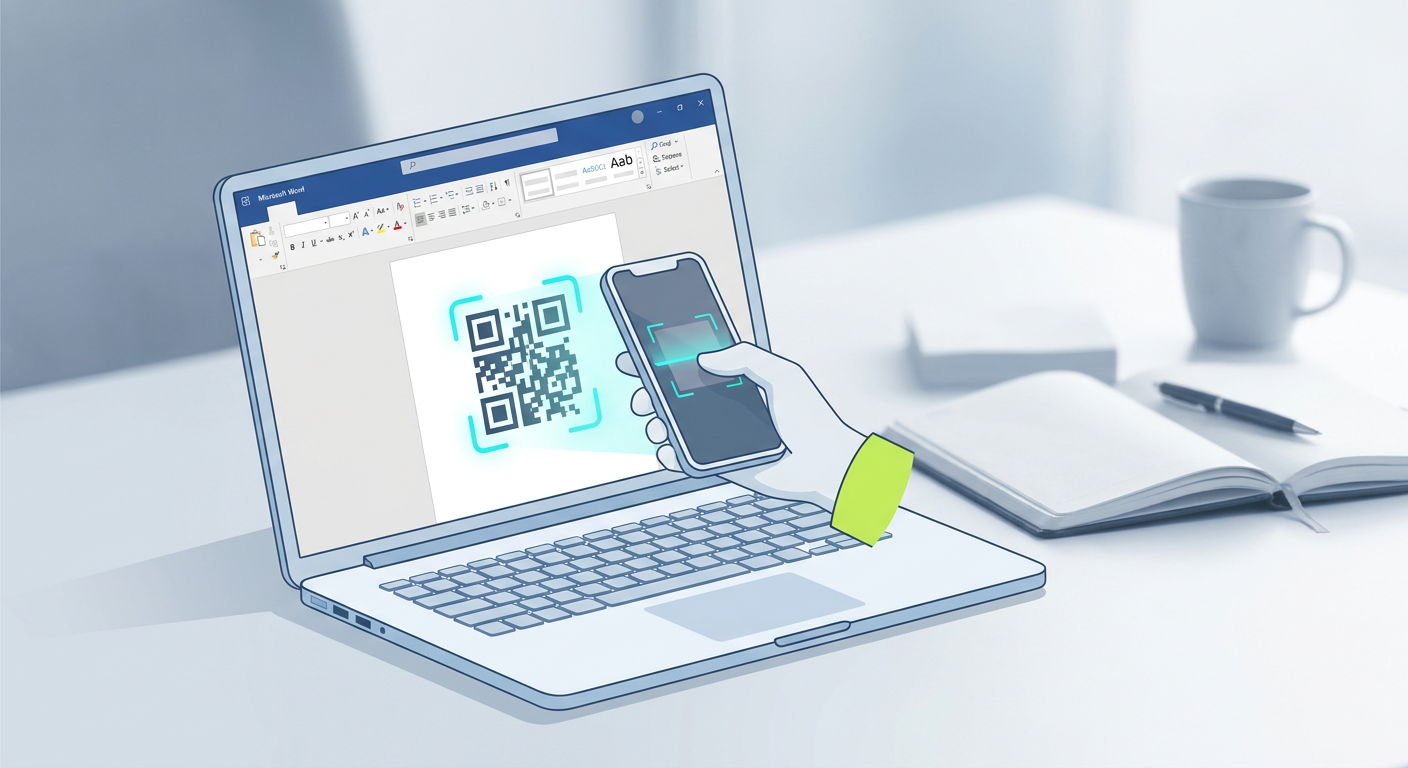
How to Track QR Code Scans: A Plain-English Walkthrough (2026 Guide)
If you're running a busy restaurant, managing a growing service agency, or running large-scale events, you already know how quickly physical marketing is merging with the digital world. Right at the heart of this shift is the humble QR code. But let's be honest: slapping a black-and-white square onto a poster or menu is only half the job. If you want to know if your campaign is actually paying off, you have to learn exactly how to track qr code scans to calculate your real return on investment (ROI).
To track QR code scans, you need to use a dynamic QR code generator. Unlike traditional static codes, dynamic QR codes rely on a short redirect URL. This middleman link lets the hosting platform instantly log real-time data—like how many people scanned, where they were, when they did it, and what device they used—before sending them to the final destination.
This updated 2026 walkthrough demystifies how QR code tracking works behind the scenes. We'll show you how to set up trackable campaigns from scratch and—more importantly—how to plug them into smart tools like automated booking engines and chatbots to scale your business.
🔑 Key Takeaways
- Dynamic codes are non-negotiable: Static codes simply won't track. If you want metrics, you need dynamic redirection.
- Watch the right metrics: Don't just look at total hits. Keep a close eye on unique scans, geographic hot spots, and device types to fine-tune your marketing.
- AI bridges the gap: Linking dynamic codes directly to AI-driven tools makes booking appointments and talking to leads completely hands-off.
- Consolidated tools save budget: Juggling separate tools for QR generation, analytics, and booking is a headache. An all-in-one platform keeps your tech stack clean and cheap.
The Difference Between Static and Dynamic QR Codes
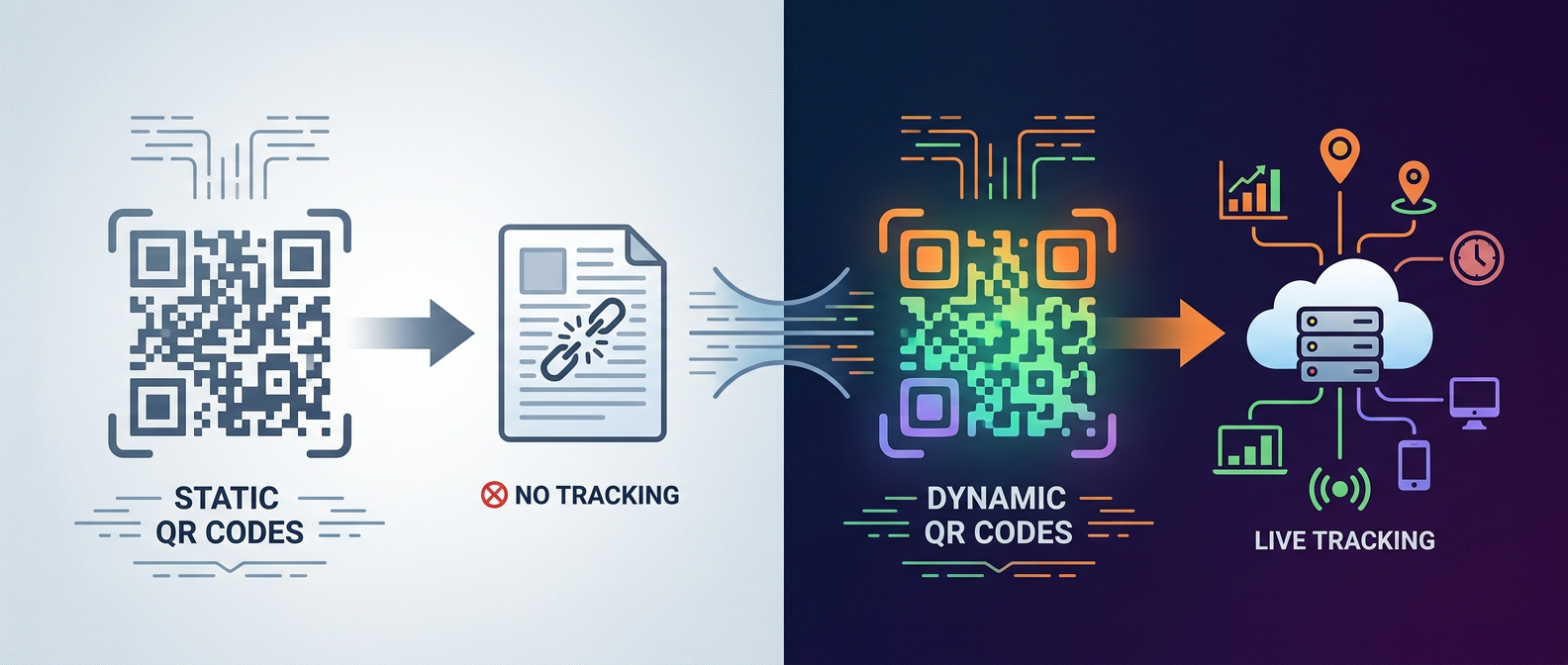
Before looking at the data, you have to get your head around the two main flavors of QR codes: static and dynamic. Honestly, getting these two mixed up is the number-one reason physical marketing campaigns fall flat on their face.
As Wikipedia's history of QR codes points out, these clever matrix grids pack a ton of data by reading both vertically and horizontally—way more than old-school linear barcodes. But how they point users to that data is what determines if you can actually measure their success.
| Feature | Static QR Codes | Dynamic QR Codes |
|---|---|---|
| Trackable? | No | Yes (Real-Time Metrics) |
| Editable Destination URL? | No (Set in stone) | Yes (Swap links even after printing) |
| Visual Density | High (Looks cluttered/busy) | Low (Sparsely detailed, quick to scan) |
| Best For... | Simple, permanent shares like a qr code for wifi password | Active campaigns, digital menus, bookings, dynamic business cards |
Think of a static QR code as being printed in permanent ink. The destination URL is baked directly into the pixel pattern. If you set it up to point to your homepage, it will point there forever. Change your domain name down the line? You've just created a useless, broken print asset—and you won't even have the metrics to know how many frustrated users tried scanning it.
Dynamic QR codes handle things differently by using a short redirect link. When someone scans it, their phone hits this quick "middleman" link first. The server logs the scan metrics in a split second, then instantly forwards them to your target page. To the user, it feels seamless—but to you, it's a goldmine of marketing insights.
How do you track a QR code campaign step-by-step?
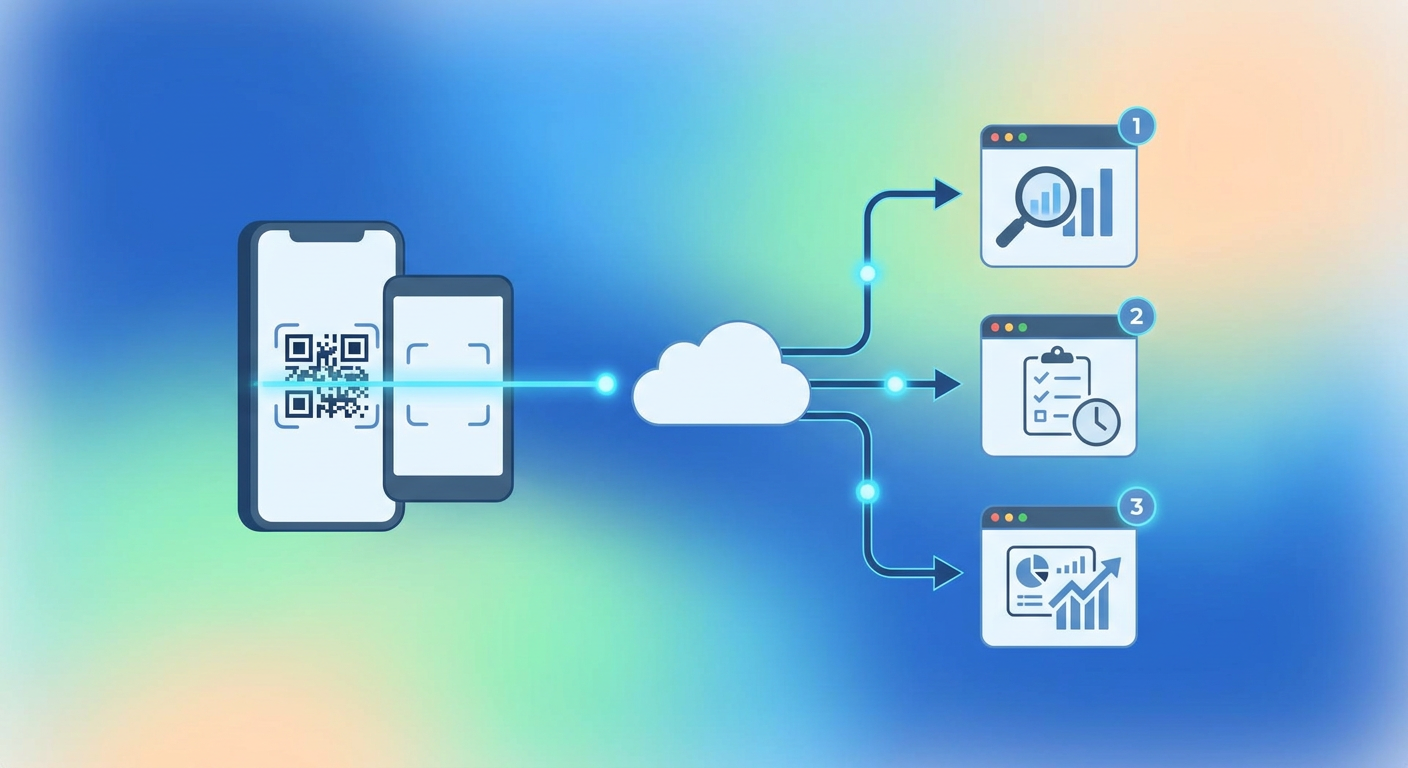
Setting up a trackable QR campaign doesn't require a computer science degree. Here's a straightforward, step-by-step workflow to get your hands on that sweet, real-time data.
Step 1: Pick a Reliable Dynamic QR Code Platform
Skip those shady, free generator sites that only hand you basic, static image files. Instead, look for a platform that generates dynamic short links and lets you download clean, resizable vector files. A solid, modern tool gives you a central dashboard where you can actually make sense of your traffic.
Step 2: Set Up and Brand Your Code
Paste your destination URL into the generator. If you want to feed this scan data into deeper analytics tools like Google Analytics, make sure to add your UTM campaign tags here. Don't leave it as a boring black-and-white square either—tweak the colors to match your brand's style guide so it looks polished.
Step 3: Test Before You Print
Before sending a massive order to the printers, grab a few different smartphones and test the code under different lighting. Size matters here, too. A poster viewed from ten feet away needs a much larger code than a tiny table tent on a restaurant bar.
Step 4: Watch the Data Roll In
Once your campaign is out in the wild, check your platform's dashboard. Keep an eye on peak scanning hours, where people are scanning from, and what devices they are using. This tells you exactly which physical locations are pulling their weight.
Can you track scans on a free static QR code?

The short answer is no—at least not directly. Because a static QR code directly encodes your raw destination text or URL, there's no server in the middle to count the scans. That said, if you're stubborn about using a free static code, you can get creative.
If you're linking the static code to your own website, you can run the destination link through a URL shortener or attach UTM parameters first. Google Analytics will pick up those visits, which gets you the count you want. Just watch out: stuffing a massive, UTM-heavy link into a static code makes the pixel grid incredibly dense. That makes it tough to scan, especially on older phone cameras or in dim lighting.
Of course, static codes still have their place. Building a static qr code for wifi password access in your office lobby is a perfect example. You don't need to track how many people log on, and you aren't changing the password daily. But for serious marketing or business goals? Stick with dynamic codes—they're the gold standard for a reason.
How does an AI booking system integrate with trackable QR codes?
Let's look ahead: dynamic tracking is no longer just about tallying up scans. It's about kickoff points for actual customer conversations. Forward-thinking brands are linking their physical media straight to an automated ai booking system.
Imagine a passerby scanning a QR code on a salon window. Instead of dumping them onto a boring contact form, the scan fires up a sleek booking page. Instantly, an integrated ai chatbot for business says hello, checks open slots in real time, and books the appointment on the spot.
This seamless flow does a few incredible things for your workflow:
- Zero friction: Customers can book their slots in seconds without having to download another annoying app.
- Clear attribution: You can trace exactly which flyer or sandwich board brought in that high-value booking.
- An office that never sleeps: Your physical storefront turns into a 24/7 client-acquisition machine, converting foot traffic even when you're closed for the night.
Key Metrics to Analyze for Maximum ROI
When reviewing your campaigns, don't fall into the trap of obsessing over vanity numbers like total scans. If you want to understand how your audience behaves, you have to dig past the surface level.
Total Scans vs. Unique Scans: Total scans tell you how many times the code was loaded, but unique scans show you how many actual, individual people pulled out their phones. If your total scans are high but unique scans are low, it means you've got a small, highly enthusiastic group scanning your code over and over.
Location and IP Data: Dynamic generators estimate scan locations using IP addresses. If you're running a regional billboard or flyer campaign across different cities, this tells you exactly which neighborhoods or transit stops are pulling in the most real-world attention.
Device and Operating System: Knowing whether your audience is scanning on an iPhone or an Android helps you polish their experience on the landing page. For instance, if 85% of your scans happen on iOS, putting Apple Pay front and center on your checkout form is a no-brainer.
Advanced QR Code Use Cases: Wifi, Booking, and Chatbots
A modern service business thrives on seamless connections. When you tie physical QR codes to automated back-end systems, you can quickly untangle some of your most common customer support headaches.
Take hospitality venues, for example. Many are dropping dynamic codes onto tables or bedside stands to provide instant ai customer service. Instead of waiting on hold for a busy receptionist, guests just scan the code to chat with an AI concierge. The assistant handles room service, suggests local dinner spots, or pulls up checkout bills instantly.
Retailers are doing this too, using trackable codes to point shoppers to reviews or sizing guides. By watching which product tags get scanned the most, floor planners can rearrange physical displays based on real, digital interest trends.
How Qret.me Simplifies QR Code Tracking and Digital Identity
If you're tired of paying for five different subscriptions—one for QR codes, one for link shortening, and another for scheduling—a platform like Qret.me is a breath of fresh air. Qret acts as a digital twin for your business, pulling your entire physical and digital footprint into one easy-to-use control panel.
By setting up Dynamic QR Codes through Qret, you get deep, real-time analytics without any technical gymnastics. You'll see exactly when and where people are scanning your assets. Even better, those codes connect directly to highly customizable Bio Link Pages, perfect for hosting menus, digital business cards, or portfolios.
The best part? Qret.me lets you link those offline scans straight to your digital workflows. You can easily trigger an Online Booking System or kick off an interactive conversation with an AI Assistant to grab leads while they're warm. It saves you from SaaS overload by putting everything into a clean, budget-friendly suite built for growth.
Ready to stop guessing?
Quit wondering if your flyers and signs are actually driving business. Get custom dynamic QR codes, sleek landing pages, and automated AI tools—all running from a single dashboard.
Try Qret.me For Free TodayFAQ
Do QR codes expire if I use a tracking tool?
Nope. As long as your tracking account is active and your redirection rules are set, your dynamic QR codes will work indefinitely. Static codes also last forever because the destination is locked into the print, but you'll never be able to edit or track them.
Can I track QR codes in print campaigns?
Absolutely—and that's the whole point of using them! By putting distinct dynamic codes on your business cards, flyers, and banners, you can tell exactly which marketing asset is pulling its weight and which one is collecting dust.
Is a dynamic QR code slower to load than a static code?
Not in any noticeable way. The detour through the tracking server takes less than 50 milliseconds. Your users will get to their destination just as fast, but you'll walk away with highly valuable data that static codes just can't collect.