
Networking is moving at breakneck speed, and frankly, the traditional paper business card is struggling to keep up. Most of those little rectangles end up lost in a drawer or, worse, the trash. Whether you're doing business in Turkey, across Europe, or in Asia’s tech hubs, people want a frictionless way to connect without the paper clutter.
That's where a vCard QR code generator comes in. It's the bridge that turns a brief physical handshake into an instant digital connection. This isn't just about being "high-tech"—it's about making sure your contact info actually makes it into someone’s phone. Using a professional QR code generator allows you to create dynamic assets that grow with your career. We’ll look at how these tools work, why a Dynamic QR code with analytics is a total game-changer for your strategy, and how to use a Link in bio for Instagram to scale your brand globally.
What is a vCard and How Does a QR Code Help?
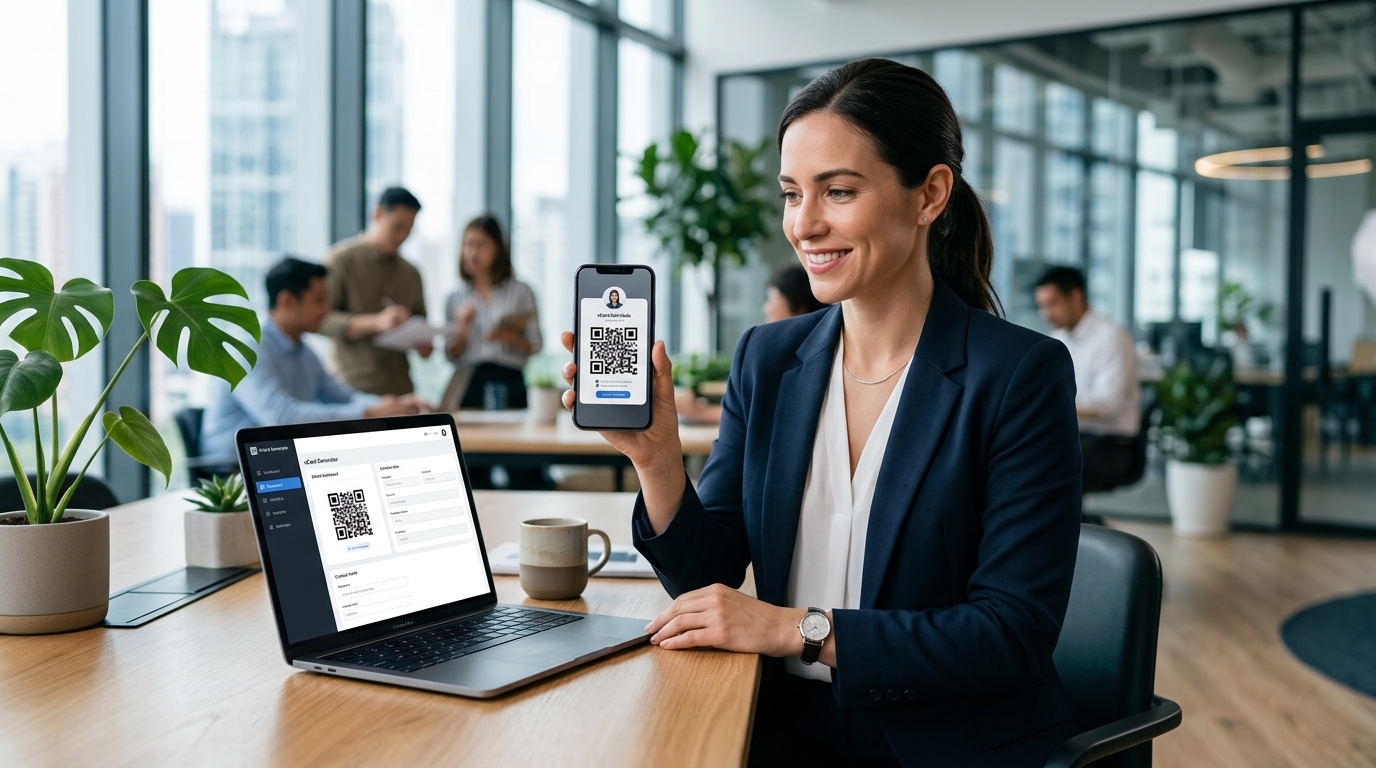
Think of a vCard (Virtual Contact File) as a digital container for your professional identity. It’s not just a phone number; it’s your name, title, company, email, website, and even your social profiles or a headshot. When you run this data through a generator to create a code, you’re creating a shortcut for your peers.
Instead of someone manually typing your name into their contacts—and likely making a typo—they just point their camera and hit "save." It's 100% accurate, every time. It’s no wonder experts are ditching paper for digital solutions; they’re faster, greener, and they don't become obsolete. You can read more about these transitions on our blog.
For professionals in fast-paced cities like Istanbul, Berlin, or Singapore, this tool is practically a survival kit. It saves those precious seconds during high-pressure events and cuts out the data-entry errors that kill potential leads. In a competitive global market, if you can share your info in three seconds while your competitor is still fumbling for a pen, you've already won.
Static vs. Dynamic QR codes with analytics: Choosing Your Strategy
When you start using a vCard QR code generator, you’ll hit a fork in the road: static or dynamic. Choosing the right one is the difference between a one-off tool and a long-term branding asset.
The Limits of Static QR Codes
Static codes are essentially "hard-coded." The information is baked directly into the pixel pattern. This brings a few headaches you’ll want to avoid:
- Zero Flexibility: Once it’s printed, it’s permanent. If you get a promotion or change your email, that QR code is officially a dead link.
- Hard to Scan: The more info you pack in, the denser the pattern gets. Older phones often struggle to read these complex, "busy" codes.
- Flying Blind: You have no idea if anyone is actually scanning it. You can't track engagement or see if your networking efforts are actually paying off.
The Benefits of a Dynamic QR code with analytics
A Dynamic QR code with analytics is the professional’s choice. Instead of storing the raw data, the code points to a secure URL that redirects to your info. This small difference changes everything. By using link analytics, you can gain deep insights into your networking performance:
- Instant Updates: You can swap out your phone number or social links in the backend at any time. The physical code you printed on your cards or office door stays exactly the same.
- Track Your ROI: The analytics side of things is where it gets interesting. You can see exactly how many people scanned your code, their general location, and even what device they used.
- Sleeker Design: Because dynamic codes hold less data in the pattern, they’re "cleaner" and easier for any phone to scan—plus, you have room to pop your logo in the middle.
Optimizing Your Link in bio for Instagram for Your vCard
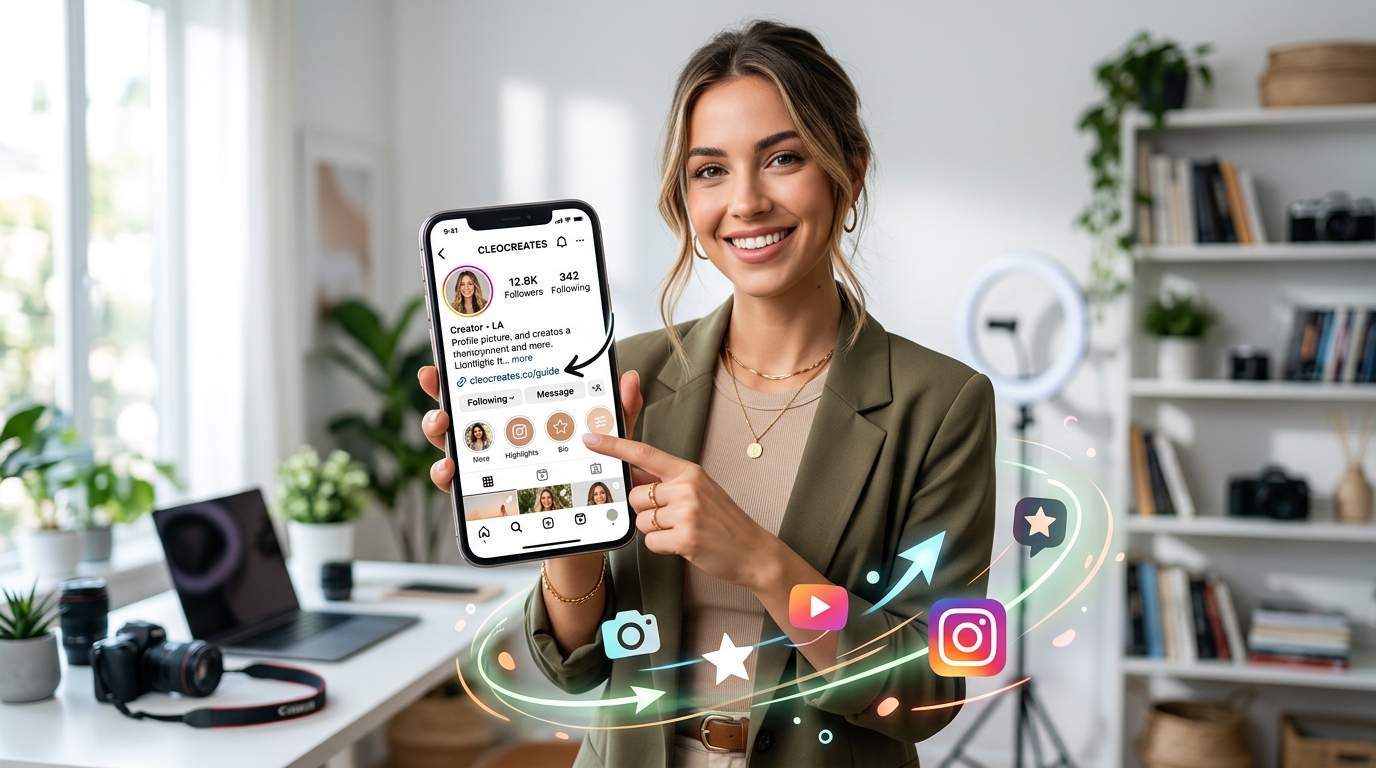
Your digital footprint is bigger than just a VCF file; it’s your entire online presence. Instagram has turned into a massive engine for personal branding, but that "one link in the bio" rule is a major bottleneck. A Link in bio for Instagram landing page acts as your digital lobby.
By using a vCard QR code generator, you can place a "Save My Contact" button right at the top of that landing page. When a follower clicks your bio link, they’re one tap away from having your professional details in their address book. This turns a social media follow into a formal business lead. It bridges the gap between your latest post and a real-world business conversation.
Global Networking: Turkey, Europe, and Asia
While the world is going digital at different speeds, the direction is clear. In Turkey, especially in the buzzing business hubs of Maslak and Levent, younger pros are using digital cards to slice through the noise. In Europe—think London, Paris, or Zurich—there’s a high premium on sleek design and data privacy.
Then there’s Asia. In places like Japan, Korea, and China, QR codes aren't just an option; they're the language of daily life. If you're doing business there without a vCard QR code generator, you’re going to look behind the curve. Using digital tools shows you’re tech-literate and ready to move at the speed of modern commerce.
Step-by-Step: How to Choose the Best vCard QR Code Generator
Not all generators are created equal. If you want to keep your professional image sharp, look for these "must-haves":
- Custom Branding: Don't settle for a boring, generic code. You want to be able to add your logo and match your brand colors.
- Data Security: Make sure the platform is secure and won't let your private info get indexed by random search engines.
- Real-Time Analytics: You need a dashboard that shows you who's scanning and when.
- Easy Integration: It should take seconds to add your code to a Link in bio for Instagram or an email signature.
- Transparent Value: Check the pricing plans to ensure you have access to dynamic features and bulk management.
Maximizing Exposure: Where to Place Your vCard QR Code
Once your code is ready, don't just leave it on a single card. It should be a cornerstone of your digital presence. Here's where to put it:
1. Digital Email Signatures
Think about how many emails you send. By dropping your vCard QR code in your signature, you're making it effortless for every recipient to save your details without them having to dig through old threads.
2. Presentation Slides and Webinars
Speaking at a conference? Put your QR code on the "Thank You" slide. It’s the most efficient way to connect with a whole room at once. While they're scanning, your Dynamic QR code with analytics is quietly recording interest.
3. LinkedIn and Social Headers
You can add your code to your LinkedIn banner. This lets people who view your profile contact you directly by phone or email immediately, rather than waiting for a connection request to be approved. Check our latest articles for more networking tips.
4. Physical Marketing Materials
For those in real estate or retail, put the code on your signage or store windows. Someone walking past your shop in Istanbul can scan the glass and have your contact info before they’ve even spoken to you.
The Role of AI in Personal Branding
Technology is also changing how we optimize our growth. Some generator platforms are now using an AI Assistant to help improve scan rates—suggesting better color contrasts or analyzing your data to tell you when people are most likely to engage with your brand. It’s about being strategic, not just digital.
Common Pitfalls to Avoid
To keep things professional, try to avoid these rookie mistakes:
- Information Overload: If you use a static code, don't try to cram in your whole life story. Stick to dynamic codes for better reliability.
- Bad Contrast: Light gray on a white background? Forget it. Stick to high contrast so the camera can actually "see" the pixels.
- No Call to Action: Don't just leave a floating square. Add a little "Scan to save my info" note so people know what to do.
- Dead Links: If you're using a dynamic code, double-check that your destination URL is live. This is why using a reliable service is so important.
Frequently Asked Questions (FAQ)
What exactly is a vCard QR code?
It’s a specific QR code that tells a smartphone to open a contact file (.vcf). Once scanned, it asks the user if they want to save your info directly to their phone’s address book.
Do I need a special app to scan a vCard?
Nope. Whether you're on an iPhone or an Android, the standard camera app does the job perfectly. Just point and tap the notification.
Can I track who scans my vCard QR code?
Only if you're using a Dynamic QR code with analytics. Static codes are "dumb"—they don't record data. Dynamic ones give you the full picture of your engagement through systems like Qret's link analytics.
Is a vCard different from a digital business card?
A vCard is technically the file format. A "digital business card" is usually the whole package—the landing page, the design, and the QR code system you use to share it.
How can I use this with my Instagram?
The smartest way is to put a link to your contact info on your Link in bio for Instagram page. It makes you reachable with one single tap from your profile.
Conclusion
Moving to digital networking isn't just a trend—it's about staying relevant. Using a vCard QR code generator simplifies the way you connect and ensures no opportunity falls through the cracks. When you use a Dynamic QR code with analytics, you get the data you need to actually understand your impact in places like Turkey, Europe, and beyond.
Pair that with a smart Link in bio for Instagram, and you've got a professional identity that's both modern and accessible. You can learn more about Qret and our mission to streamline digital identities. It's time to stop handing out paper and start building a digital network that actually grows with you.