vCard QR Code Generator Adobe Tools: The Ultimate 2026 Playbook for Digital Identity
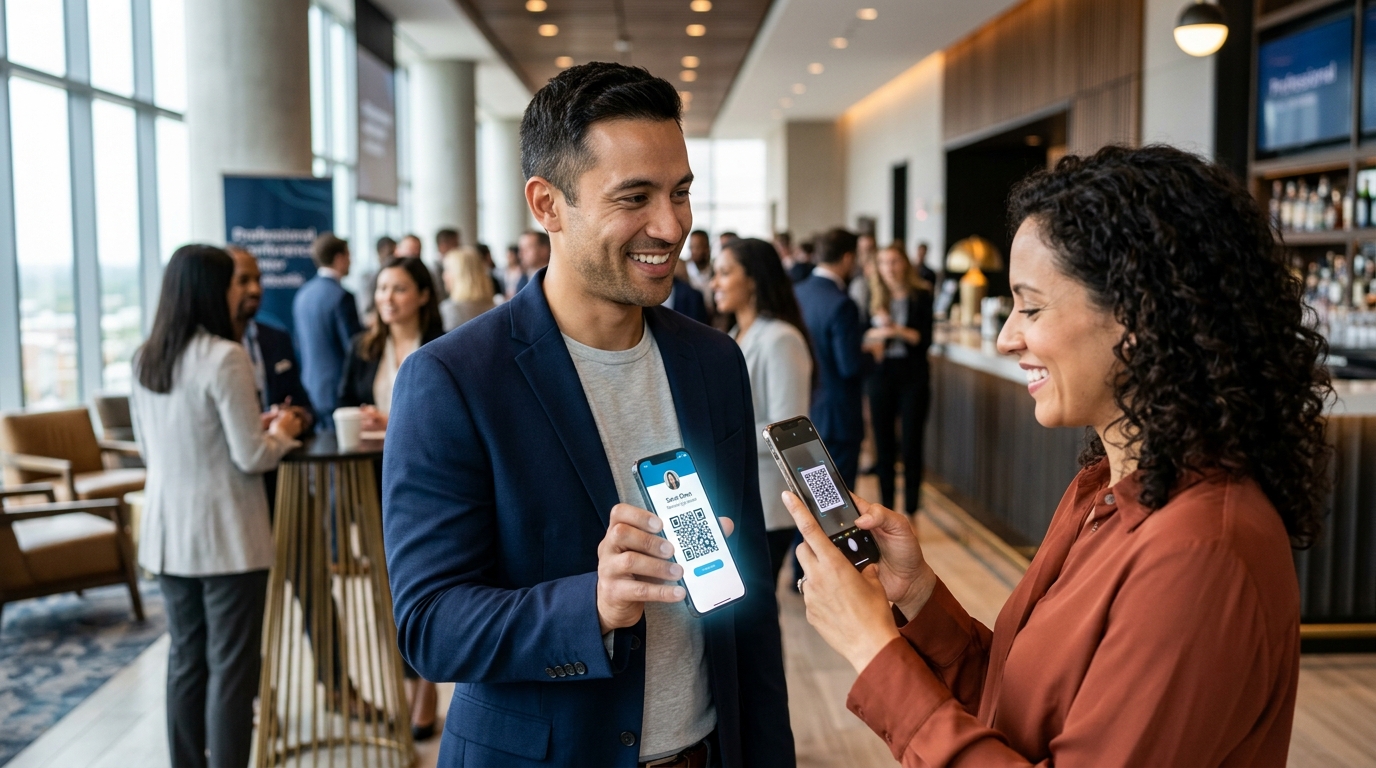
Let's face it — handing out paper business cards that inevitably end up in the trash feels incredibly outdated. Whether you're networking in Istanbul, London, or Singapore, people expect instant, frictionless connection. That's why so many professionals are switching to digital vCard solutions. If you're a designer, marketer, or business owner, you've probably already tried using a vCard QR code generator in Adobe Illustrator or InDesign to bridge the physical-digital divide. But does that workflow actually hold up in 2026?
Put simply, a vCard QR code is a scannable barcode that instantly saves your contact details — like your name, phone, email, and social profiles — straight into someone's phone contacts. But here's the catch: while Adobe tools generate simple, static codes, real-world networking in 2026 demands dynamic, trackable virtual business cards that you can update on the fly.
- Adobe's built-in tools only make static vCards — meaning if you change your phone number, you have to reprint everything.
- Dynamic vCards let you update your info instantly and track how many people actually scan them.
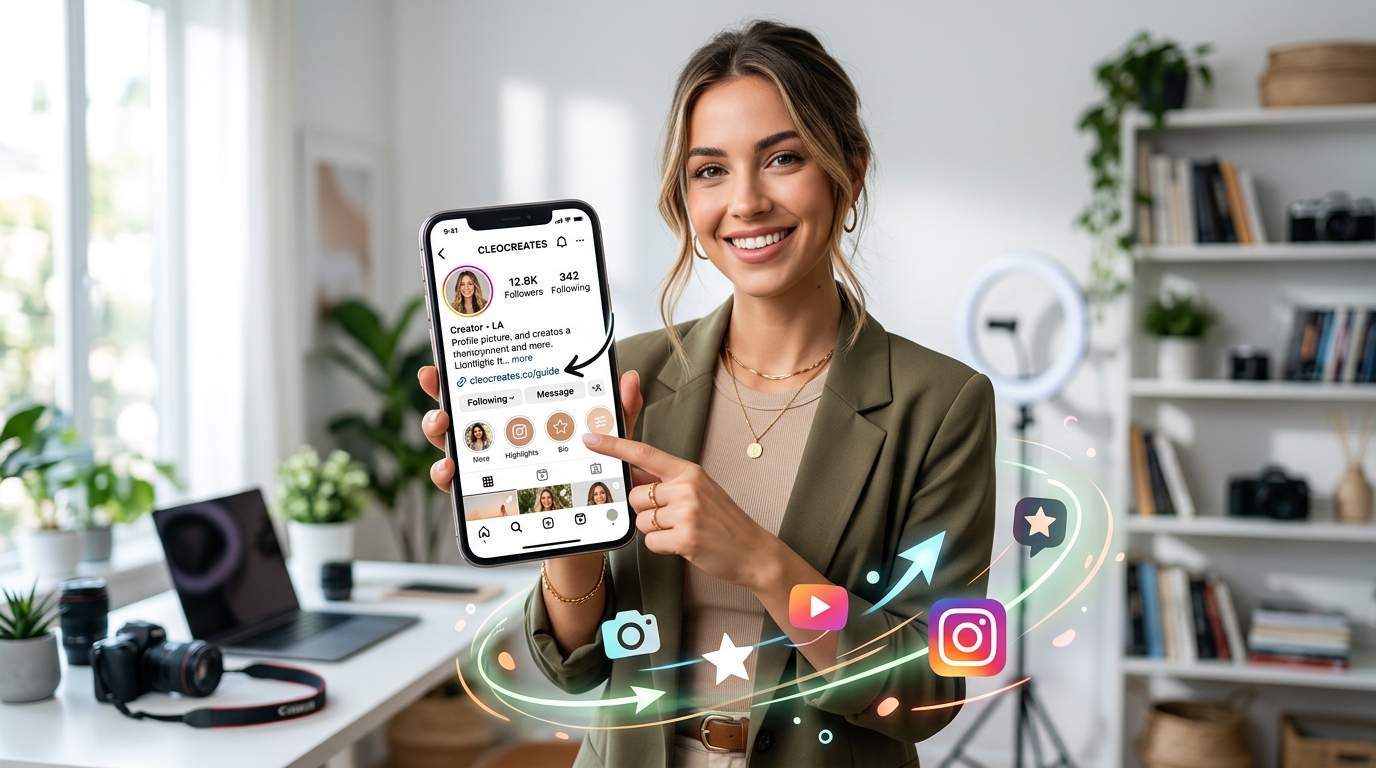
- Pairing your vCard with a Link in bio for Instagram turns a simple contact share into a full digital storefront.
- Modern AI-powered platforms can bundle your scheduler, bio links, and even a chatbot into one neat package.
What is a vCard and Why is It Essential in 2026?
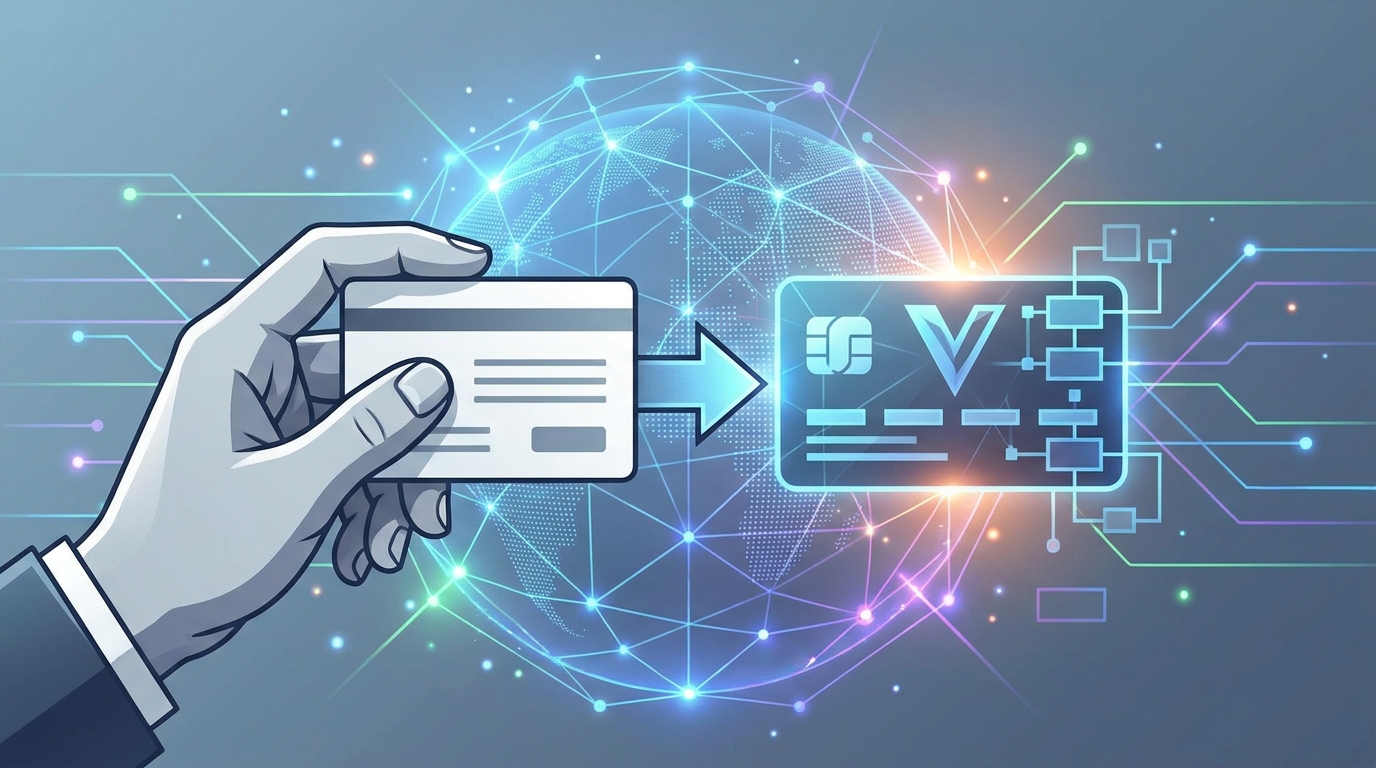
Think of a vCard — technically a VCF (Virtual Contact File) — as the universal passport for your professional details. Because it's natively supported by iOS and Android, any modern smartphone camera can scan it and instantly understand what to do with it. When you turn this file into a scannable QR code, you're essentially building a physical-to-digital bridge. By sticking to the official vCard specification standard, you guarantee that your contact details load flawlessly on any device, zero apps required.
But let's look at the bigger picture. In fast-paced business hubs like London, Istanbul, or Singapore, simply swapping phone numbers doesn't cut it anymore. Professional identity has evolved. Today, your digital business card needs to do some heavy lifting — directing clients to your portfolios, booking links, or social channels. Knowing how to leverage a modern vCard generator is no longer a niche design skill; it's a career-building necessity.
How Do You Create a vCard QR Code Using Adobe Tools?
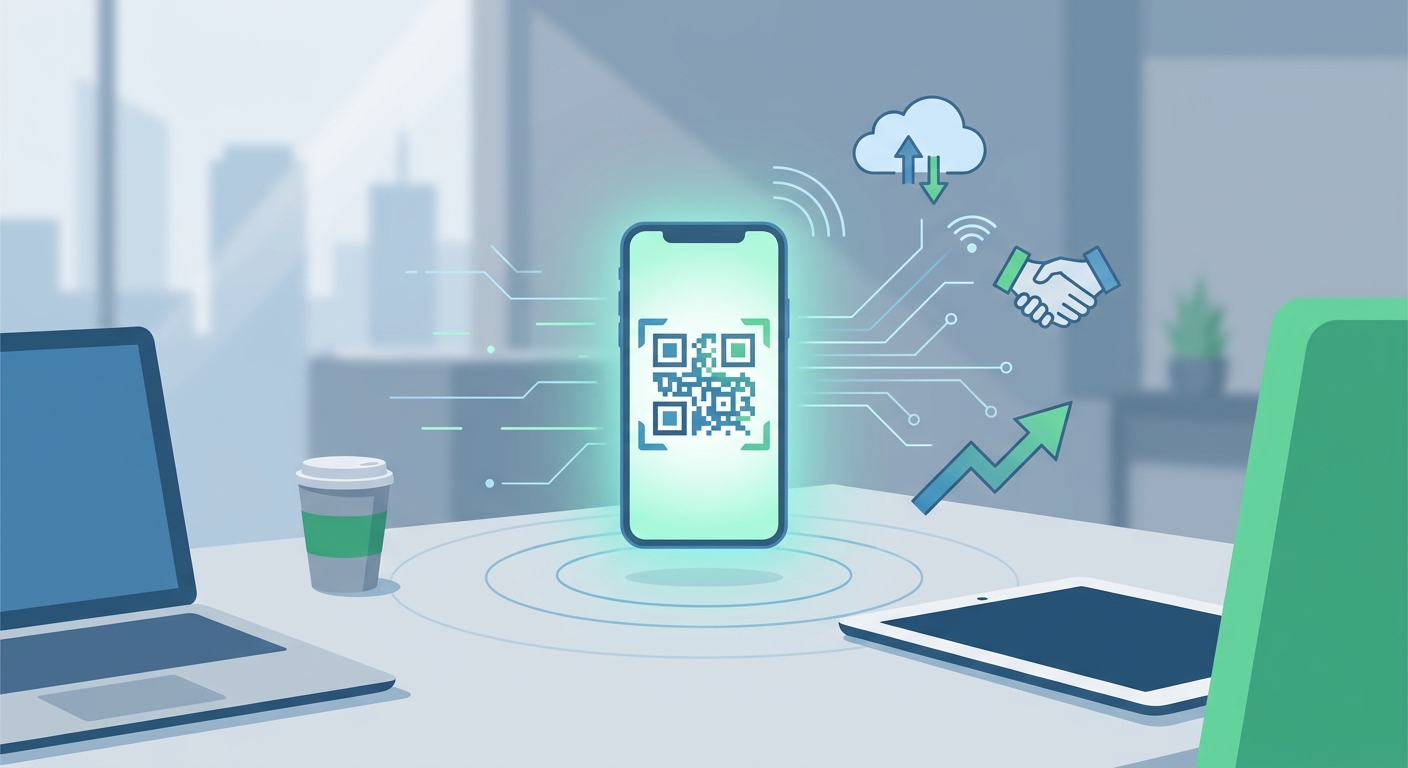
If you're a designer, Adobe Illustrator and InDesign are likely your creative home. Thankfully, Adobe has a built-in QR generator that lets you build assets right inside your layout. Here's how you can create one in just a few steps:
- Step 1: Open InDesign and look up at the top menu.
- Step 2: Go to Object, then click Generate QR Code.
- Step 3: Under the Type dropdown menu, select Business Card (or Web Hyperlink if you'd rather point people to an online bio page).
- Step 4: Fill in the details: Name, Title, Organization, Phone Numbers, Email, and Address.
- Step 5: Click OK and drop the newly created vector code right onto your design canvas.
It's a remarkably smooth workflow — until it isn't. The catch? The QR code Adobe generates is completely static. Because a vCard pack holds a lot of plain text (all your contact info), the physical pattern of the code ends up looking incredibly dense and cluttered. Worse yet, if you change your phone number, get promoted, or move offices, that printed QR code is instantly dead. You'll have to redesign the card, generate a brand-new code, and pay to reprint your entire batch of business cards. Talk about a headache.
Adobe Express vs. Dedicated QR Code Generators: Which is Best?
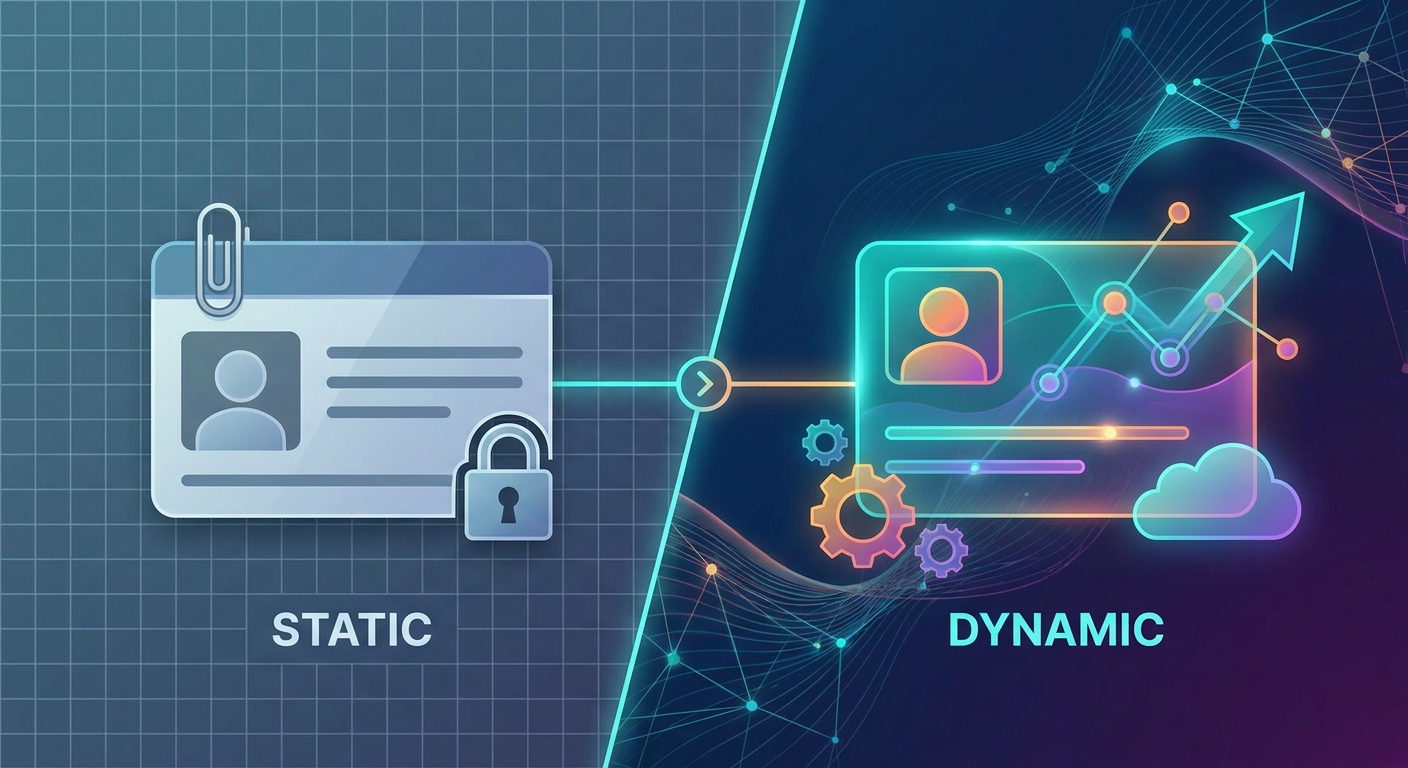
To solve some of these headaches, Adobe rolled out Adobe Express, which features a free, web-based QR generator. But is it enough for a growing business? If you're serious about managing your digital identity, you need to look at how Adobe's creative tools stack up against dedicated modern platforms in 2026.
| Features | Adobe CC & Express | Dedicated AI-Powered Platform |
|---|---|---|
| Dynamic Updates | No (Requires generating a new code and reprinting) | Yes (Change your details anytime without replacing the code) |
| Visual Density | Highly dense (often fails to scan when printed small) | Clean, minimalist vector designs |
| Analytics & Tracking | None | Yes (Track scans, geographic location, and device types) |
| Custom Branding & Logos | Basic color tweaks | Fully custom colors, custom frames, logos, and shapes |
| Integration Capabilities | None (Isolated graphic file) | Connects directly to schedulers, portfolios, and social bios |
Looking at the data, it's clear that while Adobe is fantastic for designing beautiful offline assets, it falls short when it comes to long-term scalability. As a business leader or entrepreneur, your contact info is fluid. You need a system that adapts as fast as your career does.
Why Traditional Static vCards Fail Professional Standards
To understand why static codes are falling out of favor, we have to look at the math behind how phone cameras scan them. A typical offline vCard is packed with data: your name, two phone numbers, email, physical address, company name, and maybe a website. Every extra letter or digit you add makes the code more complex.
The result? A massive, complex grid of tiny dots. If you squeeze that dense pattern onto a standard 3.5-inch paper business card, phone cameras will struggle to read it — especially in the dimly lit environment of a conference hall or evening networking event. That awkward "hold on, let me try to get it to scan" moment is the last thing you want when making a first impression.
This is where Dynamic QR Codes come to the rescue. Instead of cramming all your raw text data into the image itself, a dynamic code holds a short, clean redirection link. When someone scans it, they are instantly redirected to a beautifully styled page or prompted to download your contact file. Because the link is short, the QR code pattern stays simple, spacious, and incredibly easy to scan on the first try.
How to Connect Your vCard to a Link in Bio for Instagram
Today, social media acts as the primary portfolio for professionals globally. When you meet a potential client or investor, they rarely just want your phone number — they want to see your work, your team, and your social presence. Connecting your physical assets to your digital channels is the smart way to bridge this gap.
By linking your physical card to a smart Link in bio for Instagram, you're building a seamless funnel for your personal brand. One quick scan doesn't just save a number; it drops the prospect onto a custom landing page where they can download your contact details, browse your portfolio, watch an intro video, and book a discovery call right then and there.
Managing all of this from one central dashboard keeps your brand story incredibly consistent. Let's be honest: older tools like Linktree are often just glorified lists of links. If you want to turn curious Instagram visitors into real business leads, your landing page needs to work harder. It should act like an automated assistant, smoothly guiding visitors from your bio directly to your booking calendar.
The Modern Alternative: Transform Your Networking with Qret.me
Who wants to manage five different subscriptions just to network? Juggling a QR generator, a booking tool, a separate analytics dashboard, and a bio-link tool is exhausting. That's why platforms like Qret.me are shifting the paradigm. Founded by Siamak Alamdari in Istanbul, Turkey, Qret.me was designed from the ground up to serve as your personal "Digital Twin."
It goes way beyond a simple list of links. The platform lets you build stunning, high-end Bio Link Pages that represent your complete professional brand. You can drag and drop a contact download button, feature a portfolio, show off a product catalog, and even launch your own personal AI assistant to answer client questions 24/7 — complete with 100 free monthly credits included on all plans.
Why settle for static, unchangeable barcodes from Adobe when you can have an integrated ecosystem? With Qret.me, you can create dynamic QR codes, set up a seamless Online Booking calendar for clients, and host up to 15GB of media files directly in secure storage. Whether you're running a creative agency in Europe or scaling a consultancy in Asia, it's a simple way to clean up your tech stack and elevate your professional image.
Ready to level up your professional footprint and ditch those finicky, static cards? Try Qret.me for free today and launch your fully-fledged Digital Twin in just a few minutes — no credit card required.
Frequently Asked Questions
How is a dynamic vCard QR code different from a static one?
A static code stores your raw contact info right inside the barcode pattern. That makes the design incredibly cluttered and impossible to edit once printed. A dynamic code, on the other hand, contains a short, trackable redirect link. This keeps the design ultra-clean (making it super easy to scan) and lets you update your contact details whenever you want without reprinting a thing.
Can I design a custom QR code using Adobe tools?
Absolutely. Both Illustrator and InDesign have built-in tools to create standard codes. But keep in mind, they only produce basic, static codes. If you need features like real-time updates, custom branding, custom logos, or scan tracking, you'll need a dedicated digital identity platform.
How can I integrate my digital business card with Instagram?
The easiest way is to use a unified bio-link platform to build a mobile-friendly landing page. On this page, you can feature both a direct vCard download button and your social profiles. Put this link in your Instagram bio, and whether people scan your physical card or tap your profile online, they'll land on the exact same polished storefront.
Are there scanning limits on dynamic QR codes?
A lot of basic online tools will cap your scans or surprise you with high subscription fees just to keep your redirect links active. Fortunately, professional platforms like Qret.me offer unlimited scans on their professional plans, so your physical cards will never stop working in the middle of a big campaign.