

Let's face it: the classic paper business card is essentially a relic. With AI now a staple in our daily workflows, the way we share professional info has to keep up. If you’re working in the high-energy markets of Turkey, Europe, or Asia, having a solid digital identity isn’t just a ‘nice to have’—it’s vital. A vCard QR code generator free of cost is the bridge you’ve been looking for between that first handshake and a permanent digital connection.
By turning your contact details into a scannable code, you let your peers save your profile instantly with a single smartphone scan. No typing, no friction. Whether you are using a vcard for physical meetings or as a Link in bio for Instagram, the generator ensures your data is accessible and professional.
The Digital Handshake: How Networking is Changing
Networking isn’t just about swapping pieces of cardstock anymore. These days, a solid connection usually means sharing a LinkedIn profile, a portfolio link, or a direct messaging handle. The vCard (Virtual Contact File) is the global standard for these electronic cards. When you embed this file into a QR code, you’re removing the annoying hurdle of manual data entry.
Instead of fumbling with a keyboard to type in a name and number, your contact just points their camera and—boom—your info is in their address book. In fast-moving tech hubs like Istanbul, Berlin, or Singapore, efficiency is the only currency that really matters. Using a vCard generator to build these digital assets ensures you move from an introduction to a saved contact in about three seconds. This speed is what keeps leads from going cold. To measure your success, you can even use link analytics to see how many people are interacting with your digital profile.
What Exactly is a vCard?
Before we get into why you need a generator, let's look at the tech under the hood. A vCard, usually found with a .vcf extension, is just a file format for storing contact data. It holds way more than a piece of paper ever could—think multiple phone numbers, email addresses, physical locations, website URLs, and even your profile picture.
When you use a vCard QR code generator free tool, you're essentially squishing all that data into a visual pattern that any smartphone can read instantly. It is a fundamental part of building a comprehensive digital identity in a world that is increasingly paperless.
The Benefits of Using a vCard QR Code Generator Free
Switching to a vCard QR code offers some pretty huge perks for anyone working globally. Here’s why it belongs in your branding toolkit:
- No More Typos: People make mistakes when they type in phone numbers. A vCard ensures your email and number are saved perfectly every single time.
- Going Green: With corporate sustainability becoming a massive deal in Europe and beyond, cutting back on paper waste is a smart move. Digital cards fit right into those green initiatives.
- Save Your Budget: High-end printing is pricey. By reviewing different pricing plans, you can find options to make unlimited codes and update your info without spending a fortune on reprints.
- Updates on the Fly: Paper cards are permanent. With a digital profile, you can generate a new vCard the moment your job title or phone number changes.
- Use It Anywhere: You can put your code on a physical card, sure, but also in your email signature, on your website, or even as your Link in bio for Instagram.
Strategic Use of Link in bio for Instagram
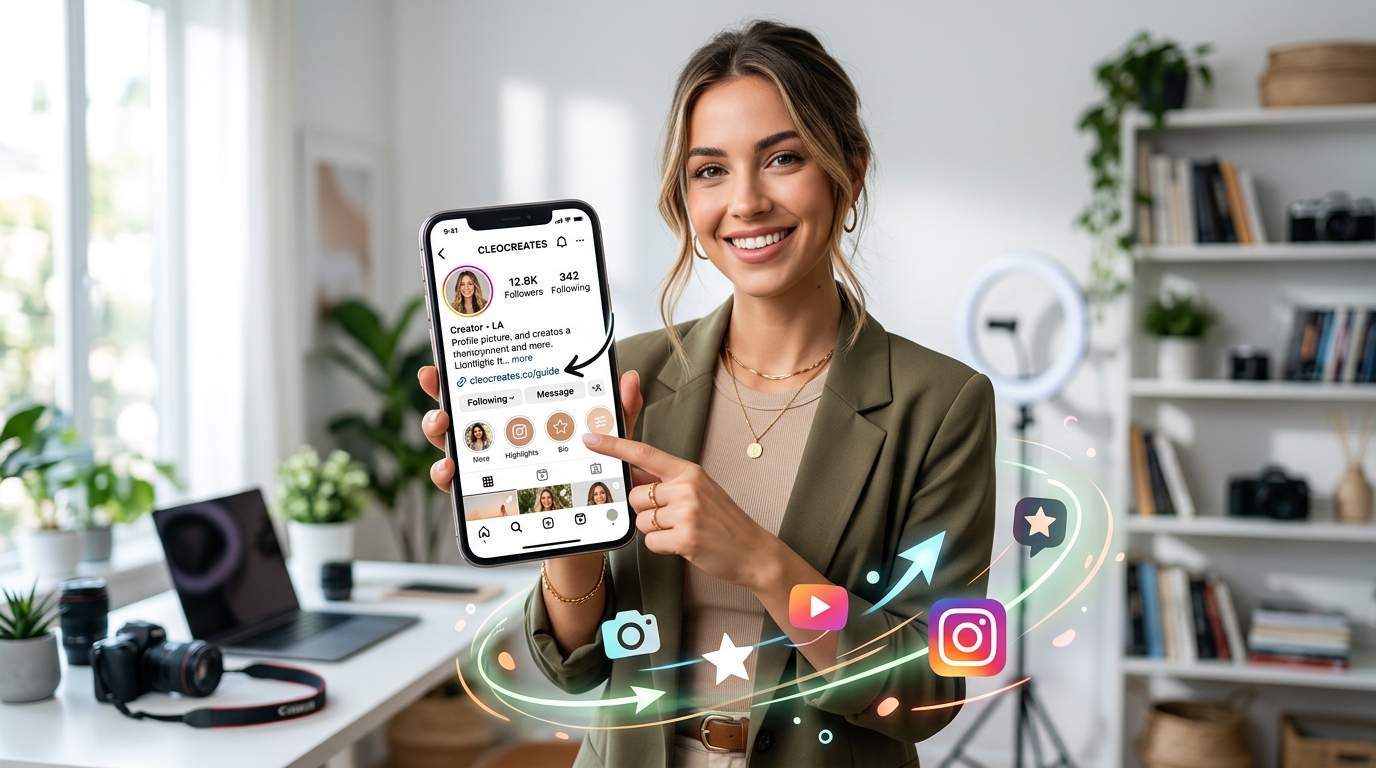
Social media has turned into the go-to portfolio for creators and entrepreneurs. Instagram is especially huge for branding in Turkey and Southeast Asia, but that "one link" limit is a real pain. That’s where the vcard becomes a secret weapon for your Link in bio for Instagram.
By hosting your vCard on a simple landing page and setting that as your Link in bio for Instagram, you give followers a direct line to your contact list. In many Asian and Middle Eastern markets, business happens on WhatsApp or Telegram. Including these links in your vCard means a potential client goes from browsing your feed to chatting with you in seconds.
Regional Networking Trends: Turkey, Europe, and Asia
Cultural context matters. How a vCard is received often depends on where you’re standing at the time.
Europe: The Focus on Data Privacy and GDPR
In Europe—think Germany or France—data privacy isn't just a suggestion; it’s the law. When you’re using a vCard QR code generator free, you want a tool that respects that. The great thing about a vCard is that it’s "pull-based." You aren't forcing your data on someone; they’re choosing to scan your code. This voluntary exchange fits perfectly with European business culture.
Asia: A Mobile-First Ecosystem
In markets like China, Japan, and India, the smartphone is the center of the universe. QR codes are everywhere—from buying street food to boarding flights. In these regions, if you don’t have a code for your business card, you're going to look out of touch. A vCard that works with local apps gives you a massive leg up.
Turkey: Blending Tradition with Innovation
Turkey is a unique spot where old-school hospitality meets a very young, tech-savvy crowd. In cities like Istanbul or Ankara, the use of digital tools is blowing up. Offering a vCard after a coffee meeting shows you’re a modern professional who respects someone’s time while keeping that personal connection alive.
Step-by-Step Guide: How to Use a vCard QR Code Generator Free
Setting up your digital business card is actually pretty simple. Here’s how to do it right:
- Pick a Good Tool: Learn about Qret and find a vCard QR code generator free of hidden fees. Make sure it has enough fields for all your data.
- Fill in the Details: Enter your name, title, company, and social links. The more complete the vCard, the more professional you'll look.
- Add a Photo: If the format allows it, add a professional headshot. It helps people remember who you are later.
- Style It: Adjust the code colors to match your personal brand. Just keep the contrast high so it's easy to scan.
- Test It: Always scan your own code with an iPhone and an Android to ensure it works for everyone.
The Role of AI in Professional Identity
We’re firmly in the age of AI now. Artificial Intelligence is already sorting through resumes and optimizing LinkedIn profiles. But remember: AI loves structured data. A vCard is basically a perfectly organized data set. By providing a clean digital version of your contact info, you make it much easier for AI-driven CRM systems to index you.
You can even integrate an AI assistant on your personal website to handle inquiries after someone scans your vcard. Managing your digital identity with tools like these is going to be a core skill in any AI-integrated career.
Where to Display Your vCard QR Code
If you want more leads, you’ve got to put your code where people can actually see it:
- Email Signatures: Every email you send becomes a chance to network.
- Virtual Meeting Backgrounds: On a Zoom or Teams call? Stick your vCard in the corner of your background.
- Physical Business Cards: Print the code on the back to bridge the gap between the physical and digital worlds.
- Resumes and Portfolios: A vCard on a resume lets a recruiter save your details instantly.
- Trade Shows: Print your code on your lanyard or booth signs.
Technical Differences: Static vs. Dynamic vCards
When you use a generator, you’ll probably see "static" and "dynamic" options. A static vCard puts all your info directly into the code itself. These are usually free, they never expire, and they don't even need the internet to work. A dynamic code, on the other hand, points to a URL that hosts your info. This lets you track scans or change your phone number without changing the code itself.
Conclusion: Future-Proof Your Network
The way we network is changing faster than most people can keep up with. For professionals in Turkey, Europe, and Asia, staying ahead means using the right digital tools. A vCard QR code generator free helps you present a sharp, high-tech image. Whether you’re cleaning up your Link in bio for Instagram or getting ready for a huge international summit, the vcard is your ticket to making connections that actually stick.
Frequently Asked Questions (FAQ)
Is a vCard QR code truly free?
Yep! Most static vCard codes are 100% free to make and they don't expire. Since the data is stored in the pattern itself, they’re a permanent tool for your professional kit.
What information can I include in a vCard?
Pretty much everything. A standard vcard takes your name, job title, company, multiple numbers, emails, websites, physical addresses, and social media links.
Does a vCard work on both iPhone and Android?
It does. The vCard format is a universal standard. Both iOS and Android cameras will see the code and automatically ask the user if they want to "Add to Contacts."
Can I use a vCard for my Link in bio for Instagram?
Definitely. You can host your vCard file on a cloud drive or a personal page, then put that link in your Link in bio for Instagram. It’s a great way for followers to save your info directly.
Why should I use a QR code instead of just giving my number?
It's faster and it stops mistakes from happening. Plus, a code lets you share your email, LinkedIn, and website all at once, which makes for a much more professional first impression.